How I Execute Robotic Process Automation with Twin.so
You know the drill. Repetitive tasks pile up, like entering data from PDFs into spreadsheets or scraping leads from websites. They steal hours from real work. I faced that grind until I started using Twin.so for robotic process automation....

You know the drill. Repetitive tasks pile up, like entering data from PDFs into spreadsheets or scraping leads from websites. They steal hours from real work. I faced that grind until I started using Twin.so for robotic process automation.
Twin.so changes the game. You describe tasks in plain English. AI agents handle the rest, from browser clicks to API calls. No scripts or coders needed. This post shares my exact steps to get RPA running fast.
Why Twin.so Stands Out for Robotic Process Automation
Traditional RPA tools demand rigid rules and break when sites change. Twin.so uses AI agents that adapt like humans. I build one agent, and it runs forever on triggers.
Agents control browsers, fill forms, and extract data. They switch between high-reasoning for setup and low-cost mode for repeats. That saves me 3-10 times on costs after the first build.
For example, I automate invoice processing. The agent reads PDFs with OCR, validates amounts, and enters them into accounting software. It handles logins securely via a vault. Unlike old RPA, no brittle selectors.
Twin.so fits SMBs and enterprises. Partnerships like Qonto show it scales for 500,000+ users. I pair it with Zapier lead capture workflows for hybrid setups.
Perfect Use Cases for Twin.so RPA
Back-office drudgery suits Twin.so best. Data entry tops my list. I pull customer details from emails and update CRMs automatically.
Browser-based workflows shine too. Think lead generation: scrape sites, enrich profiles, and email prospects. Agents collaborate in workspaces for multi-step jobs.
System-to-system automation works via APIs. No API? Agents use browsers as fallback. I run competitive intel briefs. Agents research rivals, summarize findings, and build slides.
Repetitive tasks like form filling or meeting prep save me days weekly. Medical claims or order management fit enterprises. Self-learning improves accuracy over time.
One catch: browser mode costs more and runs slower. I prioritize APIs first, per Twin’s tips and tricks.
Step-by-Step RPA Setup in Twin.so
I start at twin.so and sign up. No credit card upfront. Credits bill only for active work.
First, create a workspace. Name it for your task, like “Invoice RPA.”
Next, open the Orchestrator chat. Type your goal: “Extract data from uploaded PDFs, validate totals, and enter into Google Sheets.”
The agent brainstorms a plan. Review it. Edit prompts if needed.
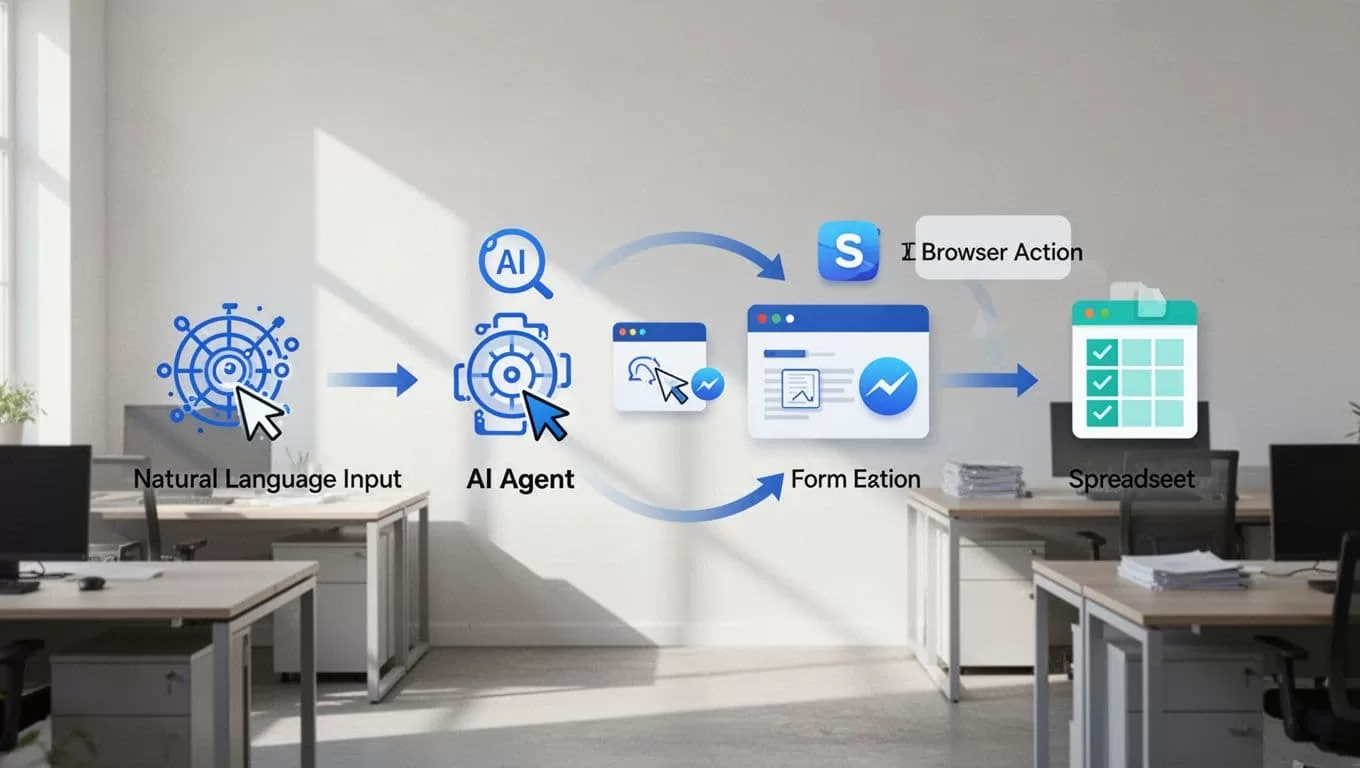
Test in build mode. Upload a sample PDF. Watch it plan: OCR text, parse fields, check math. It fills a sheet demo.
Refine via chat. “Add email alert on errors.” Deploy once happy.
Set triggers: schedules, webhooks, or events. I link to email inboxes for auto-starts.
API access lets me trigger from other tools. Check status at https://api.twin.so. Full quickstart guide here.
This flow took me 15 minutes first time. Now, agents run solo.
Automating Browser Workflows with Twin.so
Browsers trip up traditional RPA. Pages update, scripts fail. Twin.so’s Web Agent mimics humans.
I automate Booking.com checks. Agent logs in, searches hotels, grabs rates, and exports to Sheets. It scrolls, clicks, handles pop-ups.
Before launch, it shows the plan: target URL, fields, actions. I approve or tweak.
Costs add up, so I use it sparingly. APIs first, then built-in tools like scrapers. Browser last resort.

For form filling, I process vendor quotes. Agent opens portals, inputs data, submits. Adapts to redesigns via reasoning.
I combine with Recruit CRM resume parsing for talent pipelines. Agent grabs profiles, parses, enriches.
Reliability hits 90% plus after tweaks. Self-healing fixes most issues.
Twin.so Pricing and Integrations for RPA Scale
Credits drive costs. Build mode charges more for planning. Runs use cheap memory mode.
No flat fees. Pay per task: steps, data, duration. Pro unlocks unlimited chat, priority support.
Integrations cover any API. No API? Browser steps in. Hooks to Zapier, calendars, accounting.
OAuth connects in one click. I link Google Workspace, CRMs seamlessly.
Enterprise? Contact for custom agents, SOC2 compliance.
Key Takeaways from My Twin.so RPA Runs
Twin.so delivers robotic process automation without the headaches. Agents adapt, scale, and cost less long-term.
I cut manual hours by 70% on data tasks. Start small: one browser flow or API sync.
Test your pains today. Describe a goal, build, deploy. Results stack up fast.
