Finding a sales director email feels hard only when I start blind. With Hunter.io, I usually begin with the company domain, then move to the right person and verify the address before I send a single message.
That order matters. It saves credits, cuts bounce risk, and keeps my outreach tied to a real business reason. I don’t treat Hunter like a scraping tool, I treat it like a careful searchlight.
I choose the search path based on what I already know
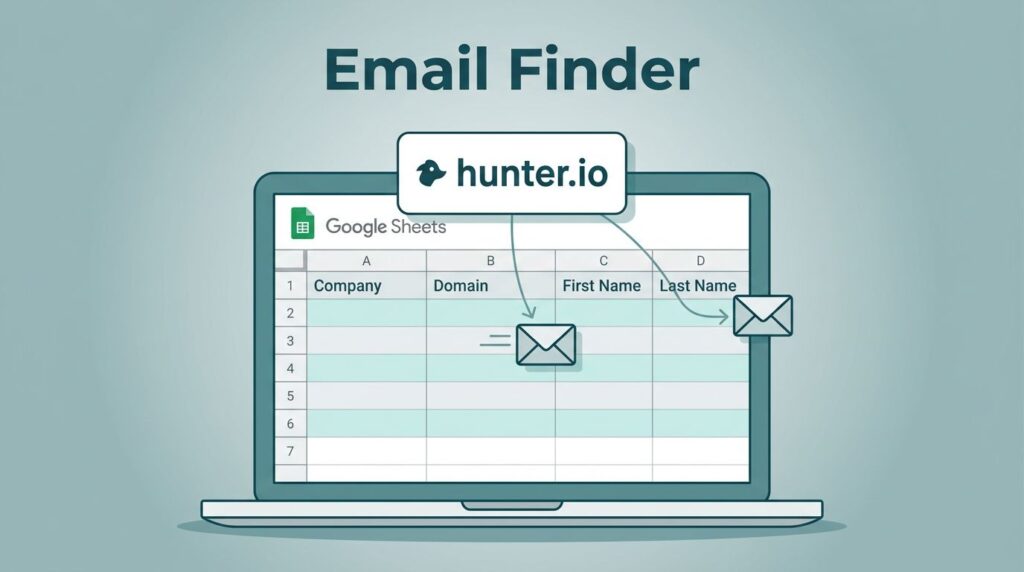
If I already know the company, I usually start with domain search. If I know the person’s name too, I go straight to Email Finder. Hunter’s Email Finder help article confirms that basic workflow, name plus company name or domain.
Here’s how I think about it:
| What I know | What I use in Hunter.io | Why I choose it |
|---|---|---|
| Company domain, no person name | Domain Search | I can scan likely contacts tied to that business |
| Person name and company | Email Finder | I can target one sales director faster |
| A rough list of accounts | Discover or bulk search | I can narrow by title, then verify later |
When I only have a website, Domain Search is my first move. When I already have a target name, Email Finder is faster and cleaner. If I’m building a list from scratch, I often pair that with my Hunter.io email finder review so I don’t waste time on weak leads.
My Hunter.io workflow for one sales director
I keep the process simple because simple wins. The Hunter.io decision-maker update made this even easier by putting more focus on role and title before I reveal an email.
My usual flow looks like this:
- I search the company domain first.
That tells me whether Hunter can see contacts tied to that business. - I filter toward the right title.
I look for Sales Director, sales leadership, or the closest decision-maker role. - I open the best match and check the confidence.
If the match looks weak, I don’t force it. - I reveal only the email I plan to use.
I don’t burn credits on contacts I won’t mail. - I save the result with the company context.
That helps me write a better first line later.
I like this method because it feels like using a map, not throwing darts in the dark. If I want a broader view of the tool, I often cross-check my notes with this Hunter.io review.

I verify every address before it enters outreach
A found email isn’t ready until I verify it. Hunter’s verifier helps me catch typos, risky domains, and accept-all mailboxes before they hit my sender reputation.
If a lead looks shaky, I check it against my catch-all email verification guide. If I’m cleaning a larger list, I also lean on my cold email bounce reduction workflow before I send anything.
A verified email still needs a good reason to exist in my sequence. Verification protects deliverability, it doesn’t excuse weak targeting.
That’s especially true with bulk lists. I’ll upload a CSV when I already know the accounts are relevant. Then I sort the results by valid, risky, and unknown. If a record lands in the gray zone, I pause instead of guessing.

I keep outreach compliant and human
I don’t use Hunter.io to vacuum up random contacts. I use it for legitimate prospecting. That means I need a business reason for the message, and I need to keep my process respectful.
My rules are plain:
- I only contact business addresses tied to a clear role.
- I write for one person, not for a crowd.
- I keep the first email short and relevant.
- I include a simple opt-out.
- I stop if the address looks personal or unrelated.
That mindset helps me stay in line with GDPR-aware and CAN-SPAM-aware outreach. It also keeps me from crossing into spammy behavior. The tool can find an address, but it can’t give me permission to ignore context.
When I use Domain Search instead of Email Finder
I use Domain Search when I know the company but not the person. I use Email Finder when I already know the name and company. That sounds small, but it changes the whole pace of the job.
Domain Search is better for account-first work. Email Finder is better for person-first work. If I’m comparing broader outbound stacks, I look at Hunter.io vs Apollo.io for lean sales teams, but Hunter stays my first stop when I want a sales director email without extra noise.
I keep the message as clean as the search
Once I have the address, I don’t turn the process into a blast. I write one useful line about why I picked that sales director, one clear ask, and one easy exit.
That’s the part many people miss. The search is only half the job. The other half is sending a message that feels earned.
If I can’t explain why I found that person, I don’t send. If I can explain it in one sentence, I usually have a strong lead.
When I need a sales director email address, I don’t chase volume. I start with the domain, use the right Hunter search, verify the result, and send only if the contact fits a real account.
That keeps my list cleaner, my bounce rate lower, and my outreach more respectful. In April 2026, that’s still the smartest way I know to use Hunter.io.