How to Find and Verify a Sales Director Email
To find a sales director email, first decide what you know. If you know the company but not the person, start with Hunter.io Domain Search. If you know the person’s name and company, use Email Finder. If you need a list across several compa...


To find a sales director email, first decide what you know. If you know the company but not the person, start with Hunter.io Domain Search. If you know the person’s name and company, use Email Finder. If you need a list across several companies, start with account filters and title research before you reveal or export addresses.
An email address is only one part of a useful prospect record. You also need the right company, the right seniority, the right territory, and a real reason to contact that person. Hunter.io can help with discovery and verification, but it cannot confirm that a contact owns your problem, wants your offer, or has given permission for irrelevant outreach.
Choose the right Hunter.io search path
| Starting point | Best method | What to do next |
|---|---|---|
| You know the company domain, but not the person | Domain Search | Review titles, current roles, and available verification details. |
| You know the person’s name and company | Email Finder | Check the result against the person’s current company and title. |
| You need contacts across many accounts | Discover or a bulk workflow | Filter accounts and titles first, then review the strongest records. |
| You need a regional leader | Title and location research, then Hunter | Confirm territory ownership on LinkedIn or the company website. |
| You have an address and need a status check | Email Verifier | Apply a send, review, or do-not-send rule to the result. |
Hunter’s Email Finder documentation describes the person-first workflow: enter a name with a company name or domain. Domain Search works better when the account is known but the right person is not. The choice is simple, but it prevents wasted research.
Define the sales director you actually need
“Sales director” is not a single, standard job. Companies use similar titles for different levels of ownership. Search more than one title, but only add variants that fit your campaign.
| Title | Usually a fit when you need | Check before contacting |
|---|---|---|
| Sales Director or Director of Sales | Leadership over a sales team or sales motion | Team scope, market, and seniority |
| Regional or Area Sales Director | A specific country, state, or territory | Whether the stated region matches your campaign |
| Enterprise or Strategic Sales Director | Complex accounts and enterprise selling | Whether they own accounts, strategy, or only a team |
| Channel or Partner Sales Director | Reseller, alliance, or partner offers | Partner model and channel responsibility |
| Inside Sales Director | High-volume or inside-sales workflows | Whether your offer applies to inside sales |
| Commercial Director | A broader commercial remit | Whether sales is part of the role |
| VP of Sales or Head of Sales | Executive sponsorship or a company-wide decision | Whether the offer is important enough for this level |
| Sales Manager | Frontline hiring, coaching, or team-level work | Whether a director is unnecessarily senior |
For example, a sales operations product may fit a Director of Sales or a sales operations leader. A recruiting message for an SDR role may be better sent to a frontline sales manager or recruiter. A partner offer belongs with a Channel Sales Director, not a general sales leader. Seniority alone does not make someone the best contact.
Check company fit before spending credits
A verified business email at the wrong company is still a poor lead. Build a short account profile before looking for a contact. Review the company’s industry, employee range, headquarters and operating regions, business model, sales motion, funding stage, hiring activity, technology, and target-account status.
Say you sell enterprise sales-enablement software. A company with a large, distributed sales team and enterprise account coverage may be a strong fit. A small local company with no outside sales team may not be. The same title can mean very different things in those two businesses.
- Match the company’s industry to your offer.
- Set a sensible employee or revenue range.
- Check whether the company sells locally, nationally, or globally.
- Look for signs of the sales motion you support, such as enterprise, channel, or inside sales.
- Confirm that the company operates in the locations you can serve.
How to find one sales director email with Hunter.io
- Start with the account. Visit the company website and confirm its domain, market, location, and basic fit.
- Choose the title. Search for “Sales Director” and “Director of Sales” first. Add terms such as “Regional Sales Director” or “Channel Sales Director” only when they match the campaign.
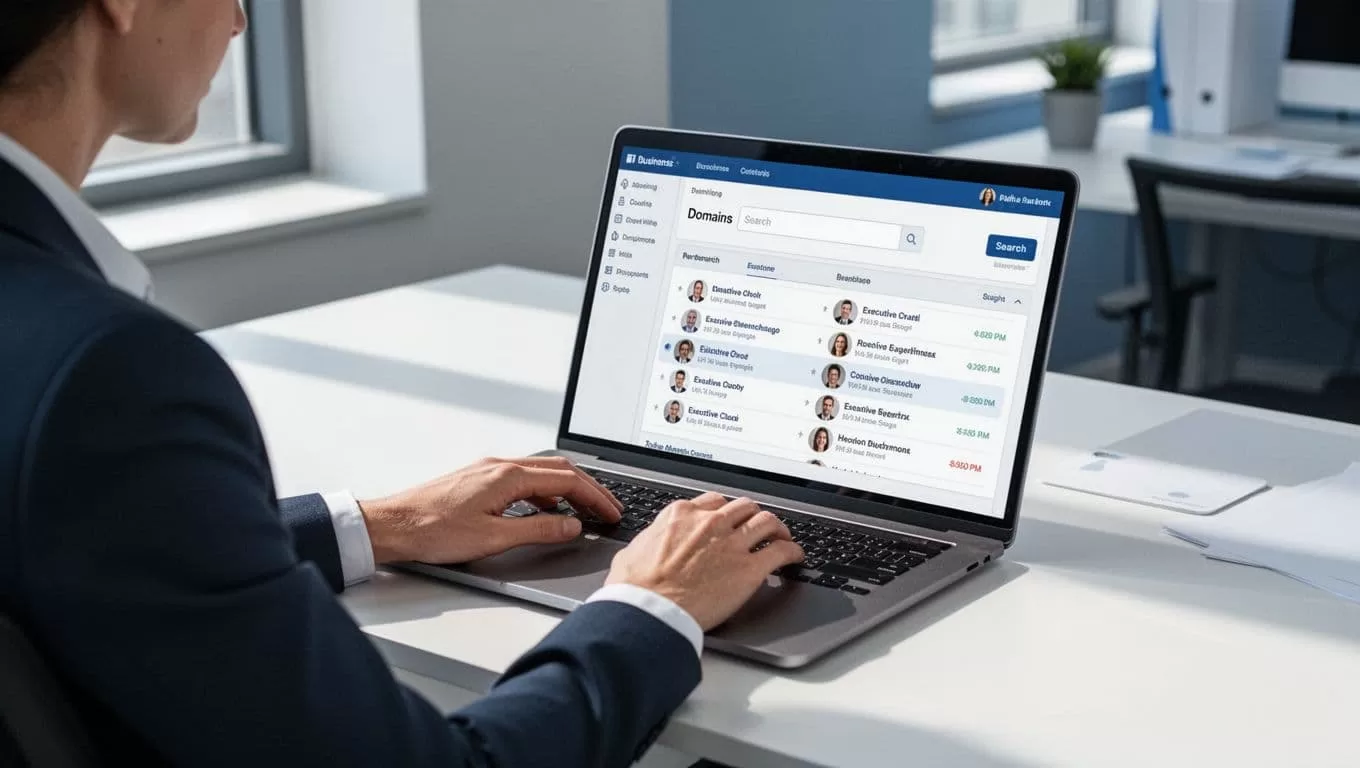
- Use Domain Search or Email Finder. Use Domain Search when you have the company but not a name. Use Email Finder when you have a likely person and the company domain.
- Review the record before revealing or exporting. Check the current title, department, company, location, and any source information available.
- Confirm the role independently. Use the company team page or LinkedIn to check that the person still works there and owns the relevant area.
- Verify uncertain addresses. Read the result status, then apply the rules in the next section.
- Save context with the contact. Store why this person and account match the campaign before you write.

Find the right regional sales director
Territory needs extra care. A company headquartered in New York may have a contact in Texas who owns the South Central region, or an executive in London who owns EMEA. Do not assume the headquarters location proves a person’s territory.
Search title variants such as Regional Sales Director, Area Sales Director, Territory Director, North America Sales Director, EMEA Sales Director, or country-level sales leadership. Then verify three facts: the person’s current location, the region stated in the title or profile, and the company’s regional structure. If the profile does not make ownership clear, treat the record as unconfirmed rather than guessing.
Keep a complete prospect record
Do not export a list of bare email addresses. A record with context is easier to personalize, audit, refresh, and remove when needed. Use this checklist for every prospect:
- Full name and current job title
- Company name and company domain
- Business email and Hunter verification status
- Contact location and territory, when relevant
- LinkedIn URL or company-profile source
- Phone availability, only if calling is part of the campaign
- Source URL and collection date
- Review status, such as approved, manual review, or do not contact
- Reason the person and company match the campaign
- Suppression-list status
Recheck older records before a new campaign. People change jobs, companies change domains, and sales territories move. Remove former employees, duplicates, bounces, and opt-outs from future sends.
Understand email verification results
Verification can reduce the risk of sending to an invalid address. It does not guarantee delivery, inbox activity, permission to contact the person, or a reply. Use verification as a data-quality check, not a green light for mass outreach.
| Result or situation | Practical action |
|---|---|
| Valid or verified | Confirm current role and campaign fit before sending. |
| Risky | Use caution. Review the source and your sender-risk policy before sending. |
| Accept-all or catch-all | Do not assume the mailbox exists. Check the person’s current role and domain pattern manually. |
| Unknown | Pause. A technical result is not proof that the address is bad or safe. |
| Invalid | Do not send. Remove it from the active list. |
| Generic address, such as sales@ or info@ | Use only when a shared inbox suits the purpose. It is not a substitute for a named contact. |
| Former employee or outdated title | Remove or replace the record after current-role research. |
For a deeper explanation of catch-all domains, see this catch-all email verification guide. For list hygiene before a campaign, use this cold email bounce reduction workflow.
Use Hunter.io credits carefully
Hunter’s feature names, prices, and credit rules can change, so always check the live Hunter.io pricing page and its credit guide before you buy or run a large job. At the time this article was checked, Hunter listed Free, Starter, Growth, Scale, and Enterprise plans. Paid monthly plans began at $49 per month for Starter, while annual billing showed a lower monthly equivalent.
On Hunter’s All-in-One plans, Email Finder and Bulk Email Finder use one credit per email found. Domain Search uses one credit per email revealed, while Bulk Domain Search can return up to 10 emails per domain for one credit. Email Verifier and Bulk Email Verifier use 0.5 credits per verification. Hunter also states that Email Finder results are verified as part of the lookup, while a Domain Search result may need a separate verification if its status is not recent.
A credit-saving process is straightforward: qualify the account, choose the correct title, remove duplicates, confirm the person’s current role, reveal only the strongest matches, verify uncertain records, then export the final list. Empty Domain Search results do not use credits according to Hunter’s help documentation, and unknown verification results are also not charged. Check the live rules because plan types and product terms may differ.
Worked example: a fictional regional campaign
Imagine that you sell onboarding software for enterprise sales teams in the United Kingdom. Your target account is fictional company “Northstar Systems,” using the domain northstarsystems.example. You confirm that it sells B2B software, has a large sales team, and serves enterprise accounts.
- Campaign goal: speak with the person who owns UK or EMEA sales-team onboarding.
- Title search: Sales Director, Director of Sales, Regional Sales Director, and EMEA Sales Director.
- Research: Domain Search surfaces several sales leaders. A profile check shows one person is a Regional Sales Director for the UK and Ireland.
- Record: save the name, title, domain, location, source URL, collection date, and reason for fit.
- Verification: the business email has a usable status. The record is approved only after the role and territory match.
- Angle: reference the company’s enterprise sales hiring or new regional growth, only when that information is public and relevant.
This is a fictional example. Do not publish or share real people’s contact details without a clear reason and appropriate handling.
Choose the right outreach contact for the job
| Use case | Likely best contact | Useful record fields |
|---|---|---|
| Sales software outreach | Sales Director or Director of Sales | Industry, team size, sales motion, LinkedIn URL |
| Sales recruiting | Sales Manager, Sales Director, or recruiter | Location, hiring activity, phone status |
| Sales enablement | Sales Director, VP of Sales, or enablement leader | Team size, department, enterprise motion |
| Territory campaign | Regional or Area Sales Director | Contact location, stated territory, source URL |
| Partner offer | Channel or Partner Sales Director | Partner model, company size, LinkedIn URL |
| Agency list delivery | Role-specific sales leader | Title variant, account-fit reason, collection date |
Write a short first email
Strong outreach comes from good targeting, not a longer sequence. State why you chose the person, name a relevant problem, make one clear ask, and give an easy way to decline. Do not pretend you know the company well if you do not. Do not exaggerate results or use vague lines such as “I wanted to pick your brain.”
Sales prospecting template
Subject: Sales team workflow at [Company]
Hi [First Name],
I noticed [specific public sales context]. We help [type of team] improve [specific workflow]. Is improving [relevant workflow] on your list this quarter?
If this sits with someone else, who owns it?
Best,
[Name]
Recruiting template
Subject: SDR opportunities at [Company]
Hi [First Name],
I applied for the [role] position and wanted to contact someone close to the sales team. What do successful SDRs do well in their first few months at [Company]?
Would you be open to a short 15-minute conversation?
Best,
[Name]
Partnership template
Subject: Partner idea for [Company]
Hi [First Name],
I saw that [Company] works with [relevant customer, channel, or market]. We help [audience] with [outcome]. I think there may be a useful fit for your partner team.
Is a brief conversation worthwhile, or is there a better person to contact?
Best,
[Name]
Follow up without spamming
Send one relevant first message, then wait several business days. If you follow up, add a useful detail, a new example, or a simpler question. Stop when the person replies, asks not to be contacted, opts out, the address bounces, or the record becomes uncertain. More follow-ups do not fix weak account fit.
Keep a suppression list and honor opt-outs promptly. Remove risky, invalid, and bounced addresses from future sends. If you use a sending platform, make sure those records stay suppressed there too.
Compliance and responsible data handling
This is practical guidance, not legal advice. Rules can depend on your location, the recipient’s location, the message purpose, and the channel you use. A business email found with Hunter.io does not create permission to contact someone.
- Have a clear business purpose for each message.
- Use accurate sender and company identification.
- Write honest subject lines and claims.
- Provide a simple opt-out and honor it.
- Keep records of source, collection date, lawful basis where applicable, and suppression status.
- Avoid personal email addresses for B2B outreach.
- Check GDPR, CAN-SPAM, PECR, CASL, and other rules that may apply to your campaign.
- Do not treat purchased or scraped lists as automatically suitable for outreach.
Hunter.io alternatives and supporting methods
| Method | Best for | Main limitation |
|---|---|---|
| Hunter.io | Domain-based discovery and email verification | May not provide complete account intelligence. |
| LinkedIn and company websites | Checking current role, location, and territory | Email access can be limited and research takes time. |
| Apollo.io | Larger prospect databases and outreach workflows | More data and workflow complexity to manage. |
| Tomba | Email discovery and API-led workflows | Coverage, features, and pricing need a live check. |
| Manual research | High-value account review and personalization | Slower to scale. |
For a closer comparison of two common options, read Hunter.io vs. Apollo.io for lean sales teams. The best process often combines tools: use company and profile research to validate the target, then use email discovery and verification only when the account and contact make sense.
Frequently asked questions
Should I contact a sales director or a sales manager?
Contact the person closest to the problem you solve. A Sales Director may fit team-wide sales tools or strategic offers. A Sales Manager may be better for hiring, coaching, or frontline workflow topics. Check the company’s size and role scope before deciding.
What should I do if Hunter.io cannot find a sales director email?
Do not guess blindly. Confirm the person’s current company and role on LinkedIn or the company website, look for another relevant title, or identify the company email pattern from reliable evidence. If the result remains uncertain, move on to a stronger prospect.
Does a verified email guarantee delivery?
No. Verification can reduce some invalid-address risk, but it cannot guarantee inbox placement, delivery, permission, or engagement. Keep your list current and your outreach relevant.
Can I find a regional sales director by territory?
Yes, but confirm territory beyond the company headquarters. Search regional title variants, then check the person’s stated location, profile, and the company’s regional sales structure.
The best way to find a sales director email is to start with account fit, choose the title that matches the campaign, confirm the person’s role and territory, and use Hunter.io for targeted discovery and verification. A smaller, well-researched list is more useful than a large list with weak context.

