Schedule Threads on X with Someli
A strong X thread can explain a product, answer customer questions, or turn one idea into several useful posts. Writing each post manually at the right time makes that process harder than it needs to be. Someli gives you a planning workflow...
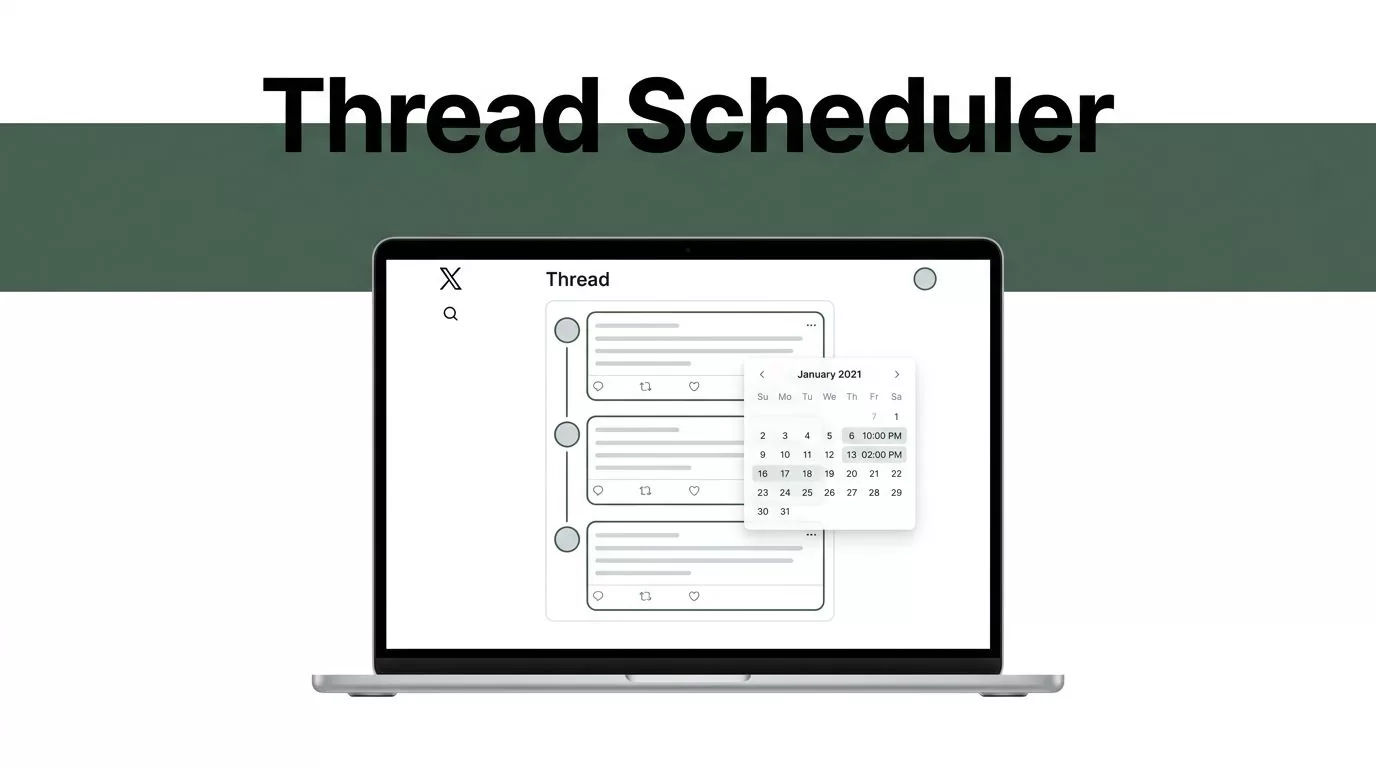
A strong X thread can explain a product, answer customer questions, or turn one idea into several useful posts. Writing each post manually at the right time makes that process harder than it needs to be.
Someli gives you a planning workflow for preparing and scheduling multi-post content on X. You still need to write clearly, check every post, and confirm how the current connection publishes threads. The tool handles the schedule. You control the message.
Key Takeaways
- Build the complete thread before choosing a publishing time.
- Keep each post focused on one clear point.
- Check links, media, mentions, spacing, and post order before scheduling.
- Use audience data and time zones instead of copying generic posting advice.
- Confirm Someli and X settings because scheduling behavior can change.
Why Schedule X Threads with Someli?
Threads work best when each post leads naturally to the next one. That requires planning. If you write the first post today, the second post tomorrow, and the final post five minutes before publishing, errors become more likely.
You may forget a link. You may repeat a point. You may place the conclusion before the explanation. A scheduling tool gives you one workspace to prepare the full sequence before it reaches your audience.
A thread on X is a group of connected posts published as one conversation. The first post introduces the subject. Later posts add evidence, instructions, examples, or context. The final post gives readers a clear next step.
X uses the term post, not tweet, in its current interface. The platform’s official guidance on X threads is useful when you need to confirm how connected posts work.
Someli is most useful when your content follows a repeatable process. You can prepare a product update, educational series, event recap, or campaign thread ahead of time. You then assign a date and time instead of keeping the content in a document until the last minute.
This matters for small teams. A founder can approve a thread before publication. A social media manager can prepare several posts for different time zones. A creator can keep publishing consistent content without opening X every day.
Scheduling doesn’t remove the need for review. It moves the review to a better time.
Prepare the Thread Before Opening Someli
Start with the reader’s problem. Decide what the person should understand or do after reading the thread. Avoid combining three unrelated ideas in one sequence.
A useful thread usually has a simple structure:
- Open with a clear promise, question, or problem.
- Explain the main idea in short sections.
- Support the point with examples, facts, or steps.
- Close with a practical action or conclusion.
The opening post carries the most responsibility. Readers decide quickly whether to continue. Avoid vague openings such as “We have some exciting news.” State the subject and the reason it matters.
For example, a software company could open with: “Most teams don’t need another reporting dashboard. They need one place to verify which campaigns produced qualified leads.” The next posts can explain the reporting process, show the data source, and present the product workflow.
Keep each post focused. One post should not explain the problem, introduce the product, add a statistic, and include a call to action. Split those ideas into separate posts.
Post length depends on the account and current X plan. Standard posts have different limits from accounts with expanded posting access. Check X’s current post limits before you finalize a long thread.
Shorter posts are easier to scan, but short doesn’t mean incomplete. Remove repeated words and extra setup. Keep the important detail. If a post needs a long explanation, divide it into two connected posts.
Write the thread in a document first if the subject is technical or approval is required. Number the posts temporarily so your team can review the order. Remove those numbers before scheduling unless they help readers follow the sequence.
How to Schedule Threads on X in Someli
The exact labels in Someli may change as the product and X connection develop. Use the current controls shown in your account. The workflow below gives you a practical sequence.
1. Connect and select the X account
Sign in to Someli and connect the X account that should publish the thread. If you manage multiple accounts, confirm the profile before creating content.
Check the account name, profile image, and publishing permissions. A connected account can remain active while access permissions change. If Someli shows a connection warning, fix it before preparing a large content batch.
Don’t assume the selected workspace or profile is correct. Verify it every time you switch between clients or brands.
2. Open the thread composer
Choose the option for creating a thread or a multi-post sequence. If Someli presents a standard post composer first, look for the control that adds another connected post.
Paste or write one post at a time. Keep each post in its own field when the interface provides separate fields. This makes the order easier to inspect and reduces the chance of publishing the full draft as one oversized post.
Read the sequence inside Someli. Don’t rely on the order in your original document. The composer is the version that will be scheduled.
3. Add the posts in publishing order
Place the hook first. Follow it with the supporting points. Put the conclusion and call to action at the end.
Read only the first sentence of every post. The sequence should still make sense as a quick scan. Then read the full thread for detail and repetition.
If you include a product link, place it where the reader has enough context to use it. A link in the opening post can interrupt the hook. A link near the end often works better when the thread first answers the reader’s question.
Use one primary action. Ask readers to visit a page, reply with a question, or save the thread. Multiple competing actions make the ending less clear.
4. Add media and links
Attach images, videos, or other supported media only after the text order is stable. Media can change how a post appears in the composer, so check the preview again after uploading files.
Open every link. Confirm that the page loads, the destination matches the post, and the URL uses the correct campaign parameters if your team tracks traffic.
Check link previews as well. A preview image or title can look different on X than it does on your website. Replace outdated images and remove test links before scheduling.
If the thread mentions another account, confirm the handle. A small spelling error can mention the wrong person or produce plain text instead of a working mention.
Use alt text when Someli or X provides that option. Describe the useful information in the image. Don’t repeat the post word for word.
5. Choose the date and time
Select the publishing date, time, and time zone shown by Someli. Confirm whether the selected time applies to the workspace, your browser, or the connected account.
Use your own data when choosing a time. Review X Analytics or the reporting system your team already uses. Look for periods when your audience is active and available to respond.
Don’t treat timing as a fixed rule. A B2B audience may read during work hours. A creator’s audience may respond later in the day. A global audience may require separate versions or a time that overlaps several regions.
Leave enough time between scheduling and publication for approval. A thread scheduled five minutes from now leaves no room to fix a broken link or incorrect image.
Write Threads That People Can Finish
A scheduled thread can publish perfectly and still fail if the sequence is difficult to read. Structure the content for scanning.
Use short paragraphs inside each post. Start with the main claim. Add one supporting detail. Remove introductions that delay the point.
Vary the post function. A useful sequence may contain:
- A clear problem or promise.
- A short explanation of the cause.
- A practical example.
- A process or set of steps.
- A final recommendation.
Avoid making every post sound like a headline. A thread needs movement. Some posts should explain. Others should prove, clarify, or direct the reader.
Use line breaks when they improve readability. Avoid adding a line break after every few words. Too many breaks make the thread look fragmented, especially on mobile screens.
Hashtags should support discovery without taking over the post. Use only tags that match the subject and audience. Mentions should have a reason. Don’t add popular accounts simply to attract attention.
A thread also needs a stopping point. Don’t keep adding posts because the subject has more details. End when the reader has the answer or can take the next step.
The scheduling tool can publish the sequence. It can’t fix a weak opening or an unclear argument.
Review the Scheduled Thread Before It Goes Live
Schedule the thread, then inspect the scheduled item in Someli. Confirm the date, time, account, order, media, and link destination.
If Someli provides a preview, compare it with the way the content appears on X. Platform previews can differ. Check the first and final post with extra care because they shape the reader’s entry and exit.
Use this final review:
- Read every post from the first line to the last.
- Confirm the thread stays in the correct order.
- Open every link and check tracking parameters.
- Check names, handles, dates, prices, and product details.
- Review images, videos, thumbnails, and alt text.
- Remove placeholder copy and internal approval notes.
- Confirm the account, time zone, date, and publishing time.
- Check whether the thread will publish as connected replies.
If the topic depends on current information, schedule it close to publication or publish it manually. Product prices, event details, regulations, and breaking news can change after you prepare the draft.
Avoid editing a scheduled thread in both Someli and X unless you know how the two systems handle changes. One tool may not reflect updates made in the other. Keep one source of truth for the final version.
Platform capabilities and scheduling behavior can change. Someli may update its composer. X may change posting limits, permissions, previews, or connection requirements. Verify the current settings before relying on an important scheduled thread.
Build a Repeatable X Scheduling Workflow
Create a simple content workflow if you publish threads every week. Start with an idea list. Move approved ideas into drafts. Write the complete sequence. Review the content. Schedule it. Record the result after publication.
Store approved links, product descriptions, account handles, and campaign parameters in a shared document. This reduces copy-and-paste errors. Keep separate records for each brand or client.
Use a naming system for scheduled content. Include the campaign, subject, account, and publishing date. A name such as “Product Update, Reporting Export, Main Account, July 18” is easier to find than “Thread final final 2.”
Set an approval deadline for your team. For example, a Monday thread may need approval by the previous Friday. The exact deadline depends on your process, but the rule should be clear.
After publication, review replies and performance. Look at impressions, engagement, profile visits, link clicks, and replies when those metrics are available to your account. The goal isn’t to chase one perfect posting time. The goal is to learn which subjects, openings, and formats deserve more work.
Reuse the process, not the exact copy. A successful thread can become a product email, a help article, or a short video script. Keep the original post sequence available so your team can repurpose the strongest ideas without rewriting from scratch.
Conclusion
When you schedule threads on X with Someli, the main advantage is control over the workflow. You can write the full sequence, review it in order, check every link and media file, and publish at a deliberate time.
Treat Someli as the scheduling layer, not the editorial layer. The opening still needs a clear point. Each post still needs a job. The final version still needs a human review before it reaches your audience.
Set the time only after the thread is ready. That single habit prevents many avoidable publishing errors and gives your X content a more reliable operating process.
