How to scrape Crunchbase data securely in Twin.so
Company and funding data can improve prospecting, market research, and investment analysis. The risk starts when teams collect more information than they need or run browser automation without clear controls. If you need to scrape Crunchbas...

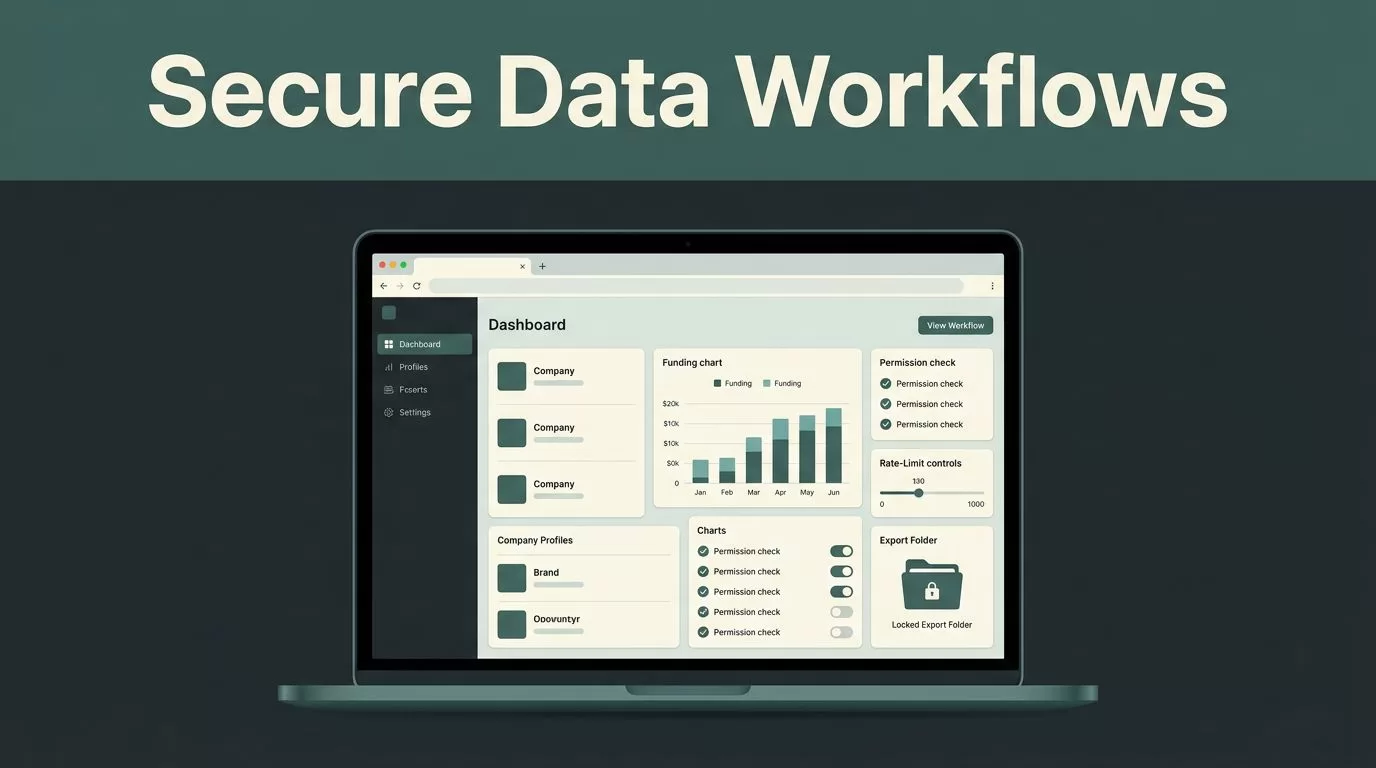
Company and funding data can improve prospecting, market research, and investment analysis. The risk starts when teams collect more information than they need or run browser automation without clear controls.
If you need to scrape Crunchbase data, use Twin.so as a controlled workflow layer. Define the authorized source, collect a narrow field set, protect credentials, respect rate limits, and review every export before it reaches your CRM or database.
What “scrape Crunchbase data” means in Twin.so
Twin.so can automate browser-based collection tasks, but automation doesn’t create permission. Your team must have the right to access and collect the Crunchbase pages, records, and exports included in the workflow.
Review your Crunchbase agreement and current terms before building the task. If your plan includes an API, licensed export, or approved account access, use that path first. Don’t configure Twin.so to bypass a paywall, CAPTCHA, login control, robots restriction, or technical limit.
A successful browser run only proves that a page loaded. It doesn’t prove that the collection was authorized or that the returned data is complete.
A secure Twin.so workflow should have a defined purpose and a fixed output. For example, a growth team may need active US software companies that raised a funding round during a specific period. That requirement is narrow enough to control.
Your workflow should record:
- The business purpose for collecting the records.
- The Crunchbase workspace, API, or export source used.
- The filters applied to the search.
- The fields collected for each company.
- The collection time and workflow run status.
- The destination that receives the approved output.
Avoid open-ended instructions such as “collect everything about these companies.” They increase data volume, expose unnecessary personal information, and make review harder.
Use company and funding fields when they support the stated purpose. Typical examples include company name, website domain, headquarters country, founding year, funding stage, funding date, total funding, and listed investors. Collect founder names, employee details, personal profile URLs, phone numbers, or email addresses only when you have a clear business need and legal basis.


Build a narrow Twin.so collection workflow
Start with a small test run. Don’t connect a broad search to a production database on the first attempt. Use a limited set of records and inspect the result before increasing the scope.
In Twin.so, create a workflow that opens the approved Crunchbase source, applies the required filters, reads the permitted fields, and sends the result to a controlled review location. Keep collection separate from enrichment, scoring, outreach, and investment decisions.
This separation matters. Twin.so can retrieve and organize information. A CRM, warehouse, spreadsheet, or tested calculation system can apply business rules afterward. Don’t ask an automation agent to make an unreviewed funding decision because a record contains a certain stage or investor name.
Define the output before opening the source
Create the destination schema first. Give every field a clear name and expected format.
For example, store the funding date as a date, the funding amount as a numeric value, and the country as a standardized code or approved text value. Add a collected_at field so users can distinguish fresh records from older results.
A useful output also includes a workflow run ID and a review status. These fields help your team trace an unexpected record back to the collection event without searching through browser history.
Set a duplicate rule before the first run. A company domain or authorized Crunchbase identifier may work better than a company name because names can change or appear in multiple forms. If you don’t have a stable identifier in your permitted data, combine normalized company name and domain.
Use incremental collection instead of repeated full scans
A full scan creates unnecessary requests and produces larger exports. Start with new or changed records when the source and your license support that approach.
Store the last successful collection time. Use it to limit later runs to a defined period. If the source doesn’t provide reliable change tracking, use a smaller scheduled search and compare the result against your existing dataset.
This approach reduces duplicate records and makes it easier to detect errors. It also limits the amount of data that Twin.so handles during each run.
Secure credentials and manage rate limits
Use a read-only API key or account whenever possible. The credential should access only the workspace, endpoint, or export needed for the workflow. Don’t use a personal administrator account for a recurring collection task.
Never place credentials in a Twin.so prompt, task description, URL parameter, spreadsheet cell, or copied browser note. Use the platform’s protected connection or secret storage mechanism. Restrict access to the workflow itself, not only to the source account.
Rotate credentials when an employee leaves, a vendor changes, or a secret may have been exposed. Review access logs and workflow ownership on a schedule. API security best practices also recommend treating credentials, access scopes, and logging as connected controls rather than separate tasks.
Crunchbase API limits depend on the endpoint and plan. Its main API documentation lists 200 calls per minute, while the Basic API FAQ lists 25 calls per minute for ODM API plans. Confirm the limit attached to your account and contract before production use.
Configure Twin.so to stay below that limit. Use one controlled queue instead of many parallel runs. Add pauses between requests, retry only temporary failures, and increase the delay after a rate-limit response. Don’t keep retrying a denied request with the same timing.
Rate limiting is not only a performance setting. It protects the account from lockouts and prevents a small workflow error from creating an abnormal request pattern.
Use filters, pagination, deduplication, and incremental windows to reduce calls. Keep a record of successful and failed pages. A workflow that reports “complete” after one page fails is not production-ready.
The API security guidance from Salt Security is useful when reviewing request validation, access control, logging, and abuse prevention around automated data collection.

Validate every export before using it
Collection and reconciliation are different jobs. Twin.so can retrieve a file or populate a table. It can’t decide whether the records match your research definition unless you create and test those rules separately.
Send new output to a staging location first. A reviewer should confirm the account or source is correct, the collection period is expected, and the file contains the required columns.
Check for:
- Missing company names, domains, dates, or funding stages.
- Duplicate companies caused by name variations.
- Invalid dates or amounts stored as text.
- Currency values without a currency code.
- Funding records outside the requested period.
- Unexpected personal information.
- Blank pages or partial exports caused by a failed run.
Don’t trust a file name as proof of freshness. A source can publish a revised report while keeping the original download name. Compare the record count, collection timestamp, expected columns, and a sample of known companies against the previous run.
Use a small known set for testing. Pick several companies that your team can verify through the authorized Crunchbase view. Compare the workflow output with the source page and record any field differences. This catches selector errors, pagination gaps, and changes to the source layout.
Add a failure path in Twin.so. If the workflow cannot find a required field, reaches an unexpected page, or receives an access error, stop the run and send the result for review. Don’t write partial records into a production system.
API security includes controls around the data after retrieval. A practical explanation of API security covers the need to protect both access points and the information returned through them.
Protect exports and minimize personal data
Treat Crunchbase exports as business data with controlled access. Store them in an approved system with role-based permissions. Encrypt files at rest and during transfer when your storage platform supports it.
Don’t place raw exports in public folders, shared download links, personal devices, or open team channels. Avoid adding full source URLs to logs when they contain account identifiers or sensitive query parameters.
Set a retention period. Delete temporary files after validation and remove old exports when the business purpose ends. Keep only the fields needed for the workflow. A smaller dataset reduces exposure and lowers the cost of later access reviews.
Personal data needs extra control. If the workflow finds a person connected to a company, don’t automatically copy that information into a sales system. Confirm the purpose, lawful basis, access scope, and retention rule first. In many cases, a company domain and funding event are enough for the intended analysis.
Keep sensitive data out of AI prompts unless your organization’s policy allows it. A workflow can pass a company name, domain, funding date, and amount without passing unnecessary personal details.
Connect approved data to the next system
After review, send only approved records to the CRM, warehouse, spreadsheet, or research database. Include the collection timestamp and source reference so users can assess freshness.
Don’t mix raw collection output with manually edited values. Keep source fields separate from analyst fields such as account owner, lead status, investment thesis, or qualification score. This preserves the original data and makes corrections easier.
Use a change report for recurring runs. Show new companies, removed records, changed funding values, and records that failed validation. A reviewer can focus on exceptions instead of reading every row.
Twin.so should automate repeatable browser work, not remove accountability. The final workflow should make it clear what happened, which records entered the system, and who approved the result.
Conclusion
Secure Crunchbase collection starts with permission and scope. Use Twin.so for a narrow, authorized workflow with protected credentials, controlled requests, and a staging review step.
Collect only the fields your team needs. Respect Crunchbase terms, applicable privacy laws, plan limits, and API quotas. Validate every export before it reaches a production system.
When you scrape Crunchbase data with these controls in place, automation reduces manual work without turning an unchecked browser task into a security or compliance problem.

