Why I’d Switch to a Selenium Alternative Like Twin.so
A test suite can look calm on Monday and turn into a pile of red builds by Friday. When that happens, the problem is often not the product. It’s the automation layer. I still respect Selenium, but I don’t treat it as the default...
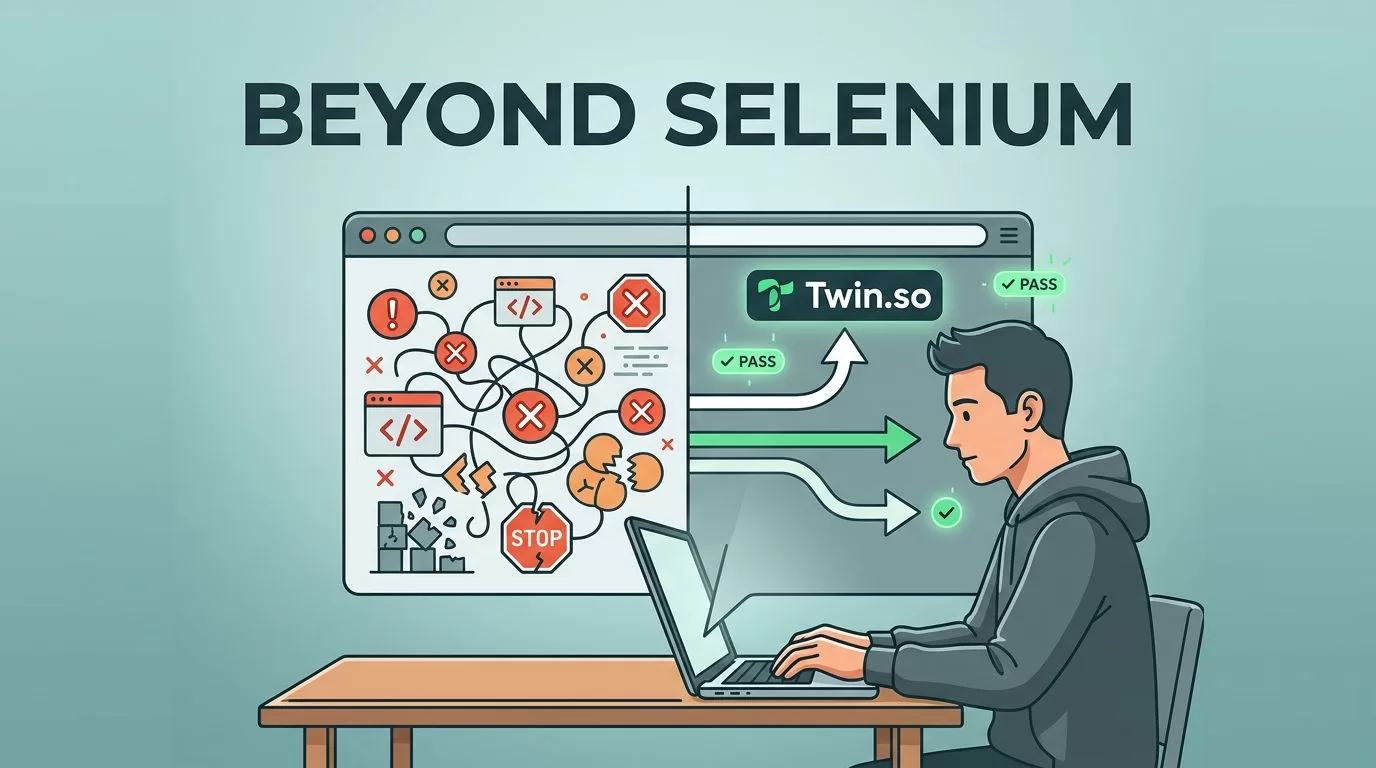
A test suite can look calm on Monday and turn into a pile of red builds by Friday. When that happens, the problem is often not the product. It’s the automation layer.
I still respect Selenium, but I don’t treat it as the default answer anymore. If my team spends more time fixing locators, waits, and setup than checking product behavior, I start looking at a Selenium alternative like Twin.so.
Why Selenium starts to slow teams down
Selenium can work well, yet it asks for a lot of care. Every browser driver, wait rule, selector choice, and framework wrapper becomes part of the maintenance bill. That bill grows fast when the app changes often.
The biggest pain point I see is flakiness. A button appears late, a modal animates, or the DOM re-renders, and a test that passed yesterday fails today. The code is still fine, but the signal gets muddy. That pattern shows up often in Playwright vs Selenium for modern web apps, especially when JavaScript-heavy screens keep shifting under the test.
I also pay for that friction in CI time. Slow suites delay merges, and slow merges delay releases. QA ends up babysitting the pipeline instead of improving coverage. Add poor failure messages to the mix, and a small bug can eat half a morning.

If my suite needs constant hand-holding, the issue isn’t only the tests. It’s the time tax on every release.
What I look for in a Selenium alternative
I do not switch tools because a new name looks nicer on a slide. I switch when the work changes shape. The best test tool for my team is the one that lowers the amount of maintenance I owe later.
I look for four things first. Setup should be lighter. Timing should be less fragile. Failures should be easier to read. Scaling should not turn into a second job.
A short shortlist helps here. I often skim 10 best Selenium alternatives for test automation before I test anything myself, but I still judge each tool against my own app.
Here is the filter I use:
- The tool should run in CI without a pile of glue code.
- It should reduce the number of custom waits I need to write.
- It should make failures understandable in minutes, not hours.
- It should stay usable as the test suite grows.
That list sounds simple, but it cuts through a lot of noise. A tool that looks fast in a demo can still slow a real team if every test needs hand-tuned selectors. A tool that feels opinionated can save weeks if it removes the parts I keep rebuilding.
Why Twin.so is the first option I’d test
Twin.so gets my attention because I want less ceremony around browser automation. I want the path from idea to working test to be short. I also want the path from failure to diagnosis to be short.
That matters when I’m testing login flows, checkout paths, or dashboard journeys. Those tests should read like business checks, not like a puzzle with six hidden traps. If Twin.so reduces brittle selectors, manual waits, and setup overhead, it earns a serious look.

I also want to see how the team feels after the first few tests. If engineers and QA can both read the flow, the tool is doing useful work. If they need a specialist every time a test breaks, the cost comes back fast.
I don’t switch because a tool is new. I switch when the maintenance curve keeps pointing up.
Twin.so makes sense to me when I can move from brittle script support to steadier test ownership. That is the promise I want from any modern Selenium replacement. It should make the hard parts smaller, not just hide them behind a nicer interface.
How I compare Twin.so against Selenium in practice
I keep the comparison grounded in real work. I do not compare marketing pages. I compare one flow, one CI run, and one week of maintenance.
| Decision area | Selenium | Twin.so or another modern alternative |
|---|---|---|
| Setup time | Usually needs drivers, bindings, and framework glue | Should cut the amount of setup I maintain |
| Test stability | Strong, but often depends on custom waits and careful locators | Should reduce brittle timing fixes and selector churn |
| Debugging | Powerful, but failures can be noisy | Should make the broken step easier to spot |
| Maintenance | Can rise fast as the UI changes | Should lower the number of edits I make per release |
| Scaling | Works well, but the ops load grows with suite size | Should keep execution and reporting manageable |
| Team fit | Good for code-heavy teams with Selenium depth | Better if QA and product engineers can both use it |
That table gives me a clear view of the tradeoffs. If Selenium wins because my team already knows it and the suite is stable, that matters. If Twin.so wins because it cuts repeated fixes and lowers setup cost, that matters too.
I also test one or two real flows side by side. For example, I compare a login test and a checkout test. If the new tool is easier to read, easier to repair, and still reliable in CI, I keep going.
How I would migrate without breaking the suite
I never rip out a working suite in one move. I start with the ugliest, most fragile path. That gives me the clearest signal.
- I pick one high-value flow, usually a path that breaks often or costs the most to repair.
- I rebuild it in Twin.so and measure setup time, run time, and debugging time.
- I run the old and new versions in parallel for a short window.
- I migrate more coverage only after the new flow proves it can hold up in CI.
That approach keeps risk low. It also gives stakeholders something real to compare. A green dashboard means more when I know how much work it took to get there.
I also keep owners close to the process. If no one feels responsible for a test path, the suite turns into shelfware fast. Tool choice helps, but ownership keeps it alive.
When Selenium still makes sense
I would still keep Selenium in a few cases. A large existing codebase is the obvious one. If the suite already works and the team knows how to support it, a switch needs a strong reason.
Selenium also makes sense when I need very specific browser control or I depend on an ecosystem I already trust. In that case, the tool is not the problem. The problem is usually the cost of keeping it healthy.
I’d also hold on to Selenium if the product is stable and the automation budget is small. A replacement only pays off when maintenance pain is real. If the team is not feeling that pain yet, a migration can create more work than value.
The key is honesty. I do not replace Selenium because it is old. I replace it when it starts taking more than it gives back.
Conclusion
The real test is not whether Selenium can still run a browser. It can. The real test is whether my team can keep the suite stable without feeding it constant attention.
That is why I look at a Selenium alternative like Twin.so when the tests start to feel fragile, slow, and expensive to maintain. I compare it against the same flows, the same CI, and the same team pressure.
If the new tool lowers the repair work and keeps the signal clean, it earns its place. If Selenium still fits the job, I keep it. The right choice is the one that makes releases calmer long after the first setup is done.
