How to Run Self-Hosted A/B Testing with Mida.so
A/B testing loses value when experiment data leaves your stack without a clear reason. You also need reliable variant assignment, stable event tracking, and a page that doesn’t flash before the test loads. Self-hosted A/B testing with...

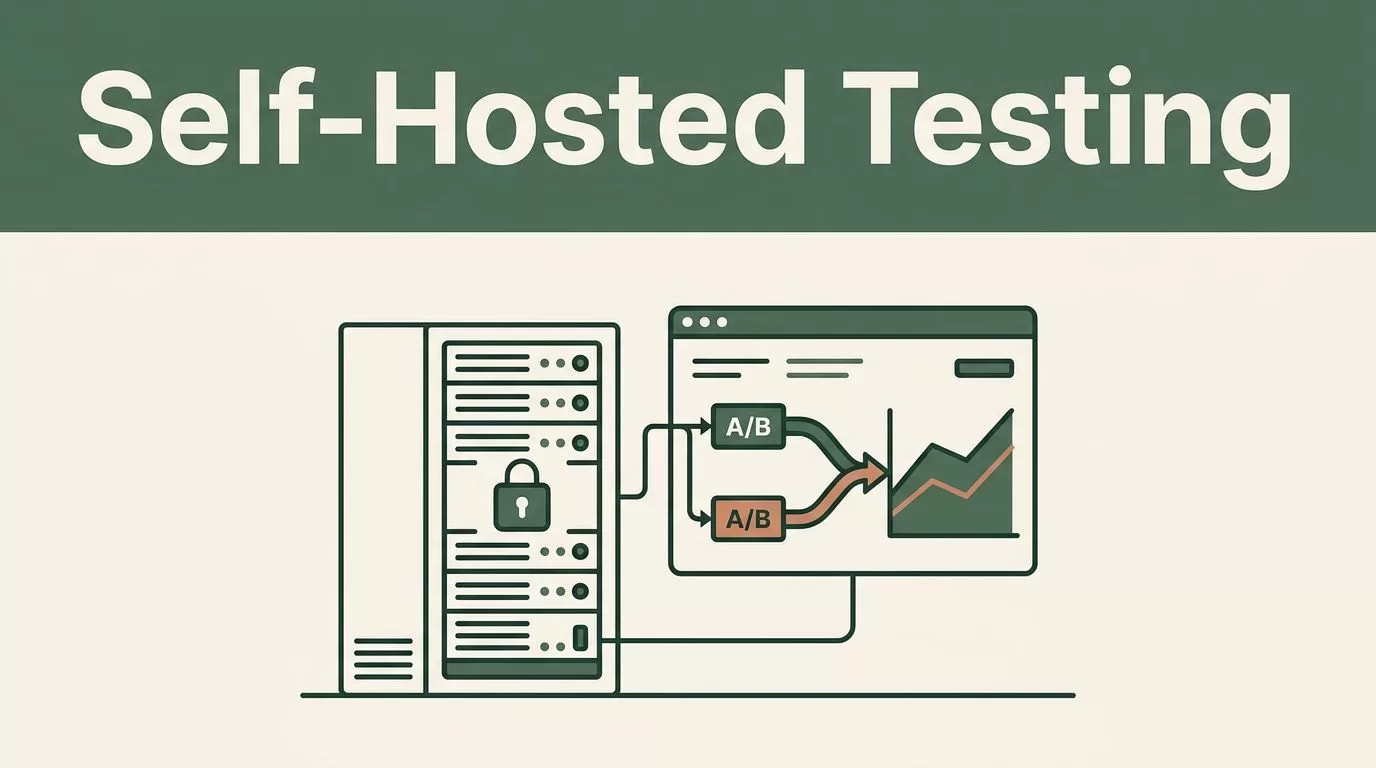
A/B testing loses value when experiment data leaves your stack without a clear reason. You also need reliable variant assignment, stable event tracking, and a page that doesn’t flash before the test loads.
Self-hosted A/B testing with Mida.so gives your team more control over collection, storage, access, and deployment. The setup still needs careful planning. A badly configured test can produce clean-looking charts and unreliable decisions.
Key Takeaways
- Host experiment services on infrastructure you control, subject to your Mida.so plan and release.
- Assign variants before the page renders whenever possible.
- Use first-party identifiers and collect only the data your experiment needs.
- Define one primary metric before launch and monitor guardrail metrics.
- Follow the current Mida.so deployment instructions for your version and hosting environment.
What Self-Hosted A/B Testing Changes
A hosted testing platform usually manages the tracking script, assignment logic, event collection, storage, and reporting for you. Self-hosting moves some or all of those responsibilities into your infrastructure.
That changes the operating model. Your team controls the database, network path, retention rules, access permissions, and deployment schedule. You can keep experiment events inside the same environment as product and customer data. You also take responsibility for upgrades, backups, monitoring, and incident response.
The exact split depends on the Mida.so package and version you use. Some deployments may include the full testing interface and collection service. Other plans may require a managed component or a separate database. Check the Mida.so official product information before choosing a hosting design.
Self-hosted testing does not mean you should build every part yourself. Use Mida.so for the experiment workflow it supports, then connect it to your application through its documented SDK, script, API, or server-side integration.
Your first test needs four defined parts:
- The hypothesis, such as “A shorter signup form will increase completed registrations.”
- The audience, including traffic rules, device rules, and exclusion criteria.
- The assignment unit, usually a user, account, or browser.
- The outcome, including one primary metric and a small set of guardrails.
Do this before opening the Mida.so project. If the hypothesis changes after results appear, the test becomes difficult to trust.
Plan the Mida.so Deployment Before Installation
Start with infrastructure, not experiment ideas. Choose where the Mida.so service will run and how your application will reach it.
A small production deployment may use a dedicated virtual machine, container host, or internal Kubernetes service. Your choice depends on traffic volume, operational skills, availability requirements, and the Mida.so version. Keep the application, event collector, and database on private networks where possible. Expose only the required endpoint through a TLS-enabled reverse proxy.
Create separate environments for development, staging, and production. Do not send staging events into a production experiment. Use separate project IDs, credentials, databases, or namespaces when the deployment supports them.
Store secrets in your existing secret manager. Do not place API keys, database passwords, or signing secrets in frontend JavaScript. Rotate credentials when employees leave or when a deployment changes hands.
Set up these controls before sending live traffic:
- HTTPS for every collection and assignment request
- Database backups with a tested restore process
- Log retention and access rules
- Monitoring for error rates, latency, and event volume
- Origin or domain restrictions for browser requests
- A documented upgrade and rollback process
The event flow should be simple:
- Your application requests or calculates a variant assignment.
- The assignment is stored against a stable first-party identifier.
- The page records an exposure event after the variant is actually shown.
- User actions send conversion and guardrail events.
- Mida.so reads the experiment data and produces the report.
Do not record an exposure when the request fails, the component stays hidden, or a user is excluded by a targeting rule. That inflates reach and weakens the denominator.
Keep experiment identifiers stable. If a developer renames pricing_test_v1 halfway through the run, the report may split one test into two data sets. Archive completed tests instead of reusing their IDs.
Configure and Launch Your First Experiment
Use the current Mida.so documentation for exact installation commands, environment variables, database settings, and supported framework integrations. These values can change between releases. A Docker command that works for one version may fail on another.
The launch sequence should follow this order.
- Create the project and environment.
Set the production domain, allowed origins, access roles, and collection endpoint. Confirm that staging and production use different credentials. - Connect the application.
Install the Mida.so package or browser integration supported by your framework. For server-rendered applications, place assignment logic in the request or rendering path. For single-page applications, initialize the integration before the tested component mounts. - Define the experiment.
Add the hypothesis, control, variant, allocation percentage, audience rules, start condition, and stop condition. Use a clear name that describes the change, not the expected result. - Define events.
Use stable names such assignup_started,signup_completed, orcheckout_paid. Include only properties needed for analysis. Keep event naming consistent across every variant. - Set the assignment key.
A browser-based test can use a first-party anonymous ID. A product test may use a signed-in user ID or account ID. Pick one unit and keep it consistent. Do not assign by request unless users can receive different variants on every page load. - Add the exposure event.
Fire it only after the tested experience is available to the user. A user who qualifies for a test but never sees the variant should not count as exposed. - Run a controlled QA pass.
Test the control and variant on desktop and mobile. Confirm that users remain in the same group across refreshes. Check direct links, cached pages, logged-out sessions, logged-in sessions, and blocked tracking scenarios.
You may need a server-side integration for pricing, permissions, onboarding, or other content that must be correct before HTML reaches the browser. Client-side changes are better suited to small interface tests where a brief delay is acceptable.
Run an A/A test before an important experiment if your data flow is new. Both groups receive the same experience. The goal is to find allocation errors, duplicate events, missing conversions, and unexpected differences between groups.
A variant assignment is not an exposure. Record exposure only when the user can receive the tested experience.
Protect First-Party Data and Prevent Page Flicker
Self-hosting gives you control over data location. It doesn’t remove privacy obligations.
Decide whether the test requires consent in every market you serve. Non-essential analytics and experimentation may require consent under applicable laws and company policy. Connect Mida.so to your consent management platform, and block the relevant script or event calls until the correct consent state exists.
Do not send names, email addresses, full URLs containing personal data, payment details, or free-form form values as event properties. Use a stable internal identifier or a one-way identifier where appropriate. Hashing alone doesn’t make sensitive data harmless if the original value is easy to guess.
Set a retention period before launch. Delete raw events when you no longer need them, and restrict dashboard access by role. The NIST Privacy Framework provides a useful reference for identifying, governing, controlling, communicating, and protecting personal data.
Use a first-party cookie or server-side session for browser assignment. Configure cookie attributes for your application. Secure is required for HTTPS traffic. SameSite should match your navigation and authentication flow. If JavaScript must read the value, you can’t use HttpOnly; if only the server needs it, HttpOnly reduces browser-side access. Review the browser behavior in MDN’s Set-Cookie reference.
Flicker happens when the control page renders first and JavaScript replaces it with the variant. It creates a poor user experience and can change the measured result.
Use server-side or edge assignment for page-level tests. Return the correct variant with the initial response. For client-side tests, load the assignment code early and hide only the tested component until the decision arrives. Set a short timeout and show the control if the service is unavailable. Never hide the entire page indefinitely.
Cache rules need attention. A shared cache must not serve a response with one user’s variant to another user. Vary the response safely, assign after the shared cache, or use a cache design supported by your framework. Test cached and uncached requests before launch.
Read Results Without Breaking Statistical Validity
Mida.so can report the difference between control and variant, but your team must decide whether the test design supports a decision.
Choose one primary metric before the experiment starts. If the goal is completed registration, use that as the primary outcome. Track supporting metrics such as form starts, activation, support contacts, refunds, or page errors as guardrails.
Set the allocation before launch. A 50/50 split is common, but traffic rules may justify another ratio. Avoid changing allocation because one variant looks better after two days. That creates uneven exposure and makes the result harder to interpret.
Plan for enough users and conversions to detect the change you care about. A test with 20 conversions per group may show a large percentage difference, but the estimate can still be unstable. Use a sample-size method that matches the metric type, such as conversion rate or revenue per account.
Check for sample ratio mismatch. If a planned 50/50 test receives 70% of users in one group, stop and investigate. Common causes include targeting errors, cached assignments, bot traffic, consent differences, or an exposure event that fires only on one path.
Don’t treat every dashboard update as a final answer. Keep the test running through normal weekly cycles, unless it causes a clear business or technical problem. Avoid repeated stopping and restarting based on short-term movement.
Review the result in this order:
- Did each eligible user receive one stable assignment?
- Did exposure counts match actual rendered experiences?
- Did both groups have similar traffic quality?
- Did the primary metric move enough to matter?
- Did any guardrail metric worsen?
- Can the change be rolled back without data loss?
A statistically positive result isn’t enough if revenue falls, errors rise, or the variant works only for one device group. Segment results after the main analysis, but treat small segments as directional unless they have enough data.
Document the decision in the experiment record. Record the launch date, allocation, metric definition, result, decision, and rollout commit. This prevents the same test from being rebuilt under a new name six months later.
Conclusion
Self-hosted A/B testing with Mida.so works when the infrastructure and experiment design are treated as one system. Host the supported components securely, assign variants consistently, capture real exposures, and keep personal data out of event properties.
The main technical risk is not installing the tool. It is measuring the wrong users, rendering the wrong variant, or stopping before the data is reliable. Build the assignment and consent flow first, then launch a small test with one clear outcome. That gives your team control without sacrificing measurement quality.

