Send Money China Transfers With Remitly
When you need to send money China-bound for family or friends, Remitly gives you a defined process through its website or mobile app. You can enter the amount, review the live exchange rate and fee, choose a delivery method, and track the t...
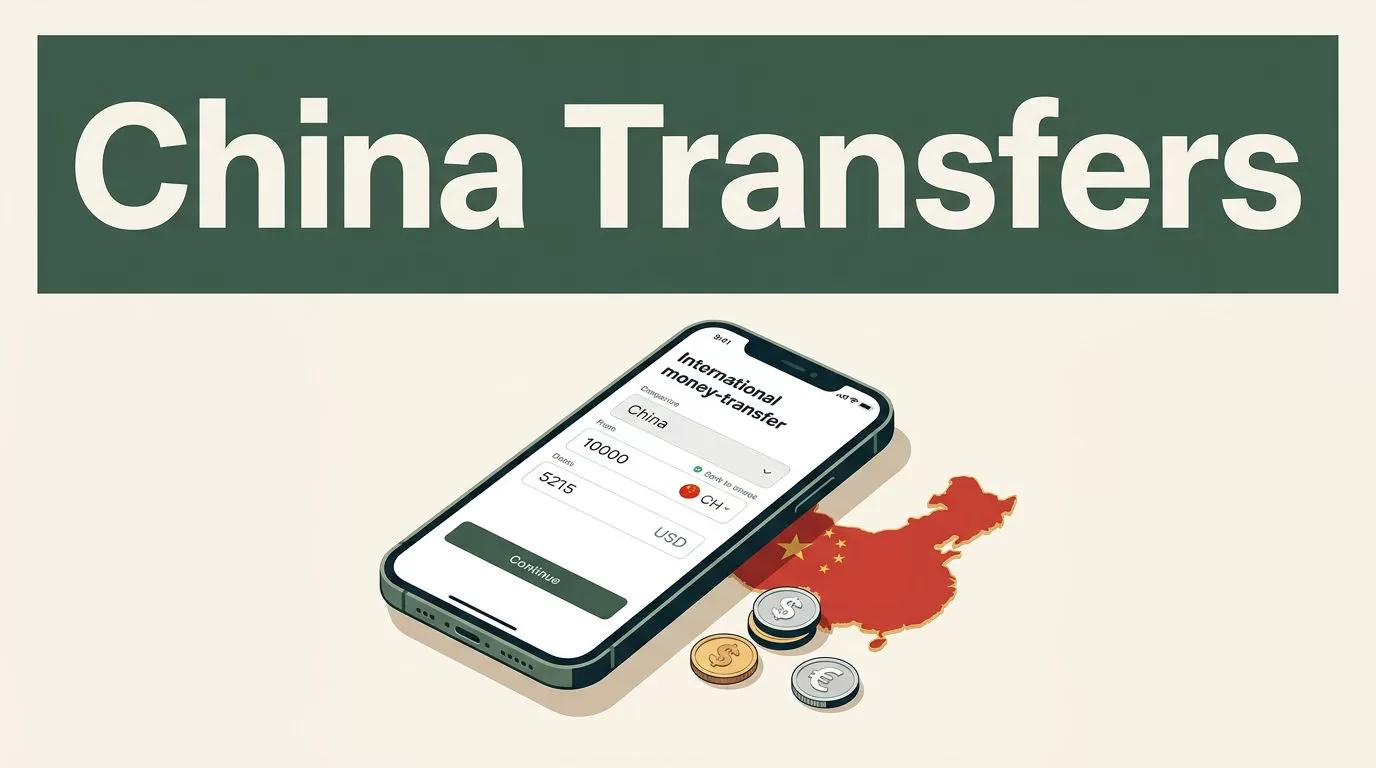
When you need to send money China-bound for family or friends, Remitly gives you a defined process through its website or mobile app. You can enter the amount, review the live exchange rate and fee, choose a delivery method, and track the transfer after payment.
The final cost and delivery choices depend on your sending country, payment method, recipient details, and current Remitly quote. Check the live offer before every transfer. Older articles and static currency tables can’t confirm what your recipient will receive today.
How to Send Money China Transfers With Remitly
Remitly’s China transfer process is built around five actions: create an account, enter the transfer details, add the recipient, choose a payment method, and confirm the transaction.
For customers sending from the United States, Remitly’s send money to China page currently lists bank deposit, Alipay, and Weixin, also known as WeChat Pay, as delivery options. The available choices can differ for customers sending from other countries.
Your recipient doesn’t always need to visit a cash pickup location. If their account and eligibility support the selected method, the funds can move into a Chinese bank account or supported mobile wallet.
The process still depends on accurate information. A wrong name, phone number, account number, or wallet ID can delay delivery or require the transfer to be corrected.
Choose the Right Delivery Method
The delivery method determines which information you need from the recipient.
| Delivery method | Recipient details to confirm |
|---|---|
| Bank deposit | Legal name, address, bank name, account type, and account number |
| Alipay | Recipient name, phone or contact details, and the correct Alipay login ID or email |
| Weixin | Recipient name, phone number, and the WeChat account connected to an authorized bank card |
Bank deposit fits recipients who want funds in their regular account. Alipay and Weixin fit recipients who already use those wallets and have completed any required account setup.
Ask the recipient to confirm the details inside their own banking or wallet app. Don’t rely on an old message or saved contact record. Chinese names can appear in different orders, and a small mismatch may stop the payout.
What You Need Before Starting
Prepare the transfer information before opening Remitly. This reduces interruptions and prevents rushed data entry.
You need a working email address and a phone number for your Remitly account. Remitly may also require identity verification with government-issued identification. Financial transfer providers use this step to meet anti-fraud and anti-money-laundering requirements.
Have your payment source ready. Depending on your sending country and the available Remitly options, you may pay with a bank account, debit card, credit card, or another supported method. The payment source can affect the final price and delivery choice.
Collect the recipient’s details directly from them. For a bank deposit, confirm the exact legal name, bank information, account number, and address. For a mobile wallet, confirm the account ID or phone number linked to the recipient’s wallet.
Don’t guess a missing digit. Don’t translate or shorten a legal name unless the recipient’s account uses that version. Save a screenshot or written record of the confirmed details, but don’t store sensitive information in an unsecured note.
Some transfers require additional documents. Remitly may ask for more information based on the amount, account history, or identity verification results. Follow the instructions shown in your account and submit documents only through the official Remitly app or website.
A recipient’s nickname may be familiar to your family, but the payout system needs the name connected to the receiving account.
Step-by-Step: Send Money to China Online
Use this sequence when you send funds through Remitly.
- Create or open your Remitly account. Use the official website or the verified app from your device’s app store. Sign in with your own credentials and complete any identity checks shown on screen.
- Select China as the destination. Enter the amount you want to send or the amount you want the recipient to receive. Review both figures because changing one can change the other.
- Select the delivery method. Choose bank deposit, Alipay, or Weixin when that option is available for your transfer. The app will show the recipient information required for the selected method.
- Add the recipient carefully. Enter the legal name and contact details exactly as provided. Check every digit in the bank account number, phone number, or wallet ID before moving forward.
- Choose how to pay. Select the available bank account, debit card, credit card, or local payment option. Confirm that the name on the payment account meets Remitly’s requirements.
- Review the quote. Check the exchange rate, transfer fee, payment amount, delivery method, estimated timing, and final recipient amount. The quote is the decision point. If the cost or delivery option doesn’t work, stop before confirming.
- Confirm and send. Submit the transfer only after reviewing the details. Keep the confirmation number and watch for status updates by email, text, or inside your Remitly account.
- Confirm receipt with the recipient. Ask the recipient to check the correct bank account or wallet. Don’t send a second transfer because the first one appears slow without checking its status first.
Remitly may display Express or Economy options in some corridors. The names, delivery estimates, and pricing depend on the route and the live quote. Select based on the actual information shown for your transaction, not on a general promise from an older guide.
Review the Exchange Rate and Total Cost
The exchange rate is only one part of the transfer cost. You also need to check the fee and the amount charged to your payment method.
A promotional rate may apply to a first transfer or another limited offer. Promotions have conditions and can change. A previous welcome rate doesn’t confirm the rate for your next transaction.
Use Remitly’s USD to CNY currency converter as a reference, then review the final in-app quote. The transfer screen is more useful because it combines the current conversion with your amount, delivery method, and payment choice.
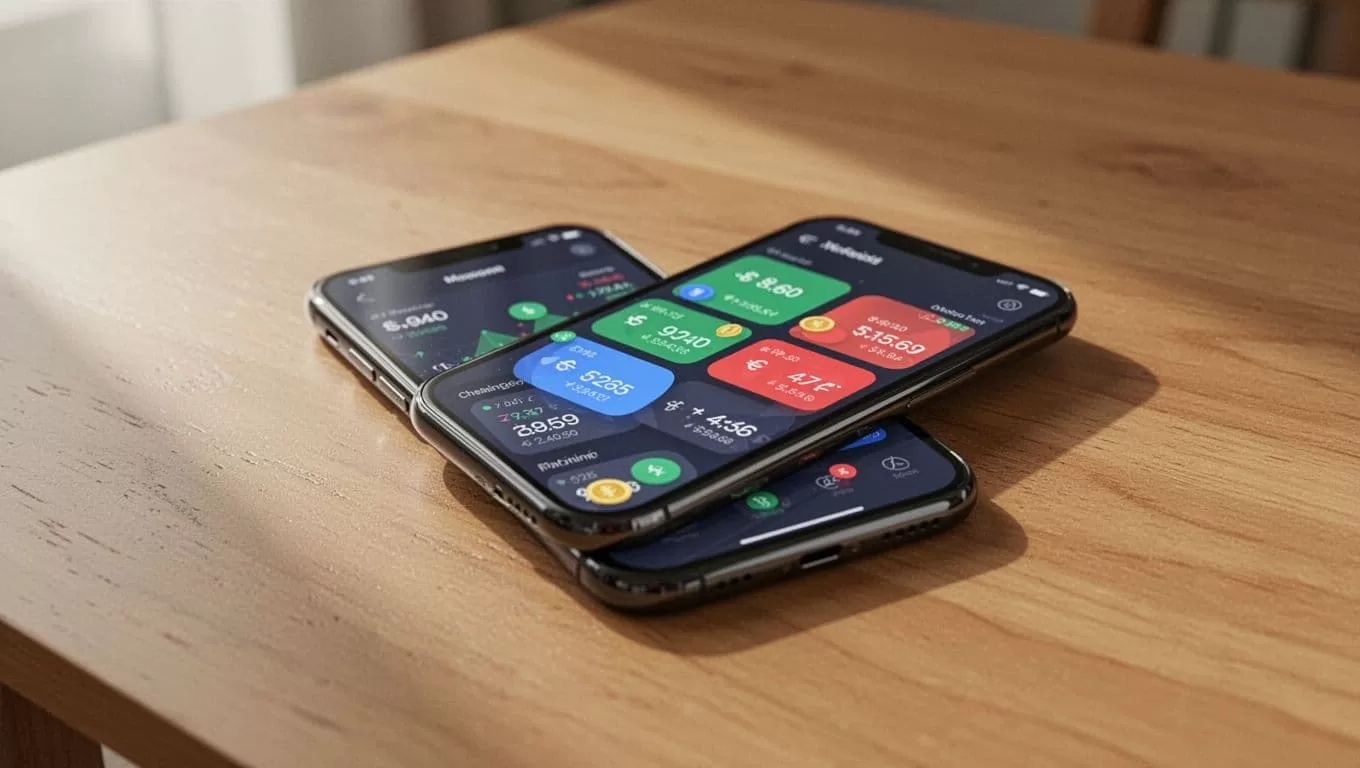
Look at these figures before you confirm:
- The amount leaving your bank account or card.
- The transfer fee shown for your route.
- The exchange rate applied to the transaction.
- The amount the recipient will receive in Chinese yuan.
- The delivery method and estimated arrival information.
A transfer with a lower fee can still deliver less if its exchange rate is weaker. Compare the total cost and recipient payout together.
Delivery timing also varies. Payment verification, weekends, holidays, receiving-bank processing, wallet authorization, and incorrect recipient details can affect the result. Treat the displayed estimate as route-specific information, not a universal guarantee.
Keep the Transfer Accurate and Secure
Most avoidable problems happen before the transfer leaves your account. Use a controlled review process.
First, confirm the recipient through a separate channel. Call them or use a trusted existing contact method if the request is unusual. Don’t rely on a new message asking you to change bank details at the last minute.
Next, review the recipient record against the information they provided. Check spelling, account numbers, phone numbers, and wallet IDs one character at a time. If the recipient uses Alipay or Weixin, confirm that their account has the required bank-card authorization.
Protect your Remitly login like a banking password. Use a unique password and enable multi-factor authentication if it is available in your account. Never share a verification code with a person claiming to be Remitly support.
Install updates for your phone and Remitly app. Avoid sending money over unsecured public Wi-Fi when you can use a trusted network. Sign out of shared devices after completing the transfer.
Use only the official Remitly domain or app. Remitly’s guide to sending money safely to China provides additional safety guidance for this route.
If a transfer is delayed, open the transaction status before contacting support. Keep the confirmation number, payment record, and any messages from Remitly. Never create a duplicate transfer until you understand the first transaction’s status.
Check Limits and Verification Requirements
Transfer limits aren’t identical for every customer. Remitly can apply limits based on the sending country, identity verification, payment history, transaction amount, and regulatory requirements.
The app may show a daily, monthly, or longer-period limit. Review that information inside your account before planning a large family payment or recurring transfer. A transfer may also trigger a request for additional documents.
This matters when you need to send money China recipients depend on for rent, tuition, medical costs, or household expenses. Start the verification process early. Waiting until the payment deadline can create unnecessary pressure if Remitly requests more information.
Recipients may also have requirements on the receiving side. Mobile wallets can require a linked bank card or identity verification before money can be accepted. Bank deposits can depend on the recipient’s account status and the information submitted.
Don’t promise a delivery time or payout amount to the recipient until you have reviewed the live quote. Share the transaction details after confirmation so both sides know which method and amount to expect.
Final Thoughts
Remitly gives people abroad a practical way to send money to China through bank deposits, Alipay, or Weixin when those options are available for their route. The workflow is simple, but accuracy still controls the outcome.
Confirm the recipient details, select the right delivery method, review the live exchange rate and total cost, and complete every security check. When you treat each transfer as a small financial operation rather than a quick phone task, you reduce delays and avoid sending money to the wrong account.
