How to Send Money to Indonesia With Remitly
Sending money home should not require guessing how much arrives. A search for “send money Indonesia” usually means you need three answers quickly: what the recipient gets in Indonesian rupiah, when funds may arrive, and which pa...
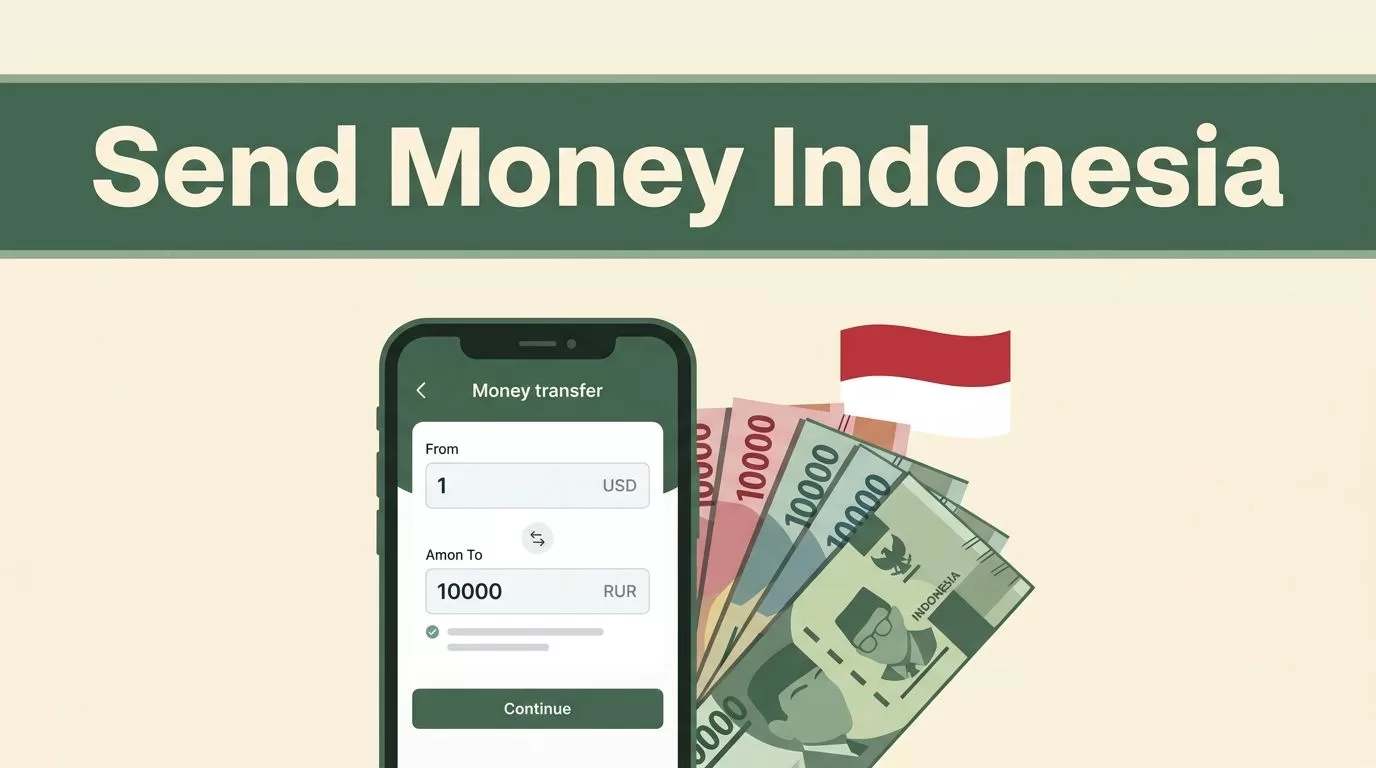
Sending money home should not require guessing how much arrives. A search for “send money Indonesia” usually means you need three answers quickly: what the recipient gets in Indonesian rupiah, when funds may arrive, and which payout method works locally.
Remitly lets you set up a transfer online, choose an available delivery method, and review a live quote before payment. Fees, exchange rates, delivery estimates, and recipient requirements depend on your sending country and transfer details. Check the Remitly app or website before confirming the transaction.
What “send money Indonesia” Transfers Look Like in Remitly
Remitly is an online remittance service for sending funds to family, friends, and other recipients abroad. The standard process is direct:
- Create or access your Remitly account.
- Select Indonesia as the destination.
- Enter the amount you want to send.
- Choose the delivery method.
- Add the recipient’s details.
- Select a payment method and review the quote.
Recipients may receive money through a bank deposit, cash pickup, mobile wallet, or debit card deposit. The available options depend on your sending country, the recipient’s location, and the local provider connected to the transfer.
For example, the official Remitly page for sending money to Indonesia shows options for transfers from the United States. Someone sending from France may see a different set of choices. Remitly’s country-specific pages control the quote and delivery options you actually receive.
The amount is usually delivered in Indonesian rupiah, or IDR. Your recipient may receive a different amount when you change the payout method, funding source, or delivery speed. That is why the first quote you see should not be treated as final.
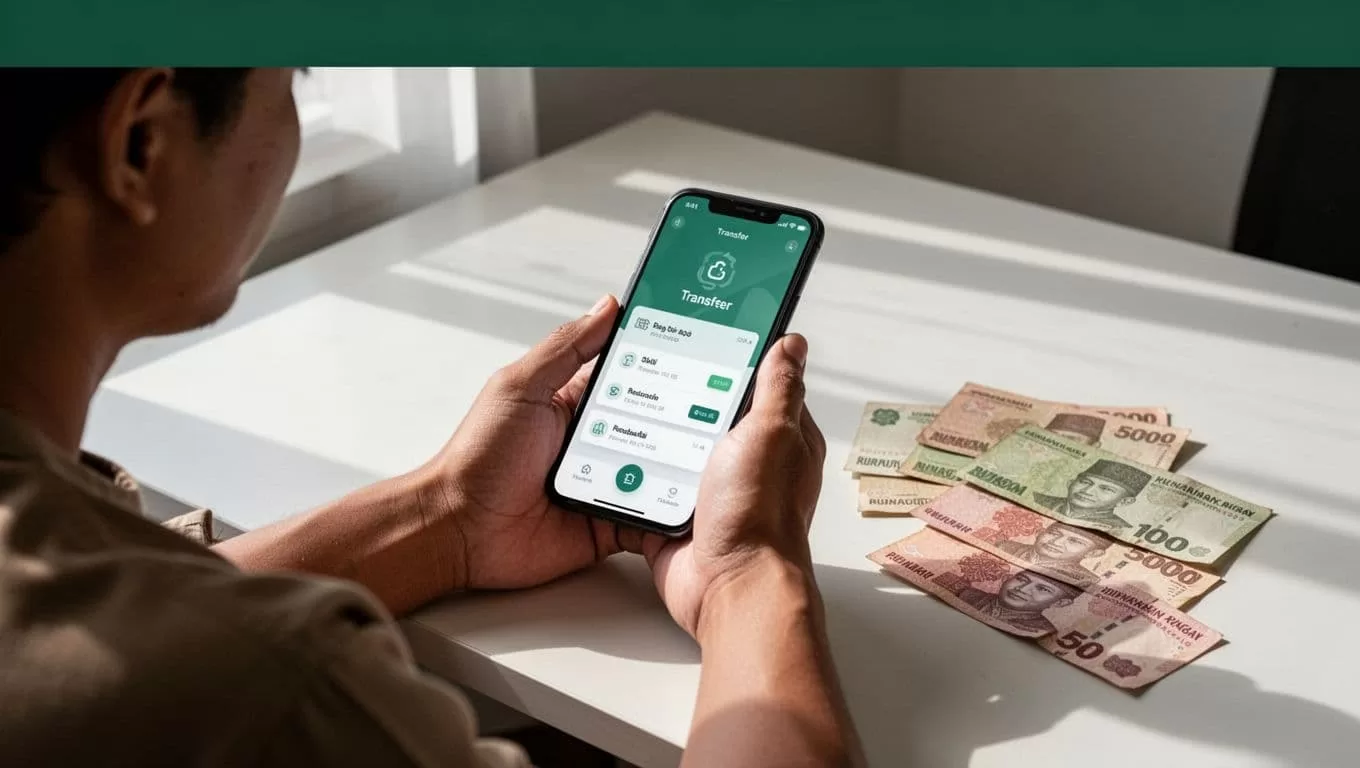
Check the Remitly Quote Before You Pay
The quote is the control point for every transfer. Review it after selecting the destination, payment method, and delivery option.
A transfer fee is only one part of the cost. The exchange rate determines how many rupiah the recipient receives. A lower fee can still produce a smaller payout if the exchange rate is less favorable.
| Quote detail | What to check |
|---|---|
| Sending amount | Confirm the amount charged to your card or bank account. |
| Exchange rate | Check how your currency converts to Indonesian rupiah. |
| Transfer fee | Review the fee for the selected delivery and payment method. |
| Recipient amount | Confirm the final IDR amount after all displayed costs. |
| Delivery estimate | Check the current estimated arrival time. |
| Payout method | Verify that the recipient can use the selected option. |
The cheapest visible fee can still produce a smaller payout if the exchange rate is weaker.
Remitly may show Express and Economy options in some sending corridors. Express is generally designed for faster delivery, while Economy may offer a lower-cost route with a longer estimated window. The exact labels, prices, and eligibility vary. Treat the estimate shown in your account as the current reference, not as a guaranteed arrival time.
Payment source also affects the quote. A bank-funded transfer may produce a different cost than a debit-card-funded transfer. Credit cards, prepaid cards, Apple Pay, and Google Pay may appear in some countries, but availability is not universal.
Promotional rates or first-transfer discounts may also appear. Check the terms, expiration date, minimum amount, and eligible payment method before relying on the promotion. Remitly’s guide comparing money transfer methods provides additional context on bank transfers, apps, cash pickup, and other options.
How to Send Money to Indonesia Online, Step by Step
The basic “send money Indonesia” workflow takes place inside the Remitly website or mobile app. Follow these steps in order.
1. Create your Remitly account
Register with your email address and personal information. Remitly may ask you to verify your identity with a government-issued document. Additional information can be required for certain transfers or account verification levels.
Use your legal information. A mismatch between your profile and identity document can delay account approval or trigger a review.
2. Select Indonesia and enter the amount
Choose Indonesia as the destination country. You can usually enter either the amount you want to send or the amount the recipient should receive.
The quote updates as you change the amount. Check whether the displayed figures refer to your sending currency or the recipient’s IDR amount. This prevents you from approving the wrong total.
3. Select the delivery method
Choose bank deposit, cash pickup, mobile wallet, debit card deposit, or another option shown in your account.
The recipient’s access matters more than your preference. A cash pickup option is not useful if the recipient is far from an eligible location. A wallet transfer is not useful if the recipient’s account is not supported or verified.
4. Add the recipient’s information
Enter the recipient’s legal name exactly as it appears on their identification or bank record. Avoid nicknames, shortened names, and spelling changes.
For a bank deposit, Remitly may request the bank name, account type, account number, and contact information. Cash pickup can require the recipient’s legal name and other details. Wallet or card deposits may request account identifiers connected to the recipient’s profile.
Ask the recipient to confirm these details before you submit the transfer. One incorrect number can cause a failed payout or manual review.
5. Choose how to pay
Select an available payment source. Depending on your location, Remitly may support a bank account, debit card, credit card, prepaid card, or supported digital payment service.
Review the updated quote after choosing the payment method. The fee, exchange rate, and delivery estimate can change at this stage.
6. Review, authorize, and track
Check the recipient’s name, payout method, amount, fee, exchange rate, and estimated delivery time. Confirm the transaction only after each item matches your instructions.
Save the confirmation details. Use Remitly’s tracking tools to monitor the transfer and share the reference information with the recipient when needed.
Choose the Payout Method That Fits the Recipient
Bank deposit works well when the recipient has a supported Indonesian bank account. It avoids a trip to a cash pickup location and can suit recurring family support. Confirm the bank name, account number, and account-holder name before sending.
Cash pickup helps recipients who don’t want to use a bank account. The recipient may need valid identification and a transaction reference when collecting the funds. Pickup locations have their own hours, coverage areas, and requirements, so check the location shown in the app.
Mobile wallet can work for recipients who already use an eligible wallet. The wallet account must match the required recipient information. A transfer may be delayed if the account is inactive, unverified, or entered incorrectly.
Debit card deposit may appear for eligible recipients and sending corridors. Treat it like any other payout method. Check the receiving card requirements and the amount shown in the final quote.
Country-specific availability can change. Remitly’s France-to-Indonesia transfer page lists bank deposit, cash pickup, and mobile wallet options, but your account may display different choices based on where you send from.

Photo by Defrino Maasy
Comparison Checklist Before You Confirm
Use this checklist when you compare Remitly with a bank, another transfer service, or a different payment route:
- Compare the final IDR amount, not only the advertised transfer fee.
- Check whether the recipient can access the selected bank, wallet, card, or pickup location.
- Review the current delivery estimate after selecting the payment method.
- Check whether card funding costs more than bank funding.
- Confirm the transfer limits for your profile and sending country.
- Review identity verification requirements before starting a large transfer.
- Check the cancellation and refund terms if your plans change.
- Compare the amount received under at least two delivery options when both are available.
Run this comparison inside the Remitly app or website. Older search results, screenshots, and social media posts cannot provide today’s exchange rate or eligibility decision.
Check Verification, Limits, and Account Security
Remitly can apply transaction limits based on your sending country, verification status, payment method, transfer history, and recipient details. A new account may have a lower limit than a fully verified account. Larger transfers can require additional documents.
Don’t split a large transfer simply to avoid a limit. Review Remitly’s current requirements and complete the requested verification through the official app or website.
Protect the account like any financial service. Use a strong password, avoid public devices, and never share a login code with another person. Confirm the recipient through a separate communication channel before sending money, especially when someone claims there is an emergency.
Fraudsters often create pressure by demanding immediate payment or asking you to send money to an unfamiliar person. Once cash is collected or funds reach an incorrect account, recovery may be difficult. Check every recipient field before authorization.
Use the Live Quote as Your Decision Point
Remitly gives you a practical way to send money online to Indonesia, but the right transfer depends on the current quote and the recipient’s access. Bank deposit, cash pickup, mobile wallet, and card delivery can produce different costs and timelines.
Review the live exchange rate, total fee, recipient amount, delivery estimate, and verification requirements before you pay. For every “send money Indonesia” request, accurate recipient details and a current quote matter more than an old promotional price.
