Send Money Tanzania Online With Remitly: A Practical Guide
Sending money across borders shouldn’t require guesswork. If you search for send money Tanzania, you probably need a reliable way to support family, pay a bill, or move funds without visiting a branch. Remitly lets you set up the tran...
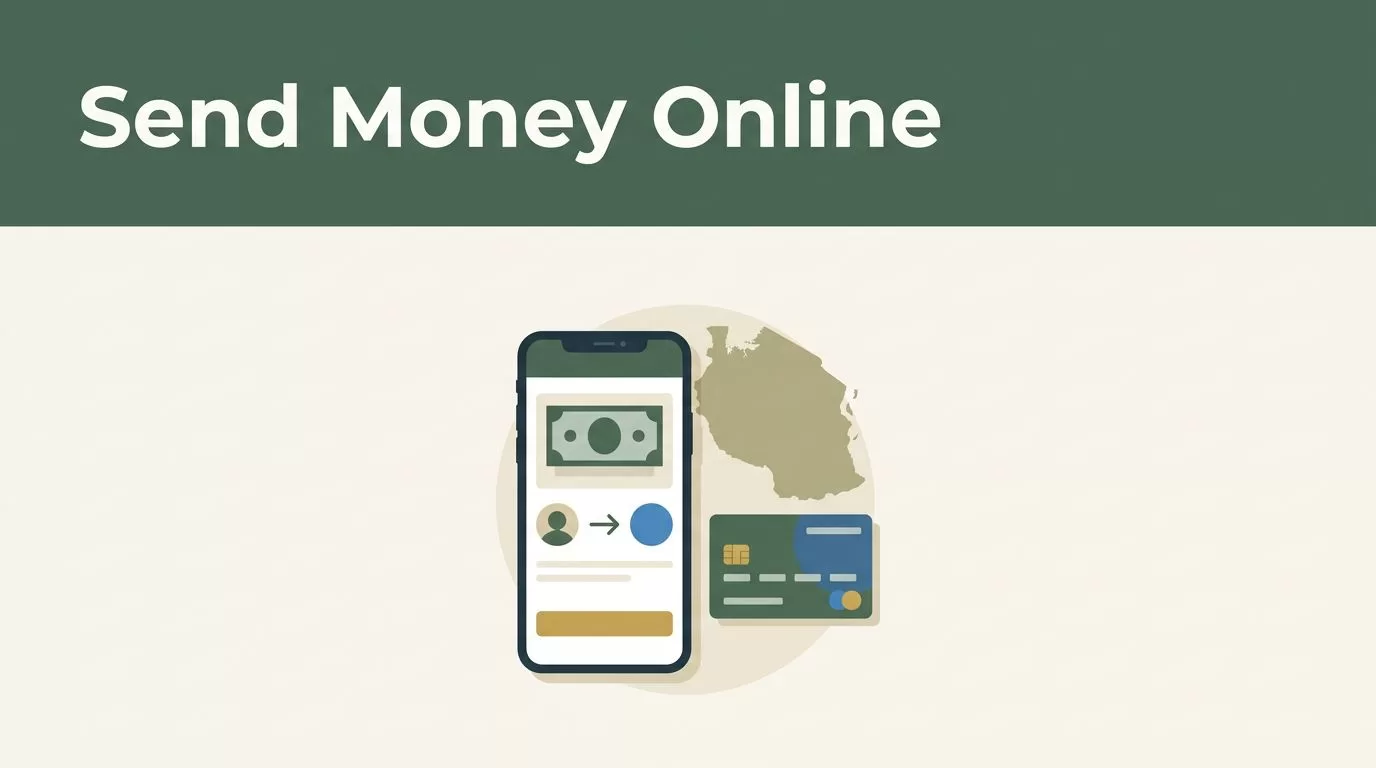
Sending money across borders shouldn’t require guesswork. If you search for send money Tanzania, you probably need a reliable way to support family, pay a bill, or move funds without visiting a branch.
Remitly lets you set up the transfer through its website or mobile app. You still need to verify the recipient, payout method, exchange rate, fee, and estimated delivery before confirming the payment. The process is manageable when you check each item in the right order.
How to send money Tanzania online with Remitly
Start with the official Remitly website or app. Select the country you’re sending from, choose Tanzania as the destination, and enter the amount you want to transfer.
Remitly then displays the available delivery methods, exchange rate, fee, recipient amount, and estimated delivery timing for your route. Use this quote as the current reference. Rates, promotions, fees, and delivery choices can change based on your sending country, transfer amount, payment method, recipient location, and account status.
The official Remitly Tanzania transfer page provides route information for U.S. senders. If you’re sending from another supported country, select the correct origin country in your Remitly account before reviewing the quote.

Follow this sequence:
- Create a Remitly account or sign in through the official app or website.
- Choose Tanzania as the destination and enter the transfer amount.
- Review the available delivery speeds and payout methods.
- Add the recipient’s name, phone number, and bank or wallet information.
- Select an available payment method and review the complete transaction summary.
- Confirm the transfer, then use the tracking information to monitor its progress.
The required information depends on the payout method. A bank deposit may require the bank name and account details. A mobile wallet transfer usually requires the recipient’s phone number and first and last name. Cash pickup requires accurate recipient information and may require identification at collection.
Don’t rely on an old bank screenshot or a saved phone number without checking it. Ask the recipient to confirm the details before you submit the payment.
Choose how the recipient receives money in Tanzania
Remitly supports bank deposit, mobile wallet, and cash pickup options for Tanzania, but the available choices depend on the recipient’s location and the current quote.
| Delivery method | Useful when | Details to confirm |
|---|---|---|
| Bank deposit | The recipient has a supported Tanzanian bank account | Bank name, account details, recipient name |
| Mobile wallet | The recipient regularly uses mobile money | Wallet provider, phone number, first and last name |
| Cash pickup | The recipient needs access to physical cash | Recipient name, pickup location, collection requirements |
Bank deposit
Bank deposit sends funds directly to a supported account. Remitly’s Tanzania provider information includes NCBA Bank, with disbursement in Tanzanian shillings, or TZS. The recipient needs an eligible account, and the option must appear in your transfer setup.
Check the recipient’s account details carefully. A spelling difference or incorrect account number can delay the transfer or require support intervention.
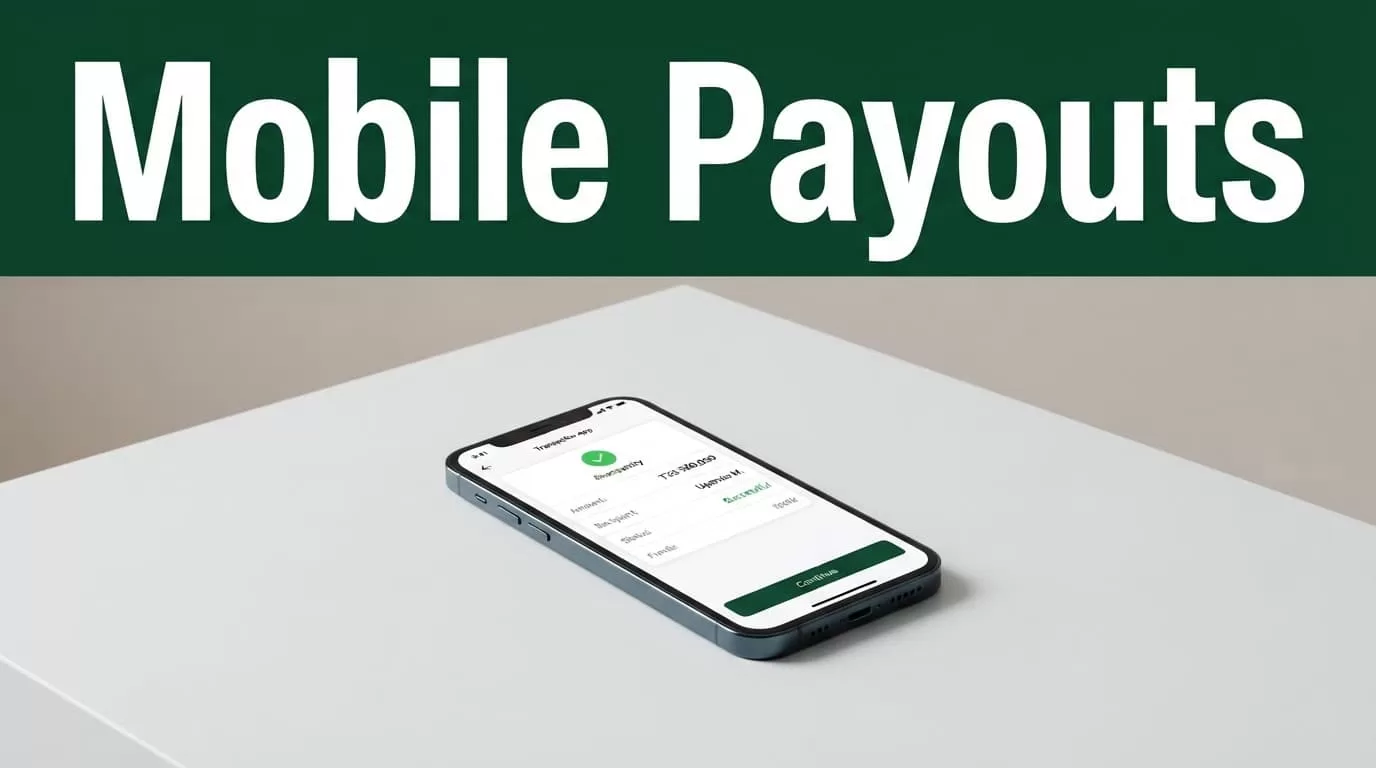
Mobile wallet
Mobile money can be practical when the recipient already manages daily payments through a phone. Tanzania options may include M-Pesa, Airtel Tanzania, and Tigo Pesa, which is now known as Mixx by Yas.
Remitly’s M-Pesa transfer information shows the provider-specific route for eligible transfers. Remitly also publishes Airtel Money provider information, although provider pages can vary by sending country.
The recipient should have an active wallet registered to the phone number you enter. Some wallets require account verification before receiving an international remittance. The wallet provider may also charge a fee when the recipient withdraws cash, even when the sender’s transfer quote shows no recipient transfer fee.
Cash pickup
Cash pickup can help when the recipient doesn’t use a bank account or mobile wallet. Remitly shows the available pickup locations and requirements during the setup process.
Enter the recipient’s name exactly as requested. The recipient should check the pickup instructions and bring any accepted identification listed by Remitly or the local payout provider.
Prepare the transfer before you open the app
A successful transfer starts with accurate information. Ask the recipient for the details directly instead of copying data from an old message.
For a mobile wallet, confirm the provider name, registered phone number, and legal name. For a bank deposit, confirm the bank and account information. For cash pickup, confirm the recipient’s name and preferred location.
The sender also needs a working email address or phone number for account access. Remitly may request identity verification or additional information before allowing a transfer. Complete those checks through the official website or app.
Keep the following information ready:
- The amount you want to send and the amount you can afford after fees.
- The recipient’s full name and current contact details.
- The recipient’s bank, wallet, or pickup information.
- Your preferred payment method.
- Any identification or verification documents Remitly requests.
A search for “send money Tanzania” can show several transfer services. Don’t choose based on a headline rate alone. Compare the final recipient amount, the fee, the payout method, and the delivery estimate shown at checkout.
Check the rate, fee, timing, and limits before sending
Exchange rates move throughout the day. Remitly may also show promotional rates for eligible customers or part of a transfer. A public offer isn’t a guaranteed quote for your account.
Review the transaction screen immediately before payment. Confirm the amount leaving your account, the fee, the exchange rate, the amount the recipient will receive in TZS, the selected payout method, and the estimated delivery time.
The rate shown in a search result is not the rate you should use for budgeting. The final Remitly quote is the relevant number.
Delivery speed can affect the total cost and available payout choices. If the recipient needs funds urgently, select the fastest option displayed for your route. If timing is flexible, compare the other available choices before paying.
Transfer limits can also vary. Your account history, verification status, sending country, payment method, and transfer amount may affect what Remitly allows. Check the app or website instead of relying on a general limit mentioned elsewhere.
Don’t assume that a previous transfer will have the same rate, fee, or delivery estimate. Capture the confirmation screen or save the receipt after each transaction.
Avoid common Remitly transfer problems
Most delays start with incorrect recipient information or a payout method that doesn’t match the recipient’s account. Confirm the details before pressing send.
If a transfer remains pending, check the status in the Remitly app first. Don’t create a duplicate transfer before you understand the original status. A second payment can create a separate transaction rather than fixing the first one.
Contact Remitly support promptly if you entered the wrong name, phone number, bank information, or wallet details. Transfers can’t always be edited after submission.
The recipient should also check the selected payout channel. A mobile wallet may reject a transfer if the phone number isn’t registered to the correct provider. A bank deposit may fail if the account information is incomplete. Cash pickup may require the recipient to visit the location shown in the transfer instructions.
Use only the official Remitly app or website. Protect your password and one-time security codes. Don’t send account credentials to someone claiming to arrange the payment for you.
Conclusion
Remitly gives you a clear online process for sending money to Tanzania, but the final quote and available payout options depend on your route and recipient. Start with accurate recipient information, then compare bank deposit, mobile wallet, and cash pickup before confirming.
The phrase “send money Tanzania” is only the starting point. The useful decision comes from the live Remitly quote, the recipient’s actual payout access, and the details shown on the confirmation screen.
