Download the Remitly App to Send Money to Tanzania
A transfer to Tanzania can fail for a simple reason: the sender chooses the app before checking how the recipient will receive the funds. If you search for send money Tanzania, you probably want a secure app with clear costs, practical payo...

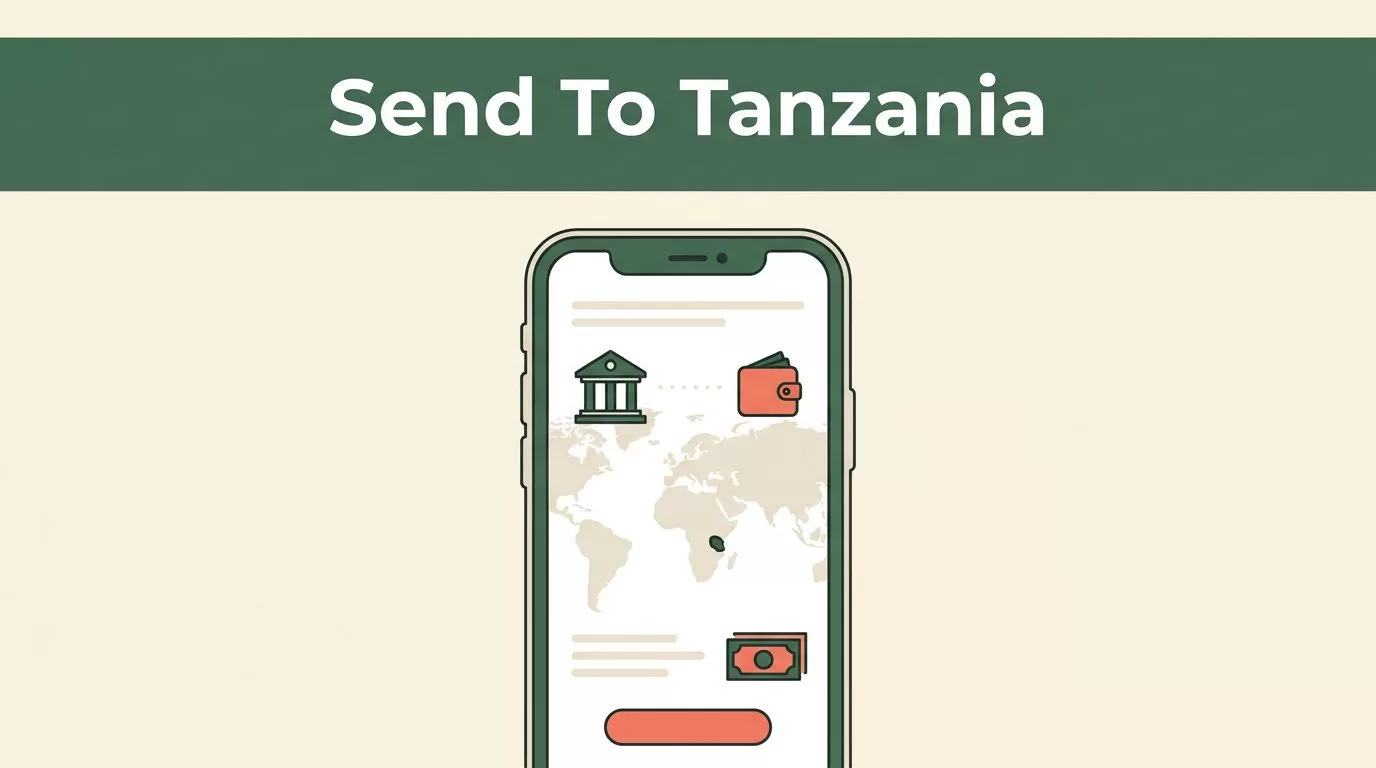
A transfer to Tanzania can fail for a simple reason: the sender chooses the app before checking how the recipient will receive the funds. If you search for send money Tanzania, you probably want a secure app with clear costs, practical payout options, and a short setup process.
Remitly supports transfers to Tanzania through bank deposits, mobile wallets, and cash pickup. The right option depends on your sending country, the recipient’s location, the payment method, and the providers available on that route. Start with the official app, then compare the final amount before you confirm the transfer.
WHY REMITLY IS A PRACTICAL OPTION FOR TANZANIA TRANSFERS
Remitly is built for international money transfers. You create a sender account, enter the recipient’s details, choose Tanzania, and select an available delivery method. The app then shows the applicable exchange rate, transfer fee, delivery estimate, and recipient amount before you send.
The service supports three main ways to deliver money in Tanzania:
- A bank deposit sends Tanzanian shillings to the recipient’s eligible bank account.
- A mobile wallet sends funds to a supported wallet such as M-Pesa or Airtel Money.
- Cash pickup lets the recipient collect funds through an available local provider.
Availability isn’t identical for every sender. A person sending from the United States may see different payment methods, fees, limits, or providers than someone sending from the United Kingdom or another country. Use the correct country route, such as Remitly’s United States to Tanzania transfer page, before relying on a promotion or delivery estimate.
On some Remitly Tanzania provider listings, available partners include M-Pesa, Airtel Money, Mixx by Yas (formerly Tigo Pesa), and banks such as CRDB Bank. These names don’t guarantee availability on every route. The app displays the providers that match your transaction details.
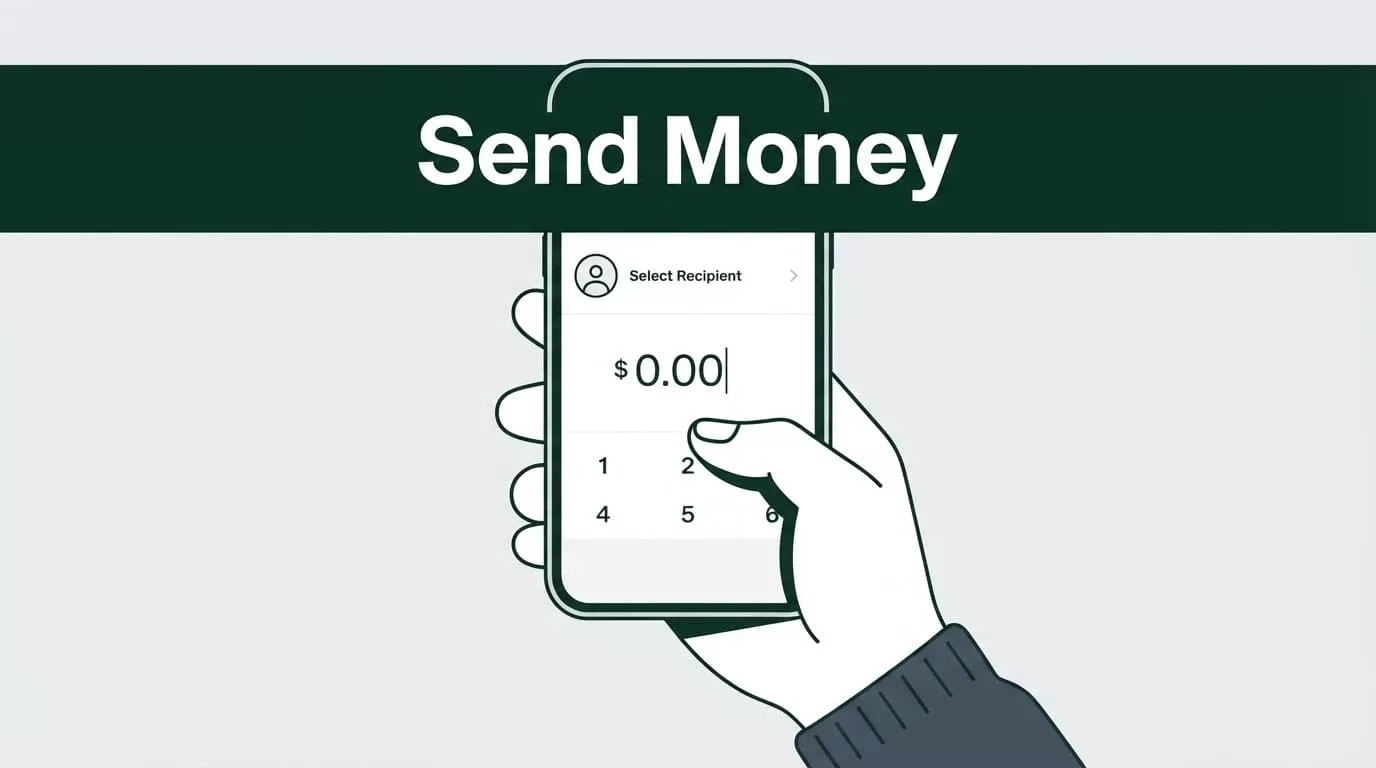
A PRACTICAL WORKFLOW FOR “send money Tanzania”
Download the app from an official store. Avoid APK files, unofficial download pages, or links sent by unknown contacts. An unofficial app can expose your login details or payment information.
The setup and sending process is straightforward:
- Open the Apple App Store or Google Play Store on your phone.
- Search for Remitly and verify that the publisher matches the official Remitly service.
- Install the app, open it, and create an account with your email address and a strong password.
- Complete identity verification if Remitly requests it. You may need a government-issued ID or additional account information.
- Select Tanzania as the destination country and enter the amount you want to send.
- Choose bank deposit, mobile wallet, or cash pickup if the option is available for the recipient.
- Add the recipient’s legal name, contact details, and bank or wallet information. Enter every detail exactly as it appears on the recipient’s account or identification.
- Select an available payment method, review the complete transfer summary, and confirm the transaction.
- Save the transfer reference and use the app’s tracking feature to monitor progress.


Remitly can pause a transfer for verification. This doesn’t always mean something is wrong. Check your email and in-app notifications if the service requests more information.
Don’t create a second transfer while the first one is pending. Confirm the status first. Duplicate transfers can create extra charges or send more money than intended.
CHOOSE THE RIGHT WAY TO DELIVER MONEY IN TANZANIA
The recipient’s access is more important than the sender’s preferred method. Ask whether the recipient has an active mobile wallet, an eligible bank account, or a convenient cash pickup location.
| Delivery method | Works best when | Details to check |
|---|---|---|
| Bank deposit | The recipient uses a supported Tanzanian bank account | Bank name, account number, account holder name, and supported currency |
| Mobile wallet | The recipient needs direct access through a phone | Wallet provider, registered mobile number, and account status |
| Cash pickup | The recipient needs physical cash | Pickup location, legal name, identification, and collection instructions |
Bank deposit is useful for rent, school payments, medical costs, and regular household support. It avoids a separate pickup trip when the recipient already uses a supported bank.
Mobile wallets are practical for recipients who manage daily expenses through a phone. The wallet number must match the recipient’s registered account. A single incorrect digit can delay delivery or cause the transaction to fail.
Cash pickup has a different operating process. The recipient must follow the instructions shown for the selected provider. The legal name entered by the sender should match the recipient’s identification. Pickup availability can also vary by location and operating hours.

Photo by Monstera Production
CHECK FEES, EXCHANGE RATES, SPEED, AND LIMITS
The cheapest-looking transfer isn’t always the lowest-cost transfer. Review the total amount charged and the amount the recipient receives in Tanzanian shillings.
Remitly can apply a transfer fee, an exchange-rate margin, or both. Some routes show a promotional rate or reduced fee for a first transfer. These offers can have conditions, including a maximum amount, a particular payment method, or new-customer eligibility.
Check these details before pressing send:
- Transfer fee: Review the charge added to your payment.
- Exchange rate: Compare the rate used for your currency against the amount delivered in TZS.
- Delivery speed: Check whether the estimate is immediate, same-day, or a later date.
- Payment method: The cost and timing can change when you switch payment methods.
- Transfer limit: Confirm that the amount fits the daily, transaction, or route limit.
- Recipient amount: Treat this as the final decision number.
The recipient’s final TZS amount matters more than a headline fee. A zero-fee transfer can still deliver less if the exchange rate is weaker.
Exchange rates move during the day. Remitly’s USD to TZS converter can help you review the rate for a US-dollar route, but the checkout screen is the authority for your specific transfer. A route from another currency needs its own rate check.
People sending from the UK should review the United Kingdom to Tanzania route. Rates, promotions, and payment options differ by country. Don’t copy a fee or rate shown for a US transfer and assume it applies to a UK transfer.
For a second explanation of how transfer costs can be structured, see this independent Remitly fee breakdown. Use it for comparison only. The final price comes from your Remitly account and transaction screen.
PROTECT YOUR ACCOUNT AND REVIEW THE TRANSFER
A money transfer app handles personal information and payment data. Treat the account like an online banking service.
Use a unique password and keep your phone protected with a device lock. Turn on available security features in your account. Never share a one-time passcode, password, or payment confirmation with someone who contacts you unexpectedly.
Verify the recipient before every new transfer. Check the spelling of the legal name, the mobile number, the bank account number, and the selected provider. Saved recipients reduce repeated data entry, but they can also preserve an old phone number or account. Review saved information instead of trusting it automatically.
Remitly displays the transfer summary before confirmation. Read the amount you pay, the fee, the exchange rate, the amount delivered, the delivery method, and the estimated arrival time. Check the recipient’s details one final time.
Delivery estimates are not guarantees. Verification checks, bank processing, provider availability, weekends, public holidays, and technical issues can change the timing. The app’s tracking status gives you the current position of the transfer.
If the recipient says the money hasn’t arrived, check the status before contacting support or sending again. A pending transfer, an incorrect recipient detail, and a completed transfer each require a different response.
Conclusion
Remitly gives people abroad a practical way to send money to Tanzania through bank deposits, mobile wallets, or cash pickup. The best method depends on what the recipient can access and what your specific sending route supports.
Download the official app, complete verification, enter accurate recipient details, and compare the full cost in TZS. Review every final transfer detail before confirming. That process removes the most common errors from a routine family or business payment.

