Download Remitly to Send Money to Thailand
Sending money overseas should not require a branch visit or a confusing wire form. If your goal is to send money Thailand recipients can access quickly, the Remitly mobile app gives you a clear setup, several payout methods, and transfer tr...
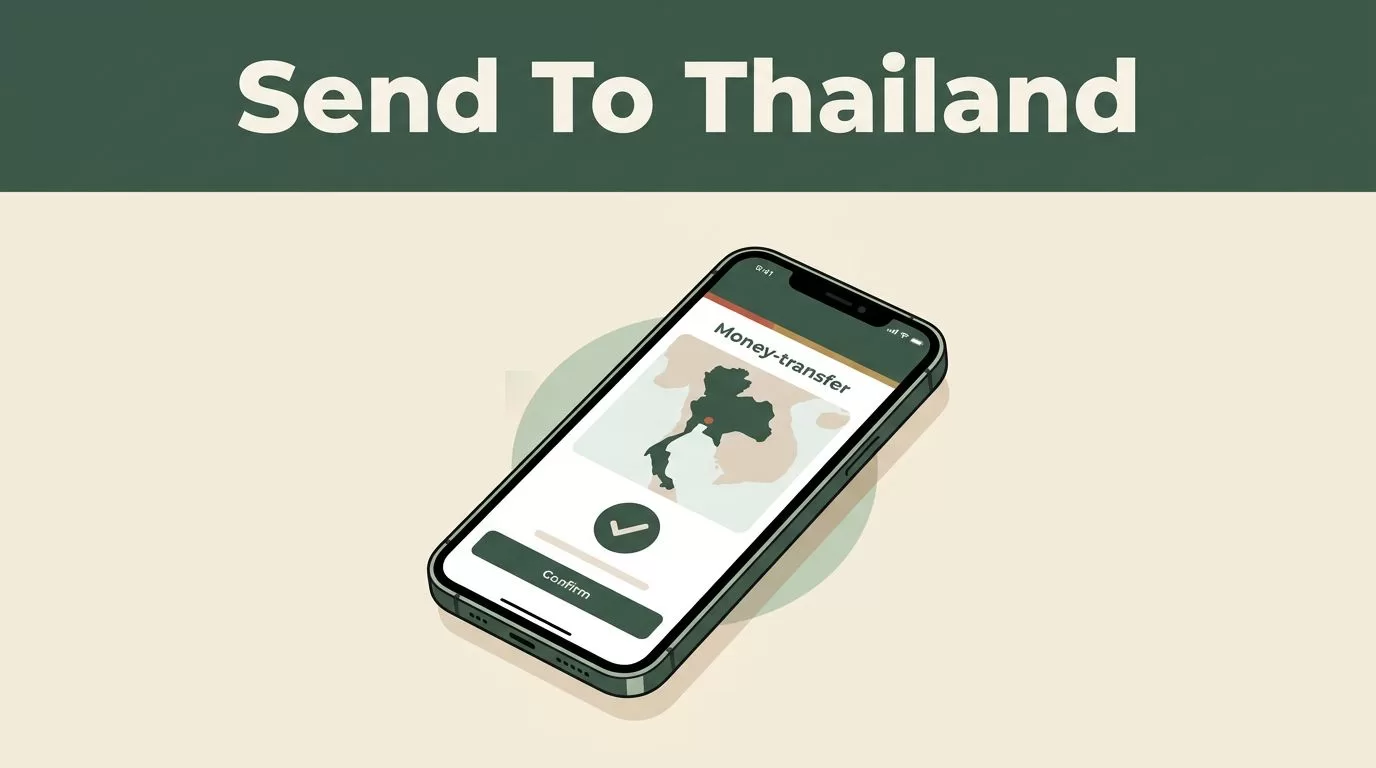
Sending money overseas should not require a branch visit or a confusing wire form. If your goal is to send money Thailand recipients can access quickly, the Remitly mobile app gives you a clear setup, several payout methods, and transfer tracking in one place.
The exact cost and delivery time still depend on your sending country, transfer amount, payment method, recipient location, and selected delivery option. Download the app, enter your transfer details, and review the live quote before you confirm anything.
Why use the Remitly app for Thailand transfers?
Remitly is a digital money transfer service for people sending funds internationally. You can create a profile, add a recipient, choose how the money is delivered, and pay through a supported method on your phone.
Thailand transfers may support several payout choices:
- Direct deposit to a Thai bank account
- Cash pickup at a local partner location
- Debit card deposit
- Mobile money
- Home delivery, where available
The options shown in your account depend on the recipient’s location and the local delivery network. A recipient in Bangkok may see different choices from someone in a rural province.
The official Remitly Thailand transfer page provides the starting point for U.S. customers. Other sending countries use different Remitly pages and may show different currencies, payment methods, fees, and promotions.
You can access Remitly through its mobile app or website. The app is useful when you send regularly because it stores approved recipient details, provides status updates, and keeps your transfer history available.
Security checks are part of the setup. Remitly may ask for government-issued identification and additional information before allowing certain transfers. This process supports identity verification and anti-money laundering requirements. It can also affect your sending limits.
How to send money Thailand through Remitly
The process is short, but accuracy matters. A wrong account number or mismatched legal name can delay delivery.
1. Download the official app
Open the Apple App Store or Google Play Store and search for Remitly. Check the publisher details before installing the application. You can also start through the Remitly official website.
Avoid downloading an app from an unknown website. Never share your Remitly password, verification code, or payment details with someone who contacts you unexpectedly.
2. Create and verify your account
Register with your email address and create a strong password. Enter your sending country and personal details exactly as they appear on your identification documents.
Remitly may request a passport, national ID, driver’s license, or another approved document. Complete the verification request inside the app. Don’t send identification documents through social media or an unofficial email address.
Your verification level can affect how much you can transfer. Remitly applies limits over periods such as 24 hours, 30 days, and 180 days. The app will show any additional requirements when you approach a limit.
3. Select Thailand and enter the amount
Choose Thailand as the destination country. Enter either the amount you want to send or the amount your recipient should receive in Thai baht.
The quote screen should show the exchange rate, transfer fee, delivery speed, and final payout. Review all four items together. A low fee doesn’t automatically mean the transfer is cheapest if the exchange rate is less favorable.
4. Add the recipient
Use the recipient’s full legal name. For cash pickup, the name should match the identification document they will present at the collection location.
For a bank deposit, enter the correct Thai bank name, account type, and account number. Ask the recipient to send these details directly. Don’t rely on an old screenshot or a copied account number.
Add the recipient’s phone number and address when requested. These details help Remitly and its local payout partners process the transaction and contact the recipient if a problem occurs.
5. Choose a payment method and send
Available payment methods vary by sending country. U.S. customers may see Visa and Mastercard debit or credit cards, Discover cards, and prepaid cards. Apple Pay and Maestro availability is limited to certain regions.
Select the payment method shown in your account. Then review the recipient name, payout method, exchange rate, fee, and total amount one final time.
Submit the transfer only after every detail matches your plan. Remitly should provide a confirmation and tracking information after payment is authorized.
Compare the fee, exchange rate, and speed
International transfer costs have two main parts. The first is the visible transfer fee. The second is the exchange rate used to convert your currency into Thai baht.
Currency rates move throughout the day. A quote you saw in the morning may change by the time you send money in the evening. Always check the live rate in the app immediately before authorization.
Remitly’s price also changes based on the transfer amount, payment method, and delivery option. A bank-funded transfer may use a different price than a card-funded transfer. Faster delivery may also cost more.
The official Remitly blog describes a flat fee of USD $0.99 for U.S. transfers to Thailand at the time of publication. Treat that figure as a reference, not a guarantee. Your in-app quote is the current source for your transaction.
New U.S. customers may qualify for a promotional exchange rate and no fee on the first transfer. The stated promotion applies to the first USD 1,999 sent, is limited to one transfer per customer, and may change or end. Check the promotion terms before relying on it.
| Transfer detail | What to check |
|---|---|
| Exchange rate | How many Thai baht the recipient will receive |
| Transfer fee | The charge added to your payment |
| Payment method | Bank account, debit card, credit card, or another supported option |
| Delivery speed | The estimated timing shown for the selected route |
| Total cost | The amount charged to your payment method |
The useful comparison is not the fee alone. Compare the total amount you pay with the exact baht amount delivered.
Select the right payout method for your recipient
The recipient’s needs should determine the delivery option. A bank deposit is practical when the person already uses a Thai bank account and doesn’t need cash immediately.
Cash pickup works better when the recipient doesn’t have a suitable bank account or needs access through a local collection point. The recipient may need a valid government ID and the transfer reference before receiving the funds.
Debit card deposits and mobile money can reduce the steps for recipients who already use those services. Availability depends on the local provider, account type, and location.
Home delivery may be available in selected areas. Don’t assume every Thai address qualifies. The app will show whether the option is available after you enter the recipient’s information.

Remitly may display different speed tiers, including Economy and Express, when the route supports them. Economy can cost less and take longer. Express may arrive sooner but use a different funding method or fee.
The displayed estimate isn’t a universal promise. Bank holidays, compliance reviews, incorrect recipient details, payment delays, and local partner processing can change the delivery time.
The fastest option is not always the best option. Compare the final baht payout against the delivery date you actually need.
Check security, limits, and transfer status
Use a private device and a secure internet connection when you send funds. Keep your app updated. Turn on device security features such as a passcode, fingerprint unlock, or face recognition.
Review every unexpected request for personal information. Remitly support should be accessed through the official app or website, not through a random phone number or social media message.
Sending limits depend on your verification status, transfer history, sending country, and other account factors. Larger transfers may trigger extra questions or document requests. Plan for that possibility when sending a large family payment or business-related amount.
After you submit the transfer, use the tracking feature to monitor its status. The recipient should know the expected payout method and any identification they need. If the transfer remains pending, check the app for a verification request before contacting support.
Review your quote before you send money Thailand
Remitly is useful when you need a mobile workflow for sending money to Thailand. It combines recipient management, multiple payout options, payment choices, and transfer tracking in one account.
The correct decision still depends on the live quote. Fees, exchange rates, delivery speeds, transfer availability, and payout options can vary by sending country, payment method, amount, and recipient location.
Download the Remitly app through an official app store, complete your account verification, and review the current transfer details before sending. A careful final check protects the recipient from avoidable delays and confirms exactly how much Thai baht they will receive.
