How to send money to Bolivia using Remitly
Sending money home shouldn’t require a spreadsheet of exchange rates and bank details. A wrong recipient name or missed fee can delay a transfer when your family needs it. If you need to send money to Bolivia through Remitly, start wi...
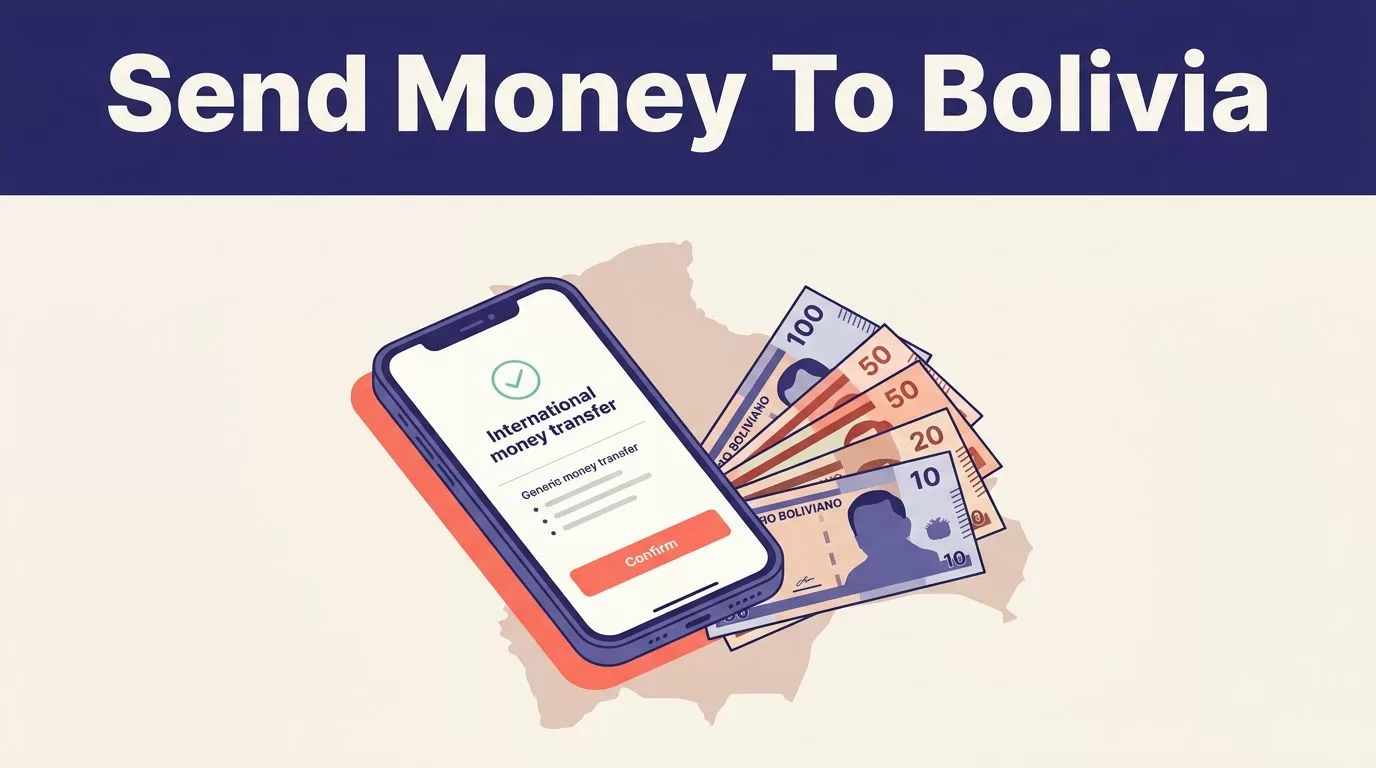
Sending money home shouldn’t require a spreadsheet of exchange rates and bank details. A wrong recipient name or missed fee can delay a transfer when your family needs it. If you need to send money to Bolivia through Remitly, start with the final quote in the app or website, not an old rate from a search result.
Remitly supports transfers from the United States to Bolivia in Bolivianos (BOB), with cash pickup, bank deposit, and mobile wallet options. Your available route depends on where you send from, how you pay, and what the recipient can receive. Follow the steps below, then check every field before submitting.
How to send money to Bolivia with Remitly
Remitly’s official Bolivia transfer page is the correct starting point for a U.S. sender. Use the Remitly app or visit the website directly. Avoid links sent through unexpected emails or messages.
Complete the transfer in this order:
- Create or access your Remitly account. Enter your contact details and complete any identity checks Remitly requests. New accounts may face additional verification before the first transfer is approved.
- Select Bolivia as the destination. Choose the currency the recipient should receive. For a U.S. transfer, this is usually USD to BOB. Enter the amount you want to send or the amount the recipient should receive. The app will calculate the other figure.
- Choose the delivery method and speed. Remitly shows the options available for your route. Speed can depend on your payment method, transfer amount, verification status, recipient provider, and local operating hours.
- Add the recipient. Use the person’s legal name exactly as it appears on their identification or bank account. Add their phone number and the bank, wallet, or pickup details requested by the selected delivery method.
- Select your payment method. Available methods can include debit cards, credit cards, prepaid cards, and other options based on your sending country. In the United States, Remitly lists debit and credit card support, along with Discover card support.
- Review and submit. Check the amount you pay, transfer fee, exchange rate, recipient amount, delivery estimate, and recipient details. Submit only after all five match your plan.
Remitly can ask for more information after submission. Respond through the app or official website. Don’t send identity documents or account details to an unverified contact claiming to represent the company.
Check the Remitly fee and exchange rate before paying
The cost of a remittance has two main parts: the transfer fee and the exchange rate. A low fee doesn’t automatically mean the recipient receives more. Compare the final amount delivered in BOB.
Remitly’s current U.S. USD-to-BOB information lists a $1.99 transfer fee and also advertises first-transfer promotions. These offers aren’t universal. Eligibility, transfer size, payment method, account history, and the sending country can change the displayed terms.
Remitly also publishes promotional exchange-rate terms for some Bolivia transfers. One published offer limits the promotional rate to the first $500 sent. Amounts above the limit may use the standard rate shown in the quote.
Review these figures before you confirm:
- The total amount charged to your card or bank account.
- The transfer fee shown for this transaction.
- The exchange rate applied to USD and BOB.
- The exact amount the recipient will receive.
- Any delivery estimate or guarantee displayed for your route.
The amount shown at checkout is more useful than a general rate advertised on a landing page. Rates can change before you submit. They can also vary between corridors, so a rate for sending from Spain or Germany doesn’t apply to a U.S. transfer. Remitly maintains separate Spain-to-Bolivia transfer information and Germany-to-Bolivia transfer information for this reason.
One more payment warning matters. Your card issuer may treat an international money transfer as a cash advance. That can create a separate fee or interest charge. Check your card terms if you plan to pay with a credit card.
Choose how the recipient receives the money
Your recipient’s access to a bank account or mobile wallet should determine the delivery method. Don’t select cash pickup only because it appears first in the app.

Cash pickup
Cash pickup works when the recipient needs physical Bolivianos or doesn’t use a supported bank. Remitly lists pickup providers and locations in Bolivia. Banco Económico and Banco Nacional de Bolivia are examples shown in Remitly’s provider information, but availability depends on the transfer route and location.
The recipient may need a valid government ID and the transfer reference number. Their name must match the information on the transaction. Ask the recipient to check the pickup location, opening hours, and collection requirements before traveling.
Bank deposit
A bank deposit sends the money to the recipient’s account. It removes the need to visit a pickup location, but the account details must be accurate.
You may need the recipient’s bank name, account number, legal name, and contact information. Remitly’s supported banks and disbursement methods can change. Confirm the provider shown in your quote before paying.
Mobile wallet
A mobile wallet can be useful when the recipient manages money through a supported phone-based account. The mobile number and wallet registration must match the recipient information entered in Remitly.
Wallet availability is route-specific. Check the app for the supported wallet, maximum amount, delivery estimate, and any recipient requirements.
The delivery option is part of the transaction, not a minor preference. It determines the provider, recipient information, timing, and collection process.
Prepare recipient details and track the transfer
Collect the recipient information before you start. This reduces errors and prevents you from guessing during checkout.
For cash pickup, verify the recipient’s full legal name and phone number. The recipient may also need a government-issued ID and the reference number.
For a bank deposit, confirm the bank name, account number, account holder name, and any additional fields Remitly requests. Don’t copy an account number from an old message without checking it with the recipient.
For a mobile wallet, confirm the wallet name and the phone number registered to it. A wrong number can send the transfer into review or prevent delivery.
After payment, Remitly provides a confirmation and tracking details. Save the transaction number, receipt, payment record, and recipient information. The app or website can show the current status and any action needed from you or the recipient.
Status descriptions can include processing, sent, available for pickup, deposited, or completed. The exact wording may vary. If the status hasn’t changed within the estimate shown at checkout, review the transfer details before contacting support.
Don’t create a second transfer while the first one is pending. Duplicate transfers can create two charges and two delivery attempts.
Handle delays, cancellations, and common errors
Several routine issues can delay a Remitly transfer:
- The recipient’s name doesn’t match their ID or bank record.
- A bank account or wallet number is incomplete.
- Remitly requests additional identity verification.
- The payment fails or the card issuer rejects the transaction.
- The recipient provider is closed or unavailable.
- The transfer reaches a review stage because of amount, account, or compliance checks.
Start by opening the transaction in the Remitly app. Check for a missing document, failed payment, or correction request. If support is needed, provide the transaction number and describe the exact status. Don’t share your account password or one-time security code.
Cancellation depends on the transfer status. If the money hasn’t been collected or deposited, you may be able to request cancellation through Remitly. Once the recipient receives the funds, cancellation or recovery may not be possible. Fees and refund timing also depend on the transaction terms.
Use the recipient’s phone number to confirm whether they received the money. Don’t rely only on a text message or screenshot. Check the transaction status in your own Remitly account.
Protect your money before you send
Use the official Remitly app or type the website address yourself. Keep your account password, verification codes, card details, and identity documents private.
Confirm the recipient through a separate channel before you submit. Verify the legal name, phone number, bank account, or wallet number. A message that says the recipient has changed their details should be treated as unverified until you confirm it directly.
Don’t send money to someone who pressures you to act immediately. Be cautious with requests involving job offers, investment returns, romance, prizes, emergency stories, or payment reversals. Remittance transfers are difficult to recover after cash pickup or account deposit.
Only enter the information required for the transaction. Keep the receipt and delete unnecessary copies of sensitive documents from shared devices. Review Remitly’s current terms and privacy information before using the service, especially if another person is helping manage your account.
Final thoughts
To send money to Bolivia safely with Remitly, choose the right delivery method, enter the recipient’s details exactly, and review the final USD-to-BOB quote before payment. Fees, rates, limits, promotions, and delivery times can change, so the app’s final confirmation is the transaction record that matters.
Save the tracking number and wait for the first transfer to reach a clear status before sending another one. A few minutes of verification can prevent a fee, delay, or failed delivery later.
