Send Money to Indonesia Fast With Remitly
If you search for “send money Indonesia”, you probably want one result: a transfer your recipient can use without a long setup or an unexpected cost. Remitly supports several delivery methods on its current US-to-Indonesia route...

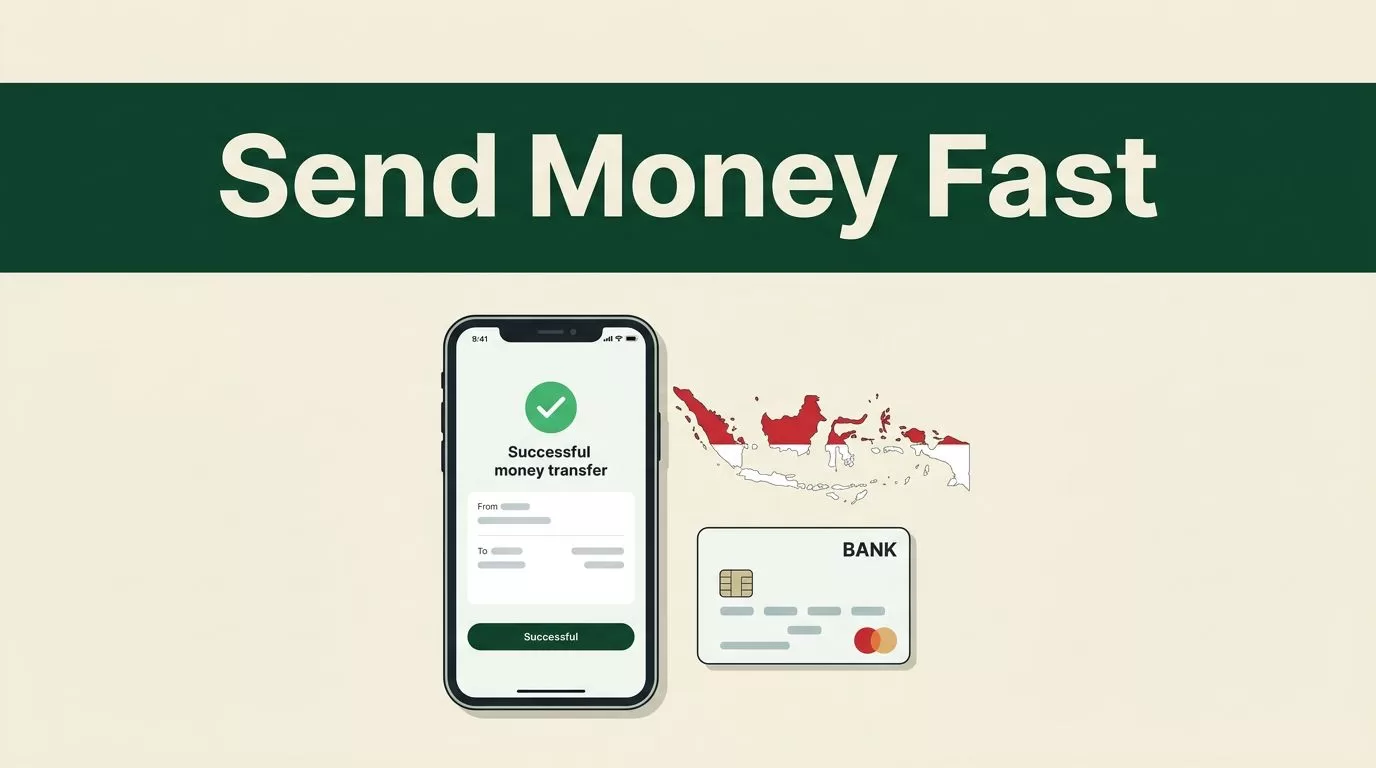
If you search for “send money Indonesia”, you probably want one result: a transfer your recipient can use without a long setup or an unexpected cost.
Remitly supports several delivery methods on its current US-to-Indonesia route, including bank deposit, cash pickup, and mobile wallet transfers. Express is the faster service option, but the actual delivery time depends on the payout method, payment method, transaction review, and system availability.
The process is simple when you prepare the recipient details first. Use the live quote in the Remitly app or website, select the right delivery option, and review every final detail before sending.
How to use Remitly for “send money Indonesia” transfers
Remitly lets you start a transfer through its mobile app or website. You create an account, verify your identity, choose Indonesia as the destination, enter the amount, and select how the recipient should receive the funds.
For senders in the United States, Remitly’s Indonesia service currently shows bank deposits, cash pickup, and mobile wallet delivery. The options displayed for your transaction may differ based on your sending country, the recipient’s location, and the amount you send.


You also need to complete identity verification. Remitly may request government-issued identification or additional information before allowing a transfer. This requirement supports financial compliance and can affect when the transfer is released.
Prepare the recipient information first
Collect the details before opening the transfer form. The exact requirements depend on the delivery method.
For a bank deposit, you may need the recipient’s:
- Full legal name
- Bank name
- Account number
- Account type
- Phone number or address, if requested
For cash pickup, use the recipient’s legal name exactly as it appears on their identification. A mismatch can prevent them from collecting the money.
Mobile wallet transfers may require the recipient’s registered phone number or wallet account details. Ask the recipient to confirm the information before you submit it. A small entry error can send the transfer into a correction or review process.
Choose the right payout method in Indonesia
The fastest option isn’t always the most useful option. Choose the delivery method based on what your recipient can access today.
Bank deposit
A bank deposit sends the money directly to the recipient’s Indonesian bank account. This is practical for regular support, rent payments, school expenses, and household bills.
The recipient doesn’t need to visit a cash pickup location. They can use the funds through their bank account once the deposit is completed.
Remitly’s available bank list is route-specific. Depending on the transaction, the app may display major Indonesian banks such as BCA, BRI, Bank Mandiri, BNI, or CIMB Niaga. Select the exact bank shown for the recipient instead of guessing from a similar name.
Cash pickup
Cash pickup works when the recipient needs physical cash or doesn’t have a suitable bank account. Remitly provides a pickup location based on the recipient’s area and available local partners.
The recipient normally needs a valid form of identification and the transfer reference details. Pickup availability can vary by location, so confirm that the selected site is convenient before sending.
Cash pickup also requires more coordination. Tell the recipient when the transfer is ready and share the reference information through a private channel.
Mobile wallet
A mobile wallet can be useful when the recipient already manages daily payments through a supported wallet. It removes the need to visit a bank or cash location.
Wallet availability depends on the route and the recipient’s account. Check the wallet name and account information shown in the app. Don’t assume that every Indonesian wallet is supported.
The phrase “send money Indonesia” covers several different use cases. Bank deposit usually fits recurring transfers. Cash pickup fits urgent access. Wallet delivery fits recipients who already use a supported account.
Complete a Remitly transfer step by step
Follow this sequence to reduce errors and avoid restarting the transfer.
- Create your Remitly account. Register with your email address or another supported sign-in method. Use your real information because the account may need identity verification.
- Verify your identity. Upload the requested identification and provide any additional details Remitly asks for. Verification requirements can vary by sending country, payment method, and transaction.
- Select Indonesia as the destination. Enter the amount you want to send or the amount you want the recipient to receive. The app will calculate the transfer details in the applicable currencies.
- Choose the delivery method. Select bank deposit, cash pickup, or mobile wallet when available. Enter the recipient’s information exactly as requested.
- Select the speed and payment method. Remitly may show Express and Economy options. Express is designed for faster delivery, while Economy is the slower option. The quote can change when you switch between a bank account, debit card, credit card, or another supported payment method.
- Review and pay. Check the recipient name, account or wallet details, delivery method, transfer fee, exchange rate, payment amount, and expected recipient amount. Confirm the final quote before authorizing payment.
After submission, save the confirmation details. Remitly may provide status updates through the app, email, or text message. The recipient may also receive instructions for a cash pickup or wallet deposit.
A transfer can be fast only after the payment clears and the transaction passes any required review. The displayed delivery estimate is not a guarantee.
Check the final fee, exchange rate, and delivery time
The amount your recipient receives depends on more than the transfer fee. The exchange rate, payment method, delivery method, and promotional pricing can all affect the final result.
Exchange rates change throughout the day. Don’t calculate the recipient’s amount using an old search result or a separate currency converter. Use the live Remitly quote immediately before you send.
Independent pricing reviews can help you understand the difference between a visible fee and the exchange-rate margin. For background, compare this Remitly fees guide with the quote displayed in your account. The article can provide context, but your in-app price is the figure that applies to your transaction.
Transfer speed also varies. Remitly describes many eligible transfers as arriving within minutes, but the result depends on the selected route and payout method. Express may be the fastest choice when available, especially when you pay with a debit or credit card. Economy transfers can take longer, with third-party coverage often describing delivery windows of one to five business days.
Don’t treat a published estimate as a promise. A transfer may take longer when Remitly requests more information, the payment method takes time to clear, a bank is closed, or the payout partner has a processing delay.
Pricing also differs by sending market. A Remitly transfer review can help you compare general fees, rates, and limits, but it doesn’t replace the quote for your account. Even a country-specific Remitly pricing guide may describe a different market than yours.
Before clicking the final send button, confirm these five fields:
- The sender amount
- The recipient amount
- The exchange rate
- The total fee
- The estimated delivery time
If any figure changes after you switch payment or payout methods, review the complete quote again.
Avoid delays and security errors
Most preventable problems come from incorrect recipient information. Copy the bank account or wallet details from a trusted source. Ask the recipient to confirm them in writing before you submit the transfer.
Use the recipient’s legal name for cash pickup. Nicknames, shortened names, and spelling differences can create problems when the local partner checks identification.
Your payment information must also match the account requirements. A declined card, incorrect billing address, expired card, or insufficient bank balance can delay the transfer before Remitly sends it to Indonesia.
Keep your Remitly login and verification codes private. Use the official Remitly app or website, and don’t send account credentials through social media messages. If someone asks you to redirect the transfer to a different person after payment, stop and verify the request through a trusted contact method.
Large or unusual transfers can receive additional review. Respond promptly if Remitly requests documents or clarification. Don’t send money until you understand why the review is required and what information the company needs.
The “send money Indonesia” workflow is operationally simple, but every field still matters. A fast service cannot correct an incorrect account number or a recipient name that doesn’t match their identification.
Conclusion
Remitly gives eligible senders a practical way to transfer money to Indonesia through bank deposit, cash pickup, or mobile wallet delivery. Express may provide the quickest route, while Economy may suit transfers where timing is less urgent.
Prepare the recipient’s details, select the payout method carefully, and compare the live fee, rate, and delivery estimate. Review the final transfer details before sending, because the quote and available options can change by route, payment method, and recipient location.

