Send Money to Indonesia with Remitly: A Practical Guide
Sending money across borders can fail for simple reasons. The recipient name may not match their bank record. The selected payout method may not be available in their area. The exchange rate may change before you confirm the transfer. If yo...

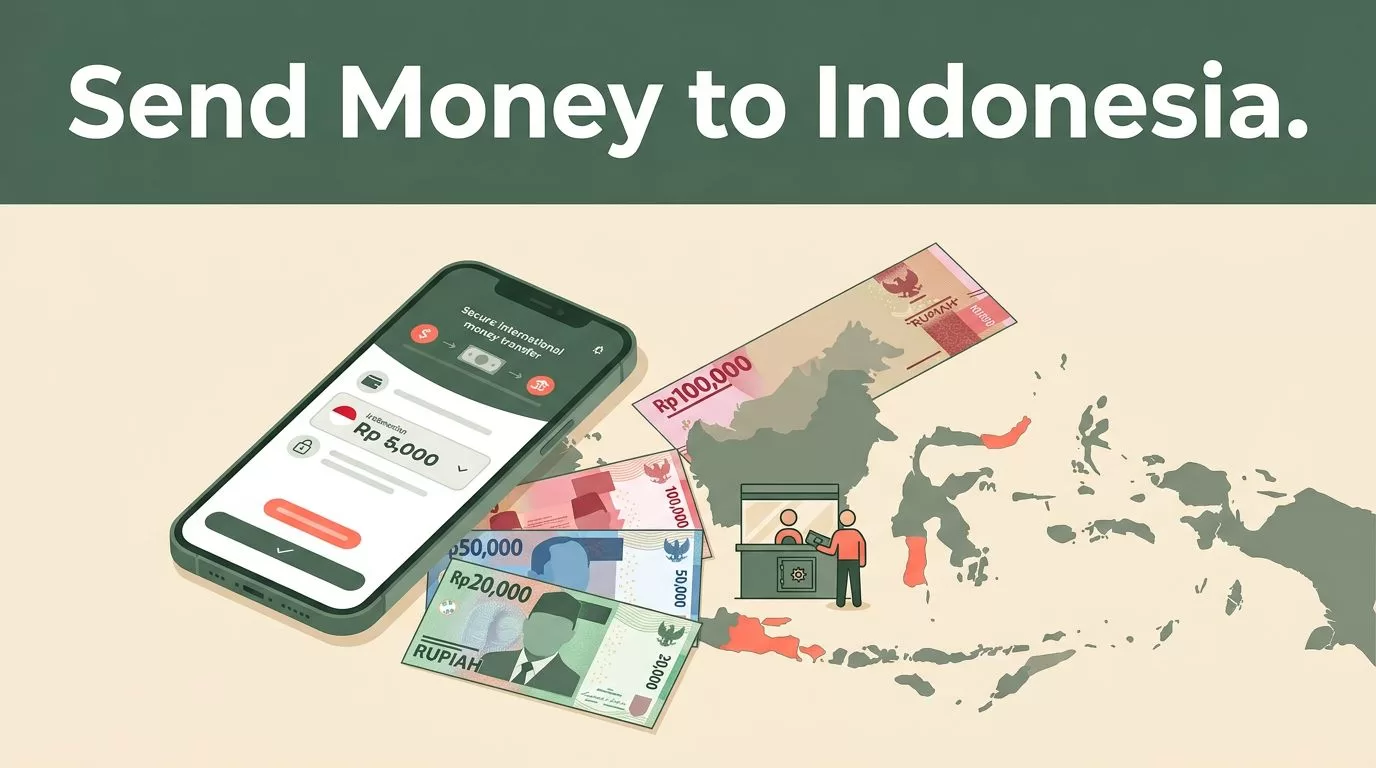
Sending money across borders can fail for simple reasons. The recipient name may not match their bank record. The selected payout method may not be available in their area. The exchange rate may change before you confirm the transfer.
If you need to send money to Indonesia, Remitly gives you a structured process for checking the rate, choosing delivery speed, and selecting bank deposit or cash pickup. The live quote matters more than an old fee example or a search result.
What to check before sending money to Indonesia
Start with the recipient. Confirm how they want to receive the funds and ask for the exact details tied to that method.
Remitly may support bank deposits and cash pickup for recipients in Indonesia. Available providers can vary by route, but coverage may include major banks such as BCA, Bank Mandiri, BNI, and BRI. Cash pickup may also be available through local partners, including PT Pos Indonesia.
The receiving amount can change when you switch between payout methods. A bank deposit may produce a different quote from cash pickup. Your payment method can also change the total cost. A bank-funded transfer may not have the same price as a debit-card-funded transfer.
Check these items before you create the transfer:
- The amount you want to send.
- The currency your recipient should receive, usually Indonesian rupiah (IDR).
- The recipient’s legal name.
- The recipient’s bank or cash-pickup details.
- Your available payment method.
- The estimated delivery time.
- The total cost and expected amount received.
Fees, exchange rates, delivery speeds, limits, and payout methods vary by sending country, payment method, transfer amount, and recipient location. A quote for a sender in the United States won’t necessarily match a quote for someone sending from the United Kingdom, Canada, Australia, or another country.
Use Remitly’s official transfer service to view the current route, eligibility requirements, and available options for your sending country.


How to send money to Indonesia with Remitly
The setup process is short, but accuracy matters. Complete each step in order.
1. Create and verify your account
Open Remitly on its website or mobile app. Create an account with your email address and complete the requested identity checks.
First-time senders commonly need a government-issued photo ID. Remitly may request additional information based on your sending country, transfer amount, payment method, or account history. This verification supports financial compliance and can affect your sending limits.
Don’t wait until an urgent transfer to create your profile. Verification can take longer if your details don’t match your identification documents.
Remitly also provides first-time international transfer guidance that explains the information new senders may need.
2. Set Indonesia as the destination
Select Indonesia as the receiving country. Enter the amount you want to send, or enter the amount your recipient should receive in IDR.
These two inputs produce different results. If you enter the amount in your home currency, Remitly calculates the expected rupiah amount. If you enter the target IDR amount, it calculates how much you need to pay.
Review both figures. The amount your recipient receives is the number that matters for household bills, tuition, medical costs, or other planned expenses.
3. Select delivery speed
Remitly commonly presents two options:
- Express is designed for faster delivery and often costs more.
- Economy is designed for lower-cost delivery and may take longer.
The actual delivery estimate depends on the funding method, payout method, operating hours, verification status, and recipient location. Remitly says more than 90% of funded transfers on its general service are delivered in under an hour, but that figure isn’t a guarantee for every Indonesia transfer.
For U.S. customers receiving IDR, one Remitly-published example lists a US$2.99 Express fee. Treat that as a route example, not a permanent price. Your live quote is the correct source for the transaction you are creating.
4. Add the recipient
Enter the recipient’s name exactly as it appears on their identification or bank account. Don’t shorten the name or use a nickname.
For a bank deposit, you may need the bank name, account type, account number, legal name, and contact information. Cash pickup may require the recipient’s legal name and contact details.
A spelling difference can trigger a review or delay. Ask the recipient to send their details in writing. Then compare every field before you continue.
5. Pay and track the transfer
Choose an available payment method. Depending on your country, Remitly may support a bank account, debit card, credit card, prepaid card, or other local payment options. Apple Pay or Google Pay may be available in some markets.
Review the final quote before authorizing payment. Confirm the fee, exchange rate, delivery option, funding source, and expected IDR amount.
After payment, use the transfer status inside your Remitly account. Keep the confirmation number until the recipient confirms receipt.
Compare fees, exchange rates, and delivery speeds
The visible transfer fee is only one part of the cost. The exchange rate also affects how many rupiah arrive.
Suppose two options show similar fees. One may still deliver less IDR because it uses a less favorable exchange rate. Compare the total amount paid with the final amount received.
Use the live quote immediately before sending. Exchange rates can change during the day, and a rate shown in an old article won’t control your current transfer.
| Transfer factor | What to check |
|---|---|
| Transfer fee | The charge shown for your amount and delivery option |
| Exchange rate | The rate used to convert your currency into IDR |
| Payment cost | Any difference caused by bank account, card, or local payment funding |
| Delivery speed | The estimated arrival time shown before confirmation |
| Recipient amount | The final IDR amount scheduled for delivery |
| Sending limit | The maximum available for your account and route |
For U.S.-to-Indonesia transfers, Remitly-published guidance has listed initial limits of US$2,999 in 24 hours, US$10,000 in 30 days, and US$18,000 in 180 days. These figures shouldn’t be treated as universal limits. Remitly can apply different limits based on the sending country, verification level, transfer history, and other compliance checks.
A higher transfer may require additional identity documents. Split transfers also don’t guarantee approval, faster delivery, or lower cost. Check the limit shown in your account before planning a large payment.
The cheapest transfer is the one that delivers the required IDR amount through a method the recipient can actually use.
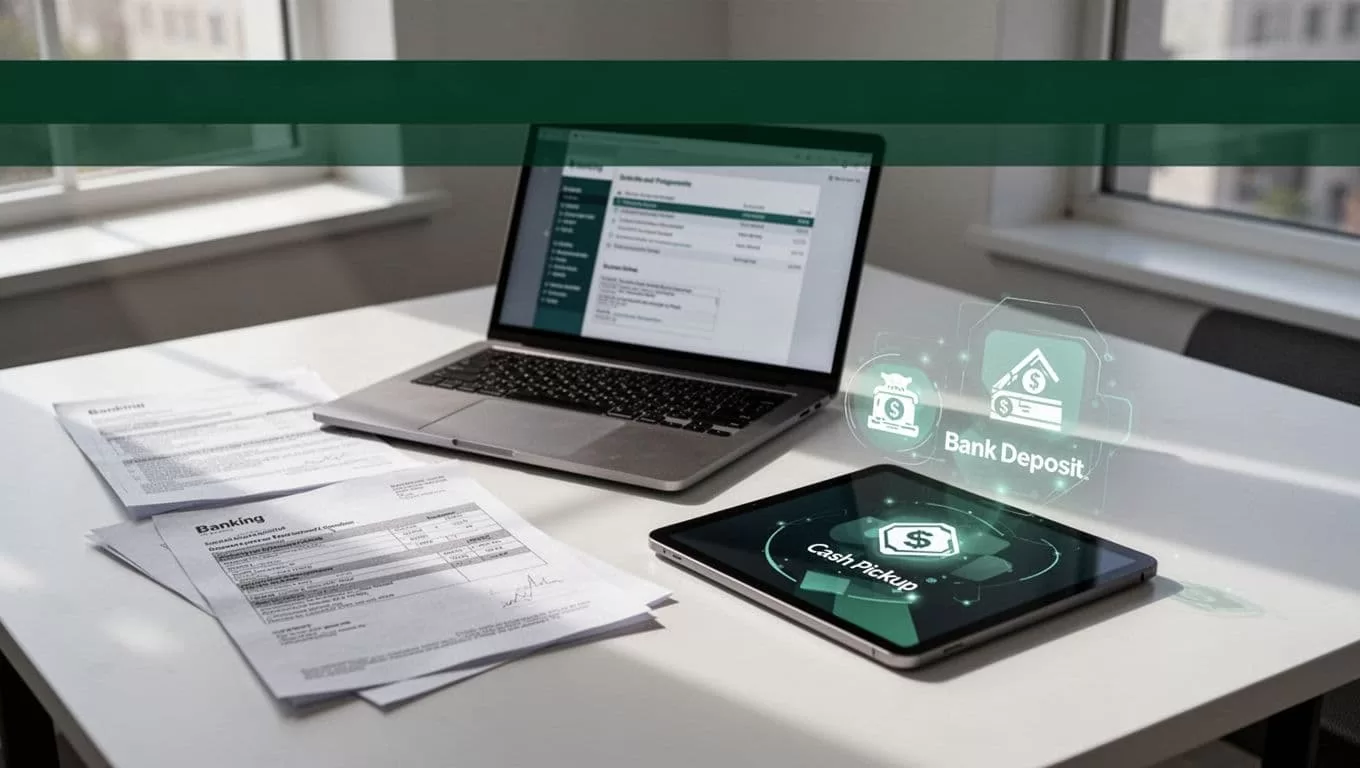
Choose bank deposit or cash pickup
Bank deposit is usually the better operational choice when the recipient has an active Indonesian bank account. The funds go directly into that account, so the recipient doesn’t need to travel to a pickup location.
Confirm the account number and account-holder name before sending. Ask whether the account can receive the transfer and whether the recipient expects funds in IDR.
Cash pickup is useful when the recipient doesn’t have a suitable bank account or needs access to physical cash. The recipient may need valid identification and the transfer reference when collecting the funds. Pickup locations and operating requirements vary by partner.
Delivery speed can also differ between payout methods. An Express option may arrive quickly, but verification, bank processing, weekends, holidays, and local operating hours can affect the result.
Ask the recipient two direct questions before you send:
- Do you want a bank deposit or cash pickup?
- Which exact name and account details should I use?
That short check prevents many failed payouts.
Verify the transfer and protect your account
Review the recipient information twice. Compare the legal name, bank name, account number, phone number, and payout location against the details supplied by the recipient.
Don’t share your Remitly password, one-time verification code, card security code, or banking login with anyone. Remitly won’t need your banking password to complete a normal transfer.
Use only the official Remitly website or mobile app. Avoid links sent through unsolicited messages. A request to pay an extra release fee or send funds to a different account is a reason to stop and verify the transaction through official support.
Keep records of the confirmation number, payment amount, exchange rate, fee, and recipient amount. These details help you identify the transfer if the recipient reports a delay.
If a transfer is held for review, don’t create another transfer immediately. Check the status and follow the instructions shown in your account. Duplicate transfers can create a second payment problem while the first one is still being processed.
Conclusion
Remitly gives you a clear workflow to send money to Indonesia, but the quote and recipient details determine whether the transfer works as planned. Check the live exchange rate, compare Express and Economy delivery, and select a payout method that matches the recipient’s account or location.
Fees, limits, speeds, and available payment methods can change by route and transaction details. Confirm the final quote and eligibility inside Remitly before you authorize payment. Accurate recipient information is still the simplest way to prevent delays.

