Download the Remitly App to Send Money to Nepal
If you need to send money to Nepal, Remitly gives you a clear mobile workflow for bank deposits, cash pickup, and eligible digital wallets. You can download the app, verify your identity, add your recipient, and review the complete quote be...


If you need to send money to Nepal, Remitly gives you a clear mobile workflow for bank deposits, cash pickup, and eligible digital wallets. You can download the app, verify your identity, add your recipient, and review the complete quote before paying.
The correct choice depends on your sending country, payment method, transfer speed, and the recipient’s location in Nepal. Follow the steps below, then verify the live exchange rate, fee, delivery time, and payout amount inside the app before you confirm.
Why Remitly Is a Practical App for Nepal Transfers
Remitly is built for international transfers through a mobile app or web browser. The service supports multiple payout methods in Nepal, but the exact choices depend on your sending country and the recipient’s location.
A recipient with a bank account may receive a direct deposit. Someone without convenient banking access may prefer cash pickup at a local partner. Eligible recipients may also receive funds through a supported mobile wallet, such as eSewa, when that option appears in the app.
You can review the official Remitly website before downloading. Use the version available for your country. A United States sender, for example, sees different pricing and payment options than someone sending from the United Kingdom, Canada, Australia, or the United Arab Emirates.
Remitly also uses identity verification before completing some transfers. This protects the account and supports compliance requirements. You may need a government-issued ID and additional information based on your account, transfer amount, or sending history.

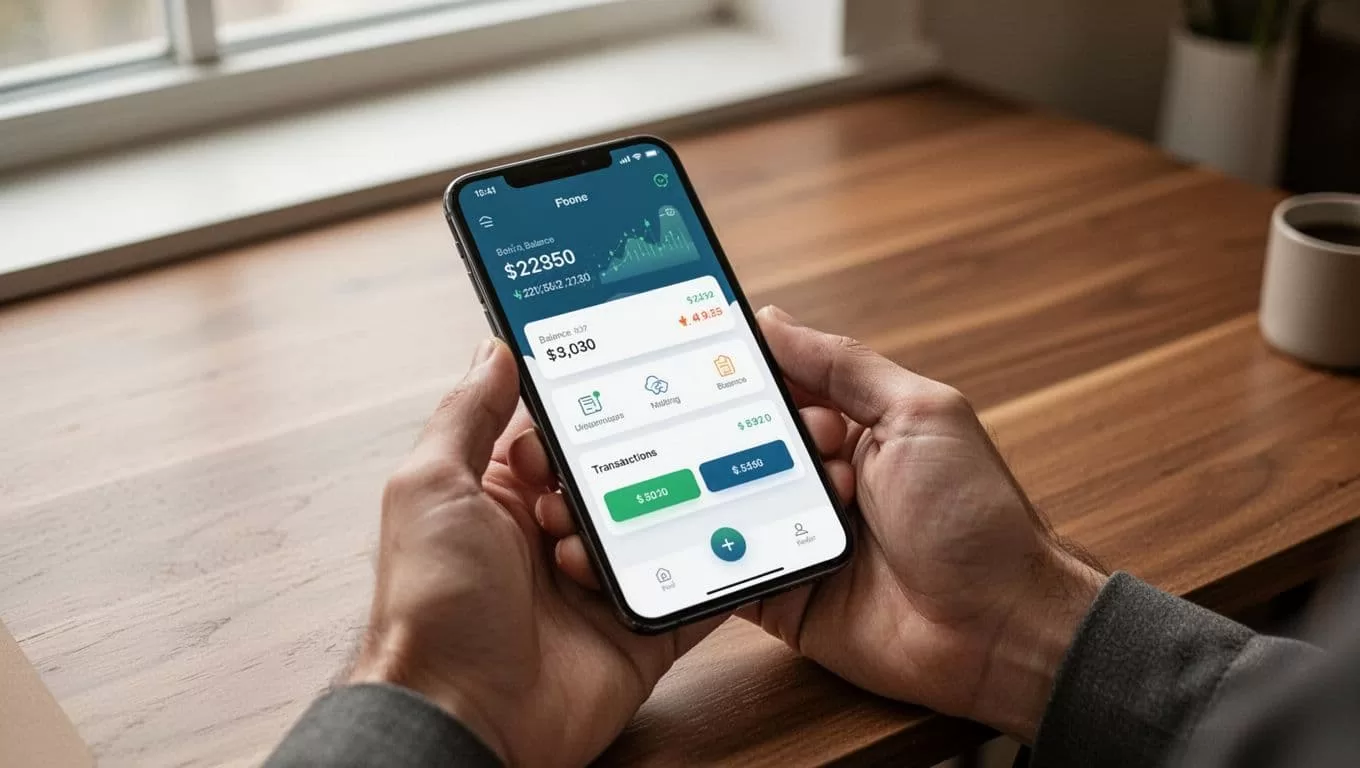
Download and Set Up the Remitly App
Use an official download route
Open the Apple App Store or Google Play Store on your phone. Search for Remitly and confirm that the publisher and app details match the official service.
Don’t install an APK or mobile application from an unknown download site. A search result can lead to a copied app designed to collect login details or payment information.
You can also use Remitly through a browser. Type the official website address yourself or use a trusted bookmark. This avoids lookalike pages that imitate the login screen.
Create and verify your account
Open the app and register with your email address. Create a unique password that you don’t reuse for banking, email, or social media accounts.
Remitly may ask you to verify your identity before the first transfer. Follow the in-app instructions and submit clear information. Don’t enter a nickname if the app requests your legal name.
Prepare your recipient’s information before starting. The required details change with the payout method:
- Bank deposits usually need the recipient’s legal name, bank name, account type, account number, and contact details.
- Cash pickup generally needs the recipient’s legal name and phone number.
- Mobile wallet transfers may require the phone number or wallet account details linked to the recipient’s account.
A spelling error can delay a transfer. For cash pickup, the recipient’s name should match their government-issued ID.
How to Send Money to Nepal With Remitly
Remitly’s step-by-step Nepal guide follows a simple process. The screens may differ by sending country, but the main workflow stays similar.
- Open the Remitly app and sign in. Start a new transfer from your account dashboard.
- Select Nepal as the destination. Choose the currency you want the recipient to receive, usually Nepalese rupees, when the app presents that option.
- Enter the transfer amount. You may enter the amount you want to pay or the amount your recipient should receive. Check which field you are using before continuing.
- Choose the delivery method. Select bank deposit, cash pickup, or a supported mobile wallet. The recipient’s location can determine which options are available.
- Add the recipient. Enter the legal name and contact information exactly as requested. Use the recipient’s bank details for a deposit or the correct mobile number for a wallet transfer.
- Select your payment method. Remitly may support a bank account, debit card, credit card, or a mobile payment option such as Apple Pay where available. Payment choices vary by sending country.
- Review the quote and confirm. Check the exchange rate, transfer fee, total amount charged, expected delivery time, and the final amount in Nepalese rupees. Confirm only after the details match your plan.
After payment, save the transfer reference number. Use the app to view status updates and share the tracking information with the recipient when appropriate.
Compare Delivery Options, Fees, and Speed
The right payout method depends on how the recipient uses money and how quickly they need access. The app displays the available options for the selected destination and recipient details.
| Delivery option | Works well for | Details to check |
|---|---|---|
| Bank deposit | Recipients with an active Nepalese bank account | Bank name, account number, account type, and delivery estimate |
| Cash pickup | Recipients who need physical cash | Partner location, recipient ID requirements, and pickup hours |
| Mobile wallet | Recipients who use an eligible wallet | Correct phone number, wallet account status, and payout limits |
Bank deposits reduce the need for travel. Cash pickup can help when the recipient doesn’t have a suitable bank account. Mobile wallets can be useful for recipients who already manage daily payments through their phone.
Some Nepal corridors list partners such as eSewa for wallet delivery or NepalRemit for cash pickup. These partner choices aren’t available to every sender or recipient. Treat the options shown in your own checkout screen as the current list.
Remitly may show Economy and Express delivery choices in eligible corridors. Economy transfers often use lower-cost funding routes, while Express transfers may use a card and offer faster delivery. The fee and speed can change when you switch payment methods or payout types.
Exchange rates also change during the day. Your total cost includes the visible transfer fee and the exchange rate used for the currency conversion. A transfer with no displayed fee can still produce a different recipient amount if the exchange rate changes.
A July 21, 2026 U.S.-to-Nepal comparison showed a $0 Remitly fee on several sample transfers of $500 or more. That result doesn’t apply to every sender, amount, or payment method. Use it as historical context, not as a promise about your quote.
The in-app quote matters more than an old rate table. Review the exact recipient amount immediately before payment.

Check the Quote Before You Pay
Run the same transfer through each available delivery and payment option. A bank-funded Economy transfer may produce a different result than a debit-card Express transfer.
Check these fields before you authorize the payment:
- The amount leaving your account.
- The exchange rate from your sending currency to Nepalese rupees.
- The transfer fee and any payment-related charge.
- The amount the recipient will receive.
- The expected delivery date or time window.
- Any promotion, eligibility condition, or verification request.
Promotional rates may apply to a first transfer and then change on later transactions. The offer may also depend on your sending country, amount, payment source, or delivery method.
If you want to compare providers, compare the final amount received rather than the headline fee. An overview of Remitly’s features can help explain how remittance services differ, but only a live quote shows what your transaction costs today.
Avoid Common Transfer Problems
Most delays start with incorrect recipient information. Ask your recipient to send their details through a trusted channel. Copy the information carefully, then check every number before submitting it.
For bank deposits, confirm the bank name, account type, account number, and legal name. For mobile wallets, verify that the phone number matches the account registered with the wallet provider. For cash pickup, use the name printed on the recipient’s identification.
Don’t send money to a person who pressures you to bypass verification or asks for your Remitly password, card number, or one-time security code. Remitly support won’t require you to share sensitive login credentials with another person.
Transfers can also be delayed by account reviews, payment authorization problems, incorrect details, local partner hours, or sending limits. If the status doesn’t change within the displayed delivery window, check the app’s help and support options. Don’t create a second transfer before you understand the status of the first one.
Is Remitly the Best App to Send Money to Nepal?
The best app depends on your route and the recipient’s needs. Remitly is a practical choice when it offers the payout method your recipient wants and the live quote fits your budget.
Use the app to compare bank deposit, cash pickup, and wallet delivery before selecting a speed tier. Then compare the final Nepalese rupee amount, not only the transfer fee.
If you’re sending from the United States, Remitly’s Nepal transfer page provides country-specific information. Senders elsewhere should use the Remitly version for their own country because available payment methods, promotions, fees, and limits can differ.
Review the Live Quote and Send With Confidence
Remitly makes it possible to set up an account, choose Nepal, add a recipient, select a payout method, and track the transfer from one app. The process is straightforward when the recipient details are accurate.
Don’t rely on a general exchange-rate page or a promotion from an older transfer. Check the live rate, fee, delivery speed, and payout amount inside the app. When you send money to Nepal, the quote shown before payment is the figure that controls your decision.

