How I Download the Remitly App to Send Money to the Philippines
You know that moment when family back home needs cash quick? I felt it last month. My cousin in Manila faced a bill, and banks dragged their feet with high fees. That’s why I grabbed the Remitly Philippines app. It cuts through the ha...

You know that moment when family back home needs cash quick? I felt it last month. My cousin in Manila faced a bill, and banks dragged their feet with high fees. That’s why I grabbed the Remitly Philippines app. It cuts through the hassle. Now I send money fast from my phone.
This app fits my routine. I work with remote teams, so cross-border payments happen often. Remitly handles USD to PHP transfers with clear costs and options. Fees, rates, and times shift by route, but the app shows everything upfront. Let me walk you through how I do it.
How to Download the Remitly App
I start on my phone’s app store. Android users head to Google Play. iPhone folks open the App Store. Search “Remitly.” The icon pops up first, blue with a simple design.
Tap install. It takes seconds, under 100MB. Once loaded, I open it and sign up with email or phone. They ask for ID verification later, but you send right away on first transfers sometimes. I like the quick start.

The app feels clean, like a banking tool without the clutter. Push notifications alert me on rates or promos. New users get perks, such as better exchange rates on the first send. I always check Remitly’s mobile app page for updates. In April 2026, it supports 175+ countries, Philippines high on the list.
After download, I set a PIN. Security locks it tight, with biometrics if your phone allows. No more app store hunts. It’s ready for transfers.
Sending Money with the App Step by Step
I open the Remitly app and pick “Send Money.” Enter the amount, say $200. It shows speed options right away: Express for quick delivery or Economy to save cash. Then choose Philippines.
Next, recipient details. Add name, phone, or bank info. Save contacts for repeats. The app estimates PHP received, fees, and arrival. For example, first transfers hit $0 fees for bank or wallet deposits.

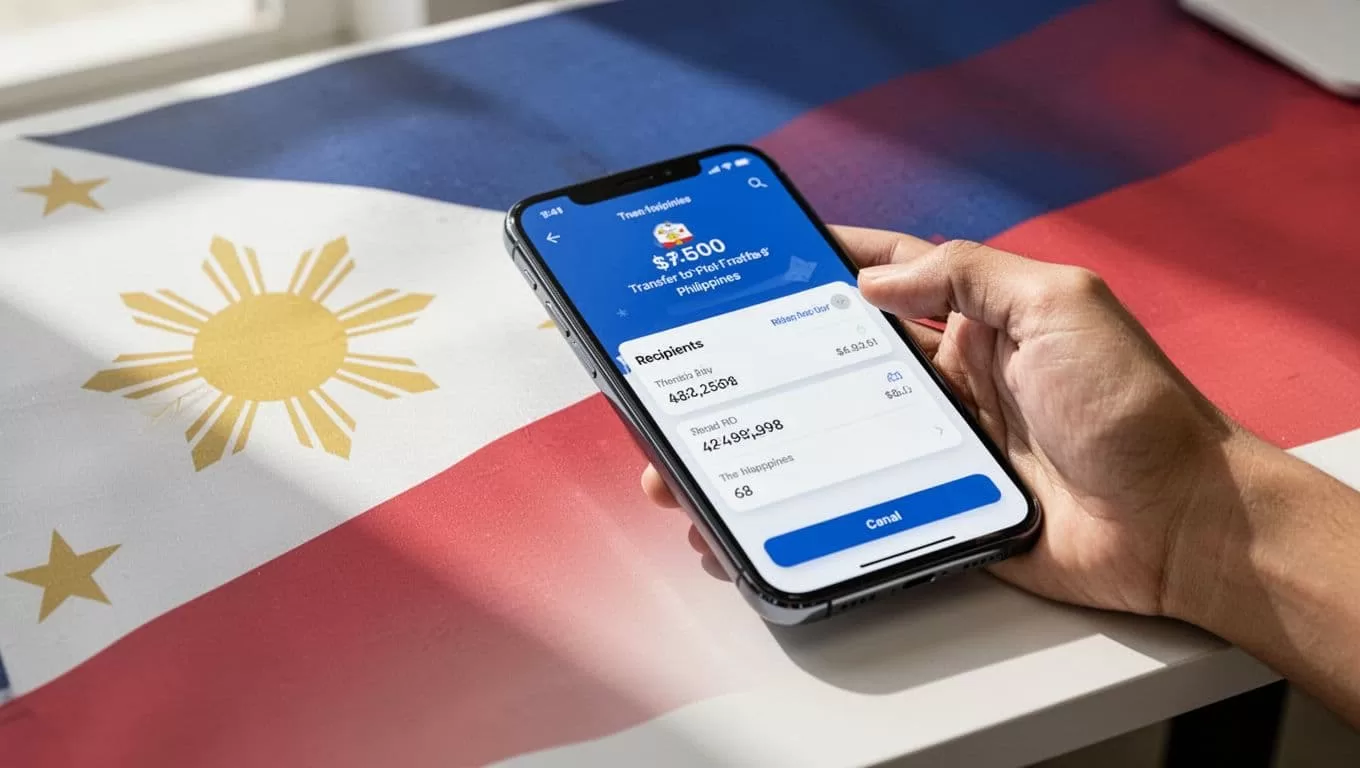
Pay with debit card, bank, or ACH. I use debit for speed. Review everything: promo rates like 62.83 PHP per USD on first $1,000, then standard around 56 PHP. Fees kick in after, $4.99 for cash pickup on regular speed. Track live in the app.
Limits reach $100,000 per transfer, no daily cap. I sent $500 last week; it cleared in hours. App features shine here: edit details, repeat past sends, refer friends for credits. Always verify live quotes, as they change.
If I need business-scale sends, I compare with tools like Wise business payments for overseas clients. Remitly suits personal quick hits.
Delivery Options in the Philippines
Recipients love choices. I pick based on their setup. Bank deposit goes to BPI, BDO, Metrobank, RCBC, or PNB. Fast for account holders.
Cash pickup works at Cebuana Lhuillier, M Lhuillier, SM, or LBC. They show a code, grab pesos same day on Express.

Mobile wallets like GCash or Maya load direct. Home delivery or debit card deposits round it out. Check Remitly’s Philippines page for partners.
Times vary: Express often same or next day; Economy 2-5 days. Urban spots faster than rural. I text the barcode or details post-send.
Fees, Rates, and What Changes
Costs stay transparent. First bank or wallet send? Often free. Cash pickup adds $3.99-$4.99. See Remitly pricing or USD to PHP converter for quotes.
Rates beat banks, no markups hidden. But they fluctuate daily. Corridor rules apply: Philippines gets solid options, yet verify per transfer.
App updates features, like better tracking. Availability holds in 2026, but confirm before big sends. I avoid weekends for speed.
Key Takeaways from My Remitly Runs
Remitly keeps my Philippines transfers simple and reliable. Download once, send often with clear fees and fast options. It beats old wire hassles.
Stick to app previews. Rates and times shift, so check live. Your family gets more pesos home. Next time need hits, I tap Remitly first.

