Download Remitly to Send Money to Poland
Sending money across borders becomes risky when you rely on an old exchange-rate estimate or an unverified app. If you need to send money to Poland, Remitly gives you a clear mobile process for entering the amount, choosing delivery, checki...
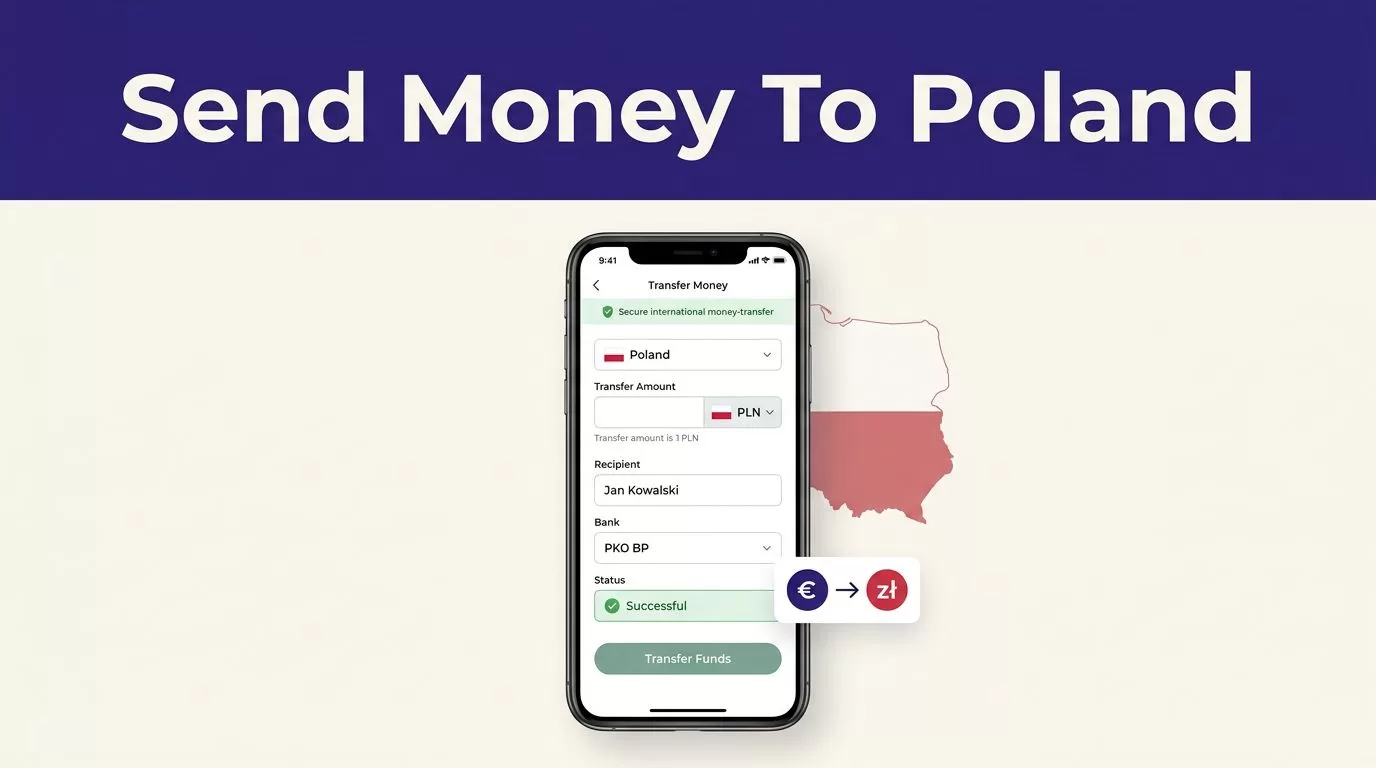
Sending money across borders becomes risky when you rely on an old exchange-rate estimate or an unverified app. If you need to send money to Poland, Remitly gives you a clear mobile process for entering the amount, choosing delivery, checking the recipient payout, and tracking the transfer.
Remitly can be a practical option for family support, personal payments, and transfers to eligible recipients in Poland. It isn’t automatically the cheapest choice for every sender. Your country, amount, payment method, delivery option, exchange rate, and current promotion all affect the final result. Start with the official Remitly Poland transfer page, then verify the live quote in your account.
Why Remitly may fit your transfer to Poland
Remitly supports international transfers through its app and website. Its app page advertises transfers to more than 170 countries, but the available route is what matters. A service may support Poland overall while limiting certain payment or delivery methods for your sending country.
As of August 2026, Remitly’s Poland information lists several delivery methods. Availability still depends on the recipient’s location and the provider selected in the transfer flow.
Check your sending country first
Open Remitly and set your current country as the sending location. Then select Poland as the destination.
The available payment methods can change by country. Debit cards are widely supported, while bank accounts, credit cards, Apple Pay, prepaid cards, or other options may only be available in certain markets. Don’t assume a method shown in another country will appear in your account.
Your account status can also affect the amount you can send. Identity checks, payment reviews, transfer limits, and compliance checks may apply before Remitly accepts the transaction.
Match the delivery method to the recipient
For Poland, Remitly provider information lists bank deposit, cash pickup, and debit card deposit. Other methods, such as mobile wallet or home delivery, may appear only for certain recipients or locations.
Bank deposit is usually suitable when the recipient has an eligible Polish account. Cash pickup can work when the recipient doesn’t want to use a bank account. Debit card delivery may be available when the recipient and receiving provider meet the route requirements.
Some banks have dedicated Remitly provider pages. For example, you can review the route information for Mazovia Bank transfers in Poland if that institution appears during setup.
Ask the recipient which method is practical before creating the transfer. A fast option is not useful if the pickup location is closed or the recipient’s account isn’t eligible.
Download the official Remitly app safely
Download the app through an official app store. Use Remitly’s official mobile app page if you want to confirm the correct store listing before installing it.
Don’t install an APK from a random website. Don’t use download links from unexpected text messages, social media posts, or emails. A fake app can copy a login screen and capture your email, password, identity documents, or payment details.
Install Remitly on an iPhone
Follow these steps:
- Open the Apple App Store on your iPhone.
- Search for “Remitly: Send Money & Transfer.”
- Confirm that the publisher is Remitly Inc.
- Review the current app listing and device requirements.
- Tap Get, install the app, and open it.
You can also use the official Remitly App Store listing. Check the publisher name before entering account information. Store listings and device requirements can change, so use the current information shown by Apple.
Install Remitly on Android
Open Google Play and search for the Remitly money transfer app. Confirm that the publisher is Remitly, Inc. before installing it.
The official Remitly Google Play listing is the safer download path. Install the app, open it, and review the permissions it requests. Enable notifications if you want transfer-status updates, but don’t grant access that you don’t need.
You can also use Remitly through its official website in a browser. The app is useful for repeat transfers and tracking, but downloading it isn’t required if the web flow is available in your country.
How to send money to Poland in the Remitly app
The transfer process is short. Accuracy matters more than speed.
- Create an account or sign in through the official app. Use your legal name and the personal information requested during registration.
- Select your sending country and choose Poland as the destination. Enter the amount you want to send, or enter the amount you want the recipient to receive if the app provides that option.
- Select the delivery method. Review the receiving currency, payout provider, bank information requirements, and estimated delivery time.
- Add the recipient. Enter the person’s full legal name, phone number, address, and other information requested for the selected delivery method.
- Choose an available payment method. Remitly may request identity or transaction information before allowing payment.
- Review the complete quote. Check the fee, exchange rate, amount charged to you, amount received in Poland, delivery method, and estimated arrival time.
- Confirm the transfer only after every field matches your plan. Save the receipt and reference number after payment.
Verify every recipient detail
Recipient information must match the requirements of the payout method. A cash pickup recipient may need a government-issued ID and a name that matches the transfer exactly. A bank deposit requires accurate account information.
Ask the recipient to send their details directly. Don’t copy a nickname from an old contact record. Check the spelling of the full name, the phone number, bank information, and pickup provider before paying.
If you send money to Poland regularly, save a verified recipient record inside the official account. Review it again when the recipient changes banks, moves, or requests a different delivery method.
Compare the full cost before you send
Remitly doesn’t have one fixed fee for every Poland transfer. The price can change based on your sending country, transfer amount, payment method, delivery speed, recipient location, account status, and promotional terms.
Check the recipient payout, not only the fee
A low transfer fee doesn’t always produce the highest recipient amount. The exchange rate also affects what arrives.
Review these figures on the final screen:
- The amount you pay and the payment currency.
- The exact fee for the selected transfer.
- The exchange rate used for that transaction.
- The amount the recipient receives and the receiving currency.
- Any payment-method charge shown by Remitly.
- The delivery method and estimated arrival time.
- Any first-transfer or promotional condition.
Don’t use yesterday’s quote. Rates and promotions can change between the time you research the transfer and the time you approve it.
For U.S. senders, the Consumer Financial Protection Bureau’s remittance transfer resources explain disclosure and error-resolution rules that can apply to international personal transfers. Keep the Remitly receipt because it contains the transaction details you may need later.
Compare Express and Economy when available
Some Remitly corridors show Express and Economy delivery choices. The options, prices, and estimated times can differ by sending country, payment method, recipient location, and payout provider.
Express may be useful when timing matters. Economy may be suitable when the recipient can wait and the lower quoted cost is more important. Don’t choose based only on the label. Read the delivery estimate for your actual transfer.
Remitly states that transfer speed is an estimate affected by payment method, delivery method, transaction review, system availability, and partner availability. Weekends, bank holidays, payment clearing, and compliance reviews can also delay completion.
Protect your Remitly account and payment
Financial safety starts before you enter the recipient’s information.
Use a unique password for Remitly. Keep your phone, email account, and banking apps protected with device security. Never share a password, verification code, or identity document with someone who contacts you unexpectedly.
Enter payment and identification details only in the official Remitly app or at Remitly’s official website. Check the address before signing in. Avoid pages that use a similar-looking domain or ask you to pay through an unrelated wallet or gift card.
A legitimate support request should not require you to reveal a one-time security code. If a message creates urgency or asks you to bypass the normal transfer process, stop and verify it through the official account.
Save the transfer record
After you send money to Poland, save the confirmation screen or receipt where permitted. Record the transfer reference, amount, fee, exchange rate, recipient payout, delivery method, and date in a secure location.
Track the status in the app or on the official website. Ask the recipient to confirm receipt after the transfer reaches its stated stage. Don’t send a second transfer simply because the recipient hasn’t replied. Check the transaction status first.
What to do if a transfer is delayed or incorrect
Start with the status shown in your Remitly account. A pending review, payment delay, bank processing issue, or payout-provider problem can affect the delivery estimate.
Don’t create a duplicate transfer while the first transaction is still pending. Contact Remitly through its official support channel if the status doesn’t change or the recipient cannot collect the funds.
Name and account errors need prompt attention. A name mismatch can prevent cash pickup. Incorrect bank details can delay a deposit or require a correction request. Give support the reference number and keep the original receipt.
If the app doesn’t show Poland as an available destination, confirm that your sending country is correct. The route may not support your selected payment method, delivery method, amount, or recipient location.
Conclusion
The safest way to download Remitly is through the official Apple App Store, Google Play, or Remitly’s verified website. Set the correct sending country, select Poland, add the recipient carefully, and choose the delivery method that matches the recipient’s needs.
Fees, exchange rates, promotions, limits, delivery speeds, and payout options can change. Use the live quote as your decision point. Check the total cost and exact recipient amount before every transfer, then save the receipt and track the transaction until it is complete.
