A transfer can be urgent, but speed isn’t the only factor that matters. When you send money to Senegal, the recipient needs the right payout method, accurate personal details, and clear access to the funds. Remitly puts these choices into one transfer flow, but the final quote depends on your sending country, payment method, delivery option, and the recipient’s location.
The safest process is simple: prepare the details, choose how the recipient will receive the money, review the live quote, and confirm the transfer. Use the steps below to reduce errors and avoid preventable delays.
What to Prepare Before You Send Money to Senegal
Collect the recipient’s information before you start. The required details depend on the delivery method.
For a cash pickup, use the recipient’s full legal name exactly as it appears on their government-issued photo ID. A nickname or shortened name can create problems at the payout location. You may also need the recipient’s phone number and preferred pickup area.
A bank deposit requires accurate banking information. Confirm the recipient’s bank name, account number, account type, and legal name. Ask the recipient to send these details directly instead of copying them from an old message.
For mobile money, use the phone number connected to the recipient’s wallet account. Remitly supports mobile wallet delivery in Senegal, including Orange Money where available. The recipient needs an Orange Money account, but they don’t need a bank account for that payout method.
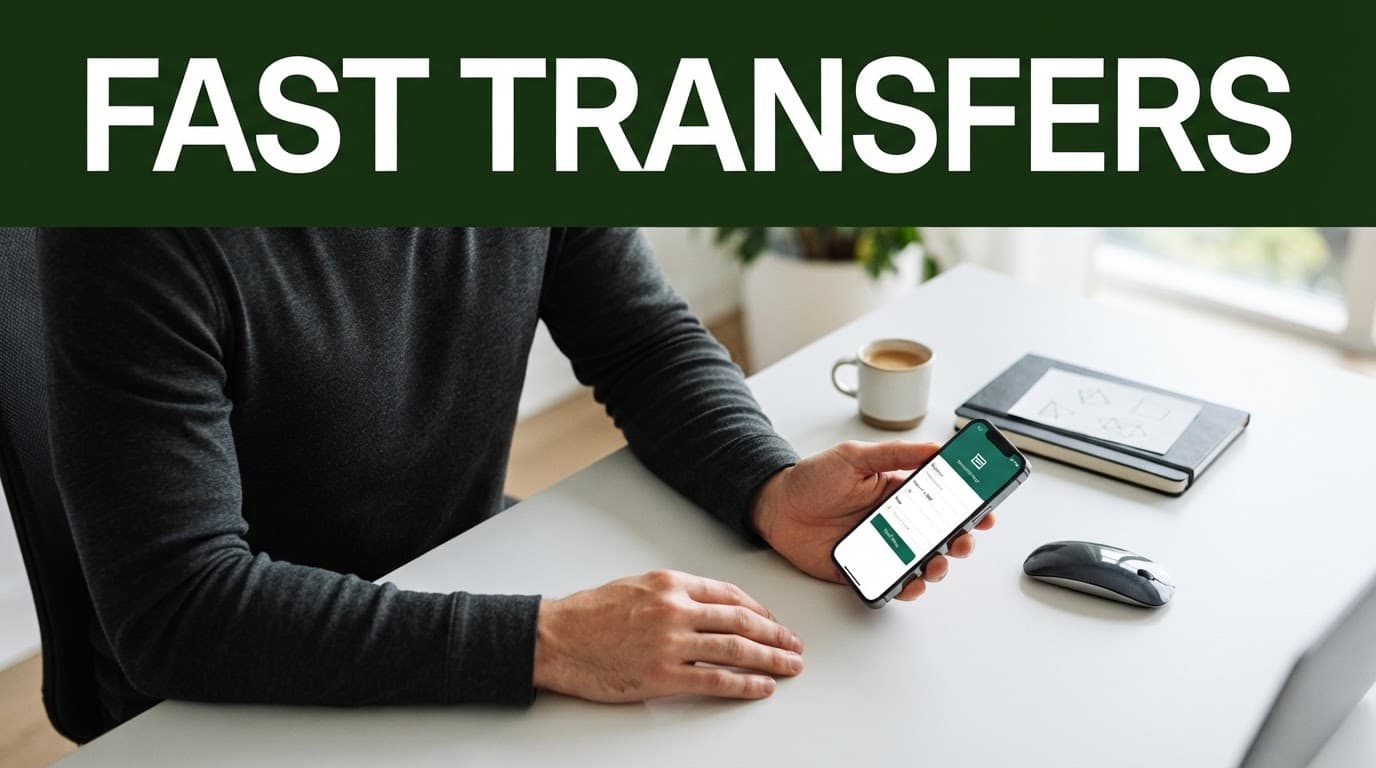
Remitly may ask you to create an account and verify your identity before sending. Keep an accepted government ID available. Verification requirements can change based on your location, transfer amount, account history, and other risk checks.
Before you pay, confirm these details:
- The destination country is Senegal.
- The recipient’s name matches their payout account or ID.
- The selected delivery method works in the recipient’s city or region.
- The phone number, wallet details, or bank information is correct.
- The displayed fee, exchange rate, recipient amount, and delivery estimate fit your needs.
You can start through the Remitly official website or its mobile app. Use the live quote instead of relying on an old fee table or a previous transfer.
How to Send Money to Senegal With Remitly, Step by Step
The process is designed for mobile and desktop users. The screens and available payment methods can differ by sending country.
1. Create or open your Remitly account
Open the app or website and sign in. New users normally enter basic account information and complete any identity checks Remitly requests.
Use your own details. Don’t create an account with someone else’s information or use a payment method you aren’t authorized to use. Account verification can delay a transfer if the information doesn’t match your documents.
2. Select Senegal as the destination
Choose Senegal as the receiving country. Enter either the amount you want to send or the amount the recipient should receive, if the app provides both options.
Check the currency conversion carefully. A small change in the sending amount can affect the recipient’s final payout after the exchange rate and fee are applied.
3. Choose the delivery method
Select the option that matches the recipient’s situation. Remitly currently lists cash pickup, bank deposit, and mobile wallet delivery for Senegal, but the exact choices can vary by route and recipient location.
Don’t choose the fastest-looking option without checking access. A nearby cash pickup location may be more practical than a bank deposit if the recipient needs physical cash. A wallet transfer may be easier if the recipient already uses Orange Money.
4. Add the recipient’s details
Enter the recipient’s legal name and contact information. Add the bank account or wallet information requested by the selected payout method.
Review every field before continuing. A single incorrect digit in a phone number or account number can send the transfer into a correction process. It can also delay the payout while the information is checked.
5. Select your payment method and review the quote
Choose one of the payment methods available in your country. These may include a bank account, debit card, credit card, or another supported option. Availability and pricing can change when you switch payment methods.
The review screen should show the amount you pay, the transfer fee, the exchange rate, the recipient’s expected amount, and the estimated delivery timing. It may also show limits or extra verification requirements.
Submit the transfer only after checking the complete transaction. Save the confirmation and reference number so you can track the status or help the recipient collect the funds.
Choose the Right Payout Method in Senegal
The delivery method controls how the recipient accesses the money. It also affects the available speed, fee, and information required.
| Delivery method | What the recipient needs | Best fit |
|---|---|---|
| Cash pickup | Valid government-issued photo ID and the transfer reference number or PIN | Recipients who need cash and don’t use a bank or wallet |
| Bank deposit | Correct bank account and recipient information | Regular household support or larger planned payments |
| Mobile wallet | An eligible wallet account and its connected phone number | Recipients who already use mobile money |
| Orange Money | An Orange Money account and its associated phone number | Fast wallet access where the option appears in the quote |
Cash pickup works through Remitly’s local partner network. The recipient should confirm the partner location, operating hours, ID requirements, and reference details before traveling. The name on the transfer must match the ID used at collection.
Bank deposit is useful when the recipient already has a suitable account. It removes the need to visit a payout center, but account details must be exact. Check the bank number and account holder name twice.
Mobile wallet delivery can reduce the need for a bank account. For Orange Money, choose Senegal, select mobile money, choose Orange Money if shown, and enter the phone number linked to the recipient’s account. Don’t enter a different number because the recipient uses it more often.

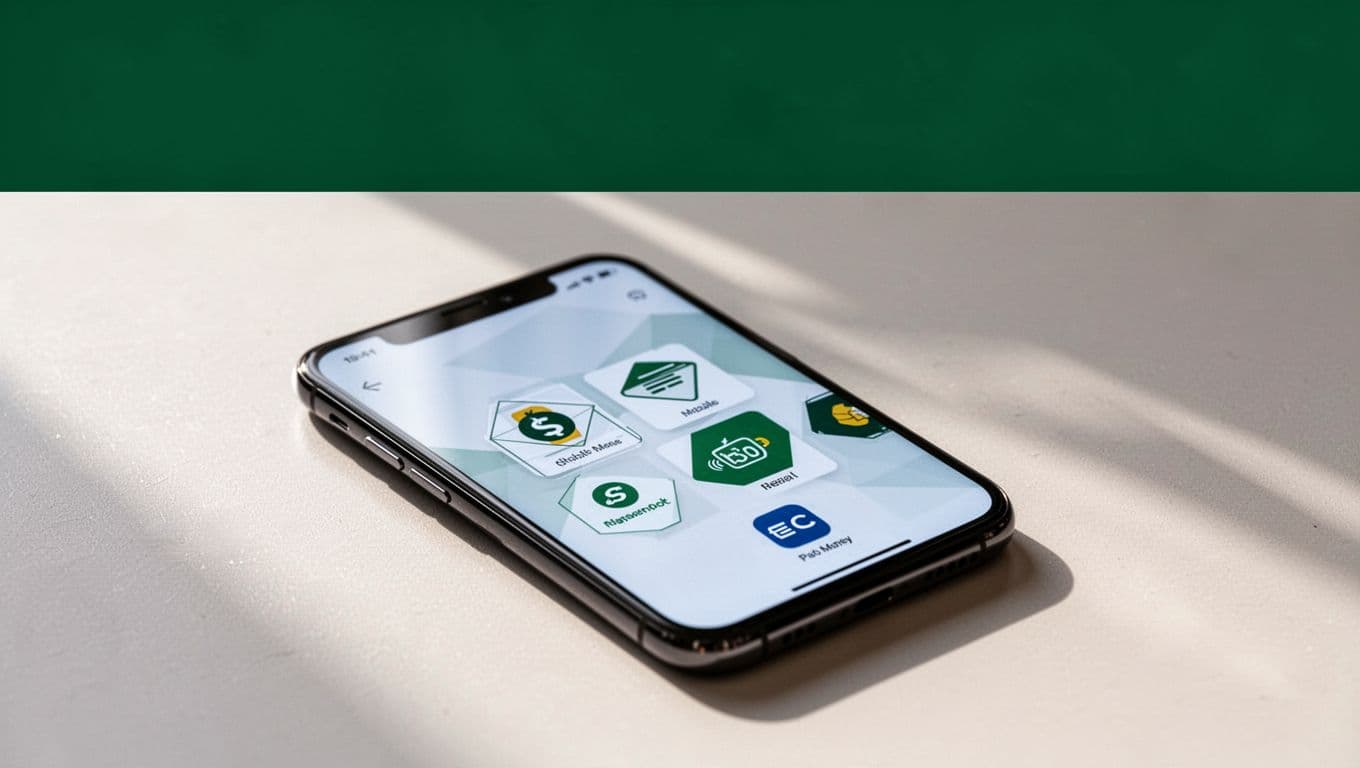
Payout availability isn’t identical across Senegal. A method available in one city or route may not appear for another recipient. Let the app display the current options instead of promising a delivery method before you check the quote.
Keep the Transfer Fast and Avoid Failed Payouts
A fast transfer starts with clean input. Most avoidable problems come from incorrect recipient data, payment failures, or missing verification.
Use this review before confirming:
- Match the recipient’s legal name to their ID, bank account, or wallet account.
- Confirm the wallet phone number or bank details with the recipient.
- Choose the payout method before comparing speed and cost.
- Check that your payment method is authorized and has enough available funds.
- Review the transfer limit shown for your account and route.
- Save the reference number and monitor the transfer status.
Payment processing can affect the delivery schedule. A bank-funded payment may require authorization or clearing. A card payment can fail because of an issuer restriction, billing mismatch, spending limit, or security review.
Don’t promise a fixed arrival time to the recipient until the transaction is approved. The displayed estimate can change when Remitly requests more information, the payment needs review, or the selected partner location has limited availability.
The delivery estimate is not a guarantee. Treat it as a current estimate that depends on successful payment, verification, and the selected payout route.
If a transfer remains pending, check the status in the app first. Review any request for additional information. If the status doesn’t explain the delay, contact Remitly support through the official account or website.
Compare the Total Cost Before You Confirm
The transfer fee is only one part of the cost. Compare the total amount debited with the exact amount the recipient receives.
Exchange rates move during the day. Remitly may also apply different pricing based on your payment method, transfer amount, delivery method, sending country, and promotional eligibility. A welcome rate or reduced fee may apply only under stated conditions.
Run the quote using the same sending amount and payout method each time. If you switch from a bank-funded payment to a card payment, check the fee and recipient amount again. Otherwise, the comparison won’t be reliable.
A third-party guide to Remitly fees can help you understand common pricing differences. Use it for context, not as a replacement for the live Remitly quote. Current details in the app or on the official website control your transaction.
Use Basic Security Checks
Only send money to someone you know and have verified. Confirm the recipient by phone before submitting a transfer, especially if the request came through social media or an unfamiliar number.
Don’t share your password, verification code, card details, or account access with the recipient or another person. Remitly support won’t require you to hand over full account credentials through an informal message.
Download the official app from your device’s approved app store or use the official website. Check the web address before signing in. Avoid links sent by unknown contacts that ask you to “release” funds or pay an extra fee outside the Remitly process.
Keep your confirmation email, transfer reference, payment receipt, and support messages until the recipient confirms receipt. These records make it easier to resolve a failed payout or incorrect detail.
Conclusion: Confirm the Quote Before You Send
Remitly gives people abroad a practical way to send money to Senegal through cash pickup, bank deposit, or mobile wallet delivery. The right choice depends on what the recipient can access and how quickly they need the money.
Prepare the legal details first. Select the payout method, review the fee and exchange rate, and confirm the recipient amount before payment. Fees, rates, speeds, limits, payment methods, and availability can change, so check the current quote in the Remitly app or on its official website every time.