How to Check the Remitly Senegal Exchange Rate
A low transfer fee doesn’t tell you what your family will receive. You need the exchange rate, total debit, delivery method, and final payout in West African CFA francs. The Remitly Senegal exchange rate can change by route, amount, p...


A low transfer fee doesn’t tell you what your family will receive. You need the exchange rate, total debit, delivery method, and final payout in West African CFA francs. The Remitly Senegal exchange rate can change by route, amount, payment method, and time, so an old screenshot isn’t a reliable quote.
Senegal uses the West African CFA franc, identified as XOF. Check the live quote after entering your real transfer details, then verify the recipient before sending.
How to check the Remitly Senegal exchange rate
Remitly shows the relevant figures in its app and website. If you’re sending US dollars, start with Remitly’s USD to XOF currency converter. Treat that page as a reference. The final quote can change after you select the delivery option and payment method.
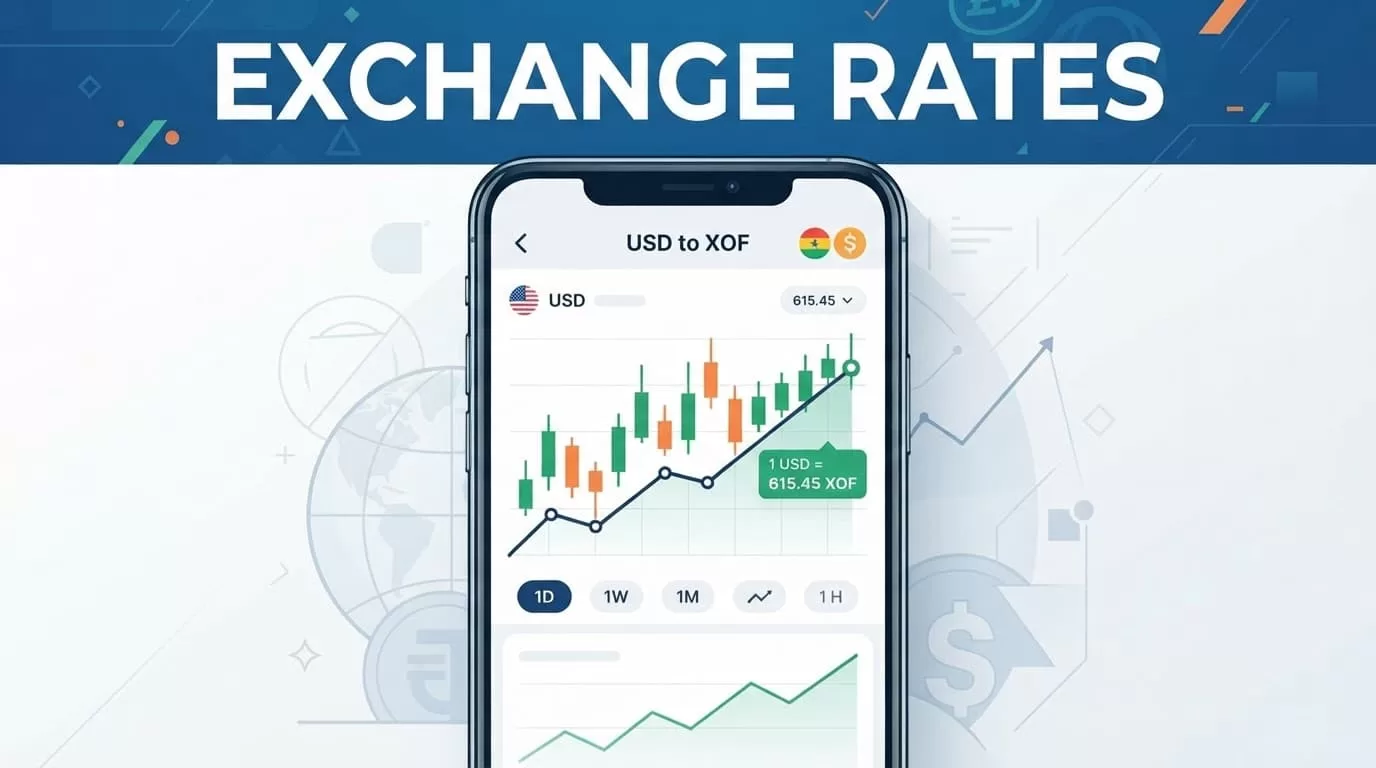
Use this sequence:
- Open Remitly and select the country where you live. Create an account or sign in. Identity verification may be required before payment.
- Choose Senegal as the destination. Enter the amount you want to send, or enter the amount the recipient must receive in XOF.
- Select the delivery option shown for the recipient. Depending on location, Remitly may offer bank deposit, cash pickup, or mobile money.
- Review the exchange rate, transfer fee, payment charge, total amount debited, XOF payout, and estimated delivery time.
- Confirm the recipient’s information. Send only when the legal name, bank details, wallet number, or phone number is correct.
The number to trust is the quote shown before confirmation. Promotions and welcome rates may apply only to eligible first transfers. They may not apply to repeat payments, another sending country, or a different funding method.
Why Senegal’s currency is XOF
Senegal receives money in XOF, not XAF. XAF is the Central African CFA franc. Confirm the code in the quote before you compare providers or calculate the recipient’s payout.
The CFA franc is pegged to the euro at 655.957 XOF for EUR 1. That doesn’t fix the USD to XOF quote. The dollar changes against the euro, and Remitly’s customer rate also reflects route pricing and any exchange-rate margin.
A euro-funded transfer can show a different result from a dollar-funded transfer. Remitly’s EUR to XOF page for the Netherlands displays a euro route and selected amount. Its France-specific EUR/XOF converter is another reminder that the sending country affects the quote.
If a quote says 1 USD equals 565 XOF, a $100 transfer calculates to 56,500 XOF before separate fee treatment. That is an example, not a guaranteed Remitly rate. Use the live screen for the actual transaction.
Compare the full transfer cost
The Remitly Senegal exchange rate matters, but the lowest fee doesn’t always produce the highest payout. Compare the same sending amount, payment method, delivery option, and payout type. Otherwise, an express card-funded transfer may look worse than a bank-funded transfer because you’re comparing different services.
| Quote item | Check this | Why it matters |
|---|---|---|
| Exchange rate | XOF per unit of your currency | Sets the gross payout |
| Transfer fee | Charge for this route | Adds to your debit |
| Payment charge | Card or funding cost | Changes the total cost |
| Amount received | Final XOF payout | Shows what the recipient gets |
| Delivery time | Estimated arrival | Helps plan around deadlines |
Remitly can show a reduced fee or promotional rate. Fees may also change with the amount, payment method, delivery speed, and sending country. A card-funded transfer and a bank-funded transfer can produce different totals.
Use the app’s “total paid” and “total received” figures as your main comparison. Record both before you confirm. That gives you a clearer result than looking at the advertised fee alone.
Why two Remitly quotes can differ
Two people can send the same currency to Senegal and see different results. A new-customer promotion may lower the fee or improve the rate for one account. The selected delivery speed can change the price. A debit card may also carry a payment cost that doesn’t appear with a bank account.
The quoted amount can change while you edit the transfer. Changing the recipient payout, switching to mobile money, or entering a different amount triggers a new calculation. If the transfer is time-sensitive, check the quote again immediately before payment. Don’t use an exchange-rate calculator that ignores Remitly’s fee and delivery settings.
Prevent payout delays
Correct recipient data matters more than a small rate difference. For cash pickup, use the recipient’s legal name exactly as it appears on accepted identification. For a bank deposit, check the bank name, account number, account type, and recipient name. For mobile money, confirm the wallet provider and phone number.
Limits also vary by country, verification status, transfer amount, account history, and delivery method. Remitly may request more identification for a larger transfer. Don’t split a payment to bypass a limit. Complete verification or reduce the amount only when that matches your actual need.
Before payment, review:
- the total amount debited;
- the XOF payout;
- the delivery method;
- the estimated arrival time;
- the recipient details;
- the tracking and support information.
Keep the confirmation and tracking number. Use the official app or website, and never share your password or one-time verification code with someone claiming to provide support.
Conclusion: Check the live XOF quote
The Remitly Senegal exchange rate isn’t a fixed number you can safely copy from a search result. It depends on your sending country, amount, payment method, delivery choice, promotions, and timing.
Enter the real transfer details in Remitly, review the final amount paid and XOF payout, then verify the recipient. That short process gives you the clearest cost before the money leaves your account.

