Download Remitly to Send Money to Serbia Safely
Sending money across borders should not require guesswork. The Remitly app gives you one place to add a recipient, select delivery, review the total cost, and track the transfer. If you need to send money to Serbia, start with the official...
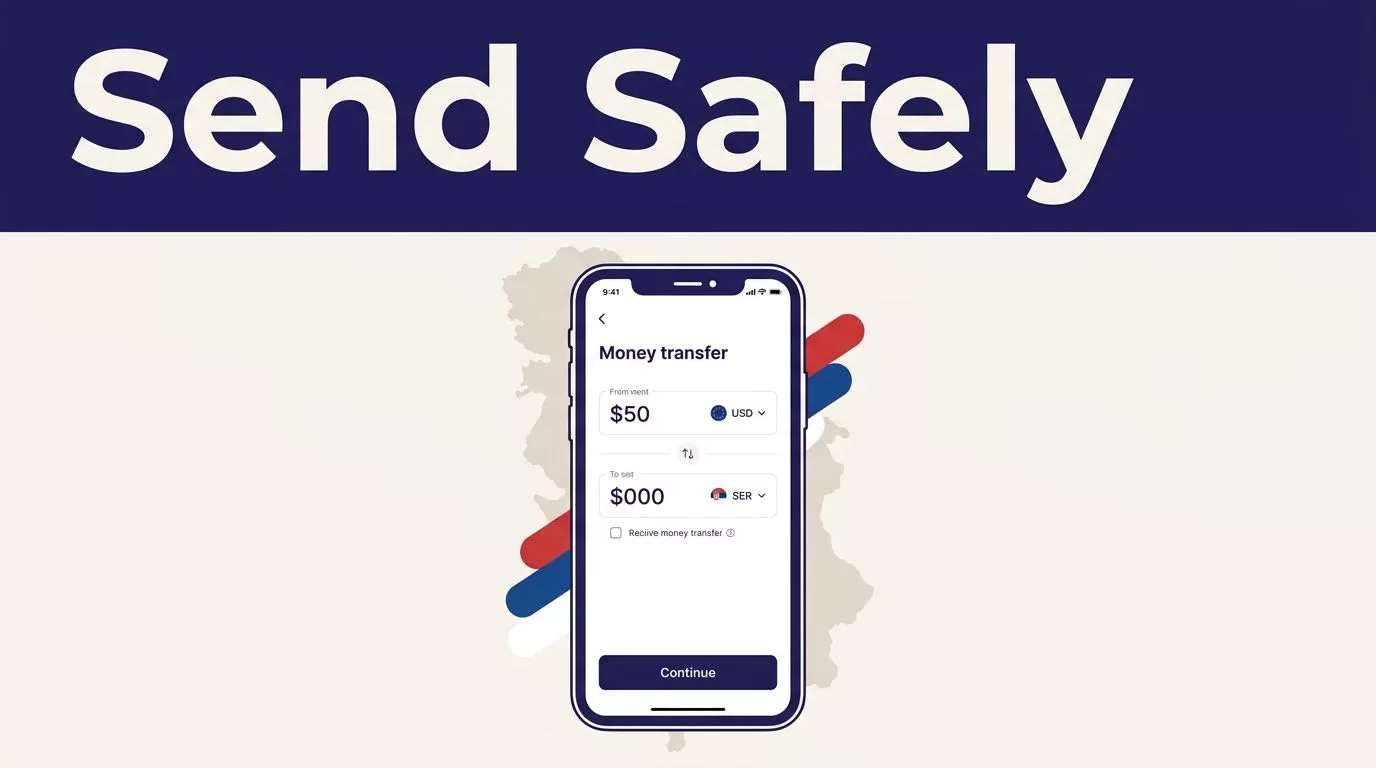
Sending money across borders should not require guesswork. The Remitly app gives you one place to add a recipient, select delivery, review the total cost, and track the transfer. If you need to send money to Serbia, start with the official app and use the live quote for your specific route.
Your sending country matters. Fees, exchange rates, payment methods, delivery options, and transfer limits can change by country and transaction. Set up the app correctly first, then review every transfer before payment.
Download the Official Remitly App
Use Remitly’s official website to access the correct download route. Remitly directs users to the Apple App Store or Google Play.
Install Remitly on iPhone
Open the Apple App Store and search for “Remitly: Send Money & Transfer.” Check that the publisher is Remitly Inc before installing it.
Then open the app and create your account with your email address and other requested information. Enable notifications if you want updates about transfer progress.
Install Remitly on Android
Open Google Play and search for Remitly. Confirm that the publisher is Remitly, Inc. You can also use the official Remitly Google Play listing.
Avoid APK files from random websites. Don’t install an app from a message, social media post, or advertisement that redirects to an unfamiliar domain. A fake app can copy the Remitly login screen and capture your password, identity documents, or payment details.
The safest download process starts with Remitly’s website or a verified app-store listing. Never use an unofficial APK.
If the app isn’t available in your store, use Remitly’s official website instead of downloading an unknown file. App availability can depend on your country, device, and store settings.
How to Send Money to Serbia With Remitly
The app follows a short process. Each field still needs a careful review.
1. Select your sending country and Serbia
Choose the country where you currently live and pay for the transfer. Then select Serbia as the destination.
Your sending country controls the available payment methods, currencies, fees, and delivery choices. A quote for the United States won’t automatically apply to someone sending from the United Kingdom, Canada, Germany, or another country.
Remitly’s U.S.-to-Serbia transfer page currently shows bank deposit and cash pickup options. The available route can differ for other senders.
2. Choose the delivery method
Select the method that fits the recipient’s situation.
- Bank deposit sends the money to an eligible Serbian bank account.
- Cash pickup lets the recipient collect funds through an available payout provider.
- Debit card deposit may appear for supported Serbian routes.
The recipient may prefer a bank deposit for convenience. Cash pickup can work better when the recipient doesn’t have an eligible account or needs access through a local provider. Ask which option they want before creating the transfer.
Remitly’s Serbia provider list shows available payout partners and supported options. Availability can depend on the recipient’s location and the live transfer route.
3. Add and verify the recipient
Enter the recipient’s legal name exactly as it appears on their identification or bank record. Add the correct phone number, address, bank details, and pickup information for the selected method.
A small name mismatch can delay a cash pickup. An incorrect account number can create a longer correction process. Ask the recipient to confirm the details before you pay.
If Remitly requests identity or payment verification, complete it inside the official app or website. Don’t send identity documents through an unofficial email address or message link.
Review the Fee, Rate, and Recipient Amount
The transfer fee is only one part of the cost. The exchange rate determines how much Serbian dinar the recipient receives. A low fee can still produce a smaller payout if the exchange rate is less favorable.
Before you confirm, review these values together:
- The amount you send and the payment currency.
- The exchange rate applied to this transaction.
- The transfer fee and any displayed payment-method charge.
- The total amount charged to your bank account or card.
- The exact amount the recipient should receive in RSD.
- The selected delivery method and estimated arrival time.
Use the Remitly Serbia pricing page to check a current route-specific quote. Do not treat a search result, old receipt, or advertised promotion as your final price.
Pricing can change with the sender’s country, transfer amount, payment method, delivery option, promotion, and account status. For example, Remitly’s Netherlands-to-Serbia page currently shows different fees for different EUR transfer amounts, including €6.99 below €300 and €21.99 for €2,000 or more. That example applies to the Netherlands route. It doesn’t set the price for a U.S. or U.K. transfer.
Compare the total amount charged with the final amount received. The headline fee alone doesn’t tell you which transfer provides better value.
Delivery estimates are also route-specific. An Express option may cost more than Economy, but the app must show the actual estimate for your transfer. Payment processing, transaction review, provider availability, and system issues can affect timing.
Complete the Transfer and Track It
Confirm the recipient details one more time before authorizing payment. Check the receiving currency, payout provider, bank information, and delivery method.
After payment, save the receipt and confirmation number. Keep a record of the amount sent, fee, exchange rate, recipient payout, and transaction reference. Track the transfer inside Remitly until it reaches its final status.
Share the transfer reference only with the intended recipient. If a transfer appears delayed, check its status before starting another payment. Sending a second transfer while the first is processing can create duplicate payments.
For repeat transfers, don’t copy the previous transaction without checking it. Reopen the recipient record, confirm the current delivery option, enter the new amount, and review the new quote. Rates and fees can change even when the recipient and amount stay the same.
Conclusion
The official Remitly app gives you a practical way to send money to Serbia from a supported country. Download it through Remitly, the Apple App Store, or Google Play. Select the correct route, choose the recipient’s preferred delivery method, and enter every detail carefully.
Before confirming, review the final fee, exchange rate, total amount charged, recipient amount, and delivery estimate. That live review screen is the correct price source for your transfer.
