How to Send Money to Ukraine With Remitly
Sending financial support across borders should not require guesswork. Remitly lets you send money to Ukraine through an online account or mobile app, with delivery options that may include bank deposit and cash pickup. Your final fee, exch...
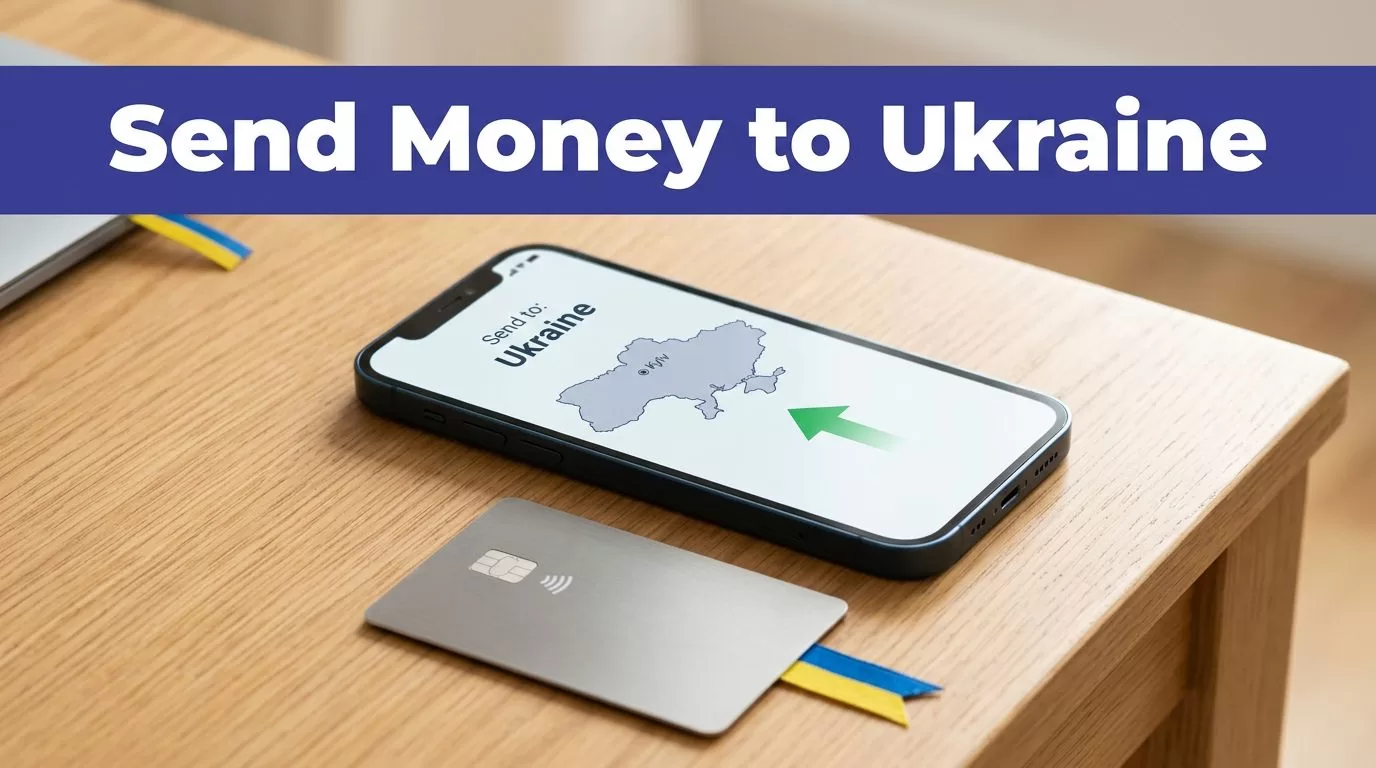
Sending financial support across borders should not require guesswork. Remitly lets you send money to Ukraine through an online account or mobile app, with delivery options that may include bank deposit and cash pickup.
Your final fee, exchange rate, transfer limit, and delivery estimate depend on your sending country, payment method, amount, recipient location, and payout option. Use the live quote before every transfer. Start by confirming that your route is supported and collecting the recipient’s details.
Before You Send Money to Ukraine
Remitly does not offer identical features in every country or transfer corridor. The U.S. route has its own pricing and delivery pages. Other supported markets use different local versions of the service.
Check your sending route
Open the Remitly website or official app and select your real sending country. Then choose Ukraine as the destination. If you’re sending from the United States, review Remitly’s U.S. Ukraine transfer page before creating the transfer.
Remitly has localized Ukraine pages for several markets, including Canada, Germany, Spain, Portugal, Greece, Belgium, and Israel. Availability still depends on the specific route. Don’t assume that a delivery method shown to a U.S. sender will appear for someone sending from Europe or another supported country.
You also need an accepted payment method. The available choices can change by country and account. Remitly may request identity verification or additional documents before allowing a transfer.
Collect the correct recipient information
Ask the recipient which payout method they prefer before you begin. This prevents a transfer from being sent to the wrong bank account or an inconvenient pickup location.
For a bank deposit, you may need the recipient’s:
- Full legal name
- Bank name
- Bank account number
- Phone number or address, if Remitly requests it
For cash pickup, confirm the recipient’s legal name exactly as it appears on their government-issued identification. Ask which provider and location are convenient. A small name mismatch can delay collection.
The recipient should also know the expected currency and amount. Ukraine transfers may display UAH, USD, EUR, or another supported currency depending on the route and payout provider.

Photo by Monstera Production
How to Send Money to Ukraine With Remitly
The transfer process is straightforward when the recipient record is ready. Remitly’s first-time international transfer guide also recommends reviewing cost, delivery, and security before payment.
Create the transfer
Follow this sequence in the Remitly app or website:
- Create an account with your email address, or sign in if you already have one.
- Select Ukraine as the destination country.
- Enter the amount you want to send, or enter the amount the recipient should receive.
- Choose an available delivery method and speed.
- Add the recipient’s information exactly as requested.
- Select your payment method.
- Review the complete quote and confirm the transfer.
Remitly may offer Economy and Express delivery choices. The names, prices, and estimated arrival times can vary by route. Select the option based on the recipient’s actual need, not only the advertised speed.
If the recipient needs money for a specific date, give yourself time for payment processing, identity review, weekends, bank closures, and payout partner delays.
Review the transfer summary
The final screen should show the key transaction values before you approve payment:
- The exchange rate applied to your amount
- The transfer fee
- The total amount charged to you
- The amount the recipient receives
- The destination currency
- The selected delivery method
- The estimated delivery time
- Any promotion or eligibility condition
Do not rely on a search result, an old screenshot, or a previous receipt. Recheck the live quote each time. Remitly can change pricing when the amount, payment source, speed, promotion, or recipient location changes.
Remitly Fees, Exchange Rates, and Limits
The lowest advertised fee does not always produce the lowest total cost. Compare what you pay with what the recipient receives.
Compare the total amount received
Remitly’s Ukraine pricing page shows route-specific pricing for transfers from the United States. The page can display different charges for Economy and Express delivery, along with different calculations for supported payout currencies.
Treat those figures as live route information, not permanent prices. A quote can change based on:
- Sending country and currency
- Transfer amount
- Payment method
- Delivery speed
- Recipient payout method
- Exchange rate movement
- Promotional eligibility
- Payout provider
The practical comparison is simple. Enter the same send amount, choose the same delivery method, and compare the final recipient amount. A favorable exchange rate can lose its advantage if the fee is higher. A low fee can also be less useful when the recipient receives less in the destination currency.
Understand limits and verification
Remitly limits can apply over 24 hours, 30 days, and 180 days. The current limit depends on the sending country, account verification status, delivery method, payout partner, and recipient location.
Verified accounts may qualify for higher limits than unverified accounts, but Remitly can still request more information. Banking partner rules and compliance checks can affect the amount you’re allowed to send.
Don’t split one large transfer into smaller payments to avoid a limit or review. Follow the instructions shown in your account. If Remitly requests identification or supporting documents, submit them through the official account flow.
Choose the Right Ukraine Delivery Method
The recipient’s access matters more than the sender’s preference. Select the method that fits the person’s bank account, location, identification documents, and timing.
| Delivery method | Usually fits when | Check before confirming |
|---|---|---|
| Bank deposit | The recipient has an eligible Ukrainian bank account | Bank name, account number, currency, and account holder name |
| Cash pickup | The recipient needs access without using a bank account | Pickup provider, location, legal name, ID, and transfer details |
| Debit card deposit | The route supports delivery to an eligible card | Card eligibility and the final payout amount |
| Mobile wallet or home delivery | The route and recipient location support the service | Local availability, wallet details, address, and timing |
Remitly’s Ukraine pages may show providers such as PrivatBank, Globus Bank, or Universal Bank. The available provider list is not universal. It can change based on the sender’s country and the recipient’s location.
Bank deposit and card delivery
Bank deposit is useful when the recipient already has an eligible Ukrainian account. Enter the bank information carefully. A wrong account number can create a larger correction problem than a simple name typo.
Check the account currency and the final amount before paying. The recipient may receive UAH, USD, EUR, or another supported currency depending on the selected route.
Debit card deposit may appear in some corridors. Don’t select it unless the recipient confirms that the card qualifies and can receive the transfer.
Cash pickup and other methods
Cash pickup can work when the recipient doesn’t use a bank account or needs access through a local payout provider. The recipient may need government-issued identification and the transfer details shown by Remitly.
Confirm the pickup location before you send. Provider hours, local availability, and identity checks can affect collection. The recipient should not rely on a location that has not appeared in the current transfer instructions.
Mobile wallet and home delivery may also appear in some locations. These features are route-specific. Review the recipient’s exact instructions and the final delivery estimate before choosing them.
Safety Checks Before You Confirm
Money transfers are difficult to reverse after payment. Put the accuracy checks before the confirmation button.
Protect the account and payment
Download the Remitly app only through the official Apple App Store or Google Play. You can also begin at the official Remitly site and follow its app links. Avoid APK files, unexpected text-message links, and pages that imitate the Remitly login screen.
Use a unique password and protect your email account. Never share your password, one-time verification code, or payment details with a person claiming to be a Remitly agent. If someone pressures you to send money urgently, stop and verify the request through a trusted channel.
Only send money to someone you know or to a legitimate recipient you have independently confirmed. Remitly cannot protect you from a transfer authorized to the wrong person.
Confirm the recipient and payout details
Before approving the payment, read every field again. Confirm the recipient’s:
- Full legal name
- Phone number and address, when requested
- Bank name and account number
- Pickup provider and location
- Expected currency and payout amount
Save the receipt and transaction number. Keep screenshots of the final quote and delivery instructions. Don’t send the recipient a guessed amount or pickup location. Use the details shown in the completed transfer.
Track the transfer after payment
Open your Remitly account to check the transfer status. The recipient may receive status notifications, but you should still monitor the transaction yourself.
A delivery estimate is not a guarantee. Payment reviews, bank processing, provider availability, weekends, and incorrect recipient details can change the timing. If the transfer is delayed, check its status first and use Remitly’s support process. Keep your receipt available when contacting support.
If you entered an incorrect name or account detail, contact Remitly promptly. Don’t create a second transfer until you know what happened to the first one. Two transfers can create a larger recovery problem.
Conclusion
Remitly gives you a practical way to send money to Ukraine when your country, payment method, and recipient route are supported. The main controls are accurate recipient information, the correct payout method, and a complete review of the live quote.
Fees, exchange rates, limits, promotions, delivery times, and payout providers can change. Check the final amount the recipient receives before every transfer, then save the receipt and track the payment until collection or deposit is complete. Accuracy before payment prevents most avoidable transfer problems.
