How to Send Money to Turkey With Remitly Safely
Sending money to the wrong account can create a correction problem that a quick transfer cannot solve. If you need to send money to Turkey with Remitly, use a controlled process: verify the corridor, confirm the recipient’s details, i...
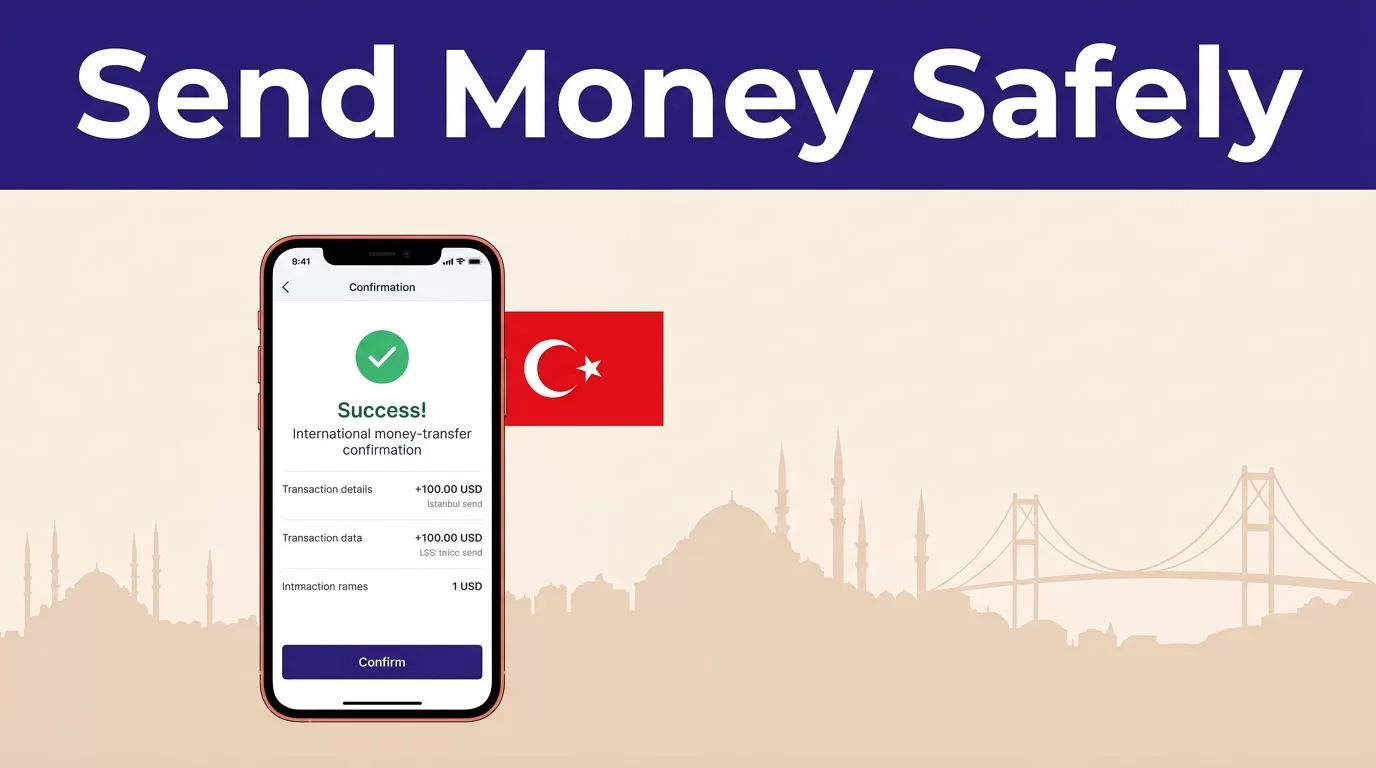
Sending money to the wrong account can create a correction problem that a quick transfer cannot solve. If you need to send money to Turkey with Remitly, use a controlled process: verify the corridor, confirm the recipient’s details, inspect the live quote, and protect your payment information.
Remitly may offer bank deposit, cash pickup, or mobile wallet delivery, depending on your sending country, payment method, recipient location, and current service availability. The steps below help you reduce avoidable errors without assuming that every transfer will have the same fee, rate, limit, or delivery time.
What to Check Before You Send Money to Turkey
Your first decision is the transfer corridor. This means the country and currency you are sending from, the destination country, and the payment method used to fund the transfer.
Start with your sending country and currency
Open the official Remitly website or app. Select your sending country, Turkey as the destination, and the currency you want to send.
The Remitly Turkey transfer page is a useful starting point for people sending from the United States. A sender in the United Kingdom, European Union, Canada, or another country may see different payment options, fees, exchange rates, transfer limits, and delivery methods.
Don’t assume that an option shown in an online article is available for your account. Enter the amount and recipient location in your own Remitly account before making a decision.
Compare the full quote
Review the full transaction summary, not only the headline exchange rate. Check these figures:
- The amount you pay.
- The transfer fee.
- The exchange rate.
- The amount the recipient receives in Turkish lira.
- The delivery method and estimated timing.
- Any promotional terms or payment restrictions.
A strong exchange rate can still produce a higher total cost if the fee is larger. A zero-fee promotion may also apply only to a first transfer, a particular payment method, or a limited amount.
Remitly’s USD to TRY currency page may display a listed fee and promotional first-transfer rate. Treat those figures as reference information only. The quote shown inside your transaction is the one to review before payment because rates and offers can change.
Choose the Delivery Method Carefully
The delivery method controls what information Remitly needs and how the recipient collects the funds. Select the method based on the recipient’s real access, not on the lowest advertised fee.

Photo by Nurullah Karaman
Bank deposit fits an active bank account
A bank deposit can be practical when the recipient has an account that accepts the transfer. You need accurate bank details, and the recipient’s name may need to match the account record.
Remitly lists providers such as Turkish Bank and Garanti Bank for some Turkey corridors. Availability depends on the sender’s country, recipient location, currency, and current provider arrangements. Remitly’s guide to sending money to Turkiye Is Bankasi shows why the receiving bank and account details need to be confirmed before submission.
Ask the recipient to verify the account information through a trusted channel. Don’t use a bank detail change included in an unexpected email or invoice without independent confirmation.
Cash pickup and mobile wallets need different checks
Cash pickup can help when the recipient doesn’t want to use a bank account. The recipient may need valid government identification and may need to collect the funds at an available location.
Mobile wallet delivery can be useful when the recipient has a supported wallet linked to the correct phone number. The wallet option may not be available in every city or for every account.
Review the available providers and pickup locations inside Remitly. Don’t promise the recipient that cash will be available at a particular location until the transfer quote confirms that option.
Verify the Recipient Before Payment
Recipient errors are among the easiest transfer problems to prevent. Complete this check before you enter your card or bank payment details.
Match the recipient’s legal details
Enter the recipient’s name exactly as it appears on their government ID or receiving account. Avoid nicknames, shortened names, spelling changes, and casual transliterations.
Remitly’s Turkey instructions require recipient information such as the name, address, and contact details. Bank deposits also require the relevant account information. The exact fields can vary by delivery method.
Ask the recipient to send the details in a secure channel, then confirm them in a separate conversation if the transfer is important. A copied message can contain an old address or a typo. For cash pickup, even a small name mismatch can delay collection.
Confirm bank, wallet, and pickup details
Check the bank name, account number or IBAN, recipient phone number, and pickup provider before you confirm. Ask the recipient to read the details directly from their banking or wallet application when possible.
Business senders need an extra control. If a supplier or contractor suddenly changes banking information, contact the person through a known phone number or established contact record. Don’t confirm payment from the same email thread that requested the change.
A transfer can be processed successfully and still reach the wrong person if the details were entered incorrectly.
For a large first payment, a second-person review can reduce the chance of sending funds to a wrong account. The reviewer should compare the recipient information with the original request and the live Remitly summary.
Protect Your Account and Payment Information
Remitly can provide the transfer service, but it cannot protect information that you disclose to an impersonator. Keep the transaction inside official channels.
Use the official website or app
Type the Remitly website address yourself or use the official app downloaded through the Apple App Store or Google Play. Start at the official Remitly website instead of using a payment link from an unexpected message.
Check the address before signing in. Don’t upload identity documents to a third-party form that claims to be required for a Remitly transfer. Avoid unofficial browser extensions, modified mobile apps, and links sent through social media.
Use a unique password for your Remitly account. Keep your phone, email account, and payment device protected with a screen lock. Don’t save account credentials in a shared computer or public browser.
Recognize phishing and impersonation attempts
Scammers often create urgency. A message may claim that your transfer is blocked, your account needs immediate verification, or the recipient must pay an extra fee before receiving funds.
Stop when a person asks for any of the following through an unsolicited message:
- Your Remitly password.
- A one-time verification code.
- Your card PIN or full banking login.
- A screenshot of your account.
- Payment to an unrelated wallet or personal account.
Don’t reply to the message to ask whether it is real. Open Remitly through the official app or website and contact the support channel shown there. Official support is safer than a third party who contacts you first.
If you already shared a password or payment detail, change the password, contact your bank or card provider, and report the incident through official Remitly support.
Review the Quote and Terms Before You Confirm
The final screen is a control point. Slow down before you press the button that sends the money.
Run a final transaction check
Compare the Remitly summary with the recipient’s verified details. Confirm:
- The recipient’s full name and contact information.
- The bank, wallet, or cash pickup provider.
- The account number, IBAN, or mobile number.
- The amount the recipient receives.
- The exchange rate and transfer fee.
- The payment method and total amount charged.
- The delivery speed and estimated arrival information.
- Any identity checks, limits, or promotional conditions.
Re-enter the amount when you are ready to pay. Don’t rely on a quote opened yesterday. Currency rates are live inputs, and the amount received can change before confirmation.
Read the current terms attached to the quote. Availability, fees, exchange rates, delivery times, limits, and verification requirements vary by corridor and can change without matching an older quote or online example.
Don’t treat estimated timing as a promise
Remitly may show different delivery speeds, including faster and lower-cost options. The estimate can depend on payment clearance, operating hours, recipient information, compliance review, provider availability, and local conditions.
Select the option that fits the recipient’s need, but don’t guarantee delivery to a family member or business contact. If the payment is time-sensitive, send it early enough to allow for review or delay.
Additional verification may also be required. Remitly can ask for information before completing a transaction. Provide documents only through the official account flow, and never send them to an unsolicited contact.
Track the Transfer After You Send Money to Turkey
Confirmation is not the end of the process. Keep a record and monitor the transfer status in your Remitly account.
Save the transaction evidence
Store the confirmation number, amount paid, exchange rate, fee, recipient amount, delivery method, and submission time. A receipt or confirmation email gives you a reference if support needs to investigate the transfer.
Ask the recipient to confirm receipt through your normal contact channel. Don’t use a new phone number or email address supplied by a message claiming to be the recipient.
Remitly provides transfer tracking through its website and app. Status updates can show whether the transfer is processing, ready for collection, or delivered, depending on the method.
Contact official support when something changes
If the recipient reports a problem, check the transaction status before sending another transfer. A second payment can create a duplicate transaction and a larger recovery problem.
Contact official Remitly support if the transfer is delayed, the recipient cannot collect the funds, the account details were entered incorrectly, or you suspect fraud. Don’t pay a third party to release, trace, or cancel the transfer.
Conclusion
The safest way to send money to Turkey with Remitly is to treat the transaction like a controlled financial record. Confirm the corridor, compare the live quote, match the recipient’s legal details, protect your login information, and save the confirmation after payment.
Fees, rates, limits, delivery methods, timing, and verification rules can change. Review the live Remitly terms every time, and use official support when the transaction doesn’t match what you expected.
