How to Download Remitly to Send Money to Ukraine
Sending money across borders becomes risky when you choose an app from the wrong download page. If you need to send money to Ukraine, start with the official Remitly app, then verify the recipient, delivery method, fee, exchange rate, and f...

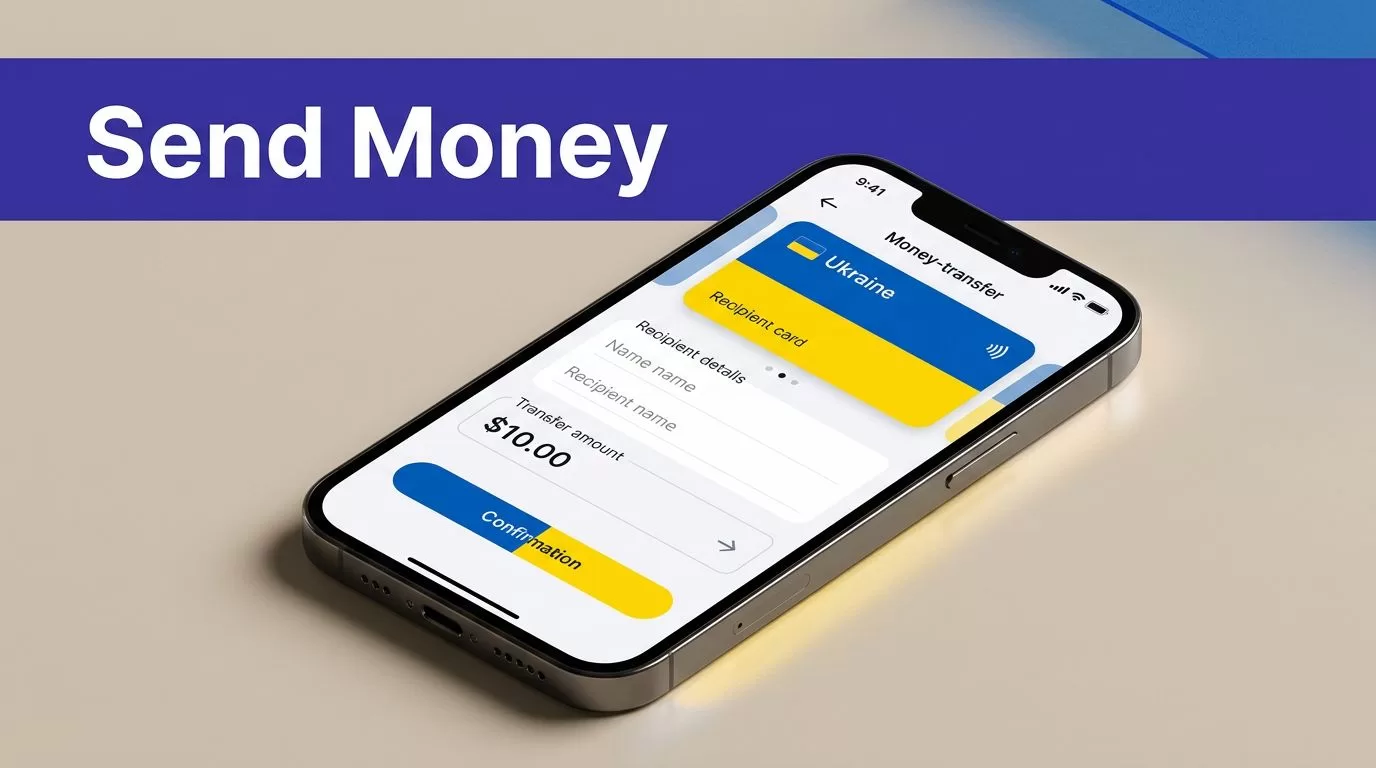
Sending money across borders becomes risky when you choose an app from the wrong download page. If you need to send money to Ukraine, start with the official Remitly app, then verify the recipient, delivery method, fee, exchange rate, and final payout before you pay.
Remitly is a practical option for many U.S.-to-Ukraine transfers in 2026. It isn’t automatically the cheapest choice for every transaction. Your live quote depends on the sending country, amount, payment method, delivery speed, recipient location, and current promotions.
Why Remitly Works for Ukraine Transfers
Remitly gives you one workflow for creating the transfer, selecting delivery, reviewing the quote, and tracking the transaction. The U.S. route to Ukraine is active, but available features can change by corridor and payout provider.
What the Ukraine Route Supports
The official Remitly Ukraine transfer page lets eligible senders begin a transfer from the United States. People in other supported countries should select their actual sending country before checking the route.
The app may ask whether you want to send money in your currency or target the amount the recipient should receive. Use the second option when the recipient needs a defined amount for household bills, school costs, medical expenses, or other approved needs.
Remitly also lets you save recipient details and monitor the transfer after payment. You should still review saved information before every new transaction.
Select the Right Delivery Method
Options can vary by recipient location and provider. Available methods may include:
- Bank deposit, when the recipient has an eligible Ukrainian account.
- Cash pickup, when the recipient needs to collect funds from a supported payout location.
- Debit card deposit, where the route and recipient qualify.
- Other delivery options may appear in limited locations or under specific provider arrangements.
The app may show Ukrainian providers such as PrivatBank, PUMB, Oschadbank, Universal Bank, and others. PrivatBank information published by Remitly lists USD, EUR, and UAH for certain transfers, but you should rely on the currencies displayed for your own transaction.
Don’t choose a method based only on the fastest estimate. Confirm that the recipient can access the selected bank account, card, or pickup location.
Download the Official Remitly App Safely
Download Remitly through Apple or Google. The official Remitly website also lets you start a transfer in a browser if you don’t want to install the mobile app.


Photo by Monstera Production
Install Remitly on an iPhone
- Open the Apple App Store directly on your iPhone.
- Search for “Remitly: Send Money & Transfer.”
- Check that the publisher is Remitly Inc.
- Open the official Remitly App Store listing, review the listing, and tap Get.
- Open the app after installation and create an account or sign in.
Do not install a second app with a similar name, logo, or description. Check the publisher before entering your phone number, password, payment information, or identity details.
Install Remitly on Android
- Open Google Play on your Android device.
- Search for Remitly.
- Confirm that the publisher is Remitly, Inc.
- Use the official Remitly Google Play listing and tap Install.
- Open the app and complete the account setup.
Your Google Play country or device settings may affect the listing you see. If the app isn’t available, access Remitly through its official website instead of downloading an APK.
Avoid APKs, Fake Ads, and Imitation Websites
Never install a Remitly APK from a random website. APK files outside Google Play can contain malware or a modified login screen that captures your credentials.
Avoid download links sent through unexpected text messages, social media posts, or emails. A sponsored search ad can also redirect you to an imitation website. Type Remitly.com into your browser manually or use a store link from the official site.
Check the domain before signing in. Look for spelling errors, unusual extensions, urgent payment requests, and promises that don’t match the app’s normal process. Netcraft’s guide to detecting fake apps shows common distribution methods used by fraudulent app operators.
Prepare the Transfer Before You Open the App
A transfer goes faster when you have the required details ready. Accuracy matters more than speed.
Collect the Required Information
Prepare your government-issued identification if Remitly asks you to verify your account. You also need a valid payment method supported for your sending country.
Ask the recipient to provide:
- Their full legal name exactly as shown on their government ID.
- Their current phone number and location.
- Bank account details if you are using a deposit.
- Pickup information if cash collection is selected.
- The preferred currency and delivery method.
Don’t use a nickname, shortened name, or spelling variation. A mismatch can delay cash pickup or require a correction after payment.
For a bank deposit, check the account number and bank name with the recipient before you submit. The recipient should confirm the details in writing when possible.
Confirm the Recipient’s Preferred Method
Bank deposit may be convenient for someone with an active eligible account. Cash pickup may suit a recipient who doesn’t use a bank account or needs access through a local payout partner.
Ask where the recipient can realistically collect the funds. A pickup location may be far away, closed, or unavailable when needed. The available provider, currency, and delivery method are shown during transfer setup.
How to Send Money to Ukraine With Remitly
Use the app only after you confirm the recipient’s details. The steps are simple, but the final review controls the transaction.
Complete the Transfer Step by Step
- Open the official Remitly app and create an account or sign in.
- Set your real sending country and select Ukraine as the destination.
- Enter the amount you want to send, or enter the amount the recipient should receive.
- Select the available delivery method and payout provider.
- Add or select the recipient. Enter their legal name, contact details, and bank or pickup information.
- Choose a supported payment method, such as a bank account, debit card, or credit card if available.
- Review the transfer summary before authorizing payment.
- Confirm the transaction and save the receipt or reference number.
The app may request identity checks, additional information, or payment confirmation. Complete only requests shown inside the official app or Remitly website.
Check the Confirmation After Payment
Save the confirmation number and transaction receipt. The app should show the transfer status and any next action required.
Ask the recipient to confirm receipt after the funds arrive. Don’t create a second transfer because a message says the first one failed. Check the transaction status in your account first.
Review Fees, Exchange Rates, and Limits
The fee is only one part of the price. The recipient’s final amount after the exchange rate is the number that matters.
Compare the Complete Quote
Remitly’s Ukraine pricing page has displayed Economy and Express examples, including $1.99 for Economy and $2.99 for Express in a visible U.S. pricing table. A separate Ukraine page has also advertised fee-free transfers for a limited time.
These figures aren’t permanent guarantees. A promotion may apply only to qualifying users or transfers. The fee can change with the amount, payment method, speed, account status, destination, and provider.
The lowest transfer fee may still produce a lower payout if the exchange rate is less favorable. Compare the total amount charged with the exact amount the recipient receives.
Before payment, check:
- The exchange rate used for this transaction.
- The transfer fee and total amount charged.
- The currency and exact amount the recipient receives.
- The delivery method and provider.
- Any first-transfer or promotional conditions.
- The estimated delivery time shown in the app.
Don’t calculate the cost from a previous transfer. Reopen the app and review the current quote each time.
Treat Limits and Delivery Estimates as Live Details
Remitly doesn’t provide one universal Ukraine limit that applies to every sender. Limits can depend on the sending country, amount, payment method, account status, recipient details, and verification requirements.
The app may show a maximum amount during setup. If it asks for additional information, complete the request before assuming the transfer can proceed.
Delivery estimates also vary. Bank processing, recipient information, compliance checks, weekends, payment confirmation, and payout provider operations can affect timing. A displayed estimate is not a guarantee.
If the recipient needs money by a fixed date, leave extra time. Don’t promise a specific arrival time until Remitly shows the estimate for that exact transfer.
Fix Common Problems Before They Cost Money
Most avoidable issues come from incorrect details or unverified download sources.
Correct Name and Account Errors Early
Review the recipient’s name against their government ID. Check every bank detail before payment. If the recipient cannot use the selected delivery method, cancel or change the transfer through the available Remitly process instead of sending another payment.
After submission, a name or delivery correction may require support. It can also delay collection or deposit. Keep screenshots of the quote, recipient details, and confirmation number.
Respond to Delays and Security Warnings
If a transfer is delayed, open the transaction inside the Remitly app and follow the status instructions. Use Remitly’s official support route. Don’t give account credentials, one-time codes, or payment details to someone who contacts you unexpectedly.
If you installed an app from an unofficial source, stop using it. Uninstall it, change your Remitly password from the official website, and review your payment account for unauthorized activity.
Conclusion
The safest way to download Remitly is through the Apple App Store, Google Play, or the official Remitly website. Set the correct sending country, select Ukraine, confirm the recipient’s legal details, and choose a delivery method the recipient can use.
Fees, exchange rates, limits, promotions, delivery speeds, currencies, and provider availability can change in 2026 and beyond. Review the live quote and final recipient amount inside the app before every transfer. Accuracy before payment prevents most avoidable problems when you send money to Ukraine.

