How I Track Student Progress Automatically on Skool
A course can look busy while half the class quietly falls behind. Likes and comments show activity. They do not show who finished a lesson, who stalled, and who needs a nudge. This guide explains how to track Skool student progress with the...
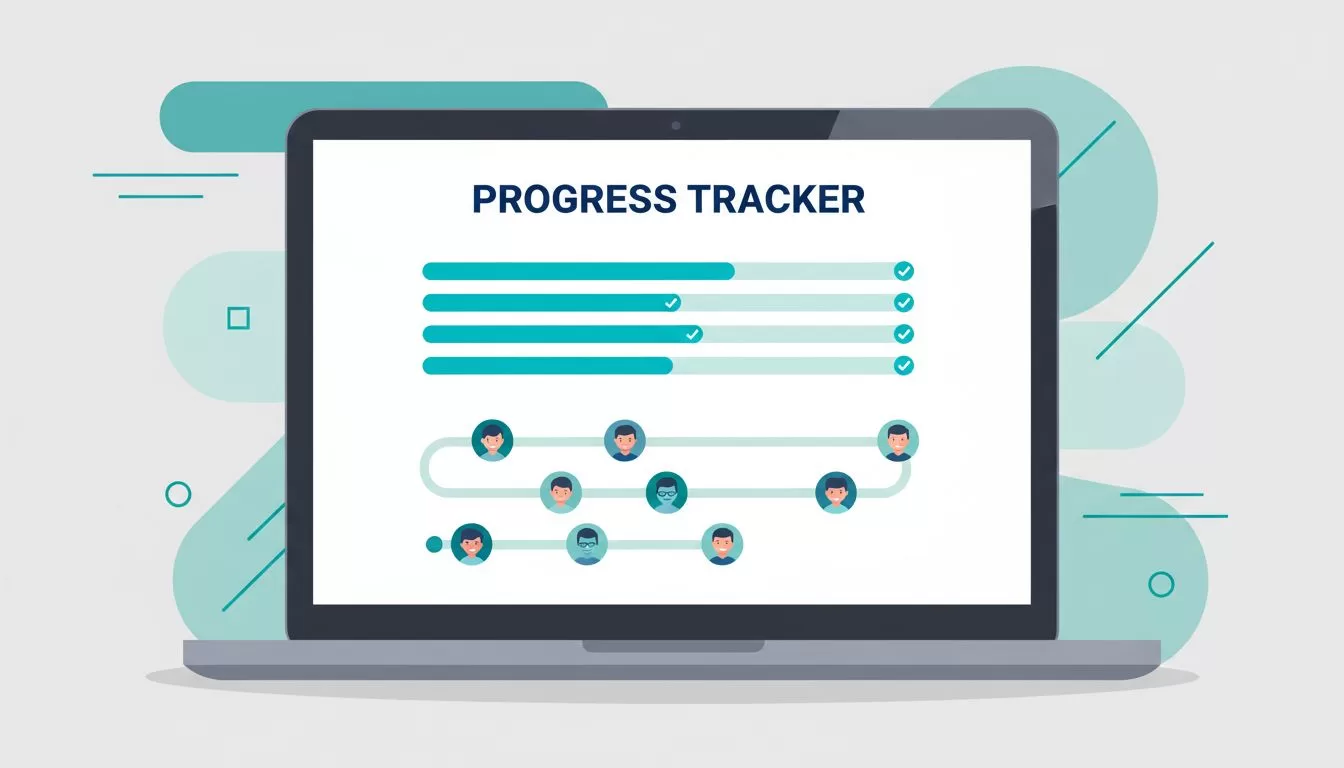
A course can look busy while half the class quietly falls behind. Likes and comments show activity. They do not show who finished a lesson, who stalled, and who needs a nudge. This guide explains how to track Skool student progress with the built-in Classroom tools first, then how to fill the gaps with simple forms and light automation.
The advice fits course creators, community owners, and coaches who run a free or paid group on Skool. Confirm every feature inside your own group, because Skool changes menus and plan rules over time. Wherever a price or fee appears, the text names the official page to check.
What Skool tracks inside the Classroom
The Classroom tab holds your courses. Members open a lesson, read or watch the content, and mark the lesson complete with the completion control in the lesson view. Public Skool courses show a progress percentage and a bar on the course card once members mark lessons done. Join your own group as a test member to see exactly what members see.
This signal is clean. A member either marked the lesson complete or did not. You do not need five tools to read the result. Completion data also points to weak spots. If most members stop after Module 2, the module has a problem with length, clarity, or relevance.
Skool documents course features in the Skool Help Center Classroom category. Read the articles there before you design a course structure, because unlock rules and course settings change what members can see.

What native tracking does not cover
Native completion tracking answers one question. Did this member mark lessons done? Several other questions stay open, and each one matters when you run a serious program.
- Quality of learning. A checkmark shows a click, not understanding. A member can mark five lessons complete in one minute.
- Time spent. You cannot rely on completion alone to learn how long members stay in a lesson.
- Cross-course reporting. Owners with many courses often want one sheet with every member and every course.
- Outside reporting. Sponsors, employers, and parents may expect a weekly summary outside Skool.
- Proof of completion. Certificates and compliance records need a separate process.
Treat native tracking as the first layer. Add other layers only when a real need appears. A small free group rarely needs more than the Classroom view. A paid cohort with sponsors usually does.
Keep progress separate from engagement
Skool points and levels reward activity in the community. Members earn points when others like their posts and comments. Points show momentum and social presence. They do not prove mastery of a lesson.
Use two separate questions when you review your group. First, who is moving through the course? Second, who is taking part in the community? A member can rank high on one and low on the other. A quiet member may finish every lesson without posting. A chatty member may never open the Classroom.
Keep both signals in view, but never mix them. Report completion as progress. Report points and posts as engagement. This habit prevents false confidence and helps you decide who needs a message.
A weekly routine for tracking Skool student progress
A short routine beats a complex dashboard. Run the same steps each week and write down the result.
- Break the course into short modules, each with one clear outcome.
- End every lesson with one obvious next step so members know when to mark the lesson complete.
- Open the Classroom as a test member and confirm the lesson order, unlock rules, and progress bar behave as expected.
- Review which modules show the biggest drop in completion. Edit the weakest module first.
- Message members who stalled. Keep the note short and offer one specific next action.
- Record the result in a simple sheet with the date, the module, and the number of members who stalled.
The routine works because the steps stay small. Members see the next step. You see the lagging step. After a month, the sheet shows a trend instead of a guess.
Match the tracking method to the program type
Different programs need different signals. The table below shows a practical starting point for each type.
| Program type | Main signal to track | Suggested setup |
|---|---|---|
| Self-paced course | Lesson completion | Native Classroom tracking first |
| Membership | Monthly check-ins plus activity | Skool plus a short form and a spreadsheet |
| Cohort | Attendance plus milestones | Calendar events, a check-in form, and reminders |
| Free community | Engagement trends | Posts, comments, and direct message follow-up |
For a self-paced course, native completion tracking is often enough. For a membership, track progress by month or theme instead of one long finish line. For a cohort, pair course completion with attendance at live calls. For a free community, discussion quality matters more than perfect lesson completion.
Add a form for richer check-ins
Many owners need more than a completion mark. A short form at the end of each module solves this without code. Link the form from the final lesson. Ask three questions: What did you finish? What blocked you? What do you plan to do next?
Send the form responses into a spreadsheet. Each row then holds a member name, a date, and a status. Sort by date to find members who stopped replying. Sort by blocker to find the most common problem in your course. These answers often give better edits than raw completion numbers.
A form also works as a light quiz. Add two or three questions about the lesson. A wrong answer tells you which idea needs a better explanation. Keep the quiz short, because long quizzes lower response rates.
Automate follow-up outside Skool
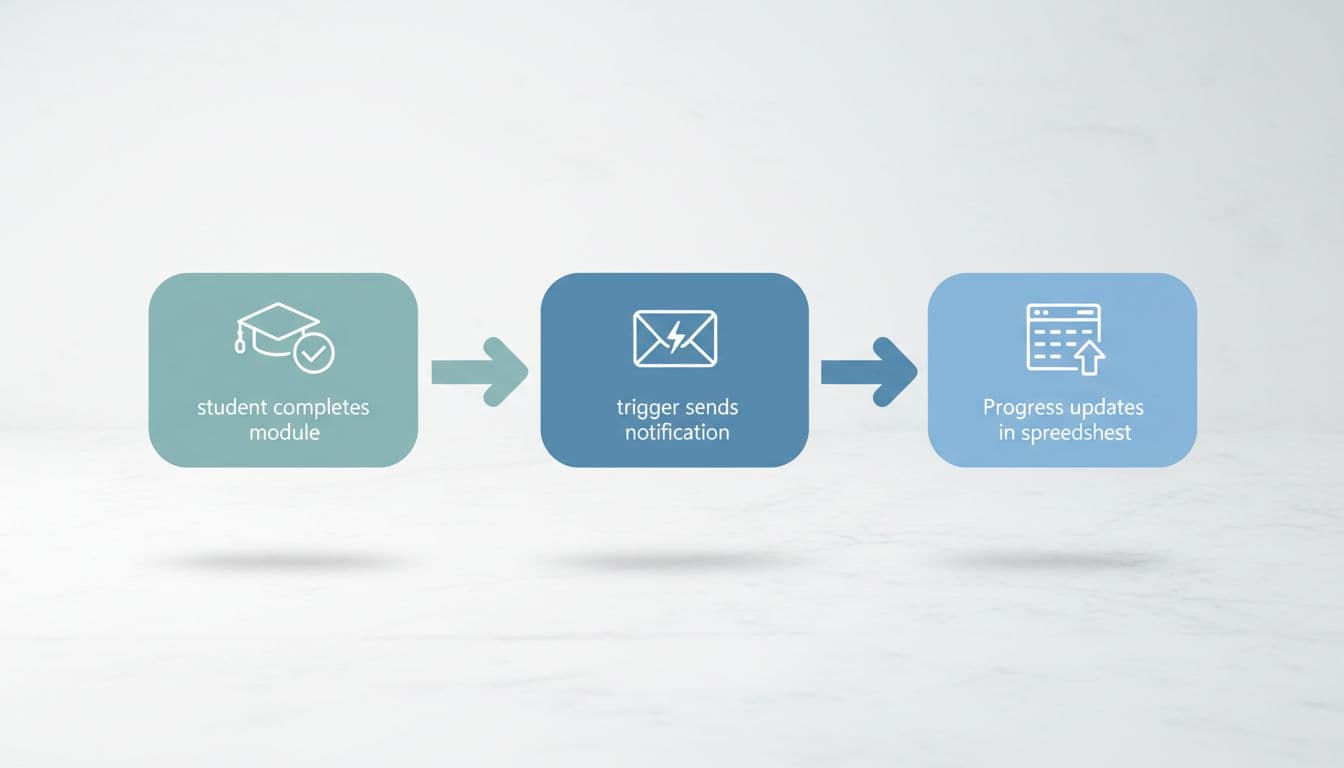
Once the form and the sheet work, you can automate follow-up. Zapier publishes a directory of Skool integrations on its Zapier Skool integrations page. Check the list of available triggers and actions there before you plan a workflow, because the options differ from plan to plan and change over time.
A typical flow looks like this. A member submits the module form. The automation adds a row to a sheet, tags the member in your records, and sends a reminder for the next step. If Skool does not expose a lesson-complete trigger in your setup, the form submission acts as the trigger instead.
Keep each automation small. One trigger, one action, and one test. Complex chains break often and are hard to repair. Test every flow with your own test member before you invite real members.
Analytics tools measure page views and clicks. Learning data measures completed modules and answers. A page view matters less than a completed module. Report the two kinds of data separately.
Plan costs and fees to check
Tracking tools are only part of the budget. Skool publishes plan prices and transaction fees on its official Skool pricing page. At the time of writing, the page lists two plans.
| Plan | Monthly price | Transaction fee |
|---|---|---|
| Hobby | $9 per month | 10% |
| Pro | $99 per month | 2.9% |
Both plans list unlimited members, unlimited courses, unlimited videos, unlimited live calls, a custom URL, and affiliates. Prices change, so confirm the numbers on the pricing page before you decide. If your group sells a paid course, the transaction fee can matter more than the monthly price.
Common mistakes to avoid
- Treating points as proof of learning. Points measure activity only.
- Skipping the test member. Owners often see a different view from members.
- Building a complex automation before the manual process works.
- Messaging every stalled member with the same generic note. A specific next step gets more replies.
- Ignoring the weakest module. One broken module can stall the whole class.
- Promising certificates without a clear process to issue them.
Most problems come from skipping the basics. Start with one course, one milestone, and one reminder. Add layers only after the first layer works.
Frequently asked questions
Does Skool track student progress automatically?
Skool shows lesson completion and a progress percentage in the Classroom. Members mark lessons complete themselves. Check your own group as a test member to confirm the exact behavior.
Can I see which members are stuck?
Review completion by module and compare members to the rest of the class. For deeper detail, collect a short form after each module and sort the responses in a spreadsheet.
Are points and levels the same as progress?
No. Points reward community activity. Completion shows movement through the course. Track the two separately.
Can I send a certificate when a member finishes?
Plan a separate process. You can send a certificate by email after you confirm completion in the Classroom or in your form sheet. Do not promise automatic certificates unless you have tested the workflow.
Do I need Zapier to track progress?
No. Native Classroom tracking, a form, and a spreadsheet cover most needs. Add Zapier when manual follow-up takes too much time.
Conclusion
Skool handles the simple parts of progress tracking well. Use the Classroom for completion visibility, a short form for richer check-ins, and a spreadsheet for trends. Add automation only where reporting or follow-up costs real time.
Start small. Pick one course, one milestone, and one weekly review. Within a month, scattered activity turns into usable Skool student progress data and a clear list of members who need a message.
