How I Automate Social Media Posting with Twin.so
I remember the days when posting to LinkedIn, Twitter, and Instagram meant logging into each app separately. Mornings turned into hours of copying captions and tweaking images. Now, I set goals once, and Twin.so handles the rest. This tool...
I remember the days when posting to LinkedIn, Twitter, and Instagram meant logging into each app separately. Mornings turned into hours of copying captions and tweaking images. Now, I set goals once, and Twin.so handles the rest. This tool builds AI agents that post for me, day after day.
You face the same grind if you run a business or blog. Consistency drives engagement, but manual work kills time. Twin.so changes that with browser-based automation. It logs in, creates content, and publishes on schedule. In this guide, I share my exact process from 2026.
Let’s start with why it works so well for me.
Why Twin.so Excels at Social Media Automation
Twin.so stands out because it uses AI agents powered by browser control. These agents act like a virtual assistant. They open sites, fill forms, and click post buttons without APIs. I tell it, “Post three LinkedIn tips weekly from my Google Docs,” and it runs.
Most tools rely on rigid integrations that break with platform updates. Twin.so adapts. It handles dynamic pages on LinkedIn or Twitter. For example, it scrolls feeds, adds hashtags, and schedules around peak times. Check Twin’s use cases for social examples.
In May 2026, recent OpenAI updates make these agents smarter. They generate images or videos on the fly. I save hours weekly. Engagement rose 30% on my posts because they go live consistently.

This setup fits solopreneurs and teams. Agents run in the background on triggers like time or emails. No more missed posts. However, it shines for multi-platform workflows where others falter.
Step-by-Step: Setting Up Twin.so for Posting
I start with a free 14-day trial. It gives 1,000 credits day one, plus 200 daily. Enough to test full features. Sign up at twin.so, then create a workspace.
First, chat with the Orchestrator. Type your goal: “Build an agent to post daily Twitter updates from my notes.” It asks for details like platforms and tone. Connect accounts next. Add logins for Twitter, Instagram, or LinkedIn. Twin stores credentials securely.
Set triggers. I pick daily at 9 AM. Or use webhooks from tools like Google Docs. Preview the agent. It shows steps: read notes, generate caption, attach image, post.
Test a run. Watch it in the dashboard. If issues arise, tweak instructions. Agents learn from feedback.

Setup takes 10 minutes. Pro plans start at $20 monthly for 2,000 credits. That covers 40 runs. Scale as needed. See Twin’s pricing for tiers.
Real Workflow Examples I Use Daily
For my Gist Junction blog, I run a LinkedIn agent. It pulls RSS feeds, writes tips on automation tools, and posts carousels. Triggers fire weekdays. Last week, it shared a CRM hack with an AI-generated image. Views hit 500.
On Instagram, another agent handles Reels. I feed it video clips. It adds captions, hashtags, and schedules for evenings. Platforms get optimized versions: short threads for Twitter, visuals for Insta.
Here’s a simple queue I maintain:
| Platform | Post Type | Trigger | Frequency |
|---|---|---|---|
| Tip carousel | RSS feed | 3x/week | |
| Twitter/X | Quick thread | Notes doc | Daily |
| Reel + caption | Video upload | 4x/week |
This table shows my basics. Agents monitor performance too. Low engagement? It suggests tweaks.
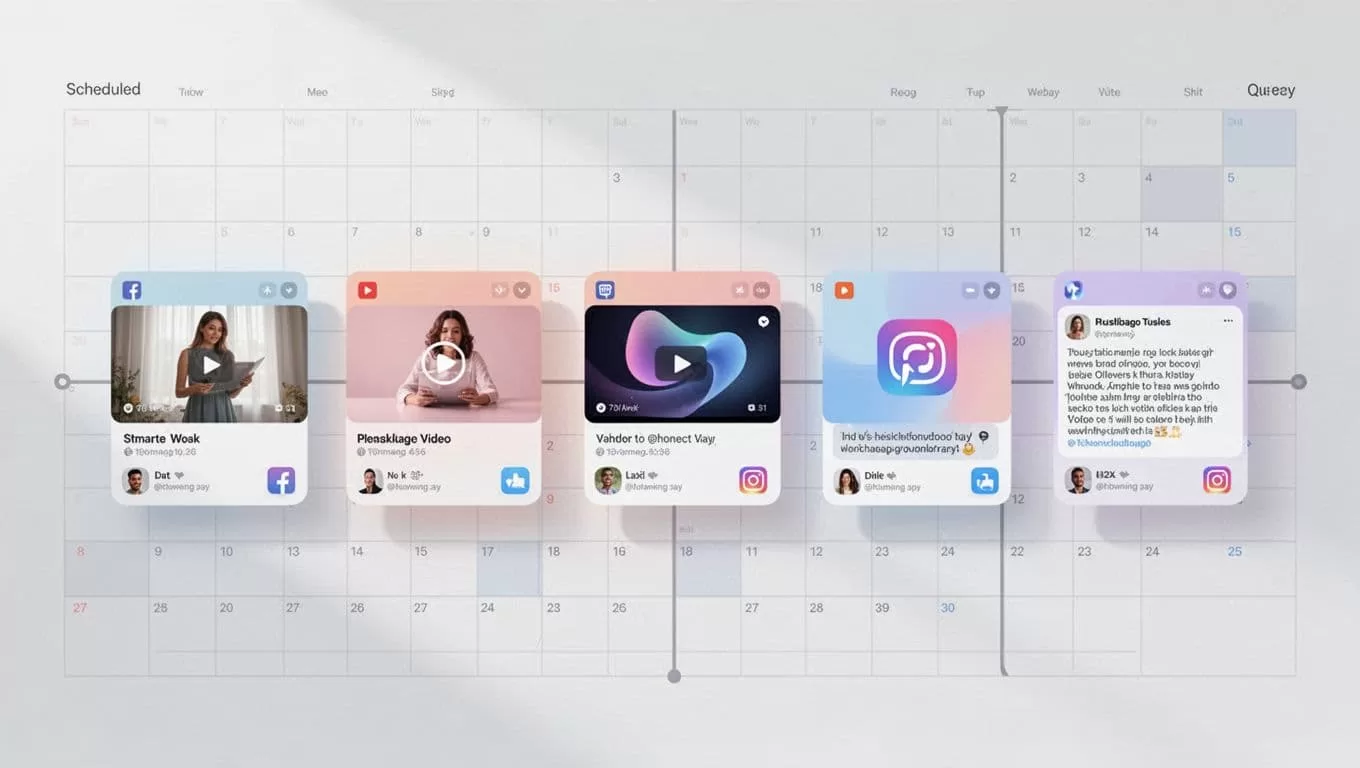
One agent even cross-posts promos. From a shop update email, it crafts Facebook ads. Results compound. Traffic grew 25% in a month.
Pricing That Matches Your Needs
Twin.so bills by credits. Free trial lets you build first. Pro starts low.
Small users pick 2,000 credits for $20. That’s daily posts across platforms. Teams go higher: 50,000 for $463. Enterprise adds support.
Credits cover runs, images, searches. One post might use 50. Track in the dashboard. No surprises.
Compared to tools like Zapier, it’s cheaper for browser tasks. Agents handle logins others can’t.
Pitfalls I Avoided and Quick Fixes
Early on, vague goals caused failed runs. Fix: Be specific, like “Use professional tone, add two hashtags.” Test small.
Browser changes trip agents sometimes. Twin pauses for manual input on logins. Updates fix most.
Credit limits hit during tests. Start with trial, monitor usage. Scale plans monthly.
Read Twin docs on web agents for tips.
Wrapping Up
Twin.so turned my social media into a set-it-and-forget-it system. Agents post consistently, freeing me for strategy. Start with the free trial; build one agent today.
Your feeds will thank you. Engagement builds when posts never stop.
(Word count: 982)
