Replace a Social Media Planner Template With Someli
A social media planner template can organize dates, captions, and campaign ideas. It can’t manage the work around them. Once several people edit the calendar, the file becomes harder to trust. That’s where Someli fits. It gives...
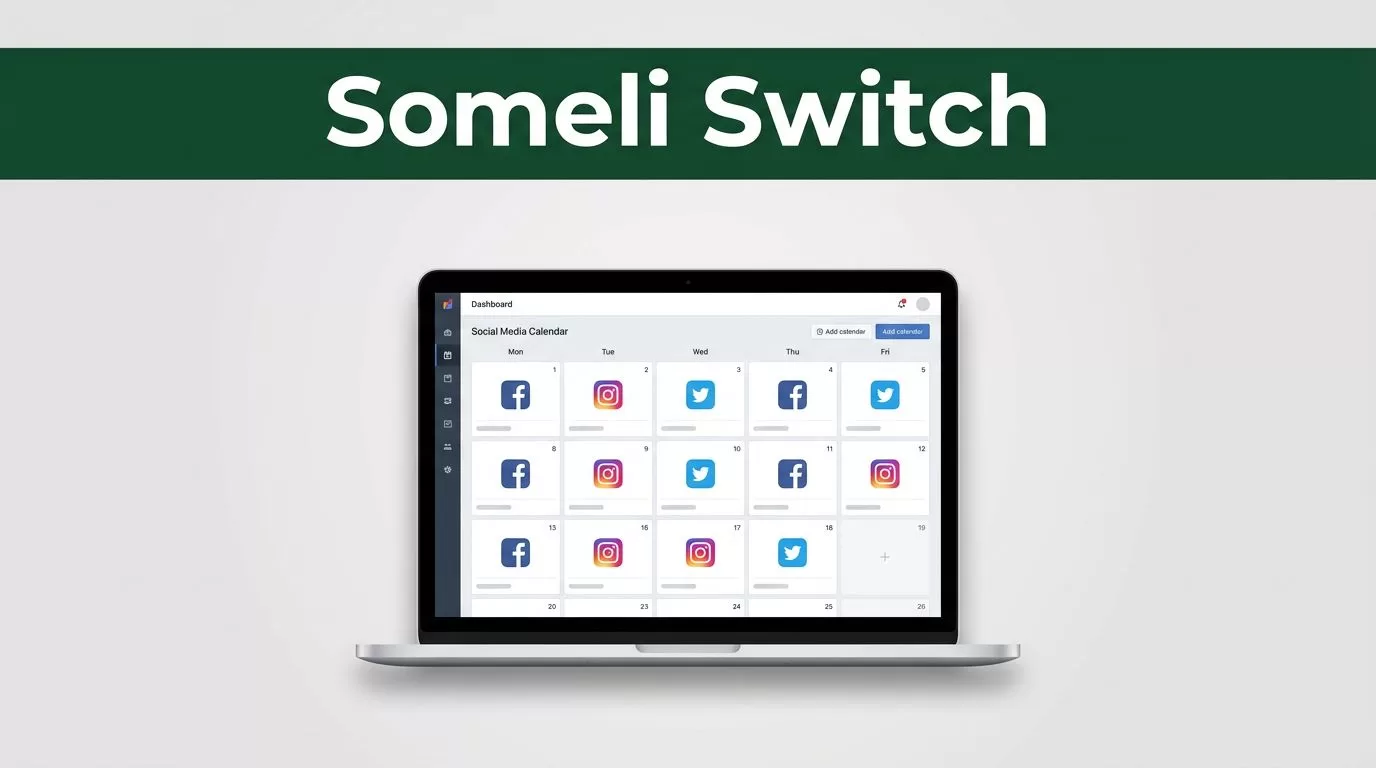
A social media planner template can organize dates, captions, and campaign ideas. It can’t manage the work around them. Once several people edit the calendar, the file becomes harder to trust.
That’s where Someli fits. It gives you a practical alternative to a static spreadsheet or downloadable template, so planning becomes a shared operating process instead of a document that gets updated and forgotten.
Key Takeaways
- A template is useful for recording plans, but weak at managing ongoing work.
- Someli can become the active planning space for content, ownership, reviews, and changes.
- Migrate only useful calendar data. Don’t carry old clutter into a new system.
- A simple template is still enough for solo creators with low publishing volume.
- The right choice depends on workflow complexity, not the number of social channels alone.
Why a Static Social Media Planner Template Stops Working
Most social media planner templates begin with a sensible structure. You add the date, platform, content format, caption, visual asset, and status. The file gives you a clear starting point.
The problems appear after publishing begins.
A spreadsheet often records what should happen. It doesn’t always show what is happening now. A post may be marked “in progress” even though the caption is waiting for approval. An asset link may point to an outdated file. A campaign may change while the calendar still reflects the original plan.
Small teams feel this quickly. The owner wants to review content. The designer needs the final copy. The social media manager needs to change the publishing date. Each person checks the same file, but they may not read the latest comments or understand which task comes next.
A template also encourages duplicate planning. Someone downloads a new copy for the next quarter. Another person keeps a private list of urgent posts. A campaign lives in a separate document. The team now has several versions of the truth.
The issue isn’t that spreadsheets or templates are bad. The issue is that a static file treats planning as recordkeeping. Social media work is active. Dates move, assets change, approvals happen, and priorities shift.
A calendar that shows every planned post can still leave the team unsure about the next action.
That gap affects consistency. When updates are scattered, publishing becomes reactive. You fill empty slots late, reuse ideas without a clear reason, or miss important steps before a post goes live.
What Changes When Someli Becomes the Working Planner
Replacing a social media planner template with Someli is a workflow change. You’re not removing the calendar. You’re giving the calendar a more active role in daily work.
Use Someli as the place where the team checks planned content, confirms ownership, and records current status. The exact setup depends on your process, but the operating rule stays the same: the current plan should be easy to find and clear enough to use.
Visibility is the first improvement. Everyone should be able to answer three questions without opening several files:
- What content is planned?
- What needs attention now?
- Who owns the next step?
This reduces status meetings and unnecessary messages. It also gives the person responsible for publishing a clearer view of upcoming work.
Consistency improves when the same planning details appear on every content item. Use a common structure for the publish date, channel, format, campaign, owner, caption, asset, call to action, and approval status. The team spends less time deciding how to record information.
Collaboration becomes easier when feedback stays connected to the content it affects. A reviewer shouldn’t need to search through email or chat to find the reason behind a caption change. Keep decisions close to the relevant post whenever your Someli workflow allows it.
Planning efficiency comes from reducing repeated administration. You still need strategy, creative work, and review. You simply spend less time rebuilding the same calendar, checking multiple files, and explaining what each status means.
Someli should not replace your content strategy. It should hold the working plan that turns strategy into scheduled, reviewable tasks.
How to Move an Existing Content Calendar Into Someli
Don’t copy your entire spreadsheet into Someli without checking it first. Migration is a good time to remove outdated campaigns, repeated ideas, and fields nobody uses.
1. Audit the current social media planner
Open the existing template and separate content into three groups:
- Published content that only needs to remain as a reference
- Active content that still needs work
- Old or abandoned content that can be removed
Keep historical content only if your team uses it for reporting, repurposing, or campaign reference. Otherwise, it adds noise to the new planning space.
Review every column. Remove fields that have no clear owner or action. A column called “notes” often becomes a storage area for unrelated information. Replace it with a clear instruction or delete it.
2. Define the minimum information for every post
Create a consistent content record before moving items. Most teams need:
- Planned publishing date
- Social channel
- Content format
- Campaign or topic
- Assigned owner
- Caption or draft copy
- Asset location
- Review status
- Approval notes
- Call to action
You may need fewer fields if you’re a solo creator. A larger team may need additional information for legal review, product launches, or client approvals.
Keep the structure practical. If a field doesn’t change a decision, assign work, or prevent confusion, don’t make it mandatory.
3. Move active work first
Start with the next two to four weeks. This gives the team a manageable test period and exposes gaps before you migrate a full quarter.
Move each active post into Someli using the structure you defined. Check the date, owner, asset, caption, and status as you go. Don’t assume the spreadsheet is accurate because it looks complete.
Flag missing information instead of hiding it. A post without an image can be marked for asset creation. A caption waiting for approval should not appear identical to content that is ready to publish.
4. Set clear ownership and review points
Assign one person to each next action. Shared responsibility often means nobody knows who should act.
The owner of the post may not be the owner of every task. A designer may create the visual. A manager may approve the copy. The social media manager may schedule or publish it. Record these handoffs in the working process your team uses in Someli.
Set a review deadline before the publishing date. A post planned for Friday shouldn’t reach the reviewer on Thursday afternoon unless that timing is intentional.
5. Run one planning cycle before changing everything
Use the migrated content for one complete cycle. Watch where the process slows down.
Do people understand the statuses? Are important details missing? Does someone still keep a separate list? Are approvals happening in messages instead of beside the content?
Fix the process before adding more complexity. Then migrate the remaining active calendar and archive the old template as a reference. Make one person responsible for maintaining the new system during the first month.
Build a More Reliable Weekly Planning Process
Someli can hold the plan, but your team still needs operating rules. Without them, a new tool becomes another place to store unfinished work.
Set a weekly planning session. Review the next publishing period, confirm campaign priorities, and identify missing assets. Keep the meeting focused on decisions. Don’t use it to read every caption aloud.
Use a simple status sequence that everyone understands. For example, content may move through planned, drafting, in review, approved, and published. Your labels can differ, but each status needs one meaning and one next action.
Separate content planning from urgent requests. Not every new idea belongs in the current week. Add it to the future plan or an ideas area, then review it during the next planning session.
Review performance outside the production workflow. The social media planner should show what was planned and published. Analytics should show what happened after publishing. Keep those jobs connected, but don’t turn every calendar item into a reporting document.
For collaboration, define response expectations. Decide who reviews content, how far ahead approval happens, and where changes are recorded. These rules matter more than adding extra columns.
A practical weekly rhythm can look like this:
- Review upcoming content and confirm priorities.
- Complete missing copy, assets, and approvals.
- Check published items and update their status.
- Move new ideas into a future planning queue.
This process gives Someli a clear role. It becomes the shared control point for planned work, while your analytics tools and creative tools handle their own jobs.
When a Simple Template Is Still Enough
Not every team needs to replace a social media planner template. A simple file may be the right choice when one person manages the entire process and publishing volume stays low.
A template can work well when content rarely changes, approvals aren’t needed, and every asset is easy to locate. It also makes sense for a short campaign with a fixed start and end date.
Use the comparison below to check whether your current process has a real problem.
| Situation | A simple template may be enough | Someli is worth considering |
|---|---|---|
| Team size | One person owns planning and publishing | Several people review or produce content |
| Content volume | A few posts each week | Multiple campaigns or frequent publishing |
| Approvals | No formal review is required | Captions and assets need sign-off |
| Changes | Dates and priorities rarely move | Content changes during production |
| Visibility | One file is easy for everyone to access | People rely on separate lists or messages |
| Maintenance | The calendar stays accurate | Status and ownership need regular updates |
The decision isn’t based on how modern the spreadsheet looks. It’s based on whether the current process creates delays, duplicate work, or uncertainty.
Don’t move to Someli because templates are unfashionable. Move when the team needs a clearer working system than a static file can provide. If the template still gives one owner enough control, keep it and improve the process around it.
Conclusion
A social media planner template is a useful record, but it becomes limiting when planning involves changing priorities, several contributors, or repeated approvals. Someli offers a practical place to manage the active plan instead of treating the calendar as a finished document.
Start with a clean migration. Move active content, define the fields and statuses your team actually uses, assign ownership, and test the workflow for one planning cycle.
The goal isn’t to add another tool. It’s to give your team one reliable view of what is planned, what needs action, and what is ready to publish.
