Plan Better Social Feeds With Someli’s Visual Planner
A social media feed can contain strong individual posts and still look disorganized as a whole. The problem usually starts before publishing. Posts are created one at a time, reviewed in isolation, and added to the feed without checking how...
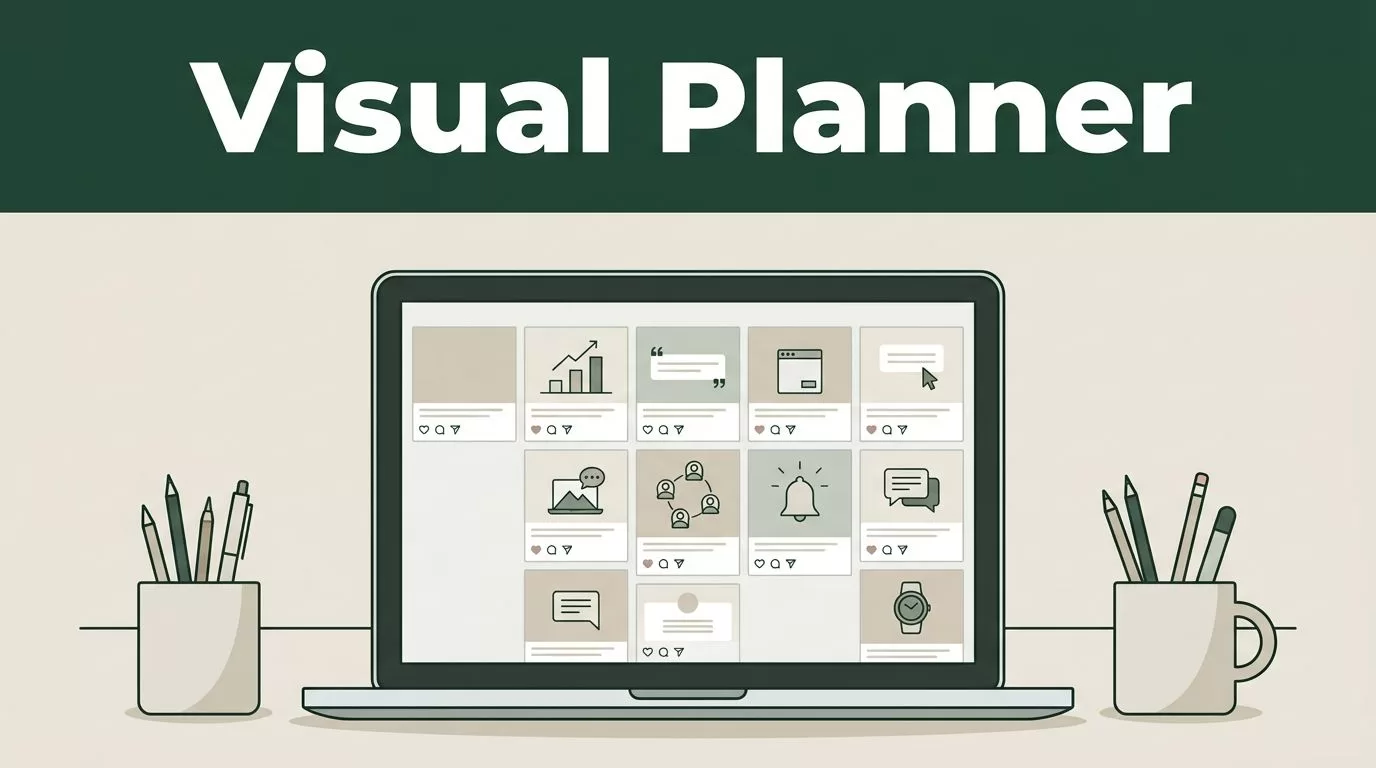
A social media feed can contain strong individual posts and still look disorganized as a whole. The problem usually starts before publishing. Posts are created one at a time, reviewed in isolation, and added to the feed without checking how they work together.
A social media visual planner fixes that gap. Someli lets you arrange content, preview the feed, and spot weak patterns before they reach your audience. The result is a clearer planning process and a more consistent brand presence.
Key Takeaways
- Use Someli to review your feed as a complete visual system, not as separate posts.
- Define content pillars, colors, layouts, and formats before filling the planner.
- Mix educational, promotional, product, and community content to prevent repetitive feeds.
- Review mobile crops, spacing, color balance, and post order before publishing.
- Keep one shared planning workflow so creators and marketers work from the same feed structure.
Why a Visual Planner Belongs Before Publishing
Most social media teams already use a content calendar. A calendar answers an important question: when will each post go live?
It doesn’t always answer the visual questions:
- Do three dark graphics appear next to each other?
- Are promotional posts taking over the feed?
- Does the profile show the brand’s main products clearly?
- Do vertical videos crop correctly in the planned layout?
- Can a new visitor understand the business after viewing nine posts?
These issues are hard to catch when you review posts in a spreadsheet or scheduling queue. A visual planner puts the posts beside each other. You can assess the full sequence before your audience sees it.
Someli is useful at this planning stage because it turns your feed into a working canvas. Upload or add your planned visuals, arrange their order, and review the full layout. You can move a post without rebuilding the entire content calendar.
That matters for small teams. A designer may focus on one graphic. A social media manager may focus on the caption and date. The visual planner connects both tasks. Each post still needs to work alone, but the full feed also needs structure.
Think of the feed as a storefront. A single product display may look good. Ten unrelated displays can make the store difficult to understand. Someli helps you review the storefront before you open the doors.
Build Feed Rules Before Adding Posts
A visual planner works best when you start with basic brand rules. Without those rules, you may spend time moving posts around without fixing the source of the inconsistency.
Start with your content pillars. These are the recurring subjects your brand publishes. A software company may use product education, customer results, company updates, and practical tips. A local retailer may use products, seasonal offers, staff content, and customer features.
Keep the list focused. Four to six pillars are enough for most small teams. Each pillar needs a clear purpose and a recognizable place in the content mix.
Next, define the visual rules that apply to every pillar. Record the decisions in a shared brand document so new contributors don’t guess.
Your rules may include:
- Two or three approved brand colors
- One primary font and one supporting font
- A consistent logo position
- Fixed margins for graphic posts
- A preferred image treatment
- Rules for product screenshots and customer photos
- Separate layouts for education, promotion, and announcements
The goal isn’t to make every post identical. Repetition can make a feed feel flat. The goal is to create recognizable patterns while leaving enough room for different content types.
Layout variation helps. For example, an educational post can use a clean text-led graphic. A product post can use a photo with a small brand mark. A customer story can use a portrait or real-world image. The colors, spacing, and typography should still connect the three formats.
Formats also need a plan. A feed may include square images, vertical images, short videos, carousels, and Stories. Each format has different cropping needs. A headline that fits a square graphic may be cut off in a vertical preview.
Add safe margins to your design templates. Keep essential text away from the edges. Review every format in Someli before you approve the final version.
Create a Balanced Content Sequence in Someli
Once your brand rules are clear, add the next group of planned posts to Someli. Don’t begin with a blank feed and add content without an order. Start with a defined planning window, such as the next two weeks or the next campaign.
A simple sequence makes the process easier:
- Add the approved post visuals to Someli.
- Arrange them in the order they will appear.
- Review the feed at normal viewing size.
- Move posts that create visual or editorial repetition.
- Mark missing content and send changes to the right owner.
- Recheck the layout after revised files arrive.
Look for repeated patterns first. Two similar posts can work well together. Five similar posts can make the account feel inactive, even when the team is publishing regularly.
Pay attention to the order of promotional content. A product announcement followed by a sales graphic and a discount reminder may be logical for the business. For the audience, it can feel like one long advertisement. Place an educational post, customer example, or useful tip between promotional messages.
Use the planner to connect content pillars across the sequence. A basic rotation might look like this:
- Product education
- Customer proof
- Practical advice
- Brand or team content
- Product offer
- Community question
This rotation isn’t a fixed formula. Your industry and campaign goals determine the right mix. The important point is to prevent one pillar from dominating by accident.
Someli also helps you test different orders. Move the strongest visual to the first position. Place a product image beside a text-led graphic and compare the contrast. Put related posts together when they form a clear mini-series.
The best order depends on the campaign. A launch may need a tighter sequence. An evergreen feed needs more variation. A visual planner lets you make that decision before scheduling begins.
Check Brand Consistency Across the Full Feed
Brand consistency is easier to judge when you look at several posts at once. A single post can follow the style guide and still look out of place beside the rest of the feed.
Review the color balance in Someli. You don’t need every post to use the same background. You do need the overall palette to feel connected. If a bright campaign color appears in one post, repeat it with purpose. If every post uses a different accent color, the feed loses a clear visual identity.
Check the contrast between light and dark assets. A full row of white graphics may look empty. A full row of dark images may feel heavy. Alternating backgrounds can create visual movement without adding random decoration.
Typography needs the same review. Check whether headings have similar size, spacing, and placement. Look for inconsistent capitalization and crowded text blocks. A feed can lose its professional appearance through small differences repeated across several posts.
Layouts should follow a small set of patterns. Create a template for each major post type. Don’t force every message into one design. Don’t create a new layout for every post either.
Use these questions during your Someli review:
- Can you identify the brand without seeing the account name?
- Do the main colors appear often enough to feel intentional?
- Are text-led posts easy to distinguish from promotional posts?
- Do photos and graphics have similar spacing?
- Are important details visible in each format?
- Does the feed look balanced when viewed on a phone?
Fix the largest issues first. A missing logo matters less than a cropped headline. A slightly different shade matters less than a feed filled with the same layout.
Consistency doesn’t mean repetition. It means your audience can recognize the system behind the variation.
Plan Content Pillars With Campaign Goals
A visual feed planner should support more than appearance. It should help connect each post to a business purpose.
Before adding content, assign a goal to each post. Common goals include awareness, education, engagement, conversion, retention, and customer support. Then compare the goals across the planned sequence.
If every post asks for a sale, your feed may need more useful content. If every post teaches but never presents an offer, your content may not support revenue. The planner won’t choose the balance for you, but it makes the imbalance visible.
Use content pillars to distribute those goals. Product education can support awareness and consideration. Customer stories can build trust. Tutorials can answer common questions. Offers can support conversion. Behind-the-scenes content can make the business more familiar.
Keep campaign content grouped when the audience needs context. A product launch may require an announcement, a feature explanation, a demonstration, and a customer use case. Arrange those posts so each one adds information instead of repeating the same claim.
For ongoing publishing, use a repeatable weekly structure. For example, publish one educational post, one proof-based post, one community post, and one commercial post. Add more content only when the team can maintain quality.
This structure also makes reporting easier. You can compare results by pillar instead of treating every post as a separate event. Someli handles the visual planning layer. Your analytics platform can handle reach, clicks, saves, leads, and sales.
Keep those systems connected through a shared naming method. Use clear campaign names and post labels in your content files. A consistent process reduces confusion when several people manage the same account.
Make Someli Part of the Team Workflow
A visual planner delivers more value when it becomes part of the approval process. Don’t use it only at the end, after every post has already been designed and scheduled.
Set a review point before final approval. The creator adds draft visuals. The social media manager checks the sequence. The brand owner reviews colors, layouts, and campaign consistency. Each person has a defined responsibility.
Use one current version of the plan. Duplicate files and scattered feedback create avoidable errors. Store approved assets in a shared folder and use clear file names that include the campaign, format, and status.
A practical naming format is:
campaign-topic-format-status
For example, a file name can identify a product launch, tutorial topic, vertical video, and approval status without requiring a separate explanation.
Set a deadline for visual changes. If the team keeps moving posts after scheduling, the calendar can break. Lock the order after the final review unless a post has a legal, product, or timing issue.
Review the feed at two levels. First, look at the full grid to assess color, layout, and repetition. Then open each asset to check text, crops, spelling, and calls to action. The grid view catches system-level problems. The individual view catches production errors.
Create a short review record after each campaign. Note which layouts worked, which formats caused problems, and which content pillars were difficult to produce. Use those findings when you build the next plan.
A social media visual planner isn’t a replacement for strategy. It is the control point between strategy and publishing. It helps your team see whether the planned content actually matches the brand system.
Conclusion
A feed becomes easier to manage when you stop reviewing posts in isolation. Set your content pillars, define visual rules, arrange the planned posts in Someli, and review the full sequence before publishing.
Use color, layout, format, and post order as working controls. Fix repetition and cropping issues while changes are still cheap. With a consistent Someli workflow, your team can publish content that feels connected without making every post look the same.
