How I Set Up Social Media Workflow Automation in Someli
A social feed can go quiet before a business notices. When that happens, the work gets messy fast, with half-finished captions, missed approvals, and posts scattered across notes and inboxes. I use social media workflow automation in Someli...

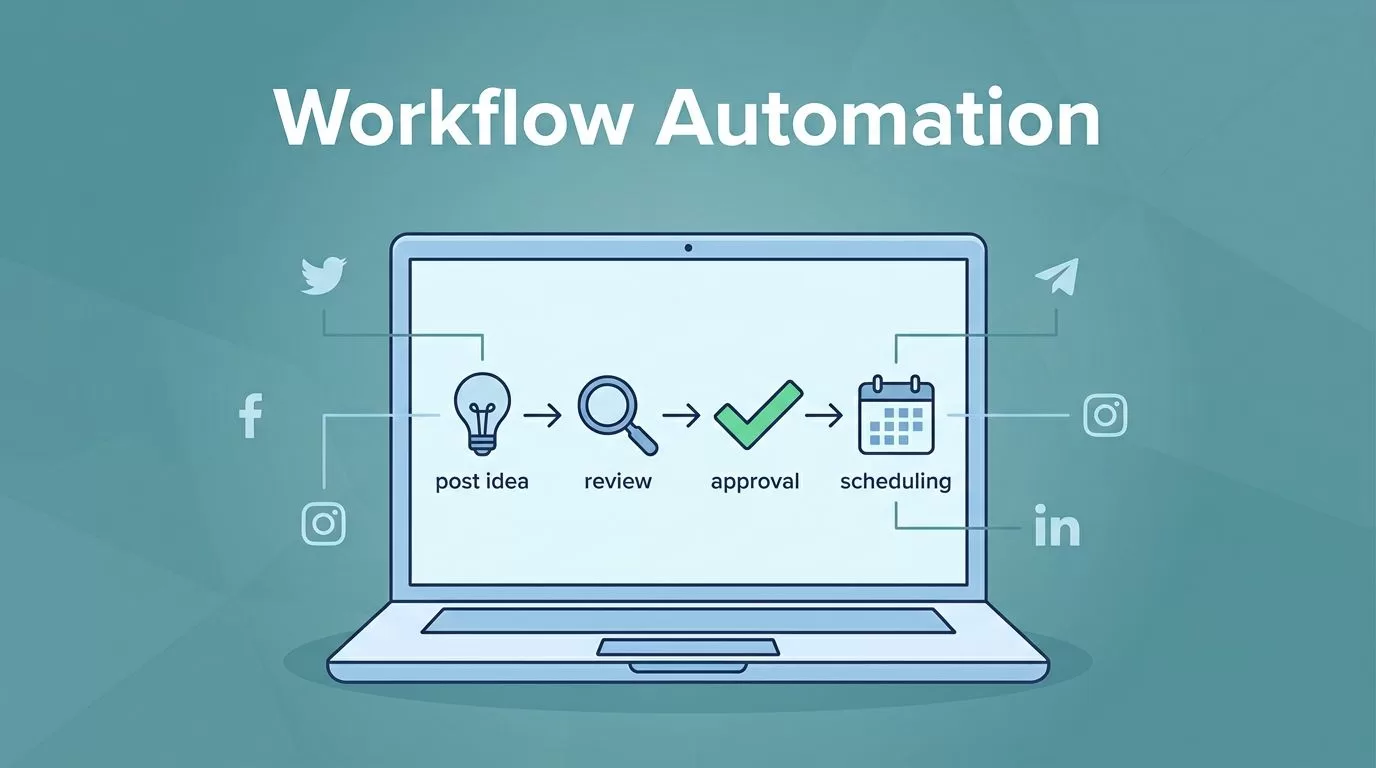
A social feed can go quiet before a business notices. When that happens, the work gets messy fast, with half-finished captions, missed approvals, and posts scattered across notes and inboxes. I use social media workflow automation in Someli to keep that drift under control.
Someli works best when I give it a clear job. I map the content flow first, then let the platform handle scheduling, approval, and reporting. After that, I spend my time on ideas and timing instead of copy-paste work.
I map the workflow before I touch the queue
I start with the business problem, not the software. If I do not know what should happen after a post idea is approved, no tool will save me from chaos later.
So I write down the basic flow in plain language. A post idea is created, someone reviews it, someone approves it, and Someli schedules it. That structure sounds simple, but it keeps me from building a process that breaks the first time a teammate is out of office.
Before I open the dashboard, I decide four things:
- which channels I want Someli to manage
- which content buckets I want to repeat
- who can draft, review, and publish
- how far ahead I want the queue filled
A workflow without ownership turns into a junk drawer. A workflow with ownership feels calmer, because I know where each task belongs.
I also keep a deeper setup note handy in my Someli social media automation guide, especially when I want a fast reminder of the broader setup path. It helps me stay focused on the parts that matter first, which are the channels, the roles, and the posting rhythm.
Getting started with my automation dashboard

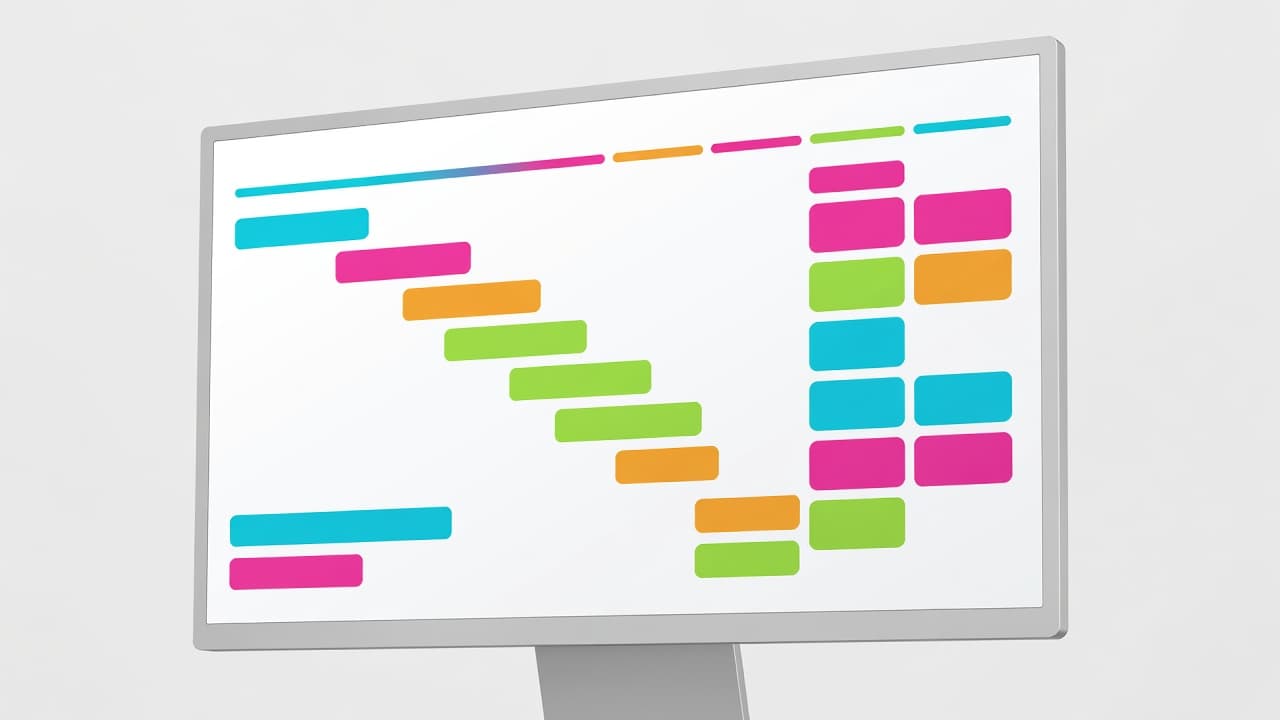
I treat the first login like setting up a small newsroom. Everything should have a place, and nothing should depend on memory alone.
My first pass is simple:
- I connect the social profiles I want Someli to manage.
- I choose the content library or brand voice settings I want it to use.
- I assign permission levels so the right people can draft, review, or publish.
- I send a test post or preview before anything goes live.
That last step matters more than it looks. A test post tells me whether the calendar, permissions, and publishing path all work together. If something feels awkward here, it will feel worse when a campaign is live.
Someli is built for people who need consistency without a long setup. It learns the business, then helps create branded posts, captions, visuals, and scheduling patterns that fit the account. I like that because it gives me a starting point instead of a blank page.
For a broader point of reference on all-in-one scheduling tools, I sometimes look at Zoho Social’s management overview. It gives me a useful baseline for what a general social media suite should cover before I decide how much automation I want in Someli.
I build queues that keep posting steady
Once the accounts are connected, I move to the content queue. This is where Someli starts saving real time.
I group posts into categories so the calendar does not turn into a pile of random ideas. Promotional posts, blog snippets, customer stories, product updates, and lightweight tips each need their own lane. That way, I can see whether I’m leaning too hard on one type of content.
Someli’s calendar view helps here because I can see the shape of the week before I publish anything. If Tuesday is empty and Friday is overloaded, I fix it before the audience sees the gap.
I also keep the queue boring on purpose. Evergreen posts fill the holes. Timely posts sit beside them. The mix gives me enough variety without forcing me to invent a new campaign every morning.
If I can’t explain the queue in one sentence, it has too many moving parts.
Approval flow matters just as much as scheduling. I do not want a teammate editing live captions in a hurry, and I do not want brand rules living in someone’s head. I want the draft, review, and publish stages to be clear enough that any teammate can follow them.
This is where Someli works well for small teams. One person can own the whole process. A larger team can split the work without losing control. The platform’s preview and permission setup helps me keep that boundary visible.
If I want extra ideas for how AI can shape the content side, I use my AI social media generator guide as a reference point. It keeps me thinking about the first draft as a machine-assisted step, not a blank page that eats half the day.
I publish across platforms without rewriting everything
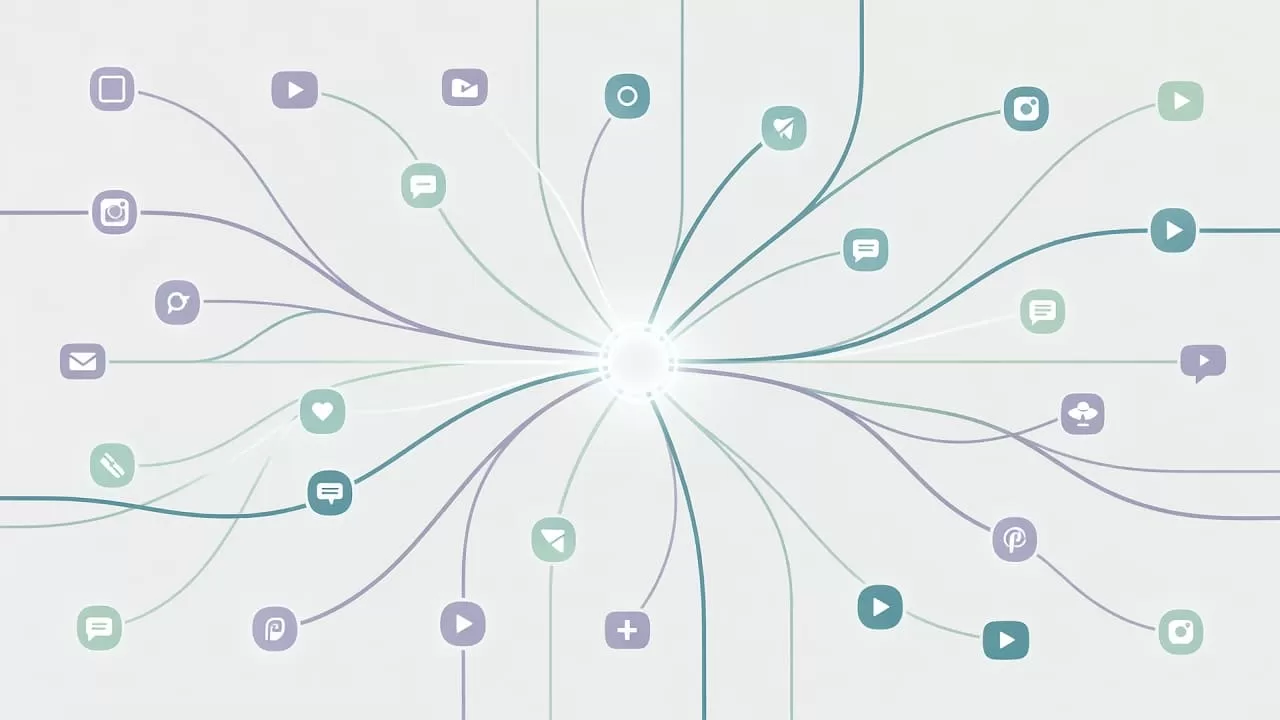
Cross-platform publishing is where good workflow automation earns its keep. I do not want to write the same post three times, but I also do not want one generic caption shoved everywhere.
Someli helps me start with one strong draft, then adapt it for the channel in front of me. A LinkedIn post can sound sharper and more direct. An Instagram caption can leave more room for tone. A Facebook post can lean a little more conversational. The point is not to copy and paste. The point is to keep the message consistent while the format changes.
I also use brand templates so visual work stays aligned. That protects the account from off-brand posts and saves me from rebuilding the same layout each week. Someli’s AI-led approach is useful here because it can produce a first pass, then let me refine the final version.
I think about this part as content distribution, not content duplication. One idea can travel far when the workflow is clean.
For a different look at AI-first social automation, Ocoya’s AI agent templates show how far the content layer can go when post creation and engagement live in the same system. I do not need every tool to work the same way, but it helps to see how other platforms structure the process.
I watch the numbers that tell me the workflow is healthy
A social workflow can look busy and still be weak. I want to know whether it is actually moving the business forward.
Someli’s reporting helps me keep that check simple. I care about engagement, reach, clicks, comments, and mentions. I also care about the workflow itself. If posts sit too long in review, the process is slow. If the queue keeps running dry, the calendar is not holding up.
Here is the short list I check most often:
| Metric | What I look for | Why it matters |
|---|---|---|
| Queue fill rate | Enough approved posts ahead of time | Prevents empty publishing days |
| Approval lag | Time between draft and approval | Shows where work gets stuck |
| Reach and clicks | Which posts earn attention | Tells me what to repeat |
| Comments and mentions | Who is responding and how fast | Keeps the brand active in the open |
I like this kind of reporting because it gives me both the content story and the process story. If reach rises while approval lag falls, I know the system is improving. If the numbers do not line up, I look for the bottleneck.
Someli’s social inbox and automated reports make that review easier. I can see where the conversation is happening, then decide whether I need to adjust the queue, rewrite the content, or change the posting pattern.
Conclusion
When I set up Someli well, the whole process feels lighter. I know what gets posted, who approves it, and how each channel fits into the plan.
The best social media workflow automation setup is not flashy. It is the one that keeps the calendar full, the approvals clear, and the reporting honest.
If the workflow feels simple to explain, it usually works well enough to trust.

