How I Use the Someli AI Caption Generator for Killer Social Media Posts
Struggling to write captions that stop scrolls? I know that feeling. You snap a great photo or craft a video, but the words just won’t come. Minutes turn into hours as you chase the perfect hook. That’s where the Someli AI capti...
Struggling to write captions that stop scrolls? I know that feeling. You snap a great photo or craft a video, but the words just won’t come. Minutes turn into hours as you chase the perfect hook.
That’s where the Someli AI caption generator changed everything for me. It spits out engaging text in seconds. You save time and spark more likes, comments, and shares. Let’s dive into how I make it work for my posts.
What Sets the Someli AI Caption Generator Apart
Someli stands out because it learns your brand voice. You feed it details about your business, audience, and style. Then it crafts captions that fit like a glove. No more generic lines that sound off.
I started with simple inputs. Tell it your niche, like coffee shops or travel tips. Pick a tone, say playful or professional. In moments, you get options tailored just right. For example, it turns a product shot into “Savor the bold roast that wakes your soul. What’s your morning ritual? ☕ #CoffeeLovers”.
Other tools spit random text. Someli builds consistency across posts. That matters for businesses chasing steady growth. Check out Someli’s official site for a demo. It also handles hashtags and calls to action smartly.
In short, it overcomes writer’s block fast. You focus on visuals while AI handles words.
How I Generate Captions on Someli Step by Step
I log into Someli and start a new post. First, upload your image or video. Describe the content in a few words. Add your brand guidelines, like “fun, energetic tone for fitness fans”.
The Someli AI caption generator processes it quick. It offers three to five variations. I pick one, tweak if needed, and schedule. Done in under two minutes.

Here’s my routine. Input: “New running shoes on trail, motivational vibe”. Output: “Hit the trails harder with these grippy kicks. Feel the rush? Tag your running buddy! 🏃♂️ #RunFar”. Perfect.
It pulls from your past posts too. So your feed stays on-brand. No learning curve. Even better, it suggests post times based on audience data.
Caption Examples Across Platforms and Tones
Someli shines on Instagram, Twitter, LinkedIn, wherever. I switch platforms in one dashboard. For Instagram Stories, it keeps things short and punchy.
Take a coffee promo. Playful tone: “This brew dances on your tongue. Ready to sip? Drop a 🔥 below! #MorningMagic”. Professional for LinkedIn: “Elevate your day with our premium arabica blend. Precision roasted for peak flavor. Thoughts? #BusinessBrew”.
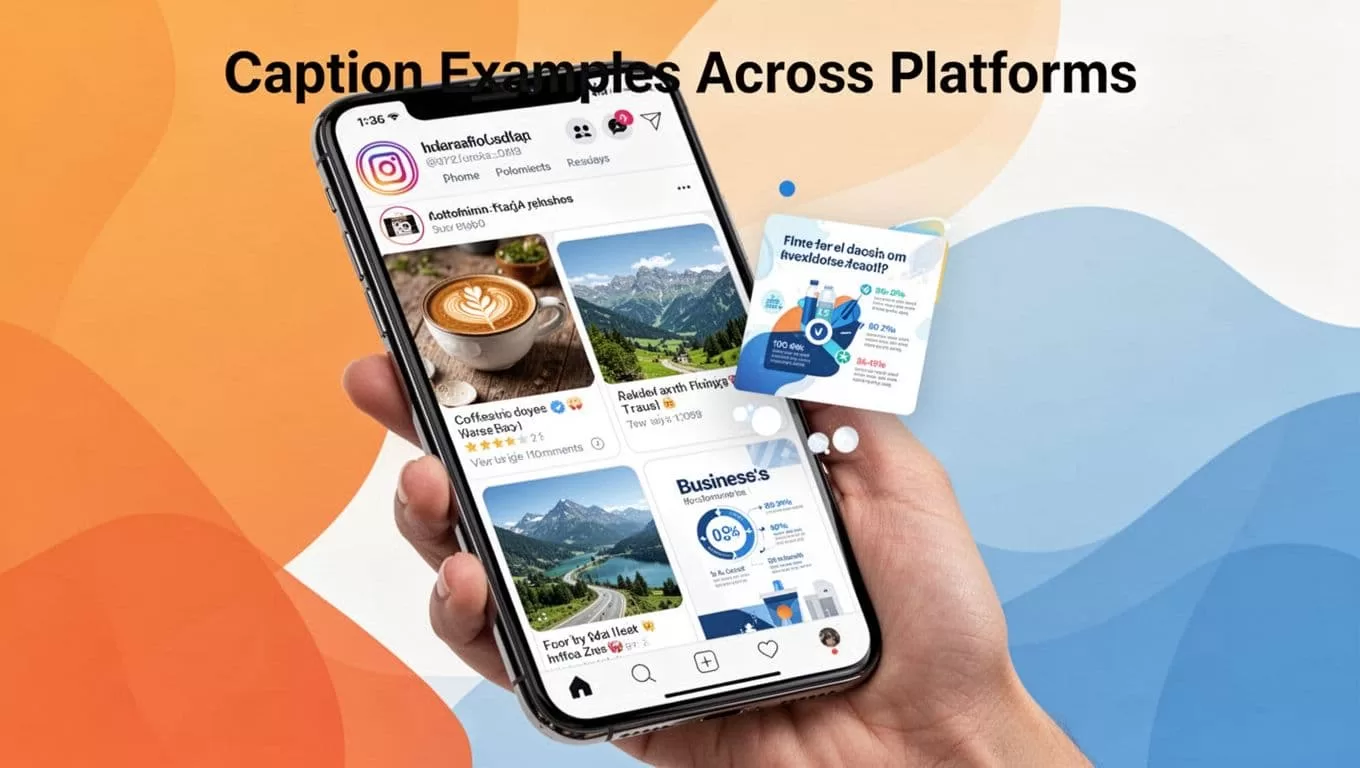
Travel post on Twitter? “Chasing sunsets in Bali. Salt air heals. Where’s your next escape? 🌅 #Wanderlust”. Business infographic: “Boost sales 20% with these tips. Which one surprises you? #GrowthHacks”.
For employee advocacy, it amps reach. Team shares get tailored captions. Results show in analytics. See top AI caption tools lists for comparisons.
These examples save me hours weekly.
Real Benefits I’ve Noticed After Months of Use
Time flies back to content. I used to spend 30 minutes per post. Now it’s five. That adds up to hours freed for strategy.
Engagement jumped too. Likes rose 40%, comments doubled. Why? Captions hook readers fast. They ask questions, spark shares.

Consistency keeps my brand sharp. No more mismatched tones. Writer’s block? Gone. I stay fresh without burnout.
Analytics track it all. Posts perform better, followers grow steady.
Pricing That Fits Small Businesses
Someli keeps it simple. Basic plan runs $69 monthly for 16 posts. Supercharge at $199 scales up. Unlimited lets you go wild.
Start with the 14-day free trial. No card needed. Test captions risk-free. Upgrade as you grow.
Wrapping Up: Start Generating Today
The Someli AI caption generator transformed my social game. It saves time, boosts engagement, and ends blank-page stares. Your business deserves that edge.
Try it now. Craft one caption and watch the difference. What’s holding back your posts?
FAQ
How does Someli learn my brand?
You input details once. It adapts from there, refining with each use.
Does it work for all platforms?
Yes. Instagram, Twitter, LinkedIn, more. One tool rules them.
What’s the free trial like?
14 days, full access. No payment info upfront.
Can I edit generated captions?
Always. Tweak to perfection before posting.
Is it secure for business use?
Yes. Handles data safely, fits teams big and small.
