How to Execute AI Copy Generation in Someli
Someli AI copy generation works best when you treat it like a workflow, not a button. If you give it a vague request, you get vague copy. If you give it a clear goal, audience, and brand context, it returns usable drafts much faster. For ma...

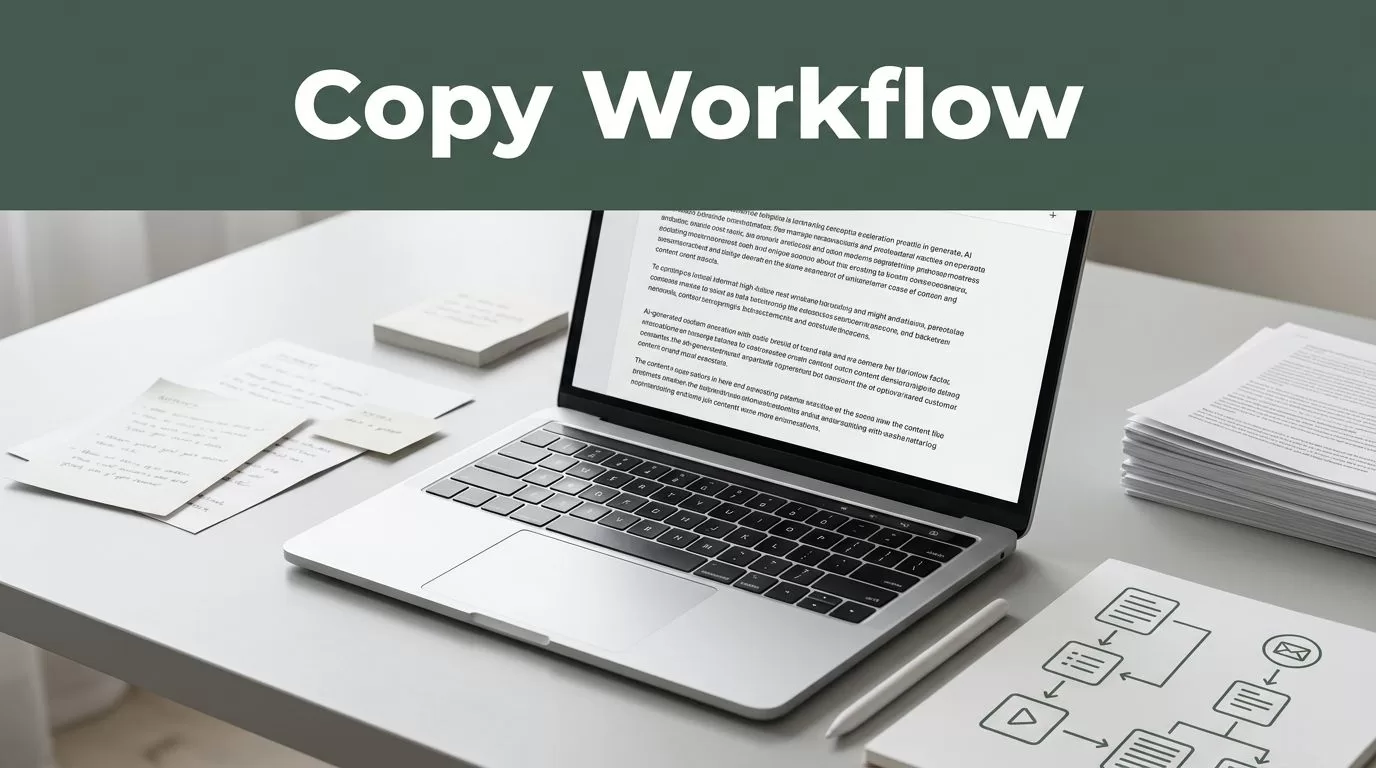
Someli AI copy generation works best when you treat it like a workflow, not a button. If you give it a vague request, you get vague copy. If you give it a clear goal, audience, and brand context, it returns usable drafts much faster.
For marketers, creators, and small teams, that difference matters. You save time, keep the output on-brand, and cut the rewrite loop down to size. The process below shows how to set the brief, shape the prompt, edit the draft, and publish with less friction.
Key Takeaways
- Start with one campaign goal, one audience, and one channel.
- Give Someli the real context, not a loose request.
- Ask for a draft, then refine it before publishing.
- Keep approved prompts and copy in a shared library.
- Use analytics to keep the versions that perform.
Set the brief before Someli writes a line
Start with the business job. A demo post, an employee advocacy post, and a founder post all need different angles. Write down the outcome, the audience, the channel, and the proof you can mention. If the brief feels fuzzy, start with defining campaign goals and audience.


One clean brief is enough. Someli can learn from your services, target audience, and objectives, then generate voice-matched content for the right person. In current Someli workflows, the same brief can feed posts, articles, carousels, reels, and lead-gen copy.
That matters when you want one brand voice but different outputs for founders, recruiters, account teams, or customer success. The tighter the brief, the less cleanup you do later.
Build the prompt for Someli AI copy generation
The prompt should read like a work order. Say who the copy is for. Say what the copy must do. Say what it must avoid. Someli does better when you name the channel, the format, the offer, and the tone in plain language.
| Prompt part | Weak input | Better input |
|---|---|---|
| Audience | “Marketers” | “B2B SaaS marketing leads at 50 to 200 person companies” |
| Goal | “Get engagement” | “Book demo calls from LinkedIn” |
| Context | “Write about our product” | “Use our employee advocacy workflow and analytics dashboard” |
| Tone | “Professional” | “Direct, clear, short sentences, no hype” |
The stronger the input, the less cleanup you do later. That is the whole point. You want the model to spend its effort on useful first drafts, not on guessing what you mean.
Ask for the right shape first. Tone comes after context.
Use a prompt that sounds specific enough for a human editor. For example:
“Write three LinkedIn posts for a SaaS founder. Audience: marketing directors at 50 to 200 person B2B firms. Goal: demo bookings. Tone: direct, practical, short sentences. Include one proof point, one CTA, and no hype.”
If you are writing for LinkedIn, ask for short lines and one idea per post. If you are writing for Instagram, keep the hook tighter and make the first sentence do more work. If you are turning a long video or webinar into social copy, tell Someli which angle to preserve, then ask for the short versions too.
That is where Someli is useful. It is built to turn one source into many usable assets without making every asset feel copied.
Run the Someli workflow in the right order
Someli is built around voice-matched automation, content library creation, and quick repurposing. In current workflows, teams use it to turn long-form content into posts, reels, and articles, then schedule across Facebook, Instagram, LinkedIn, and TikTok. If you want the system to work, follow the same order every time.
- Load the brief. Give Someli the goal, audience, and core message. Add any words you want included or excluded. If you are running employee advocacy, create a different brief for each role so the founder voice does not sound like the recruiter voice.
- Pick the output type. Choose the post, carousel caption, article, or repurposed short-form version. If the asset starts as a long video, ask for shorter social versions too. Someli’s AI image feature can keep the visual and copy in the same pipeline.
- Generate two or three variants. Do not stop at the first draft. Versioning shows you which angle is strongest and which opening line feels most natural. It also gives you a backup when one version reads too salesy.
- Save the best copy to the library. That gives you approved material for the next campaign and keeps voice consistent across employees. It also stops good copy from disappearing into a spreadsheet or one person’s inbox.
- Schedule and review. Use the calendar and analytics dashboard to see what gets clicks, saves, and replies. If a post performs, keep the pattern. If it misses, change the angle before you change the entire campaign.
Ask for a draft, not perfection. The review pass is where the copy gets sharp.
A good Someli workflow does not depend on luck. It depends on repeatable inputs, clear formats, and a simple handoff from draft to review.
Edit like a publisher, not a cheerleader
AI can draft quickly. It cannot confirm your claims, check your tone, or know which sentence feels inflated. That is your job. A useful cross-check is AI social media content best practices, then compare the draft against your own brand rules.
Use the same edit pass every time:
- Check every claim against the source material. If a line mentions a number, a feature, or a result, verify it before publishing.
- Remove vague words and empty adjectives. Words like “innovative” and “seamless” often add nothing.
- Cut repeated phrases and long intros. The first line should earn attention fast.
- Match the call to action to the campaign goal. A demo post should not read like a brand awareness post.
- Read it out loud once. Awkward rhythm shows up fast when you hear it.
AI copy often fails in the same places. It overstates benefits. It repeats the opening idea. It ends with a soft, generic line. Fix those three spots and the draft usually becomes publishable.
Someli works best when human review is part of the workflow, not an afterthought. The model gives you speed. The editor gives you judgment. Both matter.
Make the system repeat every week
Once the first campaign works, save the prompt, the approved copy, and the outcome. Build a small library by audience and channel. One prompt for founders. One for recruiters. One for product launches. One for customer stories. That is how you keep the process moving without starting over each week.
Use a simple naming system so the team can find the right assets fast. “LinkedIn founder demo Q3” is better than “final version 7.” Keep the approved prompt next to the final post. Keep the final post next to the result. That gives you a clean record of what worked.
Review the analytics after each run. Keep the lines that drive saves and replies. Drop the versions that look polished but do nothing. If you are testing Someli for the first time, run one campaign from brief to publish before you expand the workflow.
Conclusion
Someli gives you speed, but speed only helps when the inputs are tight. Set the brief, write the prompt like a work order, and edit the output before it goes live.
That is the clean path to Someli AI copy generation that feels useful instead of generic. When the process is repeatable, the copy gets better because every round starts with better context.

