Add SaaS Audio Features Using Speechify
Adding text-to-speech functionality to a software product used to mean wrestling with robotic synthesizer voices or managing complex telephony servers. Modern applications demand natural audio playback, real-time streaming, and customizable...

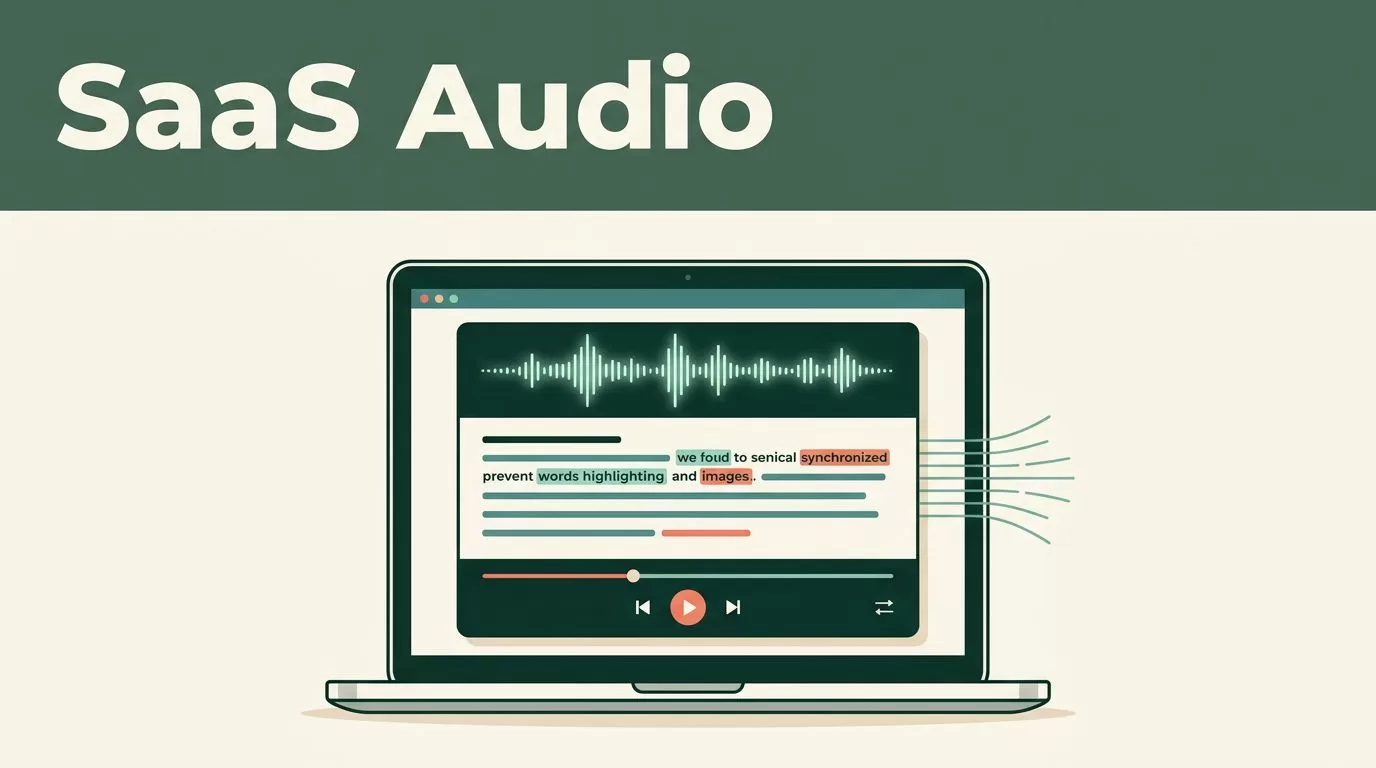
Adding text-to-speech functionality to a software product used to mean wrestling with robotic synthesizer voices or managing complex telephony servers. Modern applications demand natural audio playback, real-time streaming, and customizable voice models to keep users engaged. If you are building a product that requires read-aloud capabilities, voice assistants, or accessible content playback, you need a dependable infrastructure that scales without requiring an in-house machine learning team. You can integrate advanced text-to-speech capabilities directly into your software stack by leveraging the Speechify API.
Key Takeaways
- Pair core audio playback endpoints with synchronized word highlighting to keep user attention locked on your application interface.
- Configure dynamic speed scaling and prosody controls to match the exact density of your application content.
- Utilize the REST API and Bearer token authentication to stream audio rapidly across web and mobile clients.
- Monitor usage tiers and character quotas carefully to prevent unexpected billing surprises during peak production scaling.
Core Capabilities of the Speechify API


Photo by Egor Komarov
When evaluating voice infrastructure for your software product, you need to look past basic audio conversion and examine the underlying feature set. The Speechify API gives developers access to studio-grade voice models that sound indistinguishable from human narration. You aren’t locking your users into a single flat tone; the platform supports over 1,000 distinct AI voices across 50 plus languages and dialects.
The architecture supports both streaming and non-streaming text synthesis requests. For real-time applications like conversational voice agents or interactive study tools, streaming is non-negotiable. The service achieves rapid time-to-first-byte delivery, allowing audio playback to start before the full text block finishes rendering. You can feed up to 20,000 characters into a single request, which handles everything from short notification prompts to multi-page document summaries.
Fine-grained prosody control lets you adjust pitch, speaking rate, and pauses using Speech Synthesis Markup Language (SSML). You can also tap into 13 distinct emotion presets to alter the delivery style based on the context of your application. If a user is reading an urgent security alert, the voice model can deliver the warning with appropriate gravity rather than flat neutrality.
Integrating Voice Cloning and Customization
Standard out-of-the-box voices work for general narration, but personalized applications often require custom audio branding. You can build tailored user experiences by implementing instant voice cloning through the API. Cloning a new voice profile requires only a brief audio sample, typically between 10 and 30 seconds of clean speech.
Once your system ingests the audio sample and generates a unique voice ID, that cloned voice remains available across every supported language on the platform. This capability opens up powerful use cases for SaaS products in education, localized marketing, and executive communication. A user can upload a short clip of their own voice and have software read documents, operational memos, or training courses back to them in their personal cadence.
Managing these custom assets requires a structured approach to asset organization. Store your voice IDs and metadata in your application database alongside user preferences so the correct model loads instantly when a playback session starts. Keep your audio samples short and free of background noise during the onboarding capture phase to ensure the cloned model produces clean synthesis results without artifacts.
Managing Audio Playback and Visual Tracking
Heavy text consumption creates cognitive fatigue unless your interface provides visual anchors. When audio streams continuously through headphones, users easily zone out during long documentation reviews or financial reports. You solve this retention drop by combining audio playback with synchronized word highlighting.
The API returns word-level timestamps or speech marks alongside the audio stream. Your frontend application can ingest these timing markers to underline or highlight words on screen in real time as the voice speaks them. This dual sensory input locks user attention onto the interface and prevents the mental drifting that ruins standard reading sessions.
| Content Type | Recommended Playback Speed | Primary User Focus |
|---|---|---|
| Industry News and Memos | 1.5x to 2.0x | Quick intake and broad skimming |
| Research Papers and Guides | 1.25x to 1.5x | Comprehending background facts |
| Technical Docs and Contracts | 1.0x to 1.25x | Close attention to exact clauses |
Match playback speed controls to the actual density of the content your application processes. Dense technical architecture documents or legal contracts require slower pacing, usually between 1.0x and 1.25x, so users don’t miss critical clauses. Casual industry summaries and conversational notes tolerate higher multipliers easily. Build speed adjustment sliders directly into your media player component so users can scale their listening rate from normal pacing up to faster multipliers as their auditory processing adapts.
Authentication and Technical Implementation
Connecting to the service requires minimal boilerplate code. Authentication runs through standard Bearer tokens passed in the authorization header of your HTTP requests. Whether you build your backend services in Node.js, Python, or another modern language, you send a JSON payload containing your target text, selected voice ID, and formatting preferences to the REST endpoint.
For deeper technical guidance on setting up your first request and managing audio streams, review the SpeechifyAI Build documentation. You can also examine broader industry context on how voice AI APIs operate by reading this overview of voice AI APIs for developers and the Speechify API advantage.
When handling large document imports, watch out for multi-column layouts or messy text parsing that can scramble sentence order before it reaches the synthesis engine. Clean up your raw input strings on the backend so the audio output reads smoothly from start to finish without stuttering or skipped paragraphs.
Pricing Structures and Production Scaling
Evaluating API economics requires looking at character volume rather than flat monthly seats. Core text-to-speech generation is priced transparently, often cited around $10 per 1 million characters. That volume translates to roughly 2,000 minutes of synthesized audio, with no mandatory monthly minimums on baseline tiers.
Higher production tiers introduce volume discounts and guaranteed uptime service level agreements. If your application handles thousands of active users streaming daily reports, tier up to higher allocation plans to secure predictable compute costs. Always monitor your usage dashboards and set up programmatic alerts to prevent unexpected billing spikes during traffic surges. For a comprehensive look at commercial rollouts, you can read the official announcement on when Speechify launches new text to speech API.
Final Thoughts
Embedding high-performance audio into your application transforms how users interact with dense data. By combining streaming text synthesis with synchronized visual tracking and flexible voice models, you remove reading friction from your product workflow. Audit your current feature roadmap, test a single endpoint with your development team today, and give your users the native audio playback they expect.

