Speechify Vs NaturalReader For Busy Professionals
If I’m racing through emails, PDFs, and reports, I need a reader that keeps up with me. That’s why Speechify vs NaturalReader matters more than a neat feature list. I care about three things first, voice quality, setup speed, an...

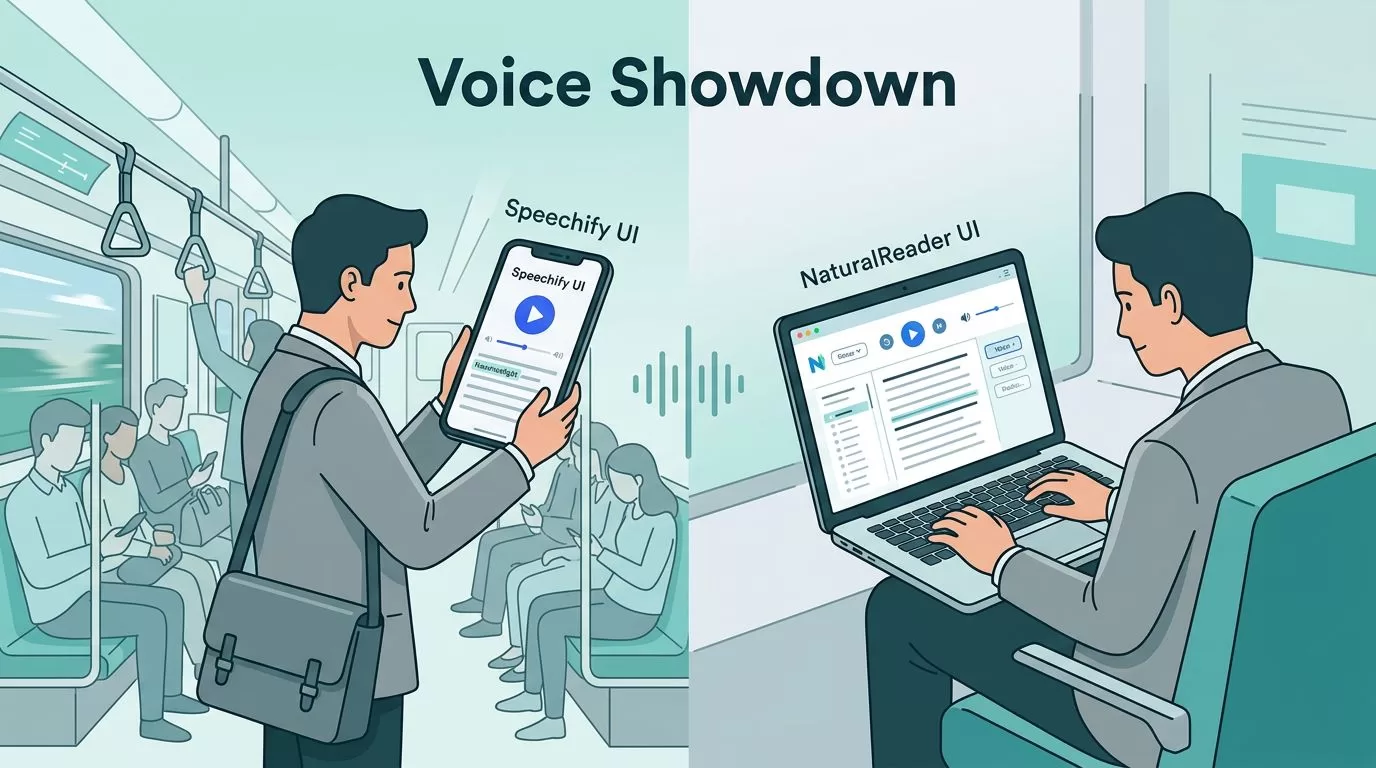
If I’m racing through emails, PDFs, and reports, I need a reader that keeps up with me. That’s why Speechify vs NaturalReader matters more than a neat feature list.
I care about three things first, voice quality, setup speed, and whether the app fits my day. If I can listen on a commute, switch to my laptop at work, and keep moving, the tool earns its place.
My quick pick before the deep dive
If I want the most natural voice, I reach for Speechify. If I want a free start, offline desktop reading, or a lower-cost path, I look at NaturalReader.
I’d buy Speechify for better listening comfort, but I’d choose NaturalReader when budget and offline access matter more.
That’s the short version. The rest comes down to how often I read, where I read, and how much polish I need.
The side-by-side view I use
For a quick scan, I compare them like this:
| Area | Speechify | NaturalReader |
|---|---|---|
| Voice quality | More natural, smoother, more expressive | Good on paid plans, weaker on free voices |
| Free option | Trial-based access, most value sits behind paywall | Real free tier with limits |
| Offline use | Cloud-first, so internet matters | Desktop offline mode available |
| Setup speed | Fast install, strong cross-device sync | Fast setup, simple to start |
| Best for | Heavy listeners who want polish | Budget-conscious readers and offline use |
| Long-doc workflow | Strong for fast listening and device sync | Strong for OCR and scanned files |
The table tells the story fast. Speechify sounds better, while NaturalReader gives me more breathing room on cost and offline access. For a deeper external take, I also checked a 2026 Speechify vs NaturalReader review, which lines up with that split.
When I’m listening on the go, Speechify feels smoother


When I’m on a train or in the car, voice quality matters more than I expect. A flat voice turns a report into background noise. A natural voice keeps my attention awake.
Speechify usually wins here. Its voices sound more human, and that makes long sessions easier. I can listen to a client memo, a web article, or a dense PDF without feeling like I’m stuck inside a machine.
NaturalReader is still useful, especially if I need a quick read of a web page or document. But I notice the difference sooner. The free voices can feel stiff, and that matters when I’m listening for 30 minutes or more.
If my day is built around audio, Speechify feels like a better fit. If I only listen now and then, NaturalReader can still do the job.
Setup speed matters more than most people think
Busy people don’t want a long setup. I want an app that works in minutes, not an afternoon project.
Both tools install quickly, but they fit different habits. Speechify is easy to start and easy to move across devices. If I begin on my laptop, I can keep going on my phone later. I wrote about that flow in my Speechify app download guide and my Speechify extension for productivity.
NaturalReader also gets out of the way fast. Its desktop app is simple, and the offline option helps when I travel or sit with weak Wi-Fi. That alone can matter more than a fancy voice.
For browser use, both handle web articles and online docs well. I’ve found Speechify’s extension easier when I want to move fast, while NaturalReader feels practical when I need OCR for scanned PDFs or image-based files. If that matters to you, I’d also look at my best app for reading sites aloud notes.

Which one fits my work style
This is where the choice gets personal.
Speechify fits me best when I’m reading all day. It sounds better, syncs well, and feels polished across phone and desktop. I also like it when I’m moving between reading and replying, because the workflow feels tighter.
NaturalReader makes more sense when I’m price-sensitive or offline. Its free tier is real, which matters. The desktop offline mode also helps during travel, and the OCR tools are handy for scanned material.
I’d use this simple rule:
- Executives: I’d pick Speechify for short, frequent listening and better voice quality.
- Consultants: I’d lean Speechify if I live in reports and client docs.
- Students who also work: I’d start with NaturalReader, then upgrade only if the free limits get in the way.
- Heavy document readers: I’d choose Speechify if voice comfort matters most, or NaturalReader if offline OCR matters more.
For value, NaturalReader usually wins on price flexibility. Still, Speechify can be worth it if I listen for hours each week. The extra comfort adds up.
For a second outside perspective, this detailed voice comparison guide also highlights the same tradeoff, better voices versus lower-cost flexibility.
My final take
If I read like a machine, I’d pick the tool that sounds most like a person. That’s Speechify for me.
If I need a lower-cost option with offline desktop support, NaturalReader makes more sense. Both can help with emails, PDFs, web articles, and long reports, but they solve different problems.
For my money, Speechify is the stronger pick for busy professionals who listen every day. NaturalReader is the smarter buy when I want a practical start and more control over cost.

