Speechify App Download: Read Books Aloud Effortlessly
Imagine sinking into your favorite chair while a smooth voice narrates your latest novel. That’s the magic I discovered with Speechify. This app turns text from books, PDFs, or emails into natural-sounding audio. Busy professionals li...

Imagine sinking into your favorite chair while a smooth voice narrates your latest novel. That’s the magic I discovered with Speechify. This app turns text from books, PDFs, or emails into natural-sounding audio. Busy professionals like me love it because it fits right into packed schedules.
You might juggle reports or study for certifications. Speechify handles the reading so you focus on listening during commutes or workouts. In this guide, I share exactly how to grab the Speechify app download and start using it today.
Why I Switched to Speechify for Audio Reading
I tried several text-to-speech tools before landing on Speechify. Others sounded robotic or limited file types. Speechify uses AI voices that mimic real people, like celebrities or accents from over 60 languages. It reads at speeds up to 4.5x, so I blast through long documents fast.
For business folks, it scans PDFs and summarizes key points. I use it for client proposals or market reports. No more eye strain after hours at the desk. Plus, it syncs across devices, so I pick up where I left off on phone or laptop.
The app shines with everyday tasks too. It handles web pages, emails, and books seamlessly. After my first week, I finished two business books while walking the dog. Results like that keep me hooked.
Speechify Supported Platforms for Easy Access
Speechify works where you do. Download it on iOS via the Apple App Store. Android users grab it from Google Play, where it has over 50 million downloads.
On desktops, native apps run on Mac and Windows. Head to speechify.com/download for those. Browser extensions for Chrome and Edge let you read web content aloud instantly. The web version covers any computer without installs.
This flexibility means no excuses. I switch from my iPhone during lunch to laptop for deep work sessions. All progress syncs automatically.
Step-by-Step Guide to Speechify App Download
Getting the app takes minutes. First, decide your platform. On mobile, open your app store and search “Speechify – Text to Speech.” Tap the official icon from Speechify Inc.
Hit download and wait for install. It uses little space, under 100MB usually. Open the app, sign up with email or Google for free access. No credit card needed at first.

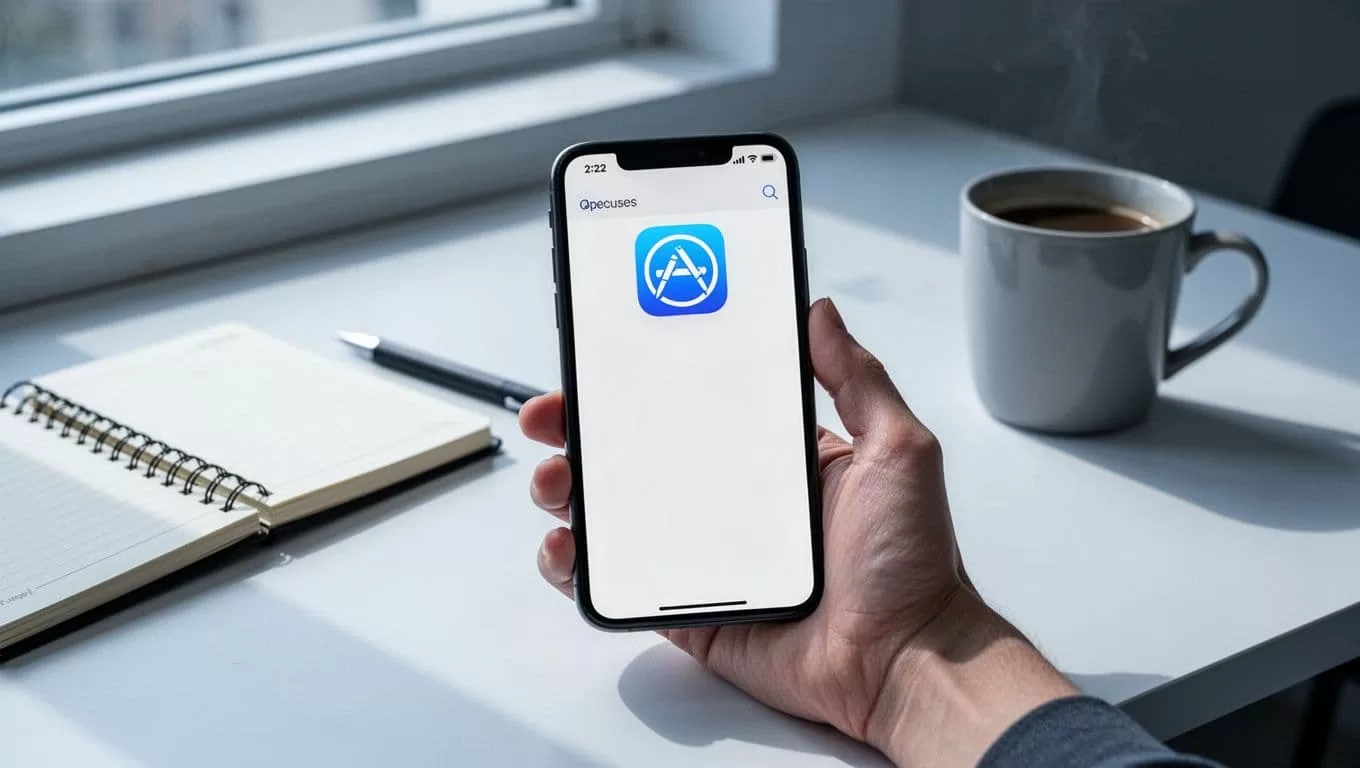
For desktop, visit speechify.com/download. Pick Mac or Windows, download the installer, and run it. Extensions install from Chrome Web Store by searching “Speechify — Text to Speech.”
After install, grant microphone or file permissions if prompted. Test it by pasting sample text. Voices kick in right away. I always verify the developer name matches Speechify to avoid fakes.
Pro tip: Update your OS first for smooth performance. Now you’re set to listen.
Free vs Premium After Speechify App Download
Speechify offers a solid free tier to start. You get basic voices, speeds to 1.5x, and core text-to-speech on PDFs or web. Listen anywhere with limits on daily use. It’s perfect for trials.
Premium unlocks the full power at around $29 monthly or less yearly. Expect 1,000+ natural voices, 5x speeds, AI summaries, and unlimited exports. It adds chats, quizzes, and file scans from Google Drive or Dropbox. Check the Speechify free vs premium details or pricing page for latest plans.
I started free but upgraded for business files. Premium pays off with time saved on reviews. Free suits casual use; premium fits heavy readers.
| Feature | Free | Premium |
|---|---|---|
| Voices | 10 robotic | 1,000+ natural |
| Speed | Up to 1.5x | Up to 5x |
| Languages | Basic | 60+ |
| AI Tools | Limited | Full summaries/chats |
| Storage Sync | Basic | Unlimited across devices |
This table shows why I recommend testing free first, then scaling up.
Quick Setup Tips Post-Download
Once installed, tweak settings for best results. Choose a voice that matches your taste, like a clear male for reports. Adjust speed gradually; I stick to 2.5x for comprehension.
Import files via scan or upload. Connect cloud storage for auto-sync. Enable offline mode by downloading clips ahead. I prep podcasts from PDFs for flights.
Test on a short email. If audio skips, restart or check internet. Updates roll out often, so enable auto-updates. These steps make setup painless.
Tips for Getting Books and PDFs Read Aloud
Upload books as EPUB or PDF directly. Speechify scans images too, turning scans into speech. For web books, copy text or use the extension.
Paste URLs for articles; it reads full pages. I convert Kindle exports to PDF for seamless play. Adjust voice tone for fiction versus facts.

Smart skip ignores repeats; audio shortcuts jump chapters. Export MP3s for non-Speechify players. I batch-process team docs this way. Start small, then build your library.
Wrap Up Your Speechify Start Today
Speechify transformed how I consume information. The Speechify app download opens doors to hands-free learning on any device. Free gets you going; premium amps productivity.
Download now from your preferred store. Test it on a book chapter this week. How will you use it first? Your routine just got smarter.

