Speechify Commute Productivity Tools for Safer Travel Time
A commute can give you 20 to 60 minutes of usable time each day. Most people lose that time to traffic, crowded platforms, or repeated phone checking. Speechify turns written material into spoken audio. You can listen to articles, PDFs, ema...

A commute can give you 20 to 60 minutes of usable time each day. Most people lose that time to traffic, crowded platforms, or repeated phone checking.
Speechify turns written material into spoken audio. You can listen to articles, PDFs, emails, books, and study notes without staring at a screen. The right setup helps you learn, prepare, or review while keeping safety first.
The result depends on your routine, not on pressing play once. Start with one content source, one listening goal, and a clear rule for when you won’t interact with your phone.
Key Takeaways
- Speechify’s main commute tool is an AI text-to-speech app for mobile, desktop, and Chrome.
- AI Quiz, AI Chat, Voice Typing, and AI Podcasts support different work and study tasks.
- Drivers should preload audio before leaving and never read, type, or interact with an app on the road.
- A 20-minute listening plan is easier to maintain than an oversized daily goal.
- Track completion, recall, and preparation time before paying for a premium plan.
What Speechify Adds to Commute Productivity
Speechify is best understood as a text-to-speech platform with several connected AI features. Its core function converts written content into spoken audio. The app supports PDFs, web pages, ebooks, Google Docs, emails, and scanned physical pages through OCR.
OCR reads text from an image. That means you can photograph a textbook page, printed report, or handwritten material before your trip. Speechify can then process the text for listening.
The service is available on iOS, Android, Chrome, Mac, and Windows. You can save material through the browser extension and continue listening on your phone. That workflow fits commuters who collect information at a desk and consume it on a train, bus, or during a walk.
Playback speed is adjustable, with Speechify supporting speeds up to around 4.5x. Start lower for technical material. Familiar articles and routine emails can support a faster setting. A fast speed doesn’t help if you miss the main point.
The platform also includes AI Quiz, AI Chat, Voice Typing, and AI Podcasts. These tools don’t replace the core listening workflow. They extend it into review, questions, dictation, and audio summaries.
Commute learning has a real limitation. Research on commute-based learning points to productive benefits, but multitasking can also create cognitive and emotional costs. Listening works best when the content matches the environment.
Use Speechify for low-friction audio tasks. Save complex analysis, detailed writing, and important decisions for a stationary workspace.
Match Each Speechify Tool to the Commute Task
Different content needs different audio treatment. Use the table below to choose the right Speechify feature before you leave.
| Commute task | Speechify tool | Best input | What to do before departure |
|---|---|---|---|
| Read an article or report | Text-to-speech | Web page, PDF, document | Save the file and select a starting speed |
| Review study material | AI Quiz | Imported notes or textbook pages | Generate five to 20 questions |
| Clarify a document | AI Chat | Uploaded article or report | Ask focused questions while stationary |
| Create a spoken summary | AI Podcasts | Document or web link | Convert the material into an audio discussion |
| Draft a message | Voice Typing | Notes, email, or document | Dictate only when parked or safely stopped |
The text-to-speech app is the default choice for most commuters. It handles regular reading without forcing you to create a separate format. Use it for meeting briefs, industry articles, course readings, and saved newsletters.
AI Quiz changes passive listening into recall practice. You can generate five, 10, 15, or 20 questions from imported material. Review the document first, then use the quiz after arriving. Don’t attempt to answer questions through a phone while driving.
AI Chat is useful when a report contains a specific issue. Ask questions about the imported content before the trip. You can identify key points, request a plain-language explanation, or find sections that require closer reading later.
AI Podcasts can make long documents easier to follow. The feature converts a document or web link into a spoken podcast format. It suits quarterly reports, course chapters, and background research that would otherwise sit unread in a folder.
Voice Typing has a different safety profile. Use it to dictate notes or draft messages when you’re stationary. A passenger can operate it when appropriate. A driver should never dictate into a phone while moving, even if the feature is voice-based.
Build a Commute Listening Routine That Works
A reliable routine starts the night before. Don’t wait until you’re walking out the door to search for something useful.
1. Choose one input source
Select one article, document, book section, or study file. Keep the target small enough to finish during the commute. A 20-minute document segment is easier to complete than an entire report.
Use the Chrome extension to save a web page or Google Doc. Upload meeting materials before leaving work. Scan physical pages with the mobile app when the material isn’t available electronically.
Your goal is a prepared queue. You shouldn’t need to browse for content while traveling.
2. Set the speed to match the material
Start new or technical subjects around 1.2x to 1.5x. Use 1.5x to 2x for familiar material. Lower the speed when the content includes numbers, unfamiliar names, or detailed instructions.
Listen for the main structure first. You can return to difficult sections at your desk. Don’t force comprehension at a speed that turns the session into background noise.
3. Pick one outcome
Define the result before pressing play. You might want to understand a report, remember three ideas, prepare for a meeting, or finish a chapter.
Write the outcome in a short note before departure. This gives your listening session a clear endpoint. It also makes it easier to decide whether the session worked.
4. Review after arrival
Use AI Quiz after the trip to test recall. Record a voice note once you’re safely inside the office, classroom, or home. Save questions for a later work block if the material needs analysis.
A routine can follow this pattern:
- Save content at night.
- Listen during the morning trip.
- Capture three remembered points after arrival.
- Review unclear sections at a desk.
- Prepare the next file before the next commute.
The system stays simple because each stage has one job. Speechify handles the audio. Your stationary work session handles judgment and action.
A practical guide to productivity on a commute also supports the basic idea of using audio during transit. The important distinction is your mode of travel. A train passenger can manage a device when needed. A driver cannot.

Use Speechify Without Creating a Safety Problem
Audio tools reduce screen use. They don’t make phone interaction safe while driving.
If you’re driving, set up the session before the vehicle moves. Load the document, choose the voice, set the speed, connect approved audio controls, and start playback while parked. Don’t read the screen, type, scroll, search, or open another feature on the road.
Voice Typing needs the same restriction. Dictating an email still requires attention and may produce an inaccurate message. Don’t send work communication from behind the wheel. Park first, then review the text and correct names, numbers, and commitments.
Keep the content simple when driving. A short article or familiar document is easier to follow than a dense technical report. Avoid material that requires visual charts, tables, code, diagrams, or frequent references.
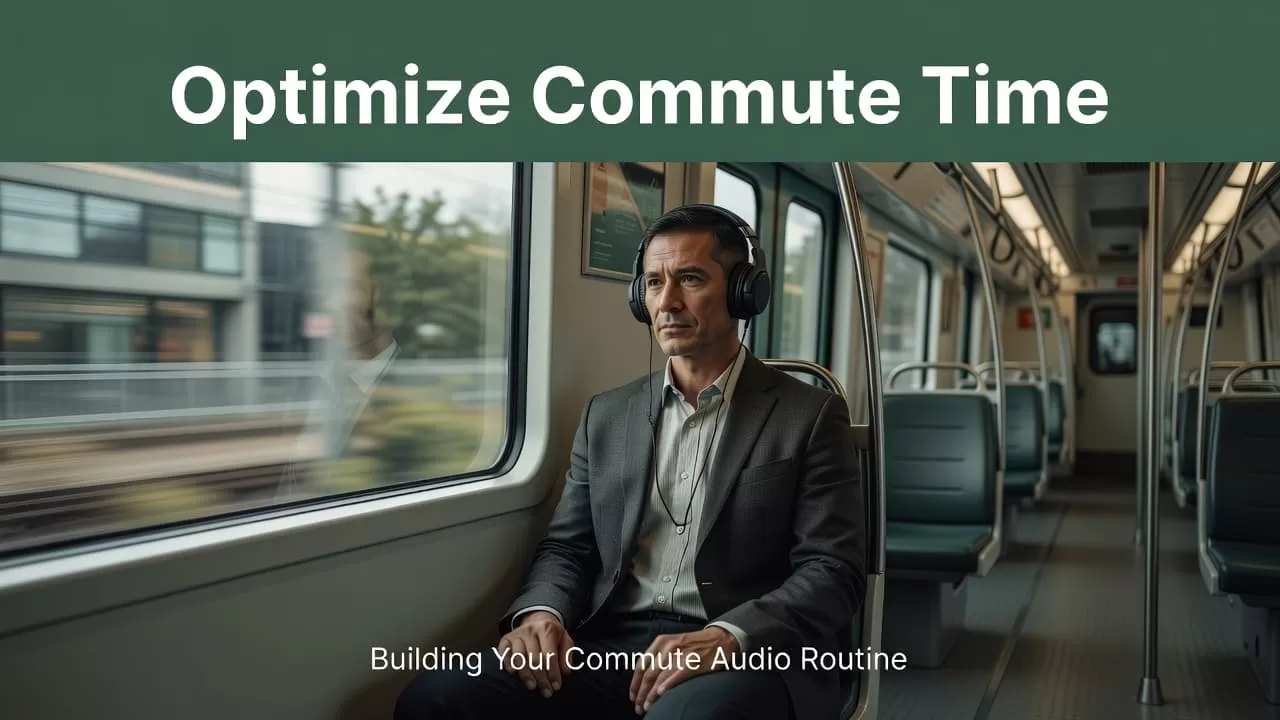
Public transit gives you more control, but audio-only use still has advantages. You can listen without exposing work documents in a crowded carriage. Headphones also reduce the temptation to switch between apps.
Students should avoid listening to every textbook at high speed. Use audio for first exposure, revision, and repetition. Read diagrams, equations, citations, and assignment instructions separately at a desk.
Business users need one additional control. Don’t upload confidential customer data, internal financial records, credentials, or regulated information until your organization approves the tool and its data handling terms. A productivity gain doesn’t justify an unapproved document transfer.
If you want anecdotal suggestions for learning apps, a productivity community discussion can provide ideas. Treat user comments as starting points. Validate privacy, platform support, pricing, and workflow fit yourself.
Check the Fit Before You Pay
Speechify’s value depends on how much written material you already handle. If your work involves reports, emails, research, or documentation, text-to-speech can reduce the backlog. If you rarely read long documents, a basic podcast or audiobook app may cover your needs.
Check four areas before adopting the tool:
- Content access: Confirm that your main sources work with the app, Chrome extension, uploads, or OCR.
- Device coverage: Test the phone and computer platforms you use each week.
- Audio quality: Listen to names, numbers, and technical terms before committing to long sessions.
- AI usefulness: Test whether Quiz, Chat, or Podcasts improve your workflow instead of adding preparation work.
Speechify lists a Premium plan at $11.58 per month with annual billing in current product information. Pricing and plan terms can change. Check the checkout page before purchase and compare the price with your actual monthly usage.
Run a seven-day test before rolling the tool out to a team. Choose one repeatable workflow, such as listening to morning meeting notes. Track four measures:
- Minutes of content completed.
- Important points recalled after listening.
- Time spent preparing for meetings or classes.
- Number of times you needed to stop and reread the source.
The result should be operational. If you complete more assigned reading without reducing comprehension, keep the routine. If the app creates extra file management or poor audio output, change the workflow before expanding it.
Conclusion
Speechify’s commute productivity tools work best as a prepared audio system. Use text-to-speech for documents, AI Quiz for recall, AI Chat for clarification, and AI Podcasts for longer material.
Start with one 20-minute listening block. Load the content before departure. Keep all reading, typing, and app interaction out of the driver’s seat.
A commute doesn’t need to become another work shift. It only needs a clear audio task that fits the trip and leaves the complex decisions for a safe, stationary workspace.
