Build LMS Audio Integration With Speechify
Learning management systems often lack natural-sounding audio options for course content. Students struggle through blocks of dense text without an easy way to listen on the move. When you implement Speechify LMS integration, you give learn...
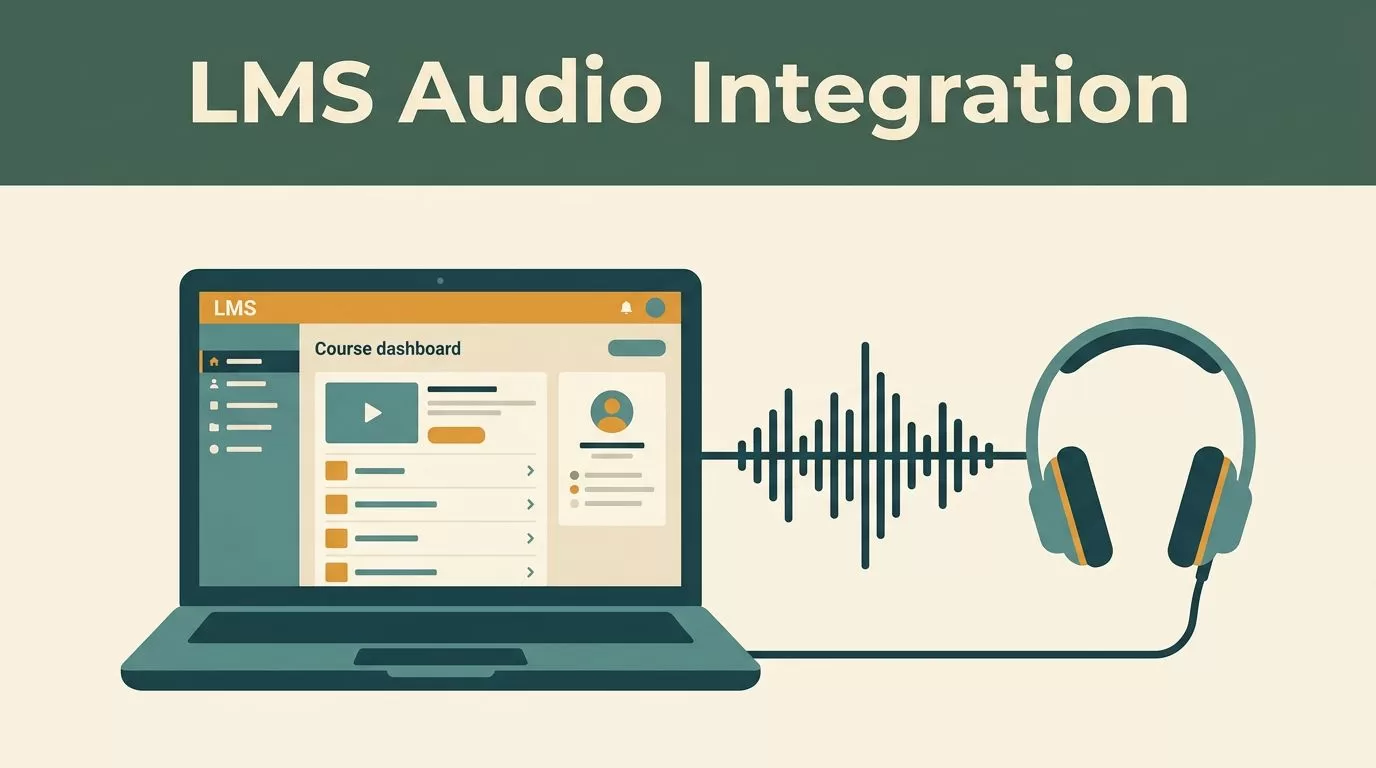
Learning management systems often lack natural-sounding audio options for course content. Students struggle through blocks of dense text without an easy way to listen on the move. When you implement Speechify LMS integration, you give learners a reliable tool to turn study materials into clear spoken audio. This capability transforms static course modules into accessible resources that fit busy student schedules.
You need a clear build plan to connect third-party text-to-speech services to your platform backend. Developers and product managers can establish a working audio pipeline by following structured API endpoints and authentication rules. This guide walks you through the core requirements, API mechanics, and deployment steps needed for a smooth rollout.
Key Takeaways
- Connect learning platforms to external text-to-speech engines using standard RESTful API endpoints and secure authorization headers.
- Set up clear rate limits and monthly budget caps to protect your application infrastructure from unexpected usage spikes.
- Configure player front-ends to support playback speed controls and synchronized visual word highlighting for better retention.
- Monitor processing errors, payload failures, and webhook responses regularly to keep your audio generation pipeline stable.
System Architecture and API Authentication

Successful integration starts with a clean request-response loop between your application server and the speech service provider. You send raw course text from your database to the provider endpoint, and the system returns an audio file stream or temporary URL. You must store your credentials securely in your environment variables rather than hardcoding them into client-side scripts.
The primary build endpoint for text synthesis is POST /v1/audio/speech hosted at the base URL provided in current Speechify API documentation. Your backend initiates calls by passing an authorization header containing your project API key alongside the payload. You can also review broader details regarding the Speechify Text to Speech API to understand core capabilities before writing server logic.
Make sure your server handles token validation and connection timeouts gracefully before returning audio to the frontend player. If the external service experiences latency, your LMS UI should display a loading state instead of freezing the lesson view. Clear error handling ensures your students don’t lose their place when network requests drop.
Managing Rate Limits and Spend Controls
Operational planning requires strict oversight of character consumption and request frequencies. Free developer tiers typically restrict you to modest character limits per request and lower simultaneous connections. Paid tiers scale those limits up, but you still need to guard your application against runaway automated loops.
Implement backend safeguards that track character generation counts before dispatching requests to the speech engine. You should set up an optional monthly spend cap in your platform console to prevent unexpected invoices if a course module triggers mass audio rendering. When a key hits its spending ceiling, the API returns a specific error code that your backend must catch and log.
Monitor your throughput carefully to avoid hitting rate limits during peak study hours when active student counts surge. Caching generated audio files in your cloud storage bucket prevents redundant API calls when multiple students access the same lecture notes. This caching strategy reduces operating costs and speeds up playback delivery across your learning platform.
Frontend Player Design and Accessibility
An audio player inside an LMS must be simple, responsive, and easy to use on both desktop computers and mobile devices. Place the play, pause, and speed adjustment controls directly above the lesson text so learners can follow along without scrolling. Include playback speed multipliers ranging from normal pace up to high-speed listening for advanced users.
Enable synchronized text highlighting to reinforce comprehension as the audio progresses through each paragraph. Seeing words underlined or shaded while hearing them spoken helps students retain complex theoretical arguments and technical vocabulary. You should also support bookmarking tools so learners can flag difficult passages for later review.
Make sure your audio player meets web accessibility standards for keyboard navigation and screen reader compatibility. Every control button needs clear aria labels, and color contrast ratios must satisfy standard accessibility guidelines. Testing your interface with actual students reveals layout flaws before you push updates to production environments.
Testing and Troubleshooting the Audio Pipeline
Before launching your new audio features to all users, run a series of controlled tests across your staging environment. Send short lesson paragraphs through the synthesis pipeline to verify that punctuation marks don’t trigger awkward pauses in the audio output. Check that SSML tags parse correctly if you use them to control speech pacing or pronunciation accents.
Track common failure states such as payload size violations or expired authorization keys during your test cycles. If a request exceeds character length limits for standard synthesis endpoints, your backend should automatically split the text into smaller chunks before transmission. Logging every failed transaction helps your engineering team diagnose upstream service interruptions quickly.
Review your server logs weekly to check response times and error rates across different course modules. Clean data tracking ensures your technical team spots bottlenecks early and keeps the learning platform running smoothly.
Conclusion
Building text-to-speech features into your learning platform gives students a flexible way to consume course materials on any device. You create a reliable pipeline by combining secure API authentication, careful rate limit management, and accessible frontend playback controls. Set up your staging environment today, test your first text payload, and give your learners a better way to study.
