How to Configure and Deploy a Speechify Read Aloud Integration
Building voice capabilities into modern digital products requires reliable APIs and predictable SDK methods. When you want to convert text streams into lifelike spoken audio inside a custom application, a dedicated speech generation service...
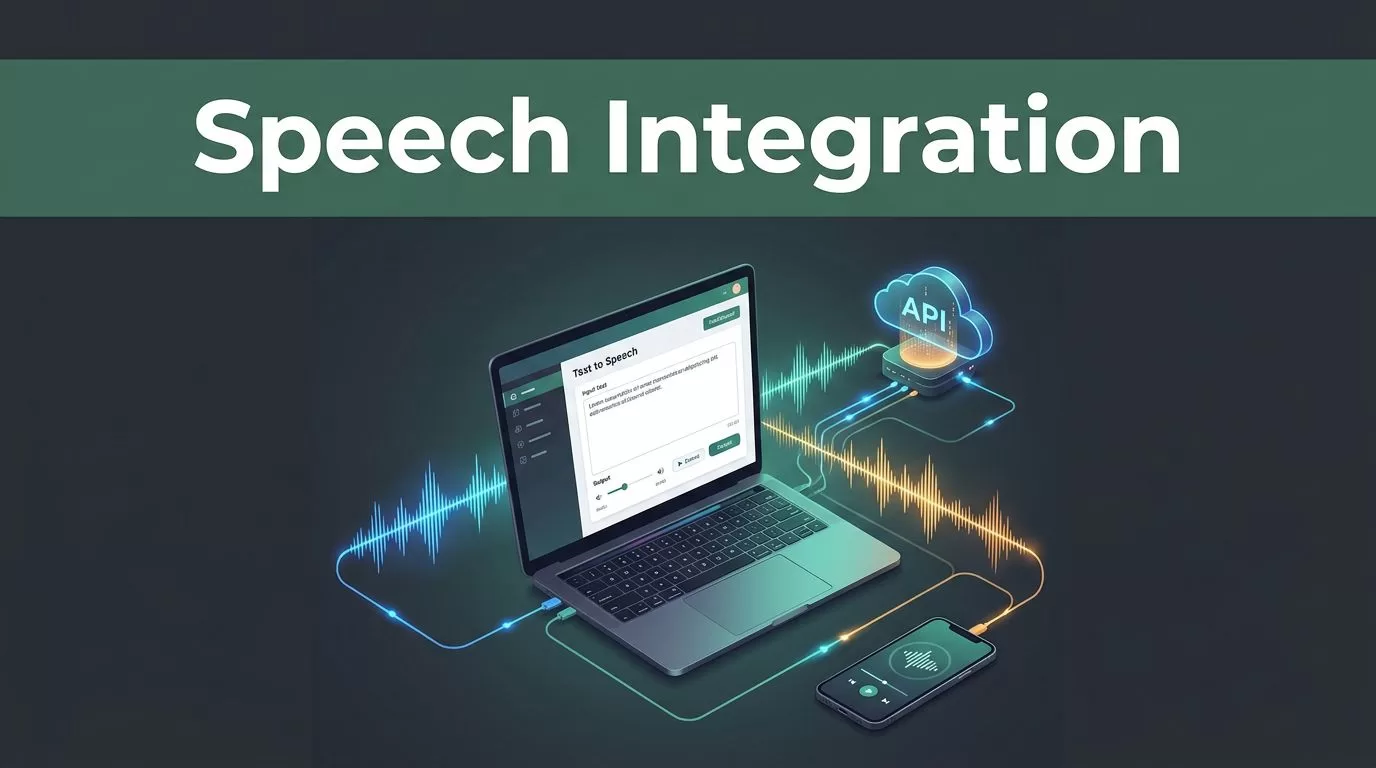
Building voice capabilities into modern digital products requires reliable APIs and predictable SDK methods. When you want to convert text streams into lifelike spoken audio inside a custom application, a dedicated speech generation service saves weeks of custom audio engineering. You need to connect your backend services, authenticate requests securely, and handle audio streams without degrading application performance. Let’s look at how technical teams evaluate, configure, and deploy a robust Speechify Read Aloud integration across web and mobile environments.
Key Takeaways
- Authenticate all API requests securely on your server rather than exposing raw secret keys in client-side browser code.
- Calibrate your audio streaming payloads and playback parameters to match the density of your source content.
- Pair audio generation with synchronized word highlighting to maintain high user engagement and comprehension.
- Organize imported documents and text queues into dedicated digital folders to prevent context switching during high-volume sessions.
Setting Up Your Developer Account and API Credentials
Before writing any deployment code, you need an active account and valid credentials from the provider platform. Head over to the developer dashboard to create your project space and generate your first production token.
Store your secret token securely in your environment configuration using standard variables like SPEECHIFY_API_KEY. Never hardcode keys directly into your repository source code or commit them to public version control systems. Your application will reference this environment variable whenever it initializes the official client library.
Official client libraries simplify authentication and request formatting across different programming languages. You can install the Python package via speechify-api or fetch the TypeScript library using @speechify/api from your package manager. Once your environment variables and dependencies are in place, your backend services are ready to communicate with the core text-to-speech endpoints.
Configuring the Core Text Generation Endpoint
The primary mechanism for generating audio relies on HTTP POST requests sent directly to the core speech endpoint. For direct REST integrations, your application sends payloads to https://api.speechify.ai/v1/audio/speech using standard JSON formatting.
Each request must include an authorization header carrying your bearer token alongside application-specific parameters. You specify the target text input, your preferred voice identifier, the desired output audio format, and the specific speech model you want to execute.
Here is what a standard payload configuration requires for clean execution:
| Parameter Field | Accepted Value | Purpose |
|---|---|---|
input | Plain text or SSML string | The raw content you want converted into spoken audio |
voice_id | String like george or geffen_32 | Selects the specific voice model and tonal profile |
audio_format | mp3, wav, ogg, aac, pcm | Determines the encoding format returned by the server |
model | simba-english, simba-multilingual | Controls the underlying neural synthesis engine version |
Match your model selection to the operational requirements of your application. Multilingual models handle diverse user bases effectively, while English-optimized models deliver rapid processing for standard text streams. For a deeper breakdown of how modern platforms handle voice selection and streaming performance, check out these Voice AI APIs for Developers and the Speechify API Advantage.
Handling Browser and Client-Side UI Deployments
Deploying audio playback directly inside a web browser requires careful separation of concerns between your client application and your secure backend server. If you build a web interface that needs to render custom audio controls or embed a player component, do not pass your master API key down to the browser.
Instead, set up a secure token issuance endpoint on your own server. Your frontend client requests a temporary session token from your backend, and your backend communicates with the speech provider using the protected master key.
For projects utilizing prebuilt UI components, install the specialized embeddable package alongside the core API SDK. You can initialize the web player component by loading @speechify/embeddable-ui in your frontend build pipeline. Developers can begin integrating in minutes using simple RESTful API calls and detailed documentation provided by the platform. This component exposes custom HTML elements like <speechify-player> that handle audio buffer management and playback controls out of the box.
Optimizing Audio Pacing and Comprehension Settings
Raw audio generation is only half the battle when you build a read-aloud feature into your software. Users consuming long-form technical documentation or operational reports experience cognitive fatigue if the playback tempo doesn’t match the content density.
Start your listening sessions at a normal baseline speed to establish initial comprehension. Scale your playback speed upward gradually as auditory processing adapts to faster cadences. Industry news articles and casual overviews handle higher multipliers easily, while dense technical architecture documents require slower pacing to ensure complete comprehension.
Enable synchronized text highlighting in your application settings view so words underline automatically as the software speaks them. Seeing words underlined while you listen reinforces retention, especially when reviewing unfamiliar terminology or complex transition phrases. Your eyes follow the text anchor while your ears process the incoming audio stream, creating a dual sensory input loop that locks attention onto the source material. If you want to explore additional architectural approaches and developer resources for building speech features into modern web apps, review the official Speechify docs.
Troubleshooting Common Integration and Parsing Friction
Even well-designed audio pipelines encounter occasional friction when processing unconventional text inputs or messy document structures. If your generated audio sounds disjointed or skips across paragraphs, check whether your input strings contain complex multi-column layouts or broken paragraph breaks that confuse the parser.
Convert messy HTML or unformatted document scans into clean text strings before submitting them to the generation endpoint. Furthermore, watch out for reference interruptions when your application reads empirical studies or legal briefs. A paragraph discussing methodology might contain ten separate citations in a single sentence. If your audio player reads every author name and publication year, users lose track of the core findings.
Configure enhanced skipping features in your text processing layer to automatically omit non-essential text like citations, headers, footers, URLs, and parentheses. For a detailed reference on structuring your API requests and handling payload errors, review the best text to speech APIs overview. Clean input preparation ensures that your deployed audio feature delivers smooth, professional speech every single time.
Conclusion
Deploying a Speechify Read Aloud integration transforms how your users consume written data inside your platform. By securing your API keys on the backend, structuring your REST payloads correctly, and pairing audio output with synchronized visual tracking, you eliminate reading bottlenecks and deliver a polished product experience. Audit your application architecture, configure your server-side token generation, and test your first audio stream today.
