How to Run Split URL Testing in Mida.so
A landing page redesign can improve conversions, but you need clean evidence before sending all traffic to it. Split URL testing lets you compare two separate page URLs while Mida tracks how each version performs. This method fits landing p...

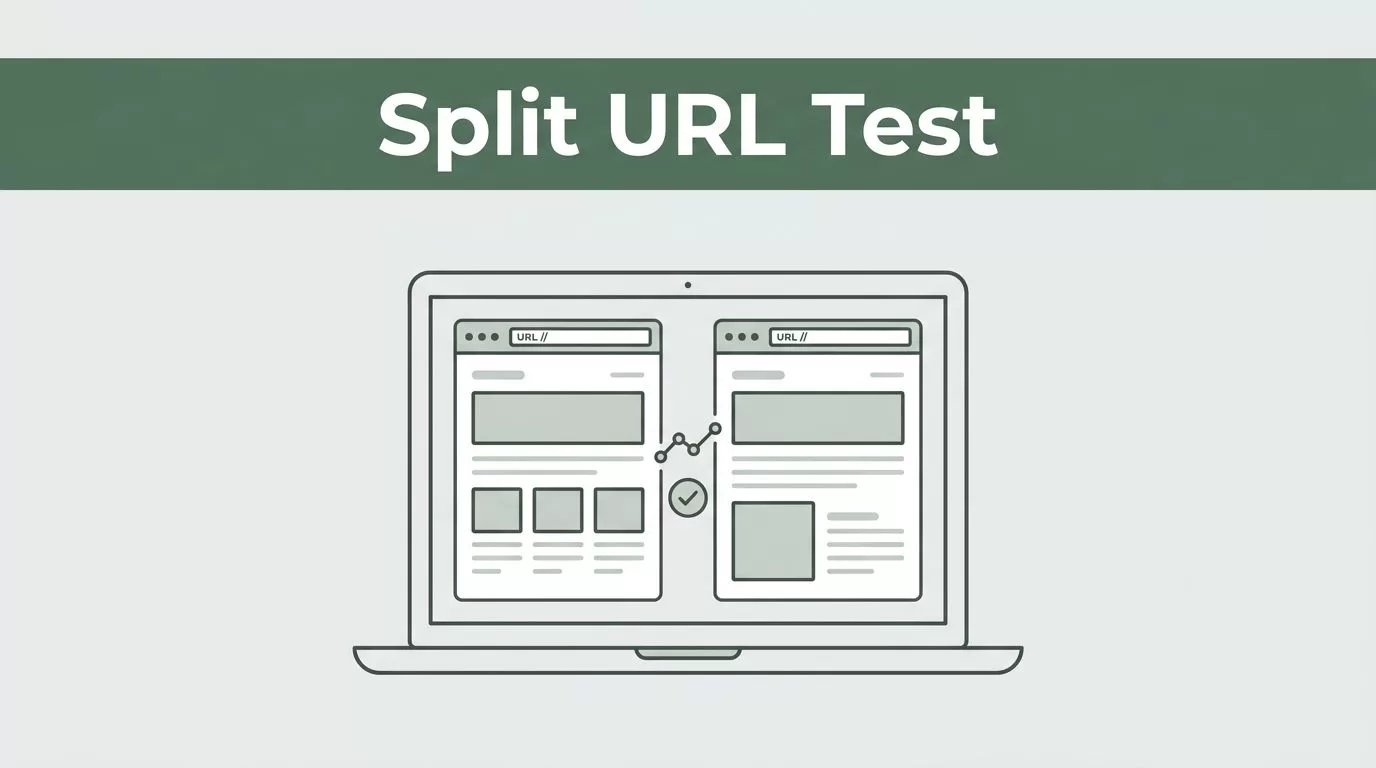
A landing page redesign can improve conversions, but you need clean evidence before sending all traffic to it. Split URL testing lets you compare two separate page URLs while Mida tracks how each version performs.
This method fits landing pages, pricing pages, checkout flows, and major redesigns. It differs from an on-page A/B test because the variants live at different URLs. The setup is simple, but small configuration errors can corrupt the results.
Key Takeaways
- Split URL testing compares separate URLs, not two page states inside one URL.
- Install Mida on every page involved before sending live traffic.
- Choose one primary conversion goal before launching the experiment.
- Test the redirect, tracking, query parameters, and mobile layout before launch.
- Keep the experiment running until you have enough conversions for a useful decision.
What Split URL Testing Means in Mida
A split URL test sends visitors to different page URLs. The control might use /pricing, while the variant uses /pricing-new. Mida assigns traffic to the selected versions and records the results against your chosen goals.
The visitor usually enters through the control URL. The experiment then routes eligible traffic to the control or variant. The exact routing method depends on the Mida setup, but the operating principle stays the same: each visitor sees one version of the page during the test.
This differs from a standard on-page A/B test. An on-page test changes elements inside one page, such as a headline, button, image, or form. The URL often remains unchanged. A split URL test compares complete pages, templates, or flows.
Use split URL testing when the change is too large for a visual editor. Common examples include:
- A new landing page template
- A different pricing page structure
- A redesigned sign-up flow
- A separate checkout experience
- A new product positioning page
On-page tests work better for isolated changes. Split URL tests work better when the page structure, copy, navigation, or code changes together.
A redirect test also needs careful technical handling. Learn how HTTP redirects work before testing pages across different paths or domains. A redirect that fires too late can create flicker. A redirect that fires too early can interfere with analytics, consent tools, or other scripts.
Plan the Experiment Before Opening Mida
Start with one business question. Avoid broad statements such as “Can we improve the page?” Write a question that connects the page change to a measurable action.
A stronger question is: “Does the shorter pricing page increase demo requests from paid search visitors?” That question gives you a page, an audience, and a conversion event.
Choose the control and variant before you configure the experiment. The control is the current page. The variant is the new page you want to evaluate. Keep the main offer and audience consistent unless the test is designed to evaluate a different offer.
Set one primary goal. For a lead-generation page, that might be a completed form. For a product page, it could be a trial start or purchase. You can track secondary actions, but don’t treat every click as an equal success signal.
Your goal event must fire on both URLs. If the control records form completions but the variant records only button clicks, Mida can’t provide a fair comparison.
Check the page addresses as well. Decide whether trailing slashes, uppercase paths, query parameters, and URL fragments should count as the same page. Paid campaigns often add parameters such as utm_source and gclid. Your targeting and URL rules must handle those values correctly.
Install the Mida tracking script before launch. Add it to the control, variant, and conversion page when the flow moves across multiple pages. Follow the installation instructions shown in your Mida workspace, then confirm that visits and conversions appear in the dashboard.
If you use Google Analytics, keep its event setup consistent across both versions. Google’s documentation on GA4 events can help when you need to verify that the same conversion event fires for each experience.
Set Up a Split URL Test in Mida
The labels in your workspace can change as Mida updates its interface. The core workflow remains the same.
-
Open Mida and create a new experiment.
Sign in to your Mida workspace and start a new test. Select the split URL or redirect testing option. Don’t choose the visual editor workflow used for on-page A/B tests. -
Add the control URL.
Enter the current page that receives normal traffic. Use the public URL visitors actually load. Don’t use a staging address, preview link, or internal development path. -
Add the variant URL.
Enter the complete address for the new page. Check the protocol, domain, path, and trailing slash. If the variant uses a different domain, confirm that your Mida configuration supports the setup before continuing. -
Configure traffic allocation.
Start with a balanced split when both versions need a fair comparison. A 50/50 allocation is common for a straightforward control-versus-variant test. Use a smaller percentage only when you have a clear reason, such as a staged rollout or a higher-risk checkout change. -
Set audience rules.
Decide who should enter the experiment. You might include all visitors, paid search visitors, returning users, or traffic from a selected country. Keep the audience narrow when the hypothesis applies only to a defined segment.Don’t change audience rules after the test begins unless you record the change. A new audience can make results difficult to compare with the original sample.
-
Select the primary goal.
Choose the conversion event that answers your test question. Confirm that the event is available in Mida and fires on the relevant success page or action. -
Set secondary metrics if needed.
Secondary metrics can include click-through rate, form starts, checkout starts, revenue, or page engagement. Use them to understand the result, not to replace the primary goal after seeing the data. -
Review the experiment settings.
Check the control URL, variant URL, allocation, audience, goal, and active dates. Save the experiment only after the settings match your test plan. -
Launch and verify live traffic.
Open the control URL in a clean browser session. Repeat the test on mobile. Confirm that the experience loads correctly, the destination URL is correct, and the conversion event reaches Mida.
Don’t edit the variant while the experiment is running. A copy change, form change, or pricing update creates a new experience. If the change is necessary, record it and consider restarting the test.
Pre-Launch Checklist for Mida
Run this check before you send paid or high-volume traffic to the experiment:
- Mida’s tracking script loads on the control and variant.
- The primary conversion event fires on both versions.
- The control URL and variant URL load over HTTPS.
- Redirects don’t create loops, broken paths, or visible page flicker.
- Query parameters are preserved when campaigns need them.
- Forms submit correctly on desktop and mobile.
- Thank-you pages and confirmation events work.
- Consent settings don’t block tracking for one version only.
- Page speed is acceptable on both URLs.
- Internal links don’t send variant visitors back into the control unexpectedly.
- The traffic split and audience rules match the written hypothesis.
- Everyone involved knows the primary metric and test start date.
Run a real conversion before launch. A page view proves that routing works. A completed form or purchase proves that measurement works.
A test isn’t ready when both pages load. It’s ready when both pages load, route correctly, and report the same conversion action.
For search-sensitive pages, avoid permanent redirects for experiment traffic. Google provides guidance on temporary testing redirects. Review canonical tags, indexation rules, and internal links before the test reaches search crawlers.
Read the Results Without Rushing
Mida can show how each URL performs against the selected goals. Review conversions, conversion rate, traffic allocation, and the difference between the control and variant.
Don’t call a winner after a few hours because one version has more conversions. Early results can move sharply when the sample is small. A single large purchase or lead can distort the comparison.
Set a decision rule before launch. For example, you might require a minimum number of conversions, a stable result across several business cycles, and no major tracking issues. The exact threshold depends on traffic volume, conversion rate, business risk, and the cost of making the change.
Check segment performance only after reviewing the overall result. Mobile users, paid traffic, returning visitors, and new visitors can respond differently. Treat segment results as supporting evidence unless the experiment was designed for that segment.
A positive result also needs a business check. A higher form completion rate isn’t useful if lead quality falls. A higher trial-start rate isn’t useful if paid conversions decline later in the funnel.
When the result is clear, document the decision. Record the winning URL, primary metric, audience, test dates, traffic split, and any changes made during the run. Then roll out the winning page outside the experiment and keep the original version available until the deployment is confirmed.
Troubleshoot Common Split URL Test Problems
Visitors always see the control. Check that the experiment is active, the control URL matches the address visitors use, and the Mida script loads before the routing logic runs. Test in an incognito window and clear existing cookies between attempts.
The variant loads but conversions are missing. Submit the form or complete the purchase yourself. Check whether the conversion event fires on the variant’s success page. Also review consent settings, blocked scripts, cross-domain behavior, and duplicate event rules.
Traffic numbers don’t match your analytics platform. Different tools can use different session definitions, filters, time zones, and consent rules. Compare the same date range and audience before treating the difference as a tracking failure.
Users see both versions. Review persistence and URL rules. A visitor can appear to switch versions when cookies are deleted, devices change, or a campaign links directly to the variant. Keep campaign links pointed to the experiment entry URL unless the test plan says otherwise.
The page flashes before redirecting. The routing script may be loading after the original page begins rendering. Check script placement, consent behavior, and page caching. A flash can affect user experience and expose the control before the variant loads.
Results change after a page update. Stop treating the data as one clean test. Record the update date and decide whether to restart the experiment.
Conclusion
Split URL testing in Mida gives you a practical way to compare complete page experiences. The method works when the control, variant, audience, and conversion event are defined before launch.
Install tracking on every relevant page, test the live route, and monitor the primary goal instead of chasing early fluctuations. A clean redirect test turns a page redesign into a measured decision, not a guess.

