Streamline Your Delivery When You Adopt A Presentation Practice Tool From Speechify
Getting ready to deliver a high-stakes pitch or academic seminar brings a familiar spike of anxiety. Memorizing your script word for word feels rigid, while winging it leads to rambling sentences and missed points. You need a reliable rehea...

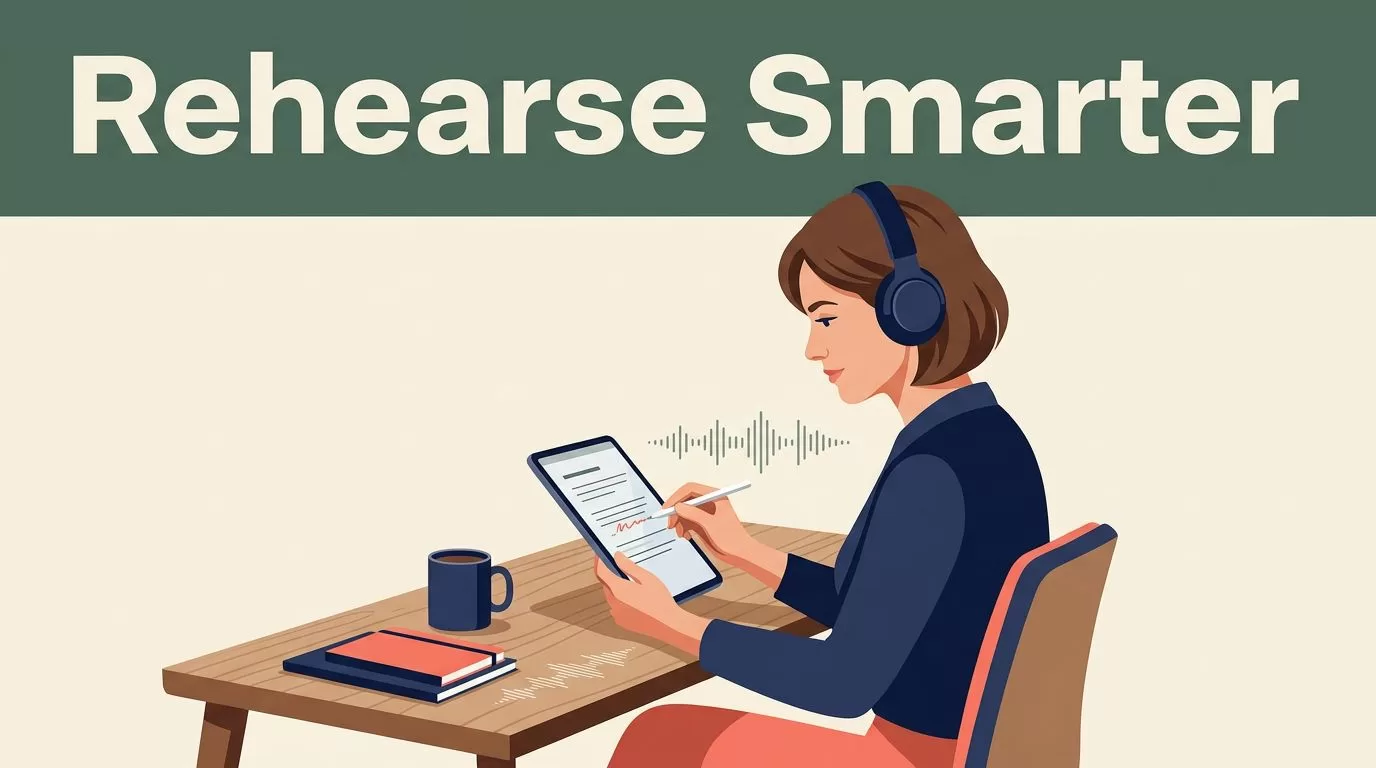
Getting ready to deliver a high-stakes pitch or academic seminar brings a familiar spike of anxiety. Memorizing your script word for word feels rigid, while winging it leads to rambling sentences and missed points. You need a reliable rehearsal loop that bridges the gap between written notes and confident spoken delivery. When you adopt a presentation practice tool from Speechify, you transform how you rehearse by turning static text into lifelike audio. This workflow lets you listen to your pacing, refine your tone, and catch awkward phrasing before you step in front of an audience.
Key Takeaways
- Pair your rehearsal scripts with synchronized word highlighting to keep your eyes tracking smoothly while the audio stream moves forward.
- Organize your presentation drafts into dedicated digital folders to prevent constant context switching during practice blocks.
- Start your listening sessions at normal speed to check comprehension, then scale your playback rate upward as your auditory processing adapts.
- Export your audio files or voiceovers directly into your presentation workflow to streamline your overall preparation timeline.
Preparing Your Script for Rehearsal
Effective presentations start with clean, spoken-word text. Writing for the eye differs completely from writing for the ear. Long, convoluted sentences that look impressive on a printed page often cause stumbling during live delivery. Paste your draft directly into your workspace to evaluate how it sounds out loud.
Clean up awkward phrasing by reading your paragraphs aloud or listening to the automated preview. Remove dense jargon, break up long clauses, and replace complex transitional phrases with direct statements. Organizing your files into dedicated project folders keeps your research queue structured and prevents context switching when you switch between different speaking engagements.
Material Type Recommended Speed Processing Focus
Industry News 1.5x to 2.0x Quick intake and broad skimming
Research Papers 1.25x to 1.5x Comprehending background facts
Legal Contracts 1.0x to 1.25x Close attention to exact clauses
Match your speed settings to the complexity of your script rather than chasing high words-per-minute metrics. Dense technical pitches require slower pacing than casual narrative overviews.
Maintaining Focus With Synchronized Highlighting
Audio playback pushes forward continuously unless you actively pause or skip backward. That forward momentum creates a specific risk for distracted speakers, as it is easy to zone out during a long rehearsal session. You prevent comprehension loss by combining listening routines with active annotation tools.
Enable synchronized text highlighting in your application settings view so words underline automatically as the software speaks them. Seeing words underlined while you listen reinforces retention, especially when reviewing unfamiliar terminology or dense theoretical arguments. Your eyes follow the text anchor while your ears process the cadence, creating a dual sensory input loop that keeps your attention locked onto the source material.
When you spot a critical transition or a clumsy sentence, use the bookmarking tool to flag the exact timestamp and text block for later revision. For a deeper look at how voice tools handle large volumes of text, review Speechify’s guide on working with AI tools.


Configuring Your Playboard and Voice Settings
Choosing the application is only the first step. You have to configure your playback settings to ensure you capture every nuance of your delivery rhythm. Select a natural-sounding voice model that matches your personal preference, because a jarring voice model creates friction and breaks your focus.
Start your listening sessions at standard speed for the first few minutes to establish comprehension. Scale the playback speed upward gradually as your auditory processing catches up. For a broader perspective on audio workflows, you can explore the main Speechify platform overview.
If you notice your mind wandering or find yourself missing key arguments, dial the speed back down for a session. Maintain realistic expectations about material density.
Integrating Audio Workflows Into Your Presentation Routine
Turning downtime into productive rehearsal hours requires an organized file structure. Group your presentation drafts and source documents into folders by project, client, or topic. Import your files, PDFs, or web links directly into your workspace so you can queue them up for continuous listening during commutes or lab work.
This passive review method turns routine transit times into valuable processing windows. You can queue up multiple drafts for continuous listening while traveling. For mobile users, the Speechify Android application lets you carry your entire rehearsal library directly in your pocket.
Export your highlighted quotes and notes directly into your writing workspace or reference manager to streamline your essay preparation or technical documentation tasks.
Final Thoughts
Mastering a public presentation does not require endless hours of silent rereading and nervous repetition. By combining text-to-speech audio conversion, synchronized visual tracking, and structured file organization, you remove physical reading bottlenecks from your rehearsal pipeline. Set up your library folders today, adjust your playback speed, and tackle your delivery goals with a more efficient operational routine. Load your first draft into your workspace and start listening.

