Scale Telehealth Workflow Automation With Twin.so
Clinic administrators spend hours every week moving data between disconnected scheduling portals, electronic health records, and billing spreadsheets. Manual copy-pasting slows down patient care and introduces costly administrative errors a...

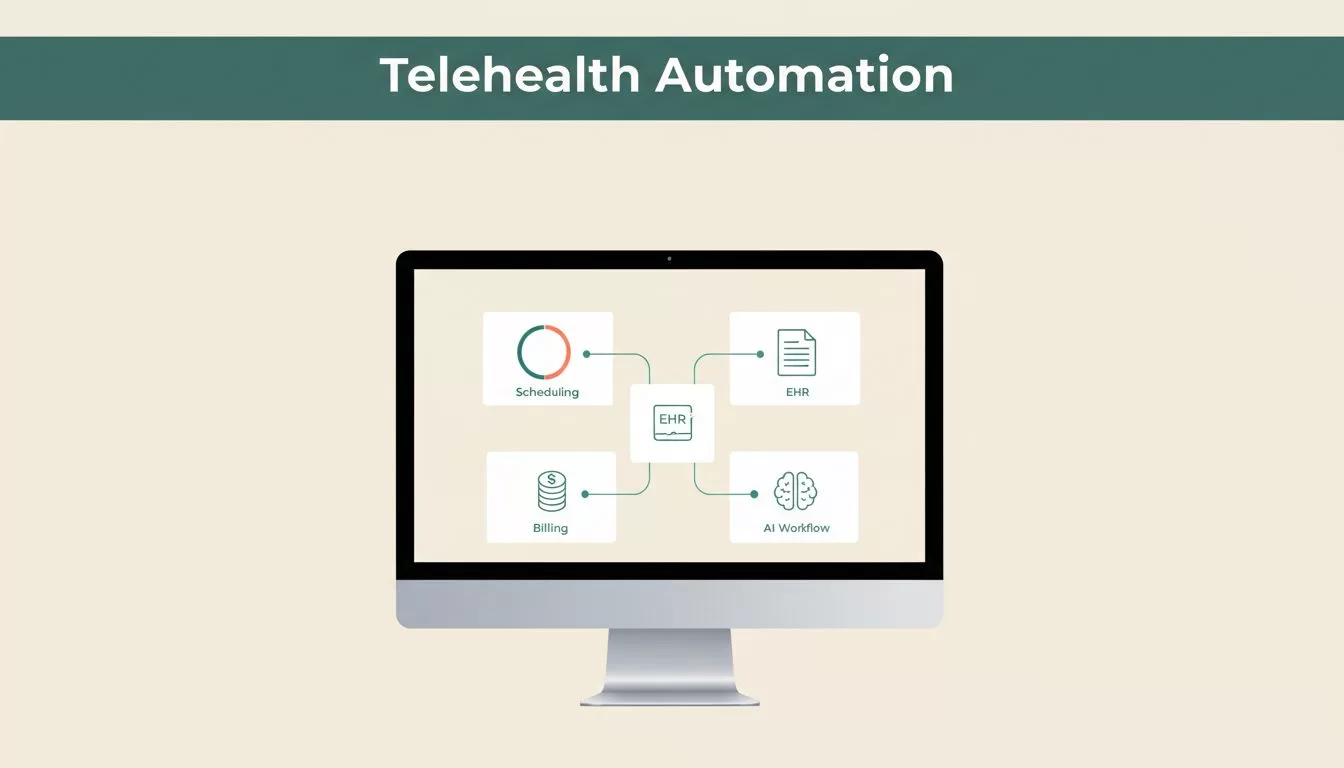
Clinic administrators spend hours every week moving data between disconnected scheduling portals, electronic health records, and billing spreadsheets. Manual copy-pasting slows down patient care and introduces costly administrative errors across your practice.
Deploying effective telehealth workflow automation changes how your clinical team handles routine operational overhead. Instead of hiring additional administrative staff to manage appointment reminders and follow-up tracking, you deploy autonomous AI agents that execute multi-step tasks across your existing web tools.
Setting up these automated pipelines requires a clear framework for connecting APIs, scheduling triggers, and monitoring exception handling. Here is how you configure Twin.so to manage your digital clinic operations.
Identifying Administrative Friction in Digital Clinics
Virtual care expansion brings heavy administrative friction. Your staff juggles patient intake forms, provider directories, insurance eligibility checks, and calendar coordination across multiple browser windows.
Traditional software integrations often fail when third-party portals lack open APIs. Your administrative team resorts to manual data entry because legacy systems don’t talk to each other. That manual approach creates severe bottlenecks as patient volume scales.
When clinics rely solely on human staff for repetitive data movement, burnout rises and response times drop. Patients wait longer for appointment confirmations, and referral follow-ups fall through the cracks. Automating these routine operational loops protects your clinic margins and keeps patient intake running smoothly. Clinic managers need dependable systems that eliminate redundant clicks without disrupting daily clinical workflows.
How Twin.so Powers Telehealth Workflow Automation
Twin.so introduces an alternative approach to administrative scaling through autonomous AI agents. You describe your desired business outcome in plain English, and the platform translates your prompt into an executable workflow.
For routine operations, see how Telehealth Workflow Automation principles apply to modern clinical programs. Twin combines traditional API connections with an embedded browser agent that acts like a human user. When an application lacks a clean API, the Twin agent logs in, clicks buttons, fills forms, and extracts directory listings directly inside the web interface.
This hybrid capability allows your clinic to automate tasks across restricted vendor portals, internal Google Sheets, Gmail, Slack, and billing dashboards without writing custom software. Your technical operators save weeks of development time by letting agents navigate messy web interfaces directly.


Streamlining Patient Intake and Scheduling Protocols
Patient intake is prime territory for operational automation. You can build agents that refresh telehealth lead lists daily, summarize patient inquiries, and compile organized outreach summaries in your workspace.
For broader operational setups, platforms like Healthcare Workflow Automation provide structural benchmarks for managing patient journeys. You configure your Twin agent to trigger when a new form submission lands in your database. The agent reads the submission, checks insurance details against required parameters, drafts a welcome email in Gmail, and posts a notification to Slack.
If a patient misses an appointment window, a follow-up agent runs on a scheduled cron timer to verify status, update records, and draft rescheduling notices. Your staff steps in only when the agent flags an exception that requires human judgment. This division of labor keeps administrative overhead low while maintaining high touch quality for patient communication.
Navigating Compliance and Data Security Requirements
Healthcare operations require strict adherence to data privacy laws and internal security protocols. When you deploy automated agents, you must evaluate how patient health information is handled across third-party execution environments.
For communication tools, review operational advice on Telehealth Automation Tools for Healthcare to secure voice and messaging channels properly. You should never assume an automation platform meets clinical regulatory standards out of the box.
Always confirm specific compliance requirements, encryption standards, and business associate agreements directly with Twin.so support and your organization’s internal legal team before processing live patient data. Restrict agent access permissions strictly to the folders and tools required for the specific workflow. Proper credential isolation protects patient confidentiality and prevents unauthorized data exposure across your network.
Configuring Triggers, Schedules, and Webhooks
Building your first clinical workflow requires a defined sequence of inputs and triggers. You start by mapping out every manual touchpoint in your current intake or billing process.
Next, you write a clear natural language prompt defining the exact outcome you want the agent to achieve. For instance, you instruct the agent to extract provider directory details from regional health portals every Monday morning and sync the output into Google Sheets.
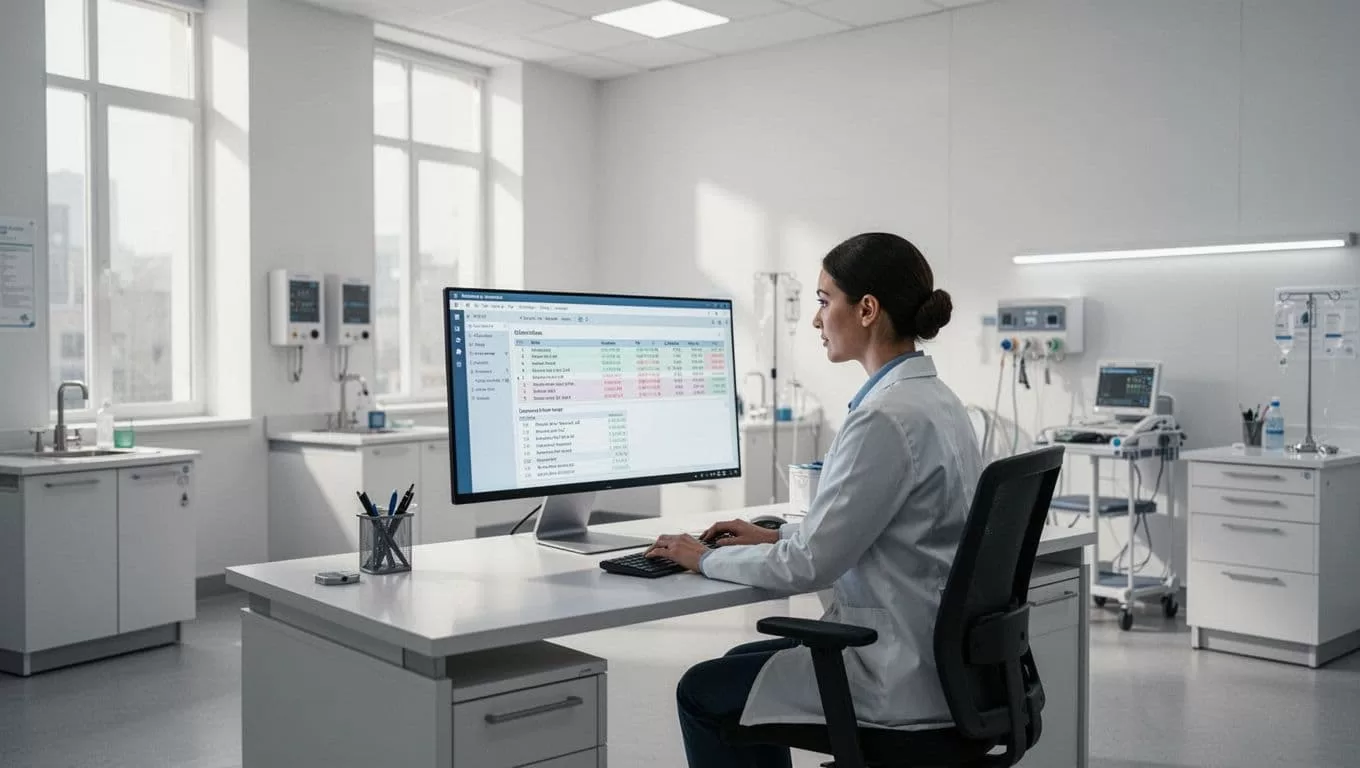
You configure webhooks or scheduled cron triggers to run the agent unattended. Set up error notifications in Slack so your IT team receives instant alerts if a target website changes its layout or an API connection drops. Automated execution relies entirely on reliable trigger architecture, so test your webhook endpoints thoroughly before pushing agents into production environments.
Managing Exceptions and Self-Healing Agent Loops
Websites change layouts, drop-down menus update, and authentication tokens expire without warning. Traditional scripts break immediately when these minor interface shifts occur, halting your entire operational pipeline.
Twin.so uses built-in exception handling to diagnose integration errors and adapt when workflows hit edge cases. If a button moves on a provider portal screen, the browser agent analyzes the context and completes the click action rather than throwing a fatal error.
Your team reviews flagged exceptions in a centralized dashboard instead of debugging broken code lines. This self-healing design reduces maintenance overhead for your technical operators and keeps multi-step routines running without constant human babysitting.
Conclusion
Scaling virtual care operations doesn’t require massive engineering teams or expensive custom software development. By deploying autonomous AI agents to handle repetitive administrative tasks, your clinic eliminates data bottlenecks and protects staff bandwidth.
Map out your most tedious intake or scheduling bottleneck today, define your operational rules, and build your first Twin.so agent to streamline your digital practice.

