How I Use Twin.so’s No-Code Workflow Builder
Building an automation often starts with a whiteboard, five browser tabs, and too much hand wiring. Twin.so takes a cleaner path. On the official Twin site, the product is described as an AI company builder that connects to APIs, automates...

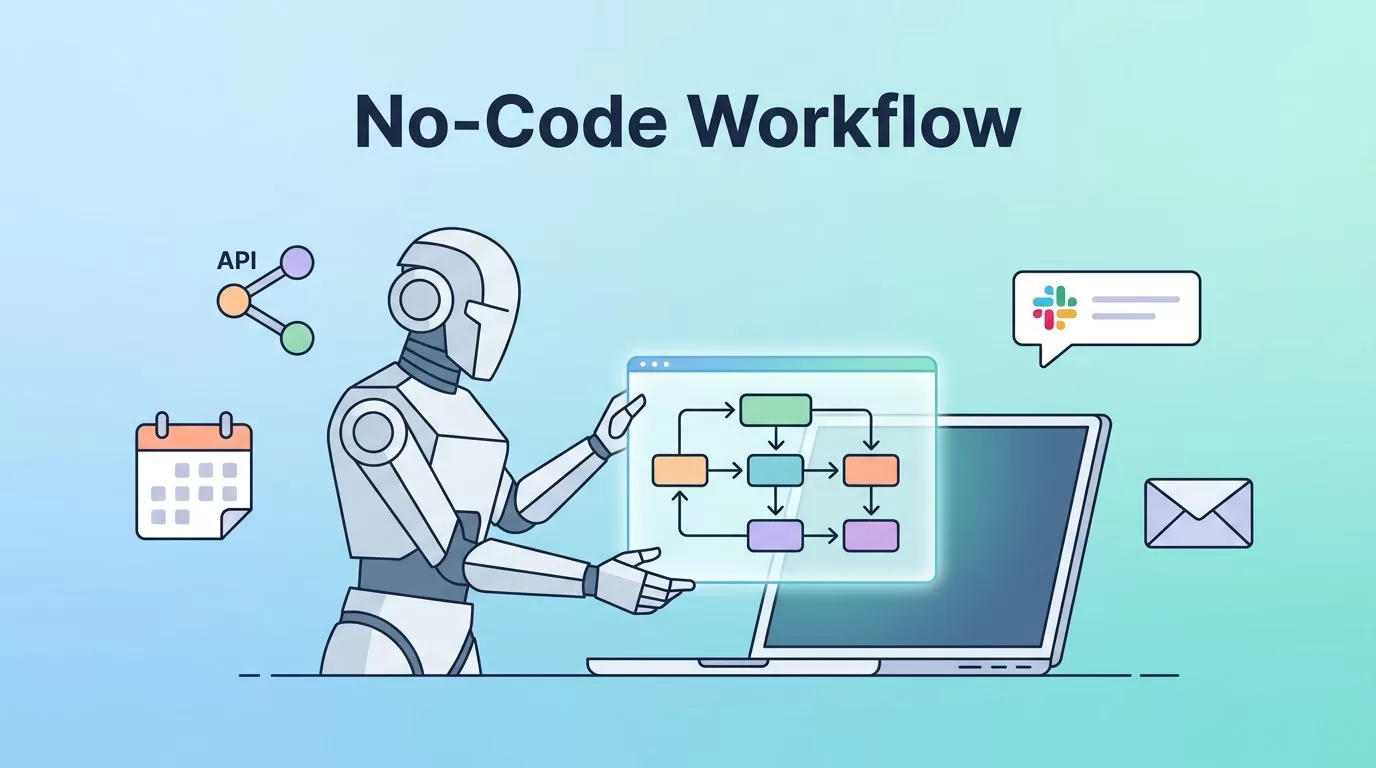
Building an automation often starts with a whiteboard, five browser tabs, and too much hand wiring. Twin.so takes a cleaner path.
On the official Twin site, the product is described as an AI company builder that connects to APIs, automates browsers, and runs on schedule without code. That matters when I know the outcome I want, but not the glue work.
I use the Twin.so workflow builder when I want an agent to handle a task in plain English. The rest of this guide shows how I set one up, what I test first, and where it fits best.
What Twin.so’s workflow builder does
Twin is not a classic drag-and-drop canvas where I wire every node by hand. I give it a goal, and it builds the workflow around that goal. In practice, that means I can describe a task, connect the data source, and let the agent handle the steps.
The trigger layer is where things get useful fast. I can start a workflow on a schedule, through a webhook, from a Slack message, or from an email trigger. That covers most recurring business jobs I run into, from lead follow-up to finance checks.
Twin also covers two important paths. When an app has an API, I use that route. When it does not, browser automation can step in, click through screens, and fill forms. Twin also says its agents can diagnose changes and patch the workflow when websites or APIs shift.


I use this mode when I already know the source, the handoff, and the final action. The builder handles the wiring, so I can focus on the job itself.
Building my first agent step by step
I always start small. One task. One trigger. One clear finish line.
- I write the job in one sentence. Example: “When a new lead arrives, find the right contact details and send them to my CRM.”
- I list the inputs and outputs. Inputs are the source, the fields, and the trigger. Outputs are the action I want, such as a Slack note, a row in a sheet, or a CRM update.
- I pick the trigger that matches the work. A schedule fits recurring checks, a webhook fits system events, and an email trigger works well when the job starts in an inbox.
- I let Twin map the app steps. If the target app has an API, I use that route. If it doesn’t, I let browser automation handle the login, clicks, and form fill.
- I test with one real case before I scale. One lead, one invoice, or one reminder tells me far more than a fake demo.
- I add guardrails. I watch for missing fields, failed logins, and odd page layouts. Then I decide where I want a human review step.
I get better results when I treat the first run like a dress rehearsal, not a launch.

That early restraint pays off. A small workflow is easier to debug, easier to explain, and easier to trust.
Workflow ideas that fit real business work
When I test a new workflow builder, I look for jobs that repeat often and break in the same way. Twin fits best where the steps are stable, but the manual effort is painful.
| Workflow idea | Good trigger | Why I like it |
|---|---|---|
| Lead capture | New form submission or webhook | I can route contact data fast and keep the handoff clean |
| Finance admin | Schedule or email trigger | Repeating checks are easier when the same steps run each day |
| Team follow-up | Slack message or webhook | I can push alerts where my team already works |
For lead work, I often pair Twin with Hunter.io workflow automation for lead generation. Hunter finds and verifies contact data, and Twin handles the next move.
When the job is finance-heavy, I use AI agents for accounting workflow automation. That helps when invoices, receipts, or QuickBooks entry keep piling up.
I also like workflows that end in a simple handoff. A Slack alert, a clean spreadsheet row, or a CRM update keeps the chain easy to inspect. If a workflow feels too clever, I cut it back.
Mistakes I avoid when I automate with Twin
The fastest way to make a workflow fragile is to make it vague. I see that happen when the task sounds useful but hides the real steps.
- I avoid vague prompts because “handle lead intake” leaves too much guesswork.
- I don’t start with a complex branch tree, because too many forks make debugging slow.
- I don’t skip edge cases, because missing fields, failed logins, and duplicate records cause more pain than bad code does.
- I don’t trust browser steps without a test, because sites move buttons, change labels, and hide forms behind pop-ups.
Twin’s self-healing idea helps when a site changes, but I still prefer simple workflows. A smaller chain is easier to read, fix, and hand off.
Where Twin.so fits beside manual builders
Twin works best for me when the goal is clear and the steps are close to repeatable. If I can describe the job in one or two sentences, it usually belongs here.
| Situation | Twin fits best | I would use something else when |
|---|---|---|
| Plain-English task | I want the agent to assemble the flow | I need every step mapped by hand |
| Browser-heavy work | I need to log in, click, and submit forms | The site changes too often for a stable path |
| API-first jobs | I want fast setup around existing endpoints | I need a highly custom data model |
I still keep a notebook open when I build. That sounds simple, but it saves time. I write the trigger, the input, the output, and the fallback before I touch the builder.
That habit keeps me honest. If I can’t explain the workflow in plain language, I don’t try to automate it yet.
Conclusion
I started with a familiar problem, too much hand wiring. Twin.so helps because I can describe the work in plain English, give it the right trigger, and let the agent handle the routine parts.
The strongest workflows are the small ones. One job, one trigger, one real test, then a slow step up in complexity.
If I were starting today, I would pick one weekly task and build that first. A clean first workflow tells me more than any product demo ever will.
Common questions about Twin.so workflow builder
Is Twin.so really no-code?
Yes. Twin describes the product as no code, no setup, and no infrastructure. I still need to think through the logic, but I don’t need to write code to get started.
What triggers can I use?
I can start a workflow with a schedule, webhook, Slack message, or email trigger. That gives me enough range for most business tasks I want to automate.
Can Twin handle websites without APIs?
Yes. Twin’s browser automation can click through pages, fill forms, and move data when an API is missing. I still test those flows often, because websites change and small layout shifts can break the path.

