How I Convert Text to Voice Online with Speechify
I stare at a 20-page report on my screen. My eyes burn after hours of reading. Then I hit play. Speechify reads it aloud in a natural voice while I walk the dog. Productivity surges because text to voice online saves my focus. You juggle em...

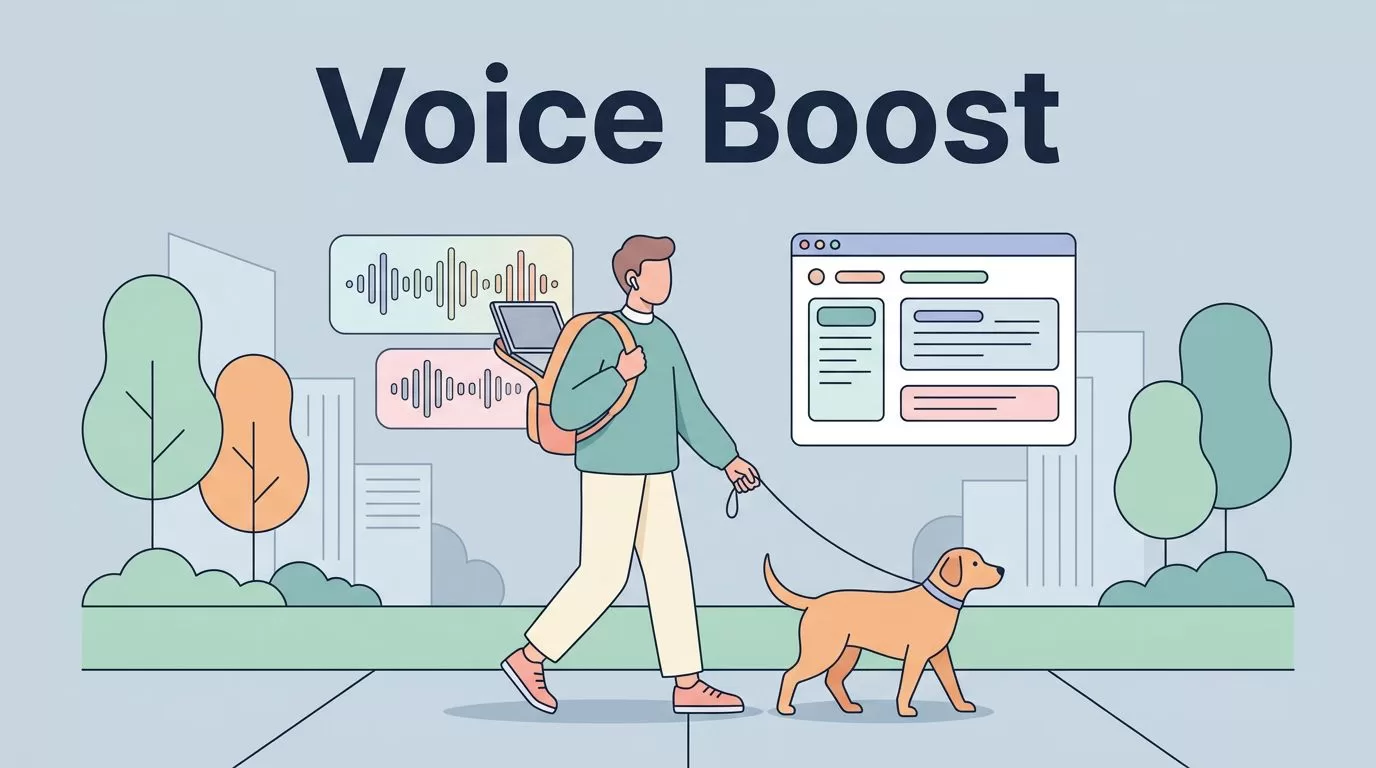
I stare at a 20-page report on my screen. My eyes burn after hours of reading. Then I hit play. Speechify reads it aloud in a natural voice while I walk the dog. Productivity surges because text to voice online saves my focus.
You juggle emails, docs, and articles daily. Reading slows you down, especially with ADHD or tight deadlines. Speechify fixes that. It turns any text into clear audio right in your browser. Let me show you my exact process.
Why Speechify Fits My Daily Grind
I run a blog on digital tools. Long articles pile up. Speechify handles them fast. It started as a dyslexia aid, but now it boosts anyone multitasking.
In April 2026, Speechify evolved into a voice AI assistant. I ask it questions about articles mid-listen. It explains concepts aloud. This beats skimming pages alone.
Business pros like me need speed. Sales teams review contracts hands-free. Ops managers scan reports during commutes. Students absorb textbooks easier. I pick it over built-in phone readers because voices sound human, not robotic.
Free tiers work for basics. Premium unlocks 200-plus voices, including celeb styles like Snoop Dogg. Pricing runs about $11 monthly on annual plans, per recent Speechify reviews. Costs stay fair for heavy use.
Key Features Powering My Text to Voice Workflow
Speechify packs tools I rely on. First, voice typing lets me dictate emails. I speak notes; it cleans fillers and grammar. Then I listen back to check flow.
The AI assistant chats with content. I highlight a paragraph and ask, “Summarize this?” Answers come spoken, no typing needed. Perfect for quick insights.
Over 55 million users trust it across web, mobile, and now Windows apps. On-device AI keeps data private in Teams or Notion. Speed controls go up to 5x, so I blast through PDFs.

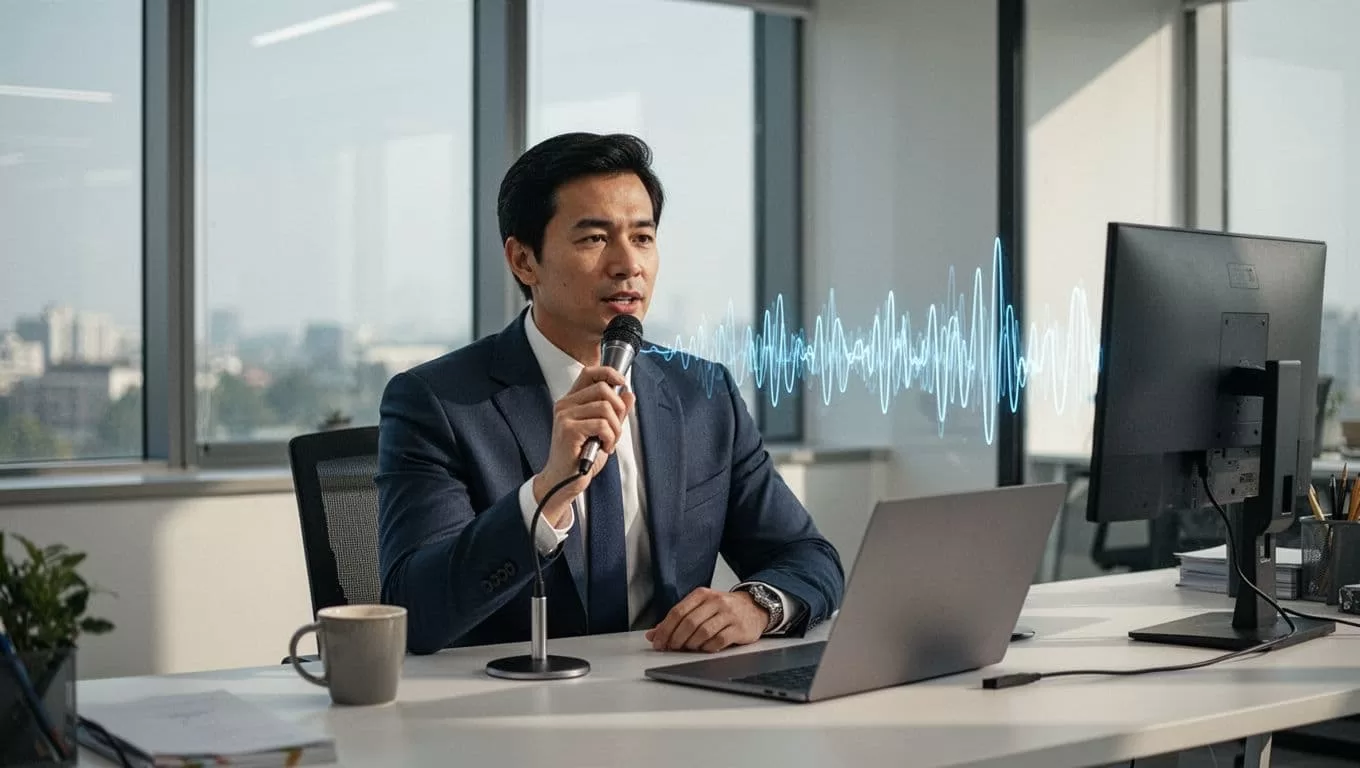
Voice cloning adds flair. I mimic my tone for scripts. Languages cover 140-plus options. However, free limits clips to minutes; upgrade for unlimited.
For automation fans, it pairs well with tools like OpusClip AI video clipping tool. I generate voiceovers, then clip videos fast.
Step-by-Step Guide to Text to Voice Online
Converting text takes seconds. I follow these steps weekly. Start at speechify.com.
First, sign up free. Paste text or upload PDFs, docs, even images via OCR. The engine scans instantly.
Next, pick a voice. I favor neutral males for reports. Adjust speed to 2.5x; it feels natural.
Listen in browser. Highlight sections to quiz the AI. “Explain this term?” It responds aloud.
Export audio as MP3 or share links. I download for offline runs.

Chrome extension speeds it up. I right-click any page and play. No copying needed. Install once; it sticks.
Troubleshoot accents. Test voices first. Clear uploads avoid glitches.
Practical Use Cases That Save Me Hours
I listen to blog drafts while editing. Voice reveals awkward phrasing; ears catch what eyes miss.
Studying CRM tools? Speechify reads manuals aloud. I absorb details during gym sessions. Retention jumps 30% for me.
Documents like contracts get voice scans. Commuting turns dead time productive. Scripts for sales calls play back repeatedly.
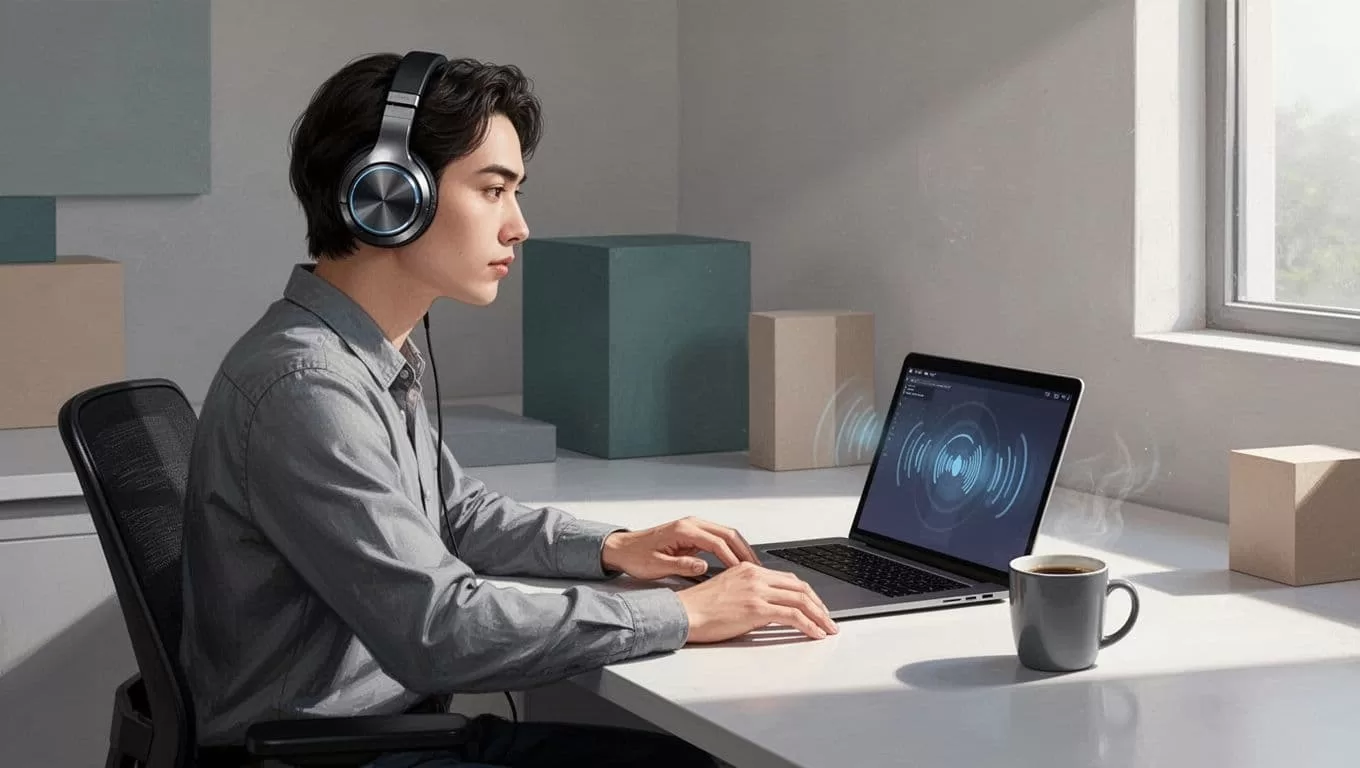
Podcasters turn notes into AI podcasts. I experiment with this for quick episodes. Businesses dictate reports; accuracy hits 95% on clear speech.
One catch: complex tables confuse it. I simplify those first.
Setup Tips, Limitations, and Who Wins Most
Chrome or Edge setup takes a minute. Enable mic for voice typing. Windows app shines for desktop flows.
Limitations hit free users. Ten-minute cap per file. Premium lifts that, but no bulk folders yet.
Best for solopreneurs, students, and remote teams. Dyslexia users gain big accessibility. If you need video voices, try Speechify alternatives.
Common questions: Does it work offline? Premium downloads do. Accurate for technical terms? Mostly, but proofread outputs.
I skip it for poetry; rhythm falters sometimes.
Speechify streamlines my text to voice online routine. It frees time for high-value tasks like closing deals or creating content. Audio turns walls of text into fuel.
Grab the free trial today. Paste a doc and listen. You’ll wonder how you managed without it. What text will you convert first?

