How to Configure Traffic Allocation in Mida.so
Sending 10% of visitors into an experiment doesn’t mean 10% see the new variant. That percentage controls who enters the test. A separate split controls what those visitors see. Traffic allocation testing in Mida.so works best when yo...
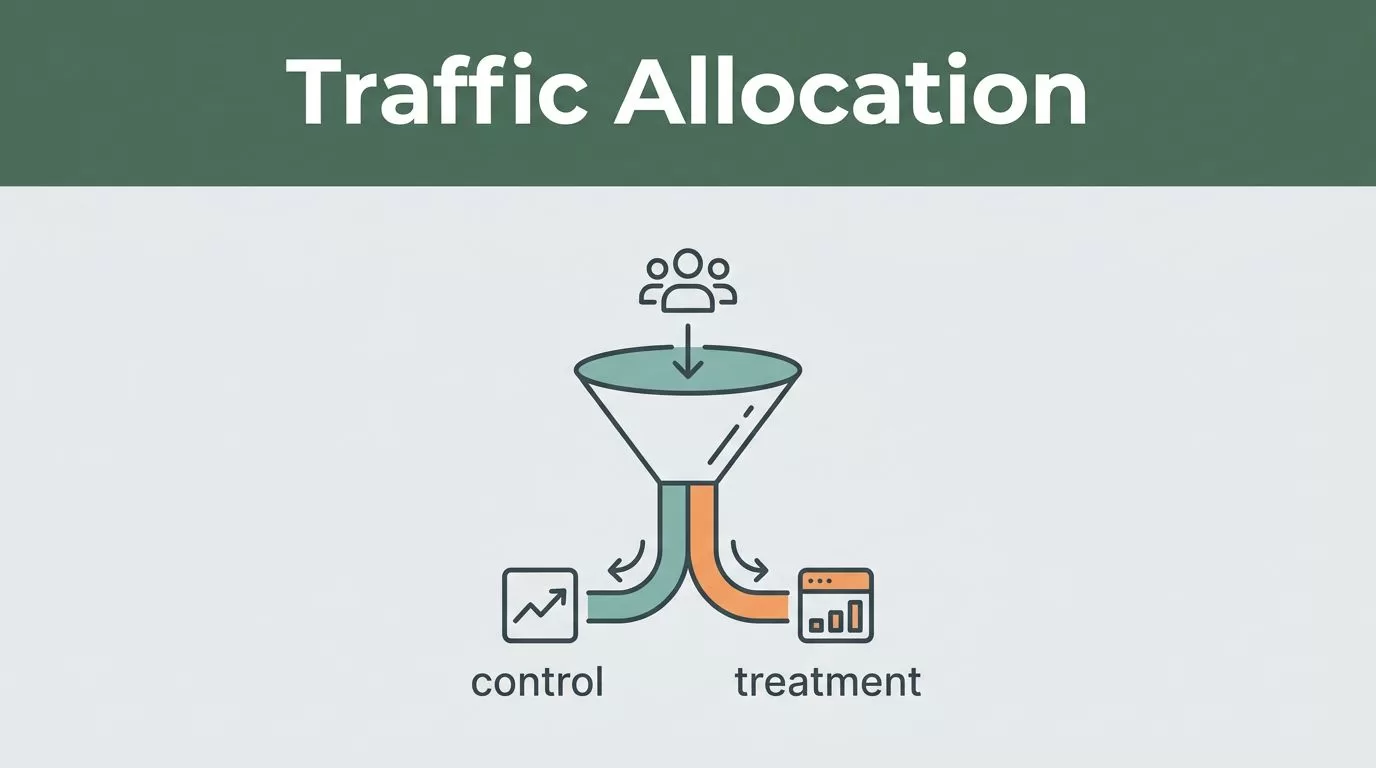
Sending 10% of visitors into an experiment doesn’t mean 10% see the new variant. That percentage controls who enters the test. A separate split controls what those visitors see.
Traffic allocation testing in Mida.so works best when you separate three decisions: who qualifies, how many eligible visitors enter, and how enrolled visitors are divided. Configure each setting before launch, then keep the allocation stable while the test runs.
Key Takeaways
- Traffic allocation controls the share of eligible visitors who enter the experiment.
- Audience targeting decides which visitors qualify for the test.
- Variation allocation divides enrolled visitors between the control and treatment.
- A 50/50 split usually gives the clearest comparison and fastest sample collection.
- Changing allocation during a live test affects interpretation, so document every change.
Understand the Three Allocation Settings
Mida.so experiments use related settings that control different parts of visitor flow. Confusing them can produce misleading results.
Audience targeting defines eligibility. You may target visitors on a specific URL, device type, location, referral source, or other rule supported by your Mida setup. Visitors outside those rules don’t enter the eligible pool.
Traffic allocation controls how much of that eligible pool enters the experiment. If you set it to 20%, Mida sends roughly 20% of qualifying visitors into the test. The remaining visitors continue with the experience outside the experiment, depending on how your project handles unallocated traffic.
Variation allocation controls the split among visitors who enter. A 50/50 split sends half to the original version and half to the new version.
The calculation is straightforward:
Variant exposure = eligible traffic x experiment traffic allocation x variation share
Assume 100,000 visitors qualify for a test. With traffic allocation at 20% and a 50/50 variation split, around 10,000 visitors see the control and 10,000 see the treatment. The other 80,000 don’t enter the experiment.
| Setting | What it controls | Example |
|---|---|---|
| Audience targeting | Which visitors qualify | Visitors on /pricing |
| Traffic allocation | How many eligible visitors enter | 20% |
| Variation allocation | How enrolled visitors are divided | 50% control, 50% treatment |
Mida.so is built for this type of controlled website experimentation. Before changing settings, check the current options in Mida.so’s experimentation platform, because labels and available controls can depend on your project setup.
Prepare the Test Before Opening Traffic
Allocation can’t fix a poorly defined experiment. Start with the page, change, audience, and result you want to measure.
Write one clear hypothesis. For example: “Changing the pricing page call-to-action from ‘Request a demo’ to ‘Book a consultation’ will increase completed demo forms.” Keep one primary outcome for the decision.
Set the primary goal in Mida before launch. A form submission, checkout completion, or activation event gives the test a direct success measure. Supporting metrics can show side effects, but they shouldn’t replace the primary goal after results arrive.
Check the available traffic for the targeted page. A 50/50 test needs enough visitors and conversions in both variations. If the page receives little traffic, a high allocation won’t produce reliable results quickly. It only exposes more visitors to a test that still lacks enough data.
Build the control and treatment carefully. The control should match the current production experience. The treatment should contain one defined change unless you intentionally run a larger redesign test.
Keep targeting rules stable. If you change the audience and allocation at the same time, you won’t know whether the result came from the page change, the audience shift, or the traffic setting.
Configure Traffic Allocation in Mida.so
Use the following sequence in the Mida.so experiment setup. The exact screen names may differ between project versions, but the order remains practical.
- Create or open the experiment. Select the website project and open the A/B test you want to configure. Confirm that the correct URL and page element are connected to the experiment.
- Set the audience rules. Define the visitors who can qualify. Keep the rules narrow enough to match your hypothesis, but not so narrow that the test has no usable volume.
- Confirm the variations. Check the original experience and the new experience in preview mode. Test the page on desktop and mobile when both device types are included.
- Set traffic allocation. Enter the percentage of eligible visitors who should enter the test. Use 100% when the experiment is ready for all eligible traffic. Use a lower percentage for a controlled rollout or early technical check.
- Set the variation split. Use 50/50 for a standard comparison unless you have a documented reason to favor one variation. A split such as 90/10 sends most enrolled visitors to one variation and gives the other much less data.
- Select the primary goal. Confirm that Mida receives the conversion event after the variation loads. A button click may fire while the final form submission fails, so test the complete conversion path.
- Save, preview, and launch. Open the live page in a clean browser session. Confirm the correct variation appears, the page doesn’t flicker, and the goal records once per intended conversion.
A common setup error is entering 10% traffic allocation and assuming 10% of all visitors see the treatment. With a 50/50 split, only half of the enrolled 10% sees it. That equals 5% of the total eligible audience.
Choose Between a 50/50 Test and a Cautious Rollout
Your allocation should match the risk and purpose of the experiment. There isn’t one correct percentage for every launch.
A standard test uses 100% traffic allocation with a 50/50 variation split. Every eligible visitor enters the experiment. Half sees the control and half sees the treatment. This produces balanced groups and collects comparable data at the highest rate.
Use this setup when the change is low risk, tracking has passed QA, and the team wants a direct performance comparison. It is usually the cleanest configuration for a conversion rate test.
A cautious rollout might use 10% traffic allocation with a 50/50 split. About 5% of eligible visitors see each variation, while the rest remain outside the experiment. This limits exposure while you check page behavior, event tracking, support volume, and early performance.
| Scenario | Traffic allocation | Variation split | Main trade-off |
|---|---|---|---|
| Standard A/B test | 100% | 50/50 | Faster data, wider exposure |
| Early technical rollout | 10% | 50/50 | Lower risk, slower sample collection |
| Controlled treatment exposure | 20% | 90/10 | Limited treatment data, slower comparison |
The third option can make sense when the treatment carries more operational risk. However, a 90/10 split reduces the number of treatment observations. It isn’t a substitute for lowering overall traffic allocation.
If your goal is to test a treatment fairly, keep the variation split balanced. If your goal is to limit exposure, lower the experiment traffic allocation. Don’t create an uneven split without recording the reason.
QA Allocation and Tracking Before Launch
Mida can distribute traffic correctly while your measurement remains wrong. Complete a short QA pass before making decisions from the results.
Open the test page in an incognito window and refresh it several times. Confirm that the visitor remains in the same variation when the experiment is designed to provide persistent assignment. Allocation often relies on a browser or visitor identifier, so cookie behavior matters. MDN’s cookie documentation provides useful background when you need to check persistence issues.
Test the control and treatment on the browsers and devices that matter for the audience. Check responsive layouts, consent banners, login states, cart behavior, and page speed. A variation that works only for anonymous desktop visitors can distort the final result.
Verify the primary conversion in the analytics destination as well as in Mida. If you use GA4, confirm that the relevant event is being sent with the correct parameters through the GA4 event setup documentation.
Run a small allocation first when the change affects checkout, pricing, account creation, or another high-risk path. Review the first live sessions and conversion records before increasing exposure.
Monitor the Test Without Changing Its Meaning
Once the test is live, monitor technical health and allocation balance. Don’t react to every early percentage movement.
Check whether the control and treatment receive the expected number of visitors. A 50/50 split won’t produce identical counts every hour, but a large persistent gap needs investigation. Review targeting rules, page loading, consent settings, and any conflicting scripts.
Watch the primary goal, error rates, revenue, and important guardrail metrics. A treatment can increase clicks while reducing completed purchases. Mida results need to be read alongside the business outcome.
Avoid changing traffic allocation because one variation leads during the first few hours. Early results can move sharply when the sample is small. Set a minimum test period or sample threshold before launch and follow it unless the test creates a clear production problem.
Changing allocation during a live test can affect interpretation. For example, a test that runs at 100% traffic for three days and 10% for the next seven days has two exposure phases. The later data may also reflect different traffic sources, dates, campaigns, or device mix.
If you must change the setting, record the old percentage, new percentage, date, time, reason, and person who approved it. Add the change to the experiment notes or your team documentation. When reviewing results, treat the periods separately if the allocation change was substantial.
Don’t change targeting, variation content, allocation, and goal tracking at the same time. Make one change, record it, and allow the test to collect a clean period afterward.
Conclusion
Traffic allocation in Mida.so controls how many eligible visitors enter an experiment. Audience targeting decides who qualifies, while variation allocation decides how enrolled visitors are split.
Use a 50/50 split for a clean comparison. Use lower traffic allocation when you need a cautious rollout. Confirm tracking before launch, monitor the expected distribution, and document every live change.
A percentage is only useful when you know what it controls. Configure the three layers separately, and your Mida.so results will be easier to interpret and act on.
