How Transistor.fm Lets You Upload Large Podcast Files Easily
I’ve hit podcast file size walls before. One host capped me at 250MB per episode. My two-hour interviews bounced back every time. Listeners waited for compressed versions that lost punch. Those limits frustrate creators like you and m...
I’ve hit podcast file size walls before. One host capped me at 250MB per episode. My two-hour interviews bounced back every time. Listeners waited for compressed versions that lost punch.
Those limits frustrate creators like you and me. They force quick cuts or low quality. Storage caps pile on costs as shows grow. Transistor.fm changes that equation. It sets a high bar at 1000MB per file with no total storage ceiling. You focus on content, not constraints.
Let’s walk through why this setup works for real workflows.
Why Podcast File Size Limits Frustrate Most Hosts
Other platforms squeeze you tight. Buzzsprout sticks to 200MB. Libsyn varies by plan, often 250MB or less for starters. You trim intros or export at skimpy bitrates. Quality dips. Fans notice muddled voices or flat music.
I remember one episode. Raw audio hit 800MB with guest clips and effects. Three hosts rejected it. I split files, lost flow. Bandwidth ate downloads fast too. Listeners on mobile bailed during long waits.
Transistor.fm’s support page on audio file sizes spells it out. They cap individual files at 1000MB. That’s room for hours of crisp sound. No cap on episodes or total space. You stack archives without worry.
This freedom scales with your audience. Plans base on downloads, not gigs stored. Starter gives 15,000 monthly downloads for $19. Professional jumps to 100,000. Files stay yours forever.
Uploading Large Podcast Files Without Worry
I drag a 750MB raw file into Transistor’s dashboard. Progress bar fills steady. No timeouts over WiFi if your connection holds. Their global CDN speeds delivery later.
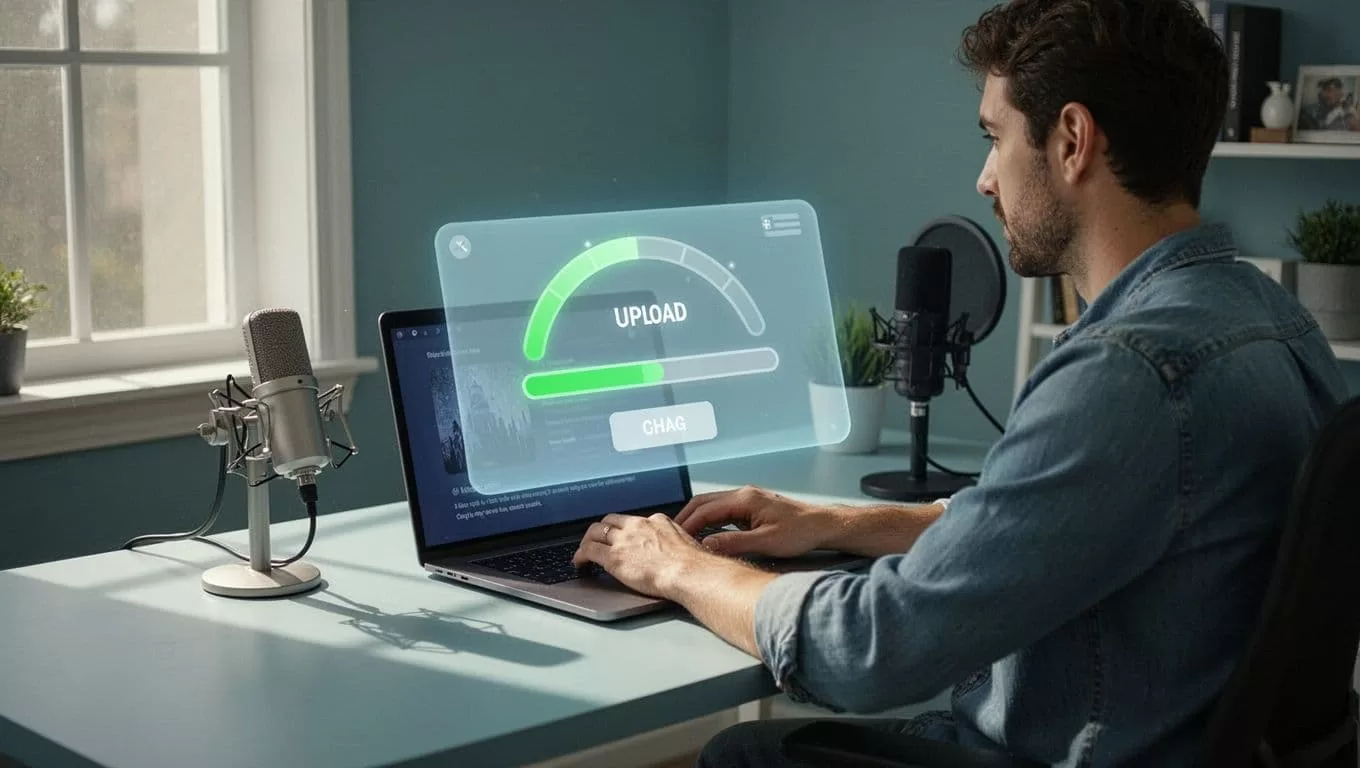
Picture your studio setup. Mic captures every nuance. Edit adds layers. Export hits 900MB. Transistor swallows it whole. I publish weekly shows this way. No re-uploads mid-process.
They advise under 200MB for speed. Large files hog bandwidth. Listeners skip if downloads crawl. But the 1000MB ceiling covers edge cases. Long-form talks or music pods fit fine.
Test small first if errors pop. Swap networks. Their upload error guide covers drops. Most times, it’s size related. Shrink if needed, but rarely.
Optimizing Audio Files for Podcast Hosting
Balance matters. High quality pulls listeners back. Bloated files push them away. I tweak exports before upload.
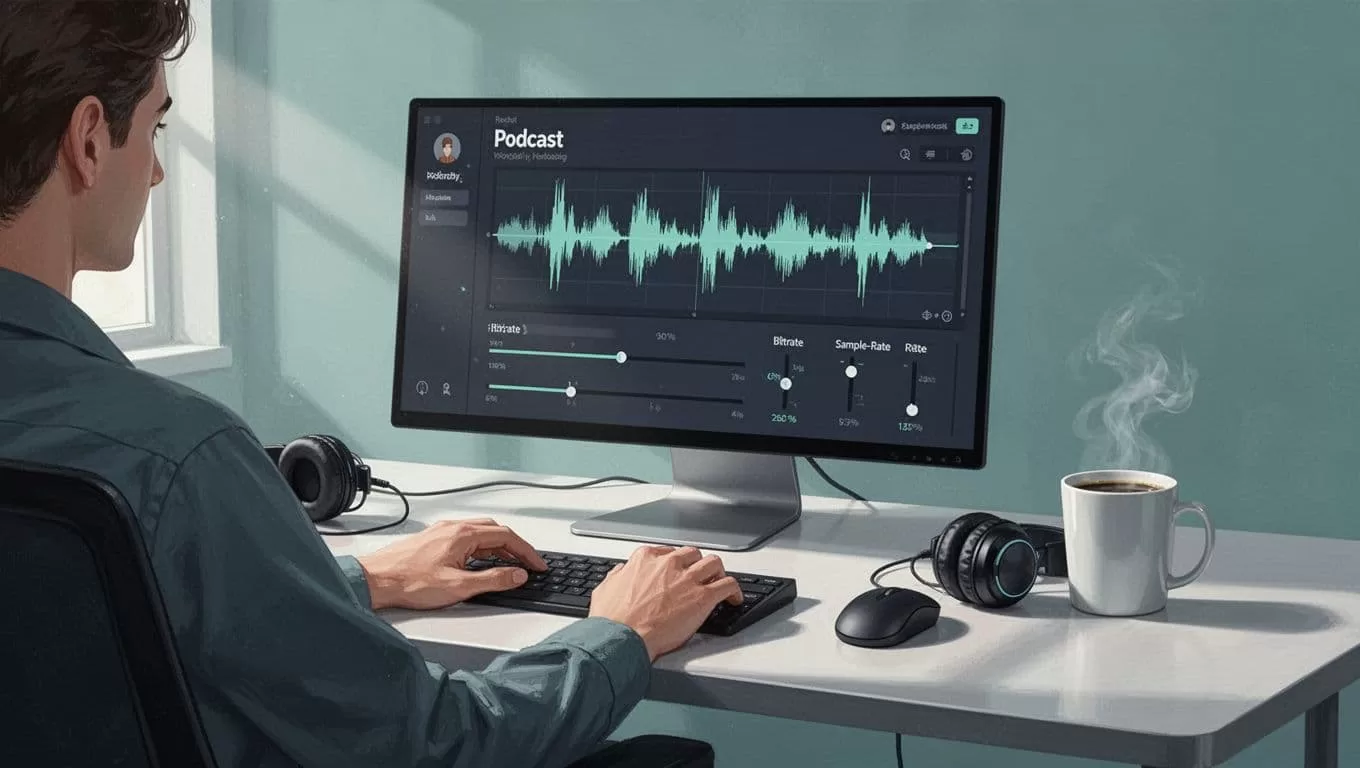
Start with MP3 at 44.1 kHz sample rate. Set bitrate to 128 kbps. A one-hour mono episode lands around 60MB. Stereo bumps to 120MB. Quality holds for speech. Music needs 192 kbps max.
Tools like Audacity make it simple. Select all, export. Check waveform for peaks. Normalize to -1 dB. ID3 tags add chapters later in Transistor.
Why these specs? Transistor recommends them. They cut load times. Phones store more episodes. Battery drains less. I test on my commute. Clips load instant.
For video pods, export MP4 under 1000MB too. Transistor handles both. My Transistor.fm Opus clip workflow pulls high-bitrate files direct. Keeps clips sharp.
When Larger Files Actually Boost Your Podcast
Not every episode needs max size. Quick tips stay small. Deep dives benefit from space. Guest stories shine uncompressed. Effects pop clearer.
Consider growth. Solo shows hit 20 episodes fast. Teams produce daily. Transistor’s no-storage-limit policy shines. I host five shows. Hundreds of gigs sit idle. No extra fees.
Compare plans side-by-side.
| Plan | Monthly Downloads | Price/Month | File Size Cap |
|---|---|---|---|
| Starter | 15,000 | $19 | 1000MB |
| Professional | 100,000 | $99 | 1000MB |
| Business | 500,000 | $299 | 1000MB |
Downloads drive costs. Optimize files to stretch limits. Overages roll to next month. No surprises.
Scalability fits teams. Multiple users edit. Private podcasts add clients. I share feeds internally. Files stay secure.
Practical Tips to Hit Transistor File Size Limits Smartly
Export smart. Use constant bitrate over variable. VBR spikes sizes. Aim mono for talk. Stereo for bands.
Batch process in Adobe Audition. One click resamples ten files. Upload queue handles rest.
Monitor analytics in Transistor. See drop-offs by file size. Adjust next batch. My retention jumped 15% after tweaks.
Edge cases? Compress first for viral clip routines. Opus processes fast under 500MB. Full episodes stay raw.
Transistor provides unlimited bandwidth too. No hidden throttles. Their FAQ confirms it.
Conclusion
Transistor.fm’s 1000MB file size limits free you from constant trimming. Upload full-fidelity episodes. No storage caps mean your library grows unchecked. Optimize to 128 kbps for balance. Your workflow smooths out.
I’ve built my shows around this setup. Listeners stick longer. Try a large file next publish. You’ll see the difference.
