Automate YouTube Shorts from Transistor.fm Podcasts with Opus Clip
You host a podcast on Transistor.fm. You pour hours into episodes. But turning those into YouTube Shorts feels like endless editing. I faced that grind too. Then I paired Transistor.fm Opus workflows with AI smarts. Now clips flow out fast....

You host a podcast on Transistor.fm. You pour hours into episodes. But turning those into YouTube Shorts feels like endless editing. I faced that grind too. Then I paired Transistor.fm Opus workflows with AI smarts. Now clips flow out fast. You get viral potential without the hassle.
This guide walks you through it. You’ll export episodes. Feed them to Opus Clip. Publish ready-to-go Shorts. Let’s start the process.

Why Pair Transistor.fm with Opus Clip for Shorts
Transistor.fm hosts my podcasts. It delivers clean audio and video files. You control everything from there. Plans start simple. Pro tiers unlock extras like audiograms.
Opus Clip takes those files. It scans for hook moments. AI spots laughs. It finds tips or bold takes. Then it spits out Shorts. No direct plugin links the two yet. So you export manually. That’s the workaround. It saves days of work.
I tested this in April 2026. Opus handles podcasts best with video layers. Pure audio? Add waveforms first. Results beat manual cuts. One episode yields 10 clips. Each optimized for YouTube’s algorithm.
For deeper setup tips, check Opus Clip’s 2026 automation guide. It matches my flow.
Prepare Your Transistor.fm Episodes for Export
Log into Transistor.fm. Head to your show dashboard. Pick a fresh episode. Download as MP4 if you have video. Audio-only? Generate an audiogram there. Those visuals pop on screen.
Keep files under 60 minutes. Opus processes faster. Name them clear. Like “Episode45-Tips.mp4”. That helps later.
Check quality. Crisp audio matters. Background noise kills hooks. I trim silences in Transistor first. It boosts AI picks.
Pro plans let you export RSS feeds too. But for Opus, direct files work best. Save to your drive. Ready in seconds.
Step-by-Step: Linking Transistor.fm to Opus Clip
Export shines here. I grab the MP4. Head to opus.pro. Sign up if new. Free trial gives credits.
Upload the file. Opus scans in minutes. Set to YouTube Shorts format. Pick 30-60 seconds per clip. Genre as “podcast”. AI detects hooks automatically.
It generates 5-15 options. Virality scores rank them. High scores mean share bait. Arrows guide the flow in your mind. From mic to mobile feed.

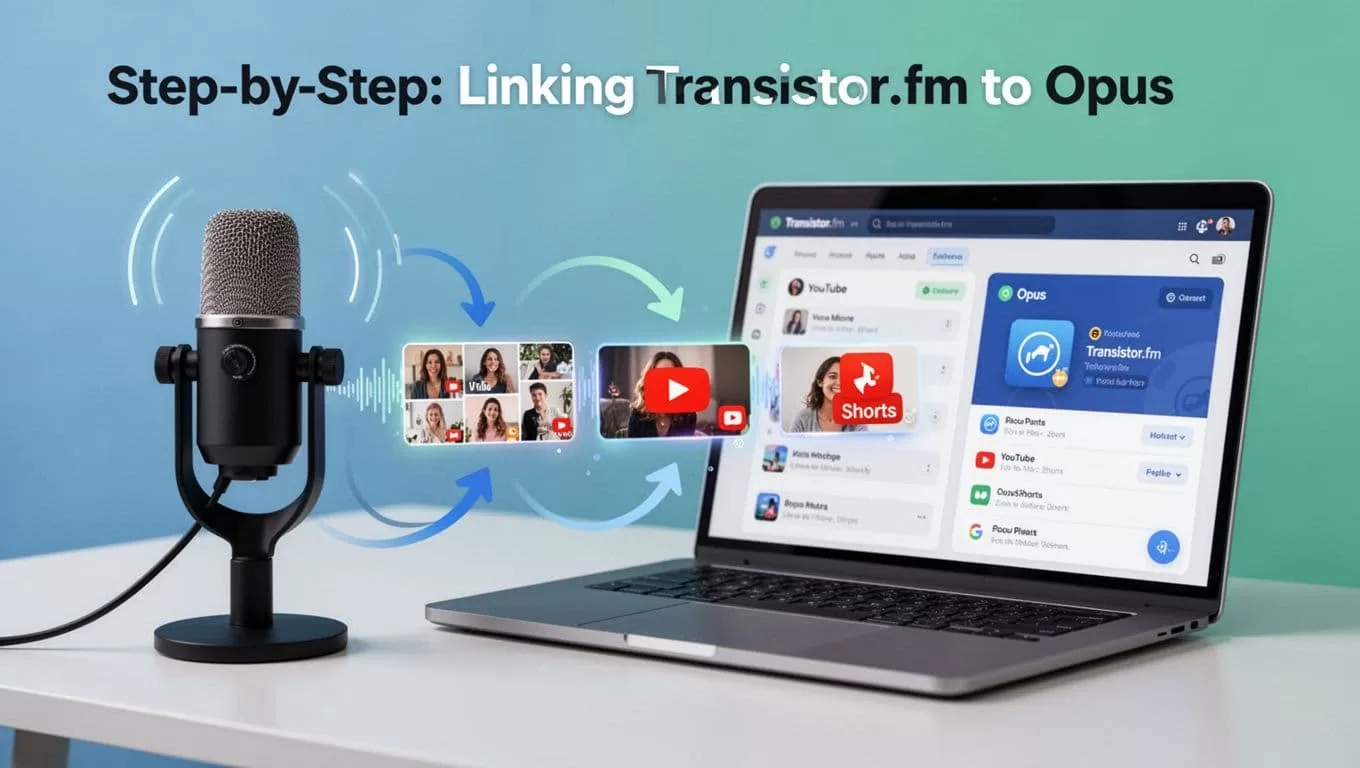
Review quick. Tweak if needed. Export batch. Basic plan costs $15 monthly. Credits cover 90 minutes. Higher tiers handle more.
This beats Zapier hacks. Direct and simple.
Selecting and Customizing Clips for Engagement
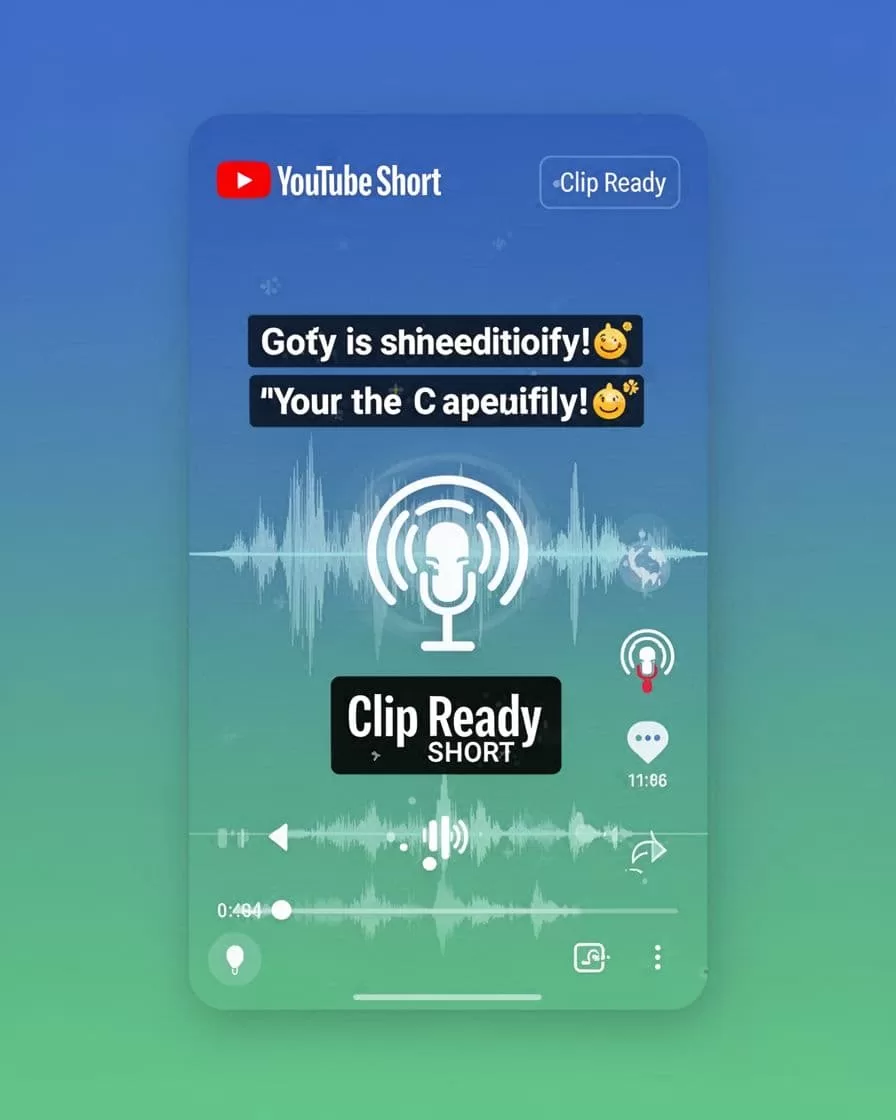
Opus drops clips. I sort by score first. Top ones grab eyes fast. Check captions sync. They auto-burn in bold white.
Add your brand. Upload logo to kit. Colors match your show. Aspect ratio locks to 9:16 vertical. Perfect for Shorts.
Waveforms pulse behind talk. Hooks overlay as text pops. Trim ends if draggy. Most need zero changes.

Test niches. Tips fly in business pods. Stories hook personal ones. I repurpose old episodes. Growth spikes.
See podcast to Shorts steps for examples. It aligns with 2026 trends.
Posting Shorts and Building Momentum
Hit publish in Opus. It posts direct to YouTube. Schedule batches. One-click magic.
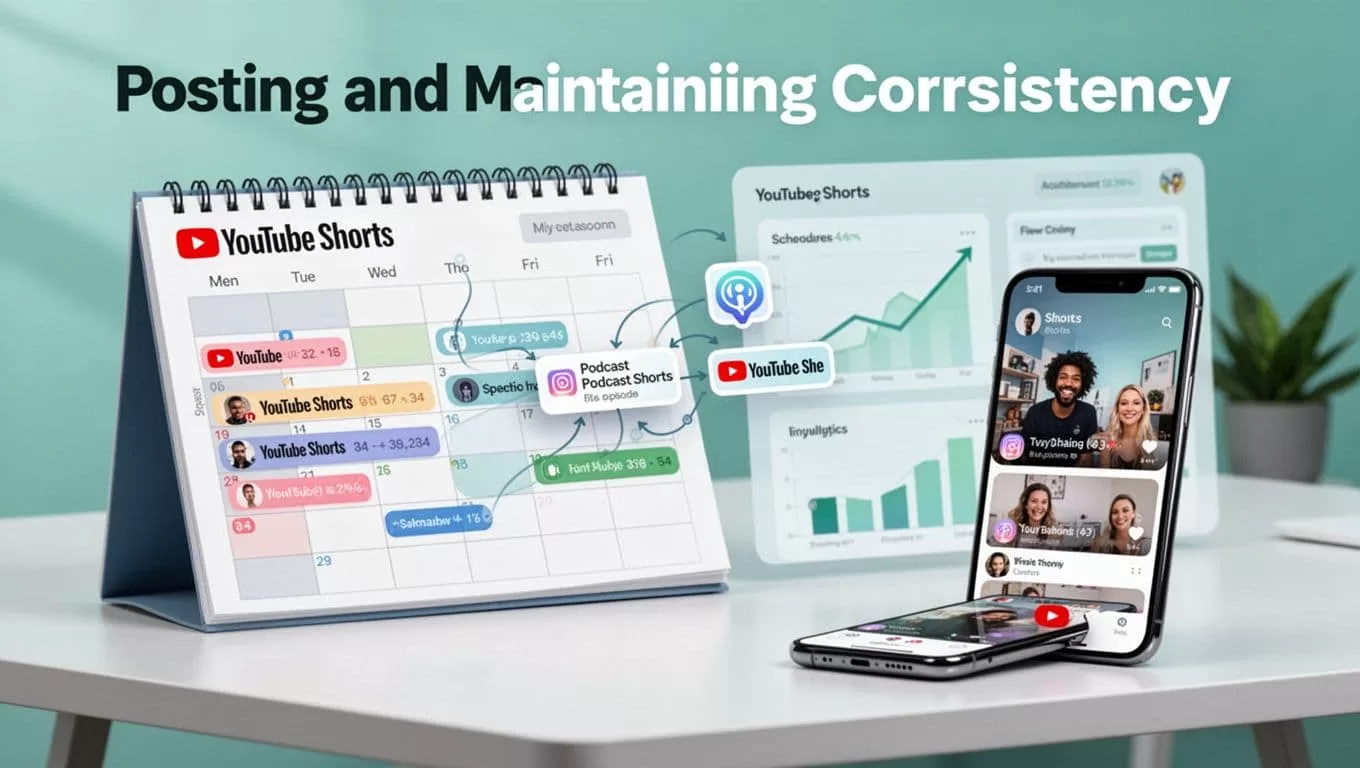
I space three weekly. Tuesdays, Thursdays, Saturdays. Algorithm loves rhythm. Analytics track views. Double down on winners.
Phone feeds fill fast. Growth shows in subs.
Free tier limits posts. Upgrade for unlimited. Track what works. Adjust next batch.
Overcome Limits and Scale Your Workflow
No native Transistor link bugs some. Export fixes it. Add Descript for audio visuals if needed.
Credits run out? Shorten clips. Opus skips dull parts anyway.
I batch process Sundays. Old pods revive channels. Consistency wins.
You save hours weekly. Shorts pull listeners back to full episodes.
Start with one show. Watch views climb. Your Transistor.fm Opus setup pays off quick. Export that episode today. Which clip hooks first?

