How I Set Up Transistor.fm to Reach Podcast Listeners Everywhere
I’ve spent hours tweaking audio files only to watch downloads stall. You record a solid episode. You hit publish. But if no one finds it on Spotify or Apple Podcasts, what’s the point? Transistor.fm fixes that for me. It handles...

I’ve spent hours tweaking audio files only to watch downloads stall. You record a solid episode. You hit publish. But if no one finds it on Spotify or Apple Podcasts, what’s the point? Transistor.fm fixes that for me. It handles the Transistor.fm podcast setup so my show lands on major platforms fast.
This guide walks you through my exact process. You’ll learn the RSS feed basics and submission steps. Plus, I’ll share fixes for snags I’ve hit. By the end, your podcast streams where listeners search.
Why I Use Transistor.fm for Podcast Hosting
I switched to Transistor.fm two years ago after free hosts choked on bandwidth. Now, I host multiple shows without limits. Its dashboard feels like a quiet studio control room: clean screens show listens, downloads, and growth charts at a glance.
Unlimited storage means I never delete old episodes. Global servers deliver files quick, even to remote fans. I upload audio or video once. Transistor pushes it to Apple Podcasts, Spotify, and more via one RSS feed. Recent updates add AI transcripts that auto-fill show notes. I edit speaker names in seconds.
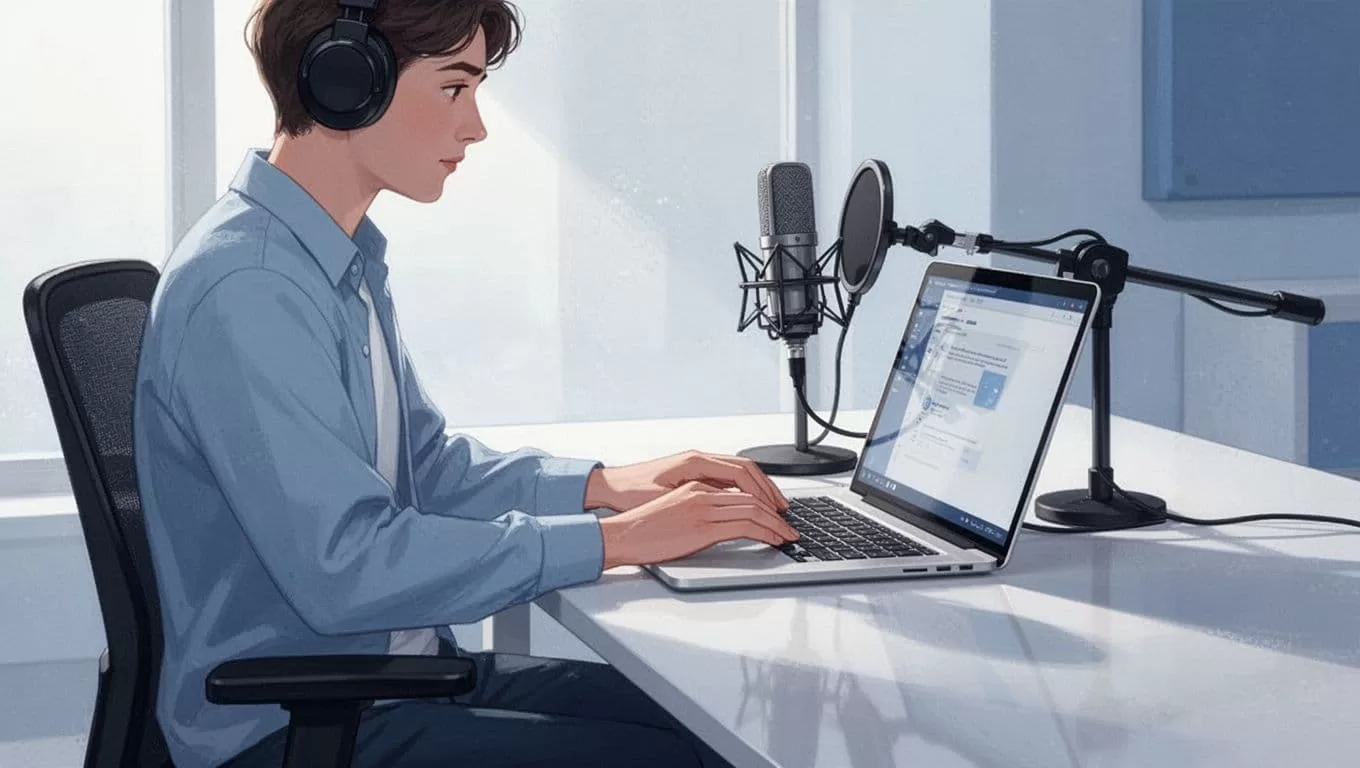
For details on why it’s my go-to, check this Transistor podcast hosting platform. Costs start low, around $19 monthly. I track every listener location. That data shapes my next topics.
Video podcasts excite me most this year. I drop in a file with webcam footage. Transistor splits audio and video feeds. Listeners pick their format on Spotify or YouTube. No extra work on my end.
The Role of Your RSS Feed in Distribution
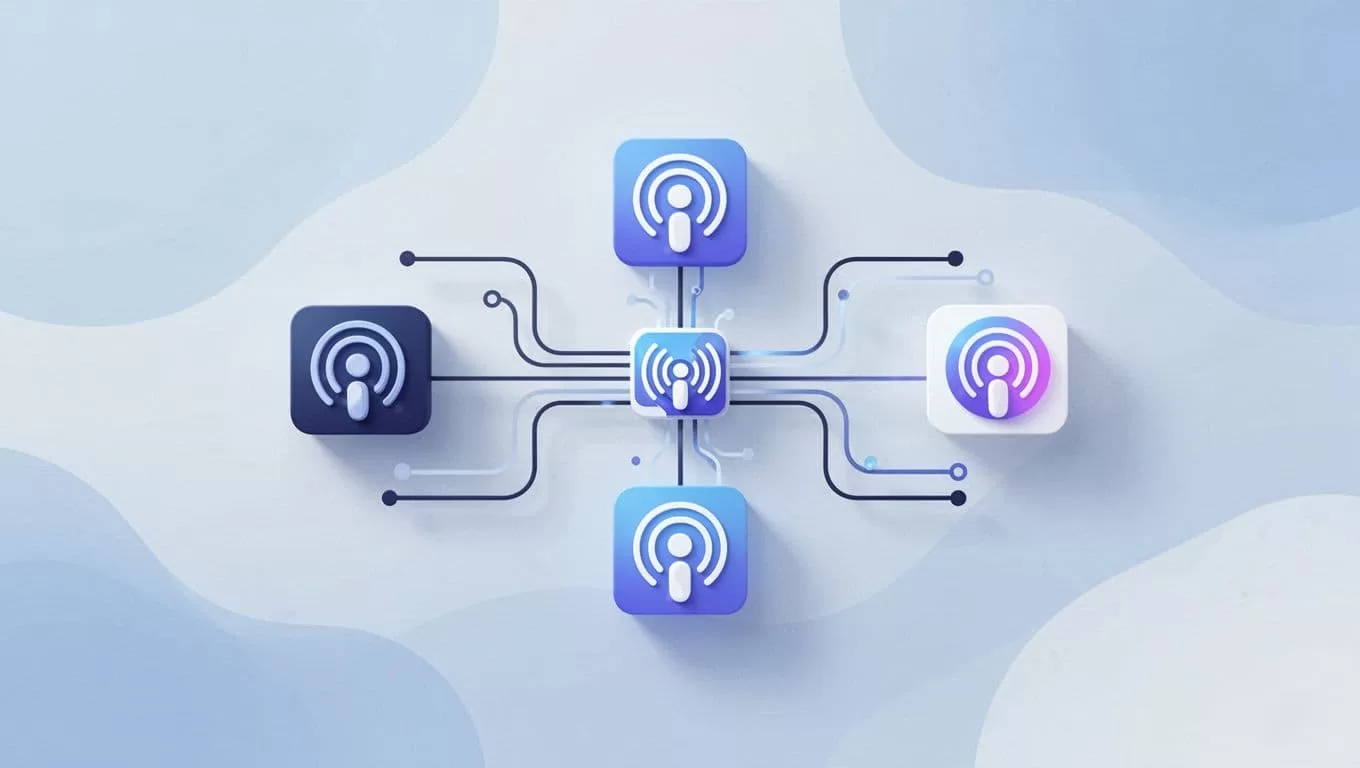
Your RSS feed acts like a digital dispatch center. It holds episode details: titles, descriptions, audio links, artwork. Platforms pull from it to list your show. Without a solid feed, submissions fail.
Transistor builds yours automatically. Find it in the Distribution tab. Copy the URL. Submit that single link everywhere. Apps like Pocket Casts grab updates too, no resubmits needed.
One feed serves all. New episodes appear instantly across directories. I add chapters or transcripts. Changes sync right away.
See Transistor’s guide on RSS feeds for validation tips. Common rule: square artwork at 1400×1400 pixels. Explicit content? Mark episodes adult-only. Platforms reject fuzzy feeds otherwise.
Step-by-Step Guide to Connecting Platforms
Start with one published episode. I always test audio quality first. Head to your show’s page. Click Distribution in the left menu.
Scroll to Social & Apps. Spot sections for Spotify and Apple. Toggle “Yes, send my show” for each. Transistor submits your RSS feed. It adds badges to your site once approved.
For Spotify, approval hits in hours. Apple takes 1-5 business days. Check Transistor’s one-click Spotify submission. I verify my email shows in the feed first. Platforms need it for ownership.
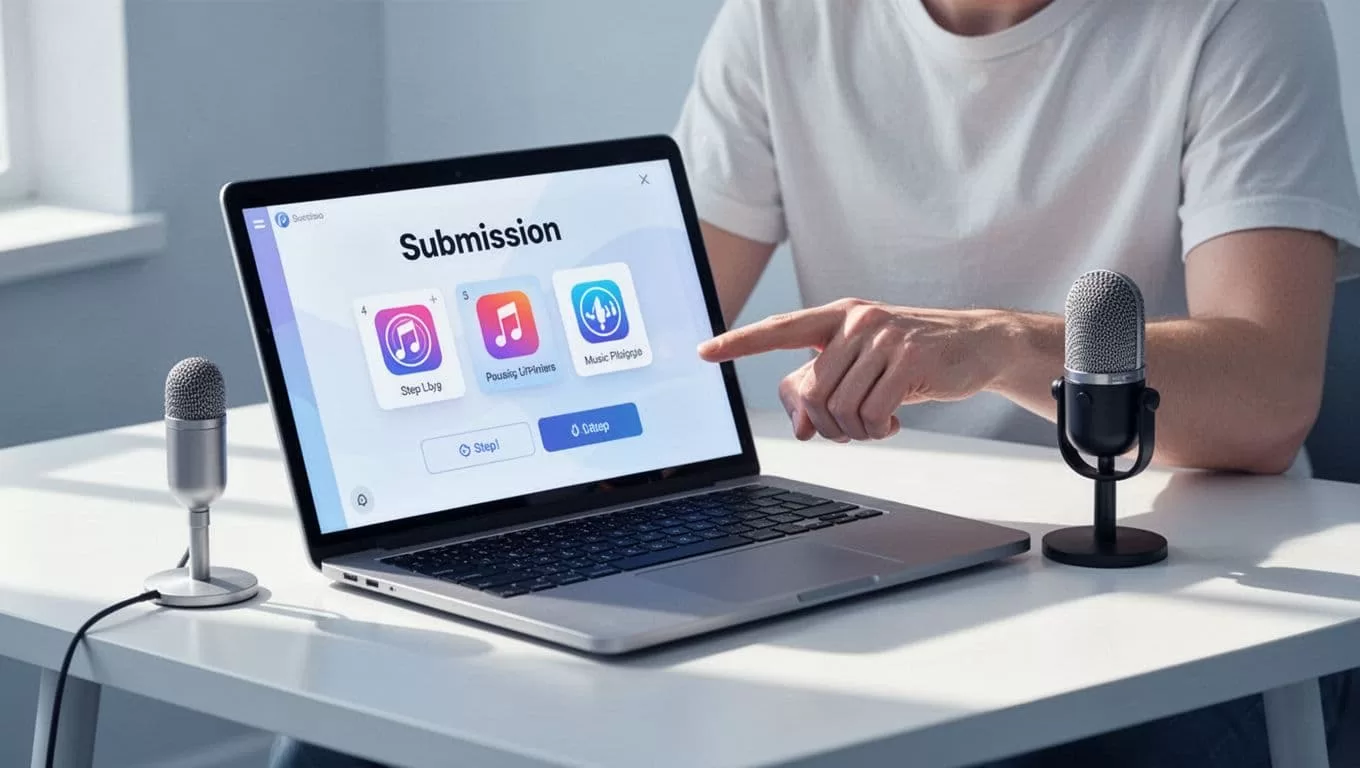
Other directories follow suit. Use Transistor’s bulk tool for TuneIn, Pocket Casts, and 20 more. See the full list in their directory submission article. I submit weekly for new shows. New episodes auto-populate.
| Platform | Approval Time | Notes |
|---|---|---|
| Spotify | Few hours | Auto-analytics connect |
| Apple Podcasts | 1-5 days | Needs clean RSS, artwork |
| Pocket Casts | Instant | Pulls from Apple/Spotify |
This table matches my experience. After approval, track plays in Transistor’s stats.
Troubleshooting Common Problems
Feeds reject 20% of my early attempts. Feed validation errors top the list. Platforms scan for broken links or missing tags. I regenerate the feed in Transistor. Wait 24 hours before resubmitting.
Artwork glitches next. Use JPEG, exact square size. No borders or text overlays. Apple flags these quick. I resize in Preview app, then reupload.
Duplicates happen if you submit multiple times. Search the directory first. Claim the existing listing with your RSS. Spotify lets you merge.
Delays frustrate most. Check status in Distribution tab. Badges appear post-approval. If stuck, email Transistor support. They fixed my Apple holdup in a day.
Private podcasts add steps. Enable in settings. Share subscriber-only feeds. Spotify handles gated access now.
Wrapping Up My Transistor.fm Setup
Transistor.fm streamlines my podcast reach. One dashboard connects everything via RSS. Submissions take minutes. Fixes stay simple.
Your show gains listeners fast. I see steady growth since setup. Publish confidently. Platforms wait for your episodes.
