How I Manage Multiple Podcast Shows on Transistor.fm
I run three podcasts from one Transistor.fm account. Tech chats draw coders. Business tips pull founders. Marketing rants hook agencies. Each show pulls steady downloads. Yet chaos lurks without a plan. You juggle uploads, teams, and stats...
I run three podcasts from one Transistor.fm account. Tech chats draw coders. Business tips pull founders. Marketing rants hook agencies. Each show pulls steady downloads. Yet chaos lurks without a plan. You juggle uploads, teams, and stats across feeds. One dashboard fixes it all.
Transistor lets you host transistor multiple shows unlimited. No extra fees hit. I switched last year. Growth doubled because workflows clicked. Pricing starts at $19 monthly for Starter. All plans cover unlimited shows. Check Transistor’s pricing page since details shift. This guide shares my steps. You save hours too.
Navigating the Dashboard for Multiple Shows
Log into Transistor.fm. The dashboard greets you with a clean grid. Thumbnails pop for each show. Stats sit below: downloads this week, total subs. I spot trends fast.
Click any cover. Episodes load with edit buttons. Uploads queue simple. Filters sort by date or performance. Networks group shows under one site. I built mine for cross-promo.

Search bar finds episodes across shows. Tags help teams collaborate. Meanwhile, alerts flag low storage or RSS issues. I check daily. It keeps 20,000 downloads humming on Starter.
For deeper views, switch to network mode. All shows align. Customize the hero banner. Links drive traffic between feeds. In addition, private podcasts hide behind paywalls. Perfect for client work.
Setting Up Your Transistor Multiple Shows
Start fresh. Hit “New Podcast” from the dashboard. Fields ask for title, description, artwork. RSS feeds generate instant. I upload square images first. They scale everywhere.
Verify feeds before publish. Transistor submits to Spotify, Apple. One click handles it. Import old shows too. Pull RSS from Libsyn or Buzzsprout. Episodes migrate smooth.
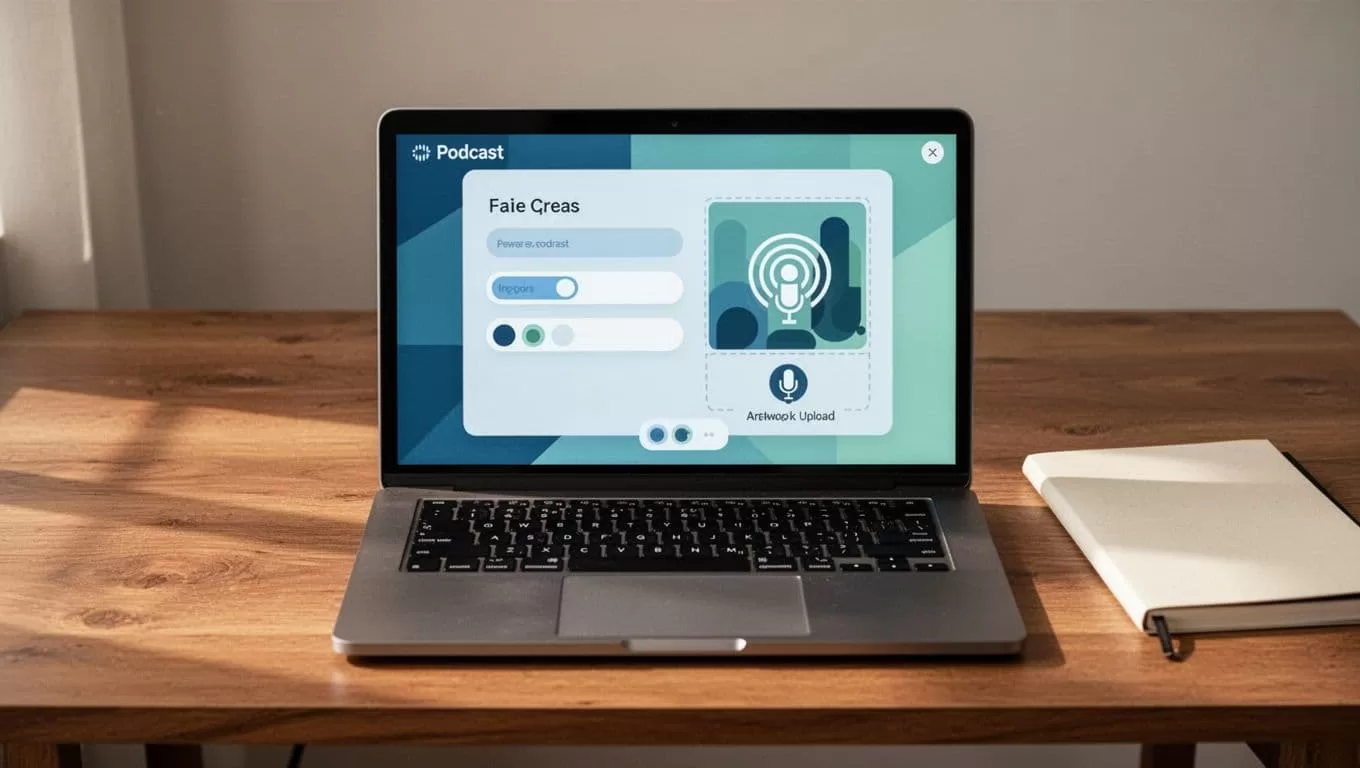
Build websites next. Themes adapt per show. I tweak colors for branding. Players embed easy. Dynamic content pulls latest episodes. As a result, listeners stay longer.
For agencies, duplicate setups. Client shows stay separate. Permissions lock access. Solo creators add niches without mess. Always test mobile views. Feeds must validate.
Separate Shows or Single Feeds? My Rules
Group episodes under one show for similar topics. My tech pod holds interviews and solos. It builds loyal subs.
Split for distinct audiences. Business tips target execs. Marketing rants suit freelancers. Separate RSS feeds rank better. Listeners subscribe precise.
Users differ. Invite guests as limited editors. They upload but skip analytics. Full teams get all access. Unlimited on every plan.
Avoid episode overload. Over 500 per show slows loads. Start new feeds then. Check Transistor’s multiple podcasts feature for limits. Plans cap downloads, not shows.
Team Management and Permissions
Invite via email. Roles set granular. Admins see everything. Editors handle uploads. Viewers check stats only.
I run an agency setup. Clients log in safe. Their shows isolate. No cross-peek. Meanwhile, I oversee networks.
Revoke access quick. Audit logs track changes. Therefore, mistakes fix fast. Business plan removes branding. Pro suits most teams.
Tracking Performance Across Your Shows
Analytics shine here. Per-show charts track downloads, locations, apps. Compare trends side-by-side.
Filter by episode or time. Geographic maps reveal hot spots. I chase US spikes first.
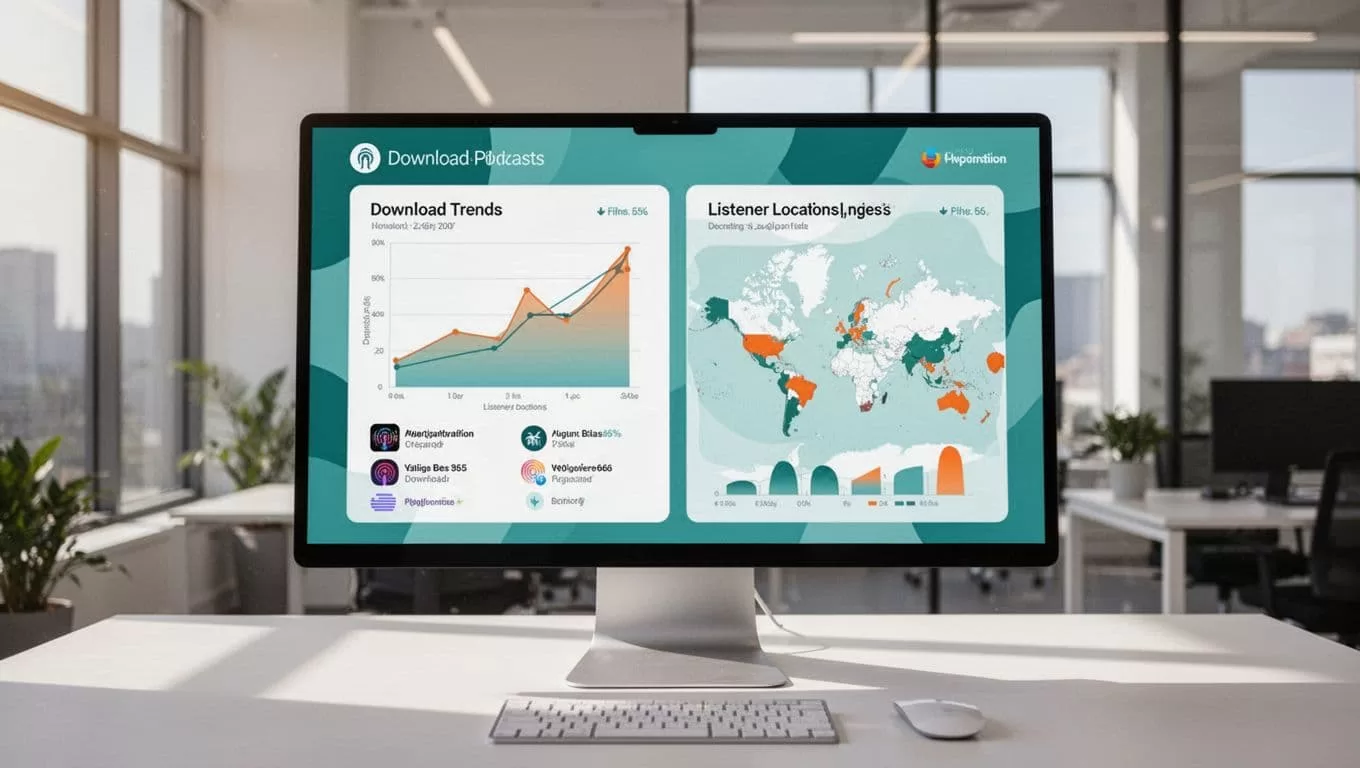
Network views aggregate data. Total growth motivates. Export CSVs for reports. Pro adds dynamic ads. Revenue stacks.
Examples from Solo Creators, Brands, and Agencies
Solo me: Three shows on Starter. Tech pulls 15k downloads. Tips add 5k. Rants test formats.
A brand client: Marketing department runs two internal feeds. Private subs hit 200. They train staff audio-first.
Agency workflow: Five client pods on Business. Teams upload weekly. I review networks. See my Transistor.fm Opus Clip workflow for clip extensions.
Verify plans inside Transistor.fm. Features evolve.
Transistor.fm streamlines my transistor multiple shows. One account powers growth. Dashboards unify chaos. Teams scale secure. Analytics guide tweaks. Start your network today. Downloads wait.
