How I Automate Video Content Repurposing with Transistor.fm and Opus Clip
You host a podcast on Transistor.fm. Episodes drop weekly. But turning those long audio files into bite-sized videos feels like endless work. I faced that grind until I linked Transistor.fm with Opus Clip for smoother video content repurpos...

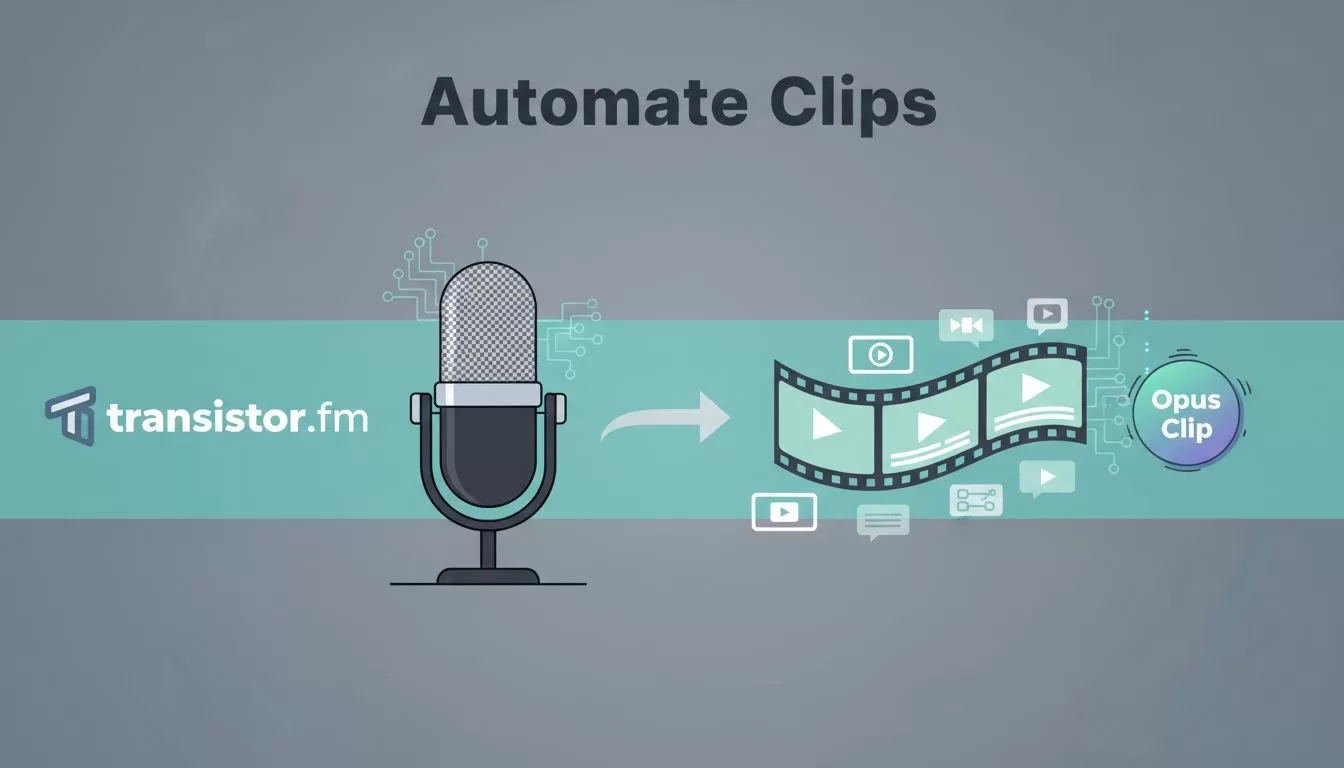
You host a podcast on Transistor.fm. Episodes drop weekly. But turning those long audio files into bite-sized videos feels like endless work. I faced that grind until I linked Transistor.fm with Opus Clip for smoother video content repurposing.
This setup saves me hours. It pulls podcast videos straight to short clips ready for social media. You get more reach without extra editing.
Let’s walk through my exact process.

Why Pair Transistor.fm with Opus Clip for Repurposing
Transistor.fm handles my podcast hosting. It pushes episodes to Apple Podcasts, Spotify, and YouTube with one click. Analytics show listener drops, so I spot hot segments fast.
Opus Clip takes over next. It chews through long videos and spits out shorts. AI picks viral moments, adds captions, and formats for TikTok or Reels. I upload a full episode video, and it generates 10 to 15 clips in minutes.
No direct integration exists between them, as of April 2026. So I bridge the gap manually at first. Later, simple automations kick in. This combo fits creators who record video podcasts. You keep Transistor.fm for distribution while Opus Clip handles the chop.
I started with one show. Now three podcasts run this way. Output doubled without burnout.
Building Your Automation Workflow
Picture a relay race. Transistor.fm passes the baton to Opus Clip. First, I enable video publishing in Transistor.fm. It auto-uploads episodes as YouTube videos via RSS feeds.
From there, I grab the video link. Paste it into Opus Clip. The tool scans audio for hooks, like questions or laughs. It builds clips around those peaks.

Handoff happens here. Transistor.fm finishes distribution. Opus Clip starts repurposing. For scaling, I use Zapier as a middleman. It watches new YouTube uploads from Transistor.fm. Then it sends the link to Opus Clip’s API.
This cuts manual steps. Clips land in a folder. I review and post. Result? One episode feeds five platforms.
Step-by-Step Setup Guide
I set this up in under an hour. Start simple, then layer automations. Follow these steps.
First, log into Transistor.fm. Go to show settings. Toggle YouTube publishing on. Connect your channel. Now episodes auto-post as videos.
Next, sign up for Opus Clip. Free trial lets you test one video. Upload your latest Transistor.fm YouTube link. Let AI generate clips. Pick the best five. Export with captions.
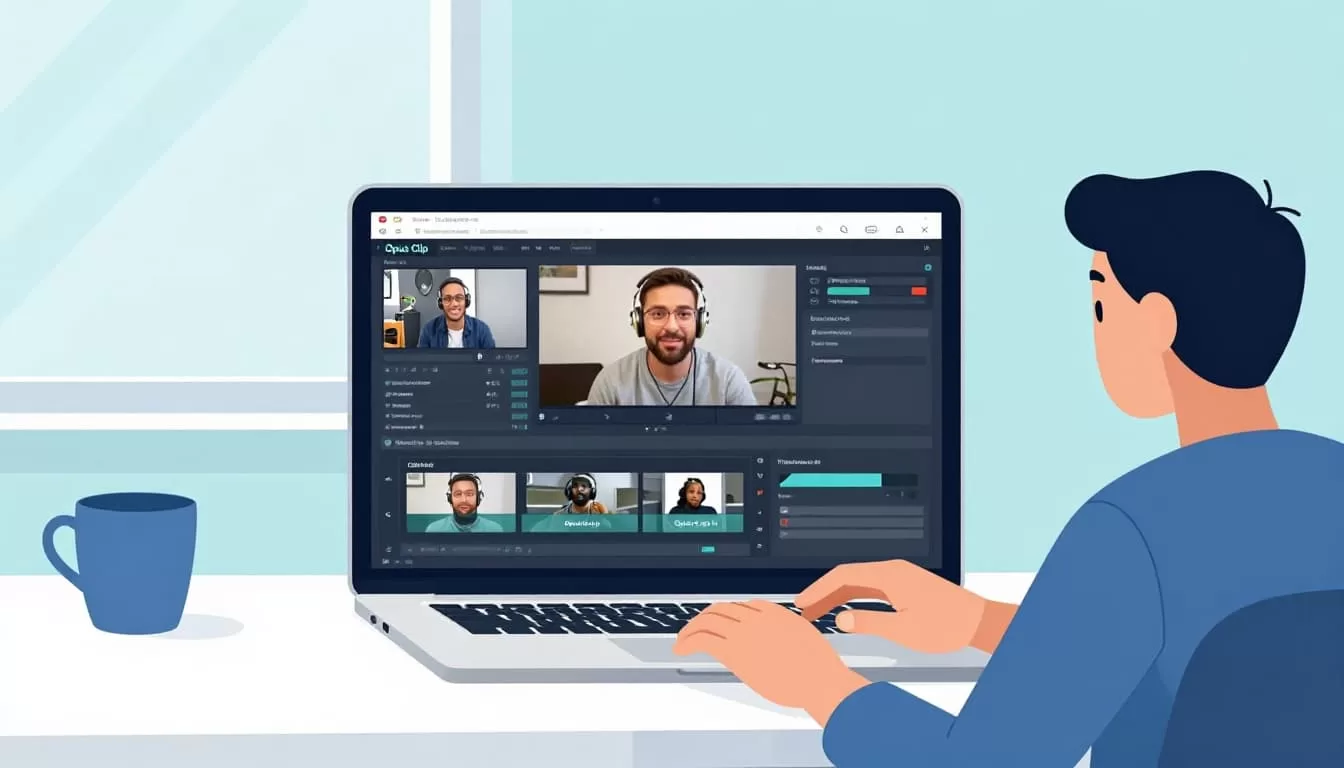
Third, automate the handoff. In Zapier, create a zap. Trigger: New video on your YouTube channel from Transistor.fm. Action: Send URL to Opus Clip. Test it with a dummy episode.
Finally, schedule posts. Use Buffer or YouTube Studio. Queue clips daily. Track views in Transistor.fm analytics.
This workflow runs weekly for me. Adjust based on your episode length.
Real-World Examples That Scale Output
Take my marketing podcast. A 45-minute episode on AI tools. Transistor.fm posts the full video to YouTube. Opus Clip pulls three gold clips: one on prompts, another on ethics, a third with a demo.
I post shorts to TikTok Monday, Instagram Wednesday, LinkedIn Friday. Views jumped 40%. For teams, assign roles. One person checks Transistor.fm uploads. Another curates Opus Clip outputs.
Scale further with batching. Process last month’s episodes. For Opus Clip’s repurposing frameworks, follow pillar-to-clip flow. It turns one video into a week’s content.
Tips: Cap clips at 30 seconds. Test hooks early. Reuse top performers as templates.
Common Caveats and Workarounds
Transistor.fm shines for audio-first shows. Video podcasts work best here. Opus Clip limits free users to one video. Paid plans start at $19 monthly for more.
No native link means Zapier fills in. Free tier handles 100 tasks monthly. Beyond that, upgrade.
Watermarks appear on free Opus clips. Remove them on pro. Accents sometimes trip AI. Manually tweak those.
If Zapier feels clunky, use Make.com instead. It offers similar triggers. Check Opus Clip automation guides for YouTube for tweaks.
Put This Workflow to Work Today
I turned podcast grind into automated gold. Transistor.fm distributes. Opus Clip repurposes. You gain shorts without sweat.
Start with one episode. Watch clips spread. Your audience grows.
What holds you back from trying? Drop a test video in Opus Clip now. Scale from there.

