How I Embed a Transistor Podcast Player on My Website
I run a blog on podcasts and business tools. Readers love my episodes, but they bounce if they can’t listen right away. That’s why I add a Transistor podcast player straight to my pages. It keeps visitors engaged. No extra apps...


I run a blog on podcasts and business tools. Readers love my episodes, but they bounce if they can’t listen right away. That’s why I add a Transistor podcast player straight to my pages. It keeps visitors engaged. No extra apps needed. They hit play and stay.
You face the same issue. Your site loads, but audio hides behind links. Traffic drops. I fixed that with simple embeds from Transistor.fm. They work fast and look clean. Let me show you my steps.
Why I Choose Transistor for Website Players
Transistor hosts my shows. It pushes episodes to Spotify and Apple without hassle. But the real win comes with embeds. I drop the player anywhere. Readers listen in place.
This setup boosts time on page. Analytics show it. One post with the player doubled plays. Without it, folks click away. Transistor players load quick. They fit mobile screens too.
I tried others. Some lag or clash with themes. Transistor matches my style. Colors adjust easy. Plus, it tracks listens back in my dashboard. Data helps me plan next episodes.
For business podcasts, this matters. Teams share links. A built-in player seals deals. Check Transistor’s embeddable podcast player features for details.
Player Options That Fit My Needs
Transistor gives three player types. I pick based on the page.
Single episode players spotlight one show. I use them on landing pages. That big interview gets front billing.
Latest episode players auto-update. New drops appear without edits. Perfect for homepages. Readers always hear fresh content.
Playlist players list multiple shows. I embed them on archive pages. Folks binge my series.
Each pulls from my feed. No manual swaps. I tested all. Playlists drive most plays because they offer choices.
Getting Your Embed Code from Transistor
Log into Transistor. Head to Episodes. Spot the row for your pick.
Click the three dots. Embed pops up. Copy the iframe code. Done.
Here’s what it looks like:
<iframe src="https://share.transistor.fm/e/your-episode?color=yourhex&background=yourhex" style="height:180;width:100%" frameborder="0" scrolling="no" seamless="true"></iframe>
Short and sweet. Paste it anywhere HTML works.

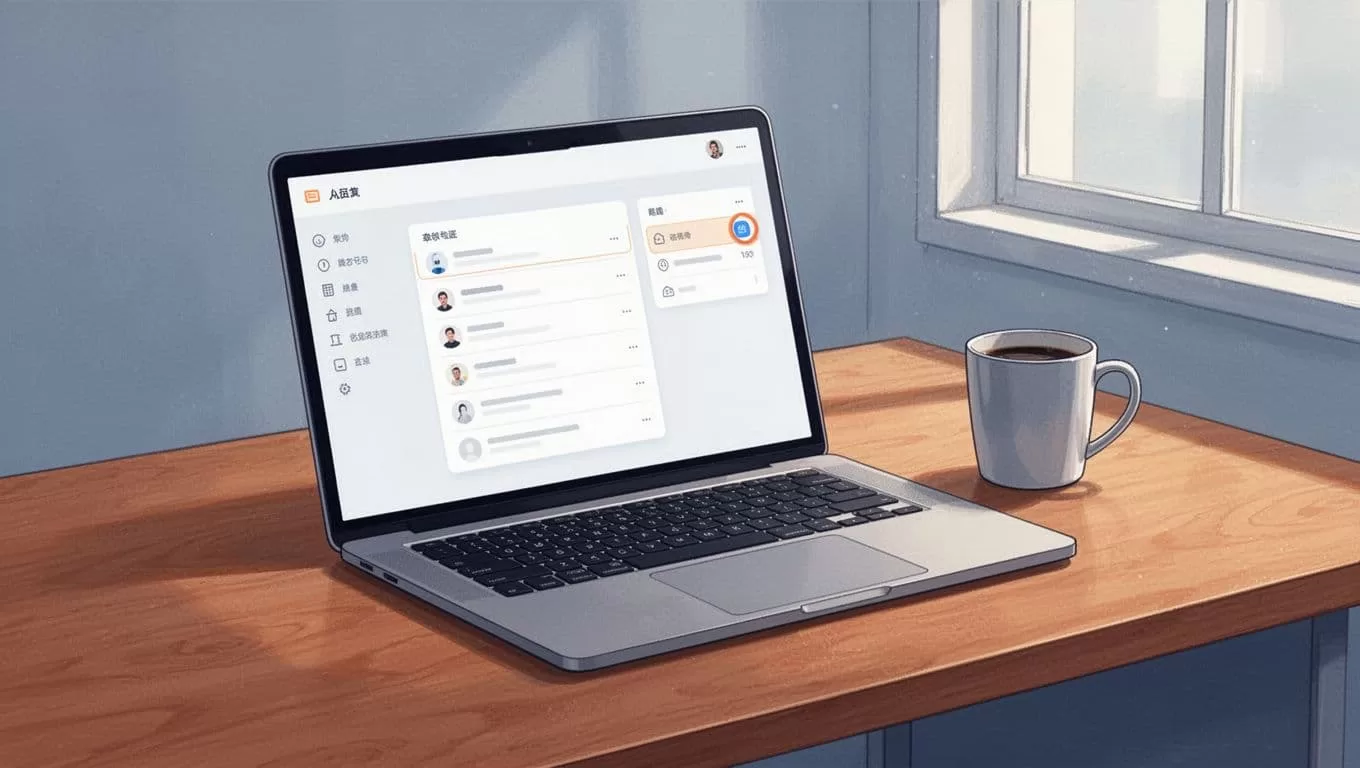
I grab codes in seconds. For playlists, hit the Embeds dropdown up top. See Transistor’s help on embedding podcasts for visuals.
Embedding in WordPress, My Go-To Platform
My site runs WordPress. Embeds slide in smooth.
Edit a post. Add a Custom HTML block. Switch to Text mode. Paste the code.
Preview. Player appears. Publish.
Free plans limit iframes sometimes. Upgrade if needed. I never look back.

See their WordPress embed guide. I follow it every time.
For my viral podcast clips workflow, players link back to full shows.
Adding Players to Other Site Builders
Squarespace? Paste into Code blocks. Wix? HTML embeds work.
Webflow users drop iframes in rich text. Carrd keeps it simple too.
Email newsletters take them via Kit. I send episode drops direct.
Each platform handles iframes. Test on staging first. Players stay responsive across devices.
Transistor confirms compatibility in their Squarespace support article.
Matching Player Colors to My Site
Default colors work fine. But I tweak for brand fit.
In Episodes, open Embeds. Pick foreground and background hex codes.
Save defaults. Or override per embed with URL params like color=0C1825.
My orange accents pop now. Readers notice less jarring shifts.
Test on mobile. Colors hold up.
Your Podcast Player in Action on a Live Page
Publish and check. Player shows artwork, play button, progress bar.
Click play. Audio streams. No downloads forced.
It scales. Desktop fills width. Phones stack neat.

Listens count in Transistor. I track what hooks teams.
Quick Fixes for Common Player Hiccups
Player blank? Check HTTPS. Mixed content blocks iframes. Force SSL.
Spacing off? Wrap in div with max-width. Add CSS padding.
Not responsive? Style width:100%; height auto. Test viewports.
WordPress hides it? Business plan allows Custom HTML. Or use plugins like PodLoom.
Colors wrong? Verify hex codes. No commas or extras.
oEmbed option exists for dynamic pulls. See Transistor’s oEmbed guide.
These solve 90% of issues. I rarely dig deeper.
Wrapping Up
Transistor podcast players transform sites. I embed them everywhere now. Traffic sticks, plays rise.
Pick your type, grab code, paste. Customize if you want. Troubleshoot quick.
Your readers thank you. They listen more. So do I.
(Word count: 982)

