Batch Create Transistor Podcast Shorts with Opus
If you publish through Transistor.fm, you already have the raw material for short-form video. The hard part is turning each episode into a repeatable clip workflow without wasting time on one-off edits. That’s where transistor podcast...

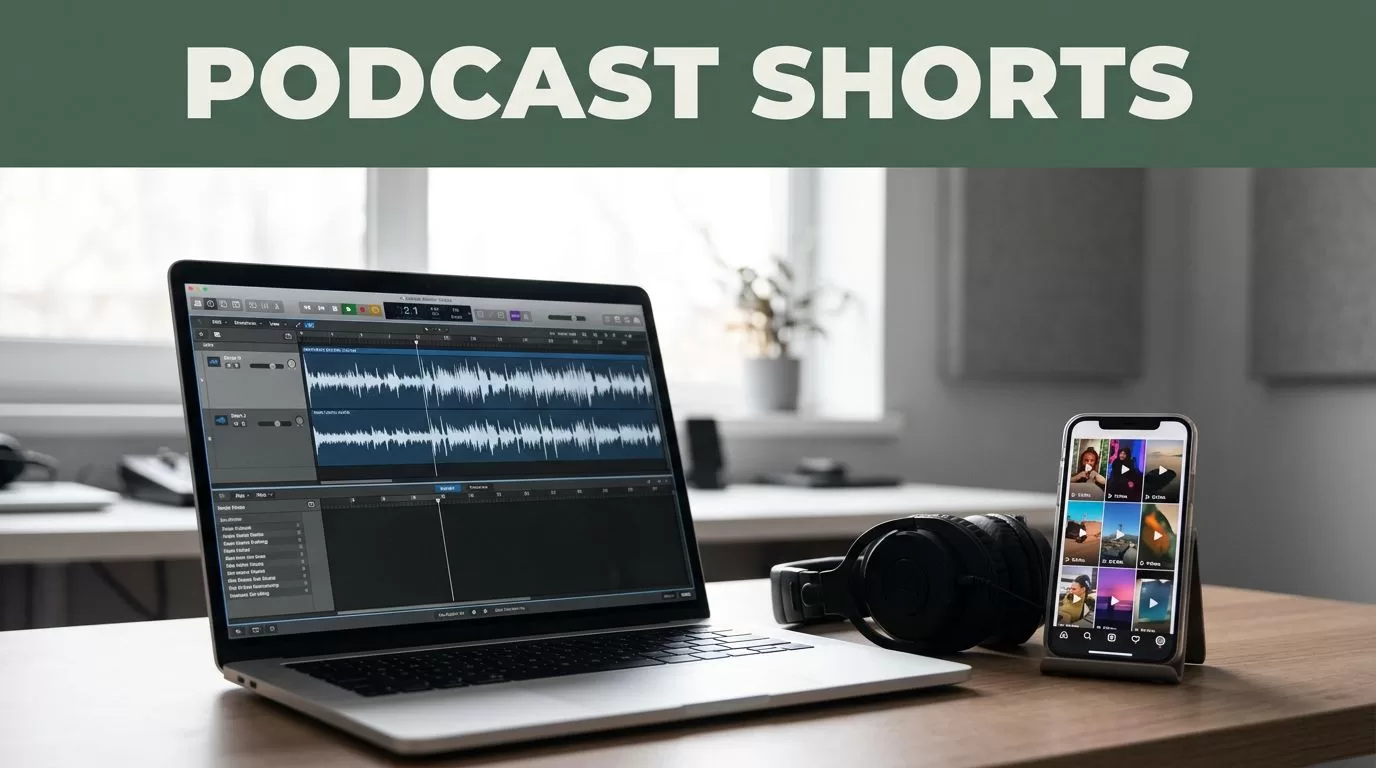
If you publish through Transistor.fm, you already have the raw material for short-form video. The hard part is turning each episode into a repeatable clip workflow without wasting time on one-off edits.
That’s where transistor podcast shorts become practical. Opus, often called OpusClip, can cut long-form video into multiple short clips fast, but only if you feed it the right source and use a clear review process.
The move is simple. Keep Transistor as the episode home, use Opus for clip selection, then push the finished cuts to Shorts, Reels, and TikTok with one system.
Key Takeaways
- Opus works best with video files or video links, not audio-only episodes from Transistor.
- Batch work starts before upload. Pick source episodes, name files cleanly, and set a clip rule.
- Use Opus scores and suggestions as filters, then make the final call yourself.
- Standardize captions, framing, and brand settings once, then reuse them for every episode.
- If you need automation, use Transistor’s API or Make for file movement, not for clip judgment.
Set Up the Handoff Between Transistor.fm and Opus
Transistor does the hosting. Opus does the cutting. Do not mix those jobs.
If your show already lives as video, upload that file or use a supported source link. Opus accepts video from places like YouTube, Zoom, Google Drive, Dropbox, and StreamYard. If your podcast is audio-only, you need a video handoff first. Transistor’s YouTube workflow is one clean option when you want a simple video version of an episode. Transistor’s integration page also shows where the platform connects with other tools.
For teams that want light automation, keep the logic simple.
- Export or publish the episode video.
- Put the file in one folder with a clear naming system.
- Send that file to Opus for clipping.
If you need workflow glue, Make’s Transistor integration can help move files or metadata around. It won’t choose the best clip for you. That part still needs a human.


Choose Clips That Stand Alone
Opus can surface a lot of candidates, but the best shorts already contain a full thought. You want a clip that makes sense with little context. If the viewer needs a paragraph of setup, skip it.
The tool analyzes conversational patterns and returns a score, which is useful for sorting. Opus’s podcast clip maker is built for that kind of repurposing work. Treat its suggestions like a first pass, not a final edit. A high score is a clue, not a command.
Use this filter when you review each episode:
- Pick a clip with one clear point.
- Look for a clean opening line.
- Favor moments with tension, contrast, or a direct answer.
- Drop anything that needs too much setup.
Don’t let the score pick the clip by itself. Use it to narrow the list, then apply judgment.
A useful test is simple. Read the first sentence of the clip out loud. If it sounds like a hook, keep going. If it sounds like background noise, cut it.
This is where Opus saves time. A one-hour episode can produce a long list of candidates fast, and that means you spend less time scrubbing through timelines. The win is not volume. The win is better starting material.
Process Multiple Episodes Without Repeating the Same Work
Batching works when every episode follows the same path. Do not review Episode 1 one way and Episode 2 another way. That is how time disappears.
Set up one queue for the week or month, then run every file through the same stages. A simple batch board helps a lot.
| Stage | What you do | Result |
|---|---|---|
| Source prep | Collect video versions of several episodes | One clean folder |
| Upload | Send the batch into Opus | AI analysis starts |
| Review | Keep only clips with a full idea | A short approved list |
| Export | Render with the same settings | Ready-to-post shorts |
The point is consistency. You want the same naming pattern, the same review order, and the same decision rule for every file. If you work with multiple shows or hosts, add episode title, guest name, and publish date to the file name before upload.
A good batch rhythm looks like this:
- Monday, gather source files.
- Tuesday, upload everything to Opus.
- Wednesday, review and trim.
- Thursday, export and schedule.
That keeps you from bouncing between half-finished episodes. It also makes it easier to hand work to someone else later. A producer can follow the board without guessing.
Lock in Captions, Aspect Ratios, and Brand Settings Once
Short-form video rises or falls on the screen layout. For Shorts, Reels, and TikTok, start with 9:16 vertical every time. That format gives you the most usable space on a phone and keeps the clip native to the feed.
Set your brand kit once, then reuse it across every episode. Keep the font, caption color, and title treatment the same. If Opus applies animated captions, make sure they stay readable over faces and busy backgrounds. Exact button names and layout can change, so check the current interface before you lock your process.
Use one caption rule across the board:
- Keep lines short enough to read on a phone.
- Avoid long sentences stacked into the lower third.
- Place captions where they do not cover the mouth or key visual.
If you are repurposing interviews, set a consistent crop for the speaker. If the clip includes two people, keep the main speaker centered and avoid awkward cuts at the frame edge. The goal is not fancy composition. The goal is clarity.
This is also where you should standardize your cover frame or first frame. A clean opening image helps the clip feel like part of the same system. If every post looks different, the feed feels random.

Push the Same Clip Across Shorts, Reels, and TikTok
Once the clip is clean, distribution is the easy part. The job is to adapt the same cut to each platform without rebuilding it from scratch.
Keep the core edit the same, then change the packaging where needed.
- YouTube Shorts works best with a fast hook and a title that matches the opening line.
- Instagram Reels needs captions that stay clear even when UI elements sit near the bottom.
- TikTok rewards immediate context, so lead with the payoff sooner.
If your team posts across all three, write one master caption and trim it for each platform. Keep the hook sentence intact. Change the call to action only if the channel needs it. That saves time and keeps the message stable.
Opus can also schedule output to several channels, which helps when you want one place to manage distribution. If your team prefers another posting stack, export the clips in a consistent folder structure and hand them off there. Either way, the rule is the same. Make the clip once, then reuse it cleanly.
For teams with a larger backlog, build a naming system that includes the episode, the clip angle, and the platform. A file named “Episode 24, pricing objection, TikTok” is easier to manage than a random export name. Small discipline here saves hours later.
Keep the Review Loop Tight
The fastest workflow is not the one with the most automation. It is the one with the fewest decisions.
Use the same approval loop every time. Review the clip. Confirm the hook. Check captions. Verify the aspect ratio. Export. Archive the source.
That gives you a repeatable rhythm for every batch of transistors podcast shorts. It also stops clips from getting lost between the podcast team, the editor, and whoever posts on social. When everyone knows the steps, the process stays moving.
If you want one rule to keep in mind, use this one: a good batch system reduces choices, not quality. You still choose the clip. You just stop choosing the workflow over and over again.
Conclusion
Batching podcast shorts is mostly a process problem. Once you separate the hosting job in Transistor from the clipping job in Opus, the rest gets easier.
Pick the right source files. Use Opus to surface candidate moments. Lock your captions, aspect ratio, and brand settings. Then publish the same core clip across Shorts, Reels, and TikTok without rebuilding it each time.
Start with one small batch, then turn it into a repeatable system. That is how one episode becomes a week of content.

